Image Quality Comparison
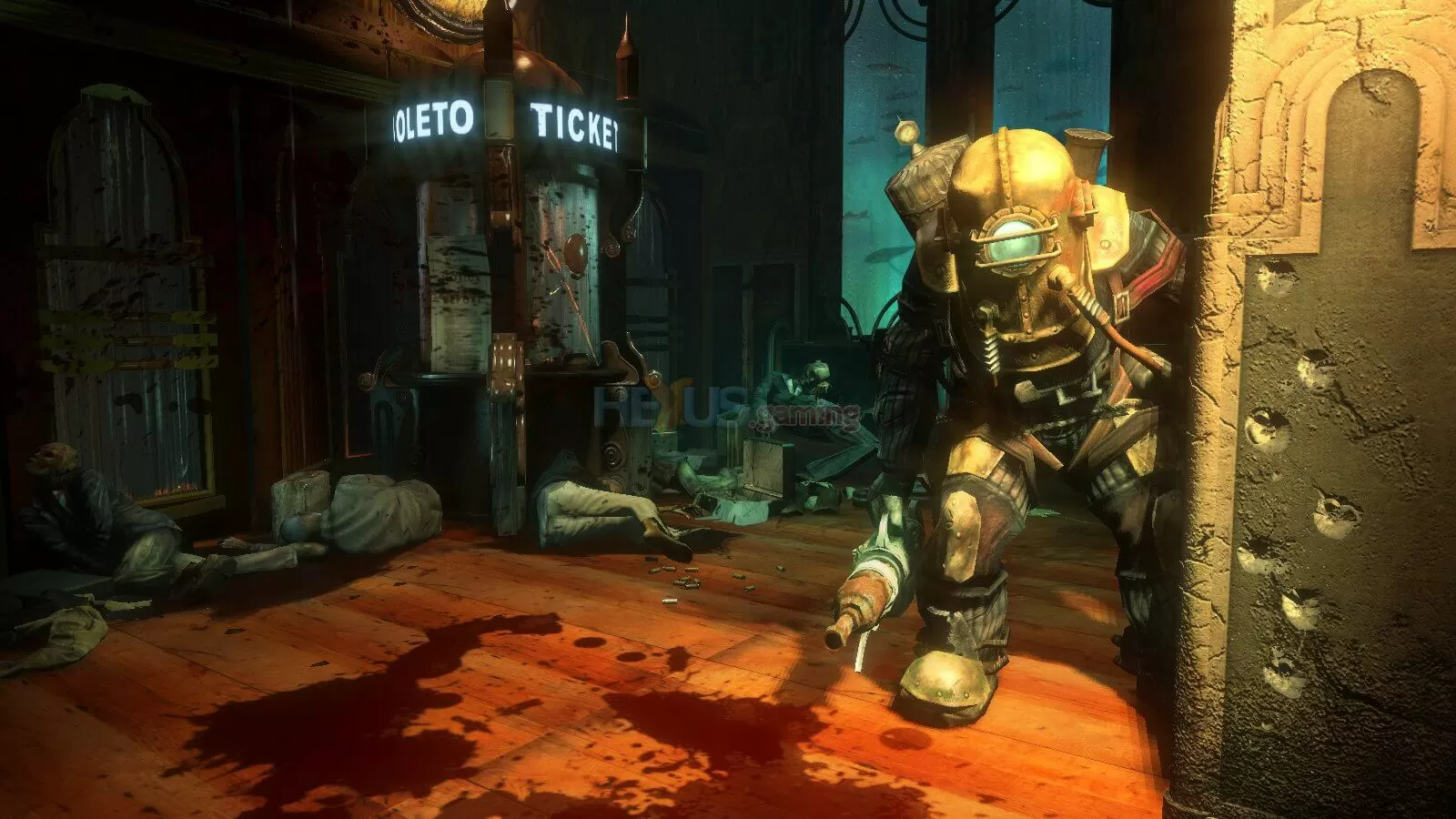
You can use the images shown below to compare the three visual quality settings and get a clearer idea of what you sacrifice when going from high to medium and then from medium to low. The bigger differences from my perspective seem to be texture and lighting quality. For larger, more detailed images click on any of the pictures for a 1920x1200 high quality version of it.

In the above image you will notice that the textures are very well detailed and there is a huge amount of lighting in the room. The fire and smoke looks very realistic, the main support beam looks rough and aged while the light reflects off the wrench which is also very well textured. Moving to medium settings you will notice that the fire and smoke still looks very realistic, however the support beam and wrench have lost a lot of texture detail and there is no lighting reflecting from their surface. Here a lot of surface lighting and texture detail has already been lost. The low quality settings do not really seem to lose any more texture detail but the lighting is now very poor.

The high quality image above shows a huge amount of dynamic lighting with extremely high quality textures giving an awesome picture quality. The medium quality settings use far fewer lighting effects and again the texture quality has greatly diminished. Then the low quality settings use even lower quality textures with no real lighting effects.

In the above image using the high quality settings the water effects are very impressive as they distort the lighting behind them, much like what would happen in real life. Again high quality texturing can be seen and a huge amount of lighting effects. Then when using the medium quality settings the water looks far less impressive and no longer distorts any of the lights behind it. Then the low quality water is very simple and while in-game looks very unimpressive.