also @ TechSpot: Google challenges U.S. gag order, citing First Amendment

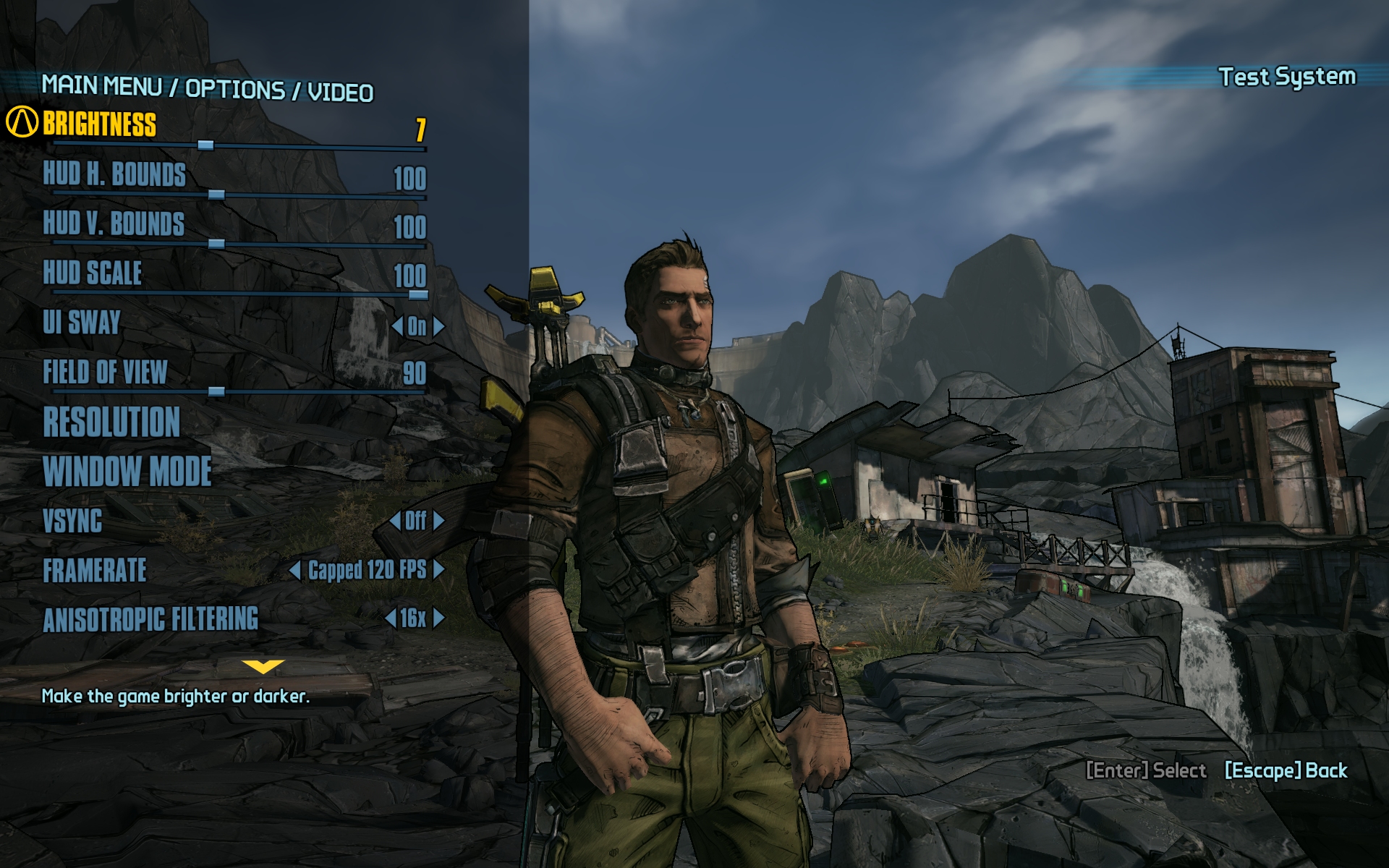
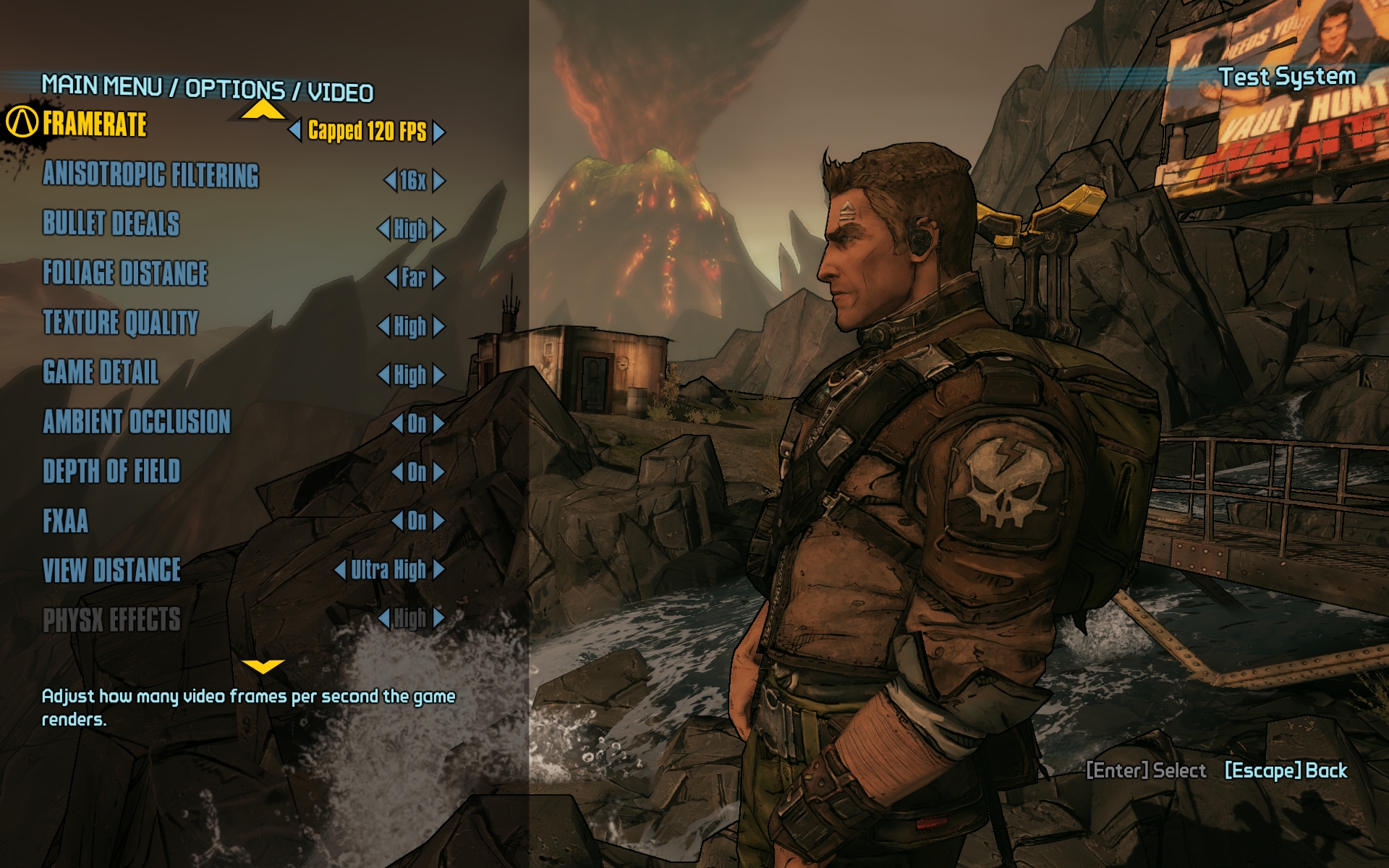
Borderlands 2 GPU & CPU Performance Test

By

On September 20, 2012, 9:41 PM

Although it was somewhat of an underdog when it arrived in October 2009, Borderlands quickly became a hit among PC and console gamers alike, selling over 4.5 million copies and propelling Gearbox Software to new heights. Despite complaints about repetitive gameplay and finicky menus, fans loved the title's unique comic-like art style and its seamless mashup of the first-person shooter and role-playing genres.

Considering the success of its first entry, it came as no surprise when Gearbox revealed plans to produce a sequel that would address Borderlands' shortcomings while expanding on its strengths.

Built on a highly modified version of Unreal Engine 3, the game only uses DirectX 9, opting to exclude the engine's DirectX 11 support. It's worth mentioning that Borderlands 2 is a "The Way It's Meant to be Played" title, supporting many Nvidia features such as PhysX and 3D Vision Surround.

Borderlands 2 succeeds at building on the foundation laid three years ago, delivering an improved menu system, revamped skill trees, new characters, more weapons, smarter foes, and the same addictive loot-driven co-op first-person shooter action. As exciting as all of that may be, we're more interested in seeing how the game runs on the finest PC hardware from Intel, AMD and Nvidia. Let's get down to business...

Read the complete article.

, , , , , ,

User Comments: 57

Got something to say? Post a comment
  1. Thanks for another comprehensive review Steve.

    You must have been up burning the midnight oil to get a review out as quickly as this.

  2. Staff

    Steve won't reveal his secrets, not even to the rest of us

  3. As expected, another quality review.

    Reading this review confirms my first assumption; this game is CPU dependent, so most people can play it fine I guess. Having not played a properly modified Unreal Engine since Arkham Asylum (Arkham City was fine), I noticed one thing I truly hate about it: Unreal Engine 3's signature texture reformatting. Whenever you access another area or get into a cut-scence, most times texture initially appears blurry but then gradually adjusts to the native resolution. Hated it then, hate it still.

    It's a fun game though.

  4. Great review... scary CPU dependency for this one! Running pretty light in the CPU department myself.

  5. Great performance test. I knew I frequent this site for a reason.

    With that said, I think I need to upgrade my cpu.

  6. Hello.

    What additional card was used for Hybrid PhysX on HD7970?

    ?r with Hybrid Physx mod HD7970 can compute PhysX on it's own?

  7. Hello.

    What additional card was used for Hybrid PhysX on HD7970?

    ?r with Hybrid Physx mod HD7970 can compute PhysX on it's own?

    Maybe if you read the PhysX Perfomance text, instead of only looking at the charts, you would find an aswer. But only maybe.

  8. Thing is the Hybrid Physx website clearly states you need an nVidia card in addition to the Radeon to get Physx to work. There is no mention of this in the article. I'm interested to know how they achieved the Physx to process directly on the 7970.

  9. BallBuster

    And you can, definitely, tell me which additional card was used?

    The fifth page mentions only three cards - GTX 680, HD7970 and GTX 560.

  10. My "old" i5 2500 is still a beast, it seems, so no worries there. And the GTX 460 still does the job nicely, so I'm set.

  11. Ok, my fault then. If that's the case, I'm also interested to know how they have done it.

  12. You dont need a Nvidia card, for AMD cards the CPU handles it. Most have enabled PhysX without the mod, they just edit the engine.ini file.

  13. Nice testing, but why no Core i3?

  14. Nice review. That CPU scaling is insane! The sort of thing you'd expect to see in a strategy game with 100's of units on the screen.. wouldnt have expected it from an FPS though. Glad to see my old i7 920 still chugging along though

  15. As the others have said, just what Nvidia card was paired with the 7970 to achieve that Physx on performance?

  16. Staff

    You don't need a Nvidia graphics card to use PhysX in Borderlands 2.

    First open the Borderlands 2 folder -> WillowGame -> Config folders.

    (Path should be something like: "C:\Users\\Documents\My Games\Borderlands 2\WillowGame\Config"

    Then find and open the WillowEngine.ini file.

    Then find the line that reads "PhysXLevel="

    (It probably says PhysXLevel=0)

    And finally set the PhysX level to either 1 or 2 if you want to enable it on AMD cards, PhysXLevel=1 is Medium and PhysXLevel=2 is High.

    As far as I can tell the Radeon HD 7970 and GeForce GTX 680 look the same with PhysX set to high but I have not played a huge amount of the game and I have only use a few guns. However the cloth effects and rock debris effects from shooting stuff with the Gearbox Rifle look the same.

    It would be great if other Radeon users could try this and report their findings.

    Thanks for another comprehensive review Steve.

    You must have been up burning the midnight oil to get a review out as quickly as this.

    Yeah thanks, I didn't get much sleep

  17. GenL PhysX physX does not work for borderlands 0% GPU load if the reviewer even checked?

    Hydribiz is the name of the new patch as stated on http://physxinfo.com

    Uses modified files from GenL Mod and some .dlls manipulation, should work with latest GPU and PSS drivers.

  18. Please read, you confusion CPU or GPU physX, and how to actually get this hydrid patch to work proper.

    [link]

  19. Please add some i3 performances

  20. I suppose hoping to find out how a GTX 295 performs was a bit too much to hope for

  21. I have an i5 2500k @ 4.8ghz and an Evga 680 SC at stock settings. I play this game on the highest settings (physX at high as well) and I am seeing framerates in the high 70s when I turn off Vsync. I don't think PhysX is taking as huge of a hit as this article states. However, great review Steve. I was having a debate just an hour prior to you posting this as to whether or not Borderlands 2 is harder to run than Borderlands 1.

  22. Just a small note on the PhysX tests, the AMD cards using the High PhysX setting is way too optimistic. Obviously PhysX must be performed on the CPU with AMD cards, and it appears that the reviewer did not use a proper benchmark location. Shooting bullets on the ground or fighting Bullymongs is not good testing for PhysX.

    A good test section for PhysX is the BoomBewm boss fight. There is a massive difference in the number of rigid bodies and physics calculations here compared to regular gameplay. Even with an i7 2600k watercooled to 5.0Ghz, the framerate gets crushed into mid 20fps with a HD7970. A GTX680 on the other hand will maintain that 60fps.

  23. Hello Steve,

    I saw your article over at Anandtech and had questions about your Hybrid PhysX Results. As someone who's been working on getting improved results with this setup, the fact that you didn't use a second GPU to offload makes me wonder if you properly tested PhysX for your review.

    Here are three screen shots of me testing with PhysX Hybrid

    System: Intel i5 2500k @ 4.4ghz/GPU1: Radeon HD 7970 @ 1125/1525/GPU2: GeForce 9800 GTX+

    Settings: Max/No FXAA/PhysX High

    Pic 1: Notice the blood (a PhysX effect) and my FPS with zero GPU2 load (GenL Mod doesn't work, this was me testing with his)

    http://I.imgur.com/kLtNP.jpg

    Pic 2: Same as above, except the blood cleared, FPS doubled:

    http://I.imgur.com/gcXDz.jpg

    Pic 3: This is using a different Hybrid PhysX Mod (found at ngohq.com) and this time you see GPU2 has load, and my FPS has increased with blood on the screen:

    http://I.imgur.com/1ReMV.jpg

    I've since switched my aging 9800 GTX+ to a GTX 460 and only now am I getting 60+ FPS with PhysX effects. I don't see how you got your results WITHOUT a second GPU for offloading. Did you test blood on your end?

    Thanks for your time.

  24. No i3 again?! or maybe G series intel 2 core CPU's

    i3 is matching with FX x4 and phenom x4 with price

  25. Techspot was surprised the 3770k was outclassed by the 3960X? It's happened in several games including Tribes and Skyrim.

    And this is another game that shows you get what you pay for with those Radeons... PhysX is a very obvious advantage and the gaming experience with a GTX is once again the best available on the planet. Period.

Recently commented stories

Add New Comment

TechSpot Members
Login or sign up for free,
it takes about 30 seconds.
You may also...
Get complete access to the TechSpot community. Join thousands of technology enthusiasts that contribute and share knowledge in our forum. Get a private inbox, upload your own photo gallery and more.
TechSpot on:

Subscribe to TechSpot

Get free exclusive content, learn about new features and breaking tech news.