Windows 11 to receive default BitLocker encryption, new RAM speed metrics in Task Manager

Alfonso Maruccia

Posts: 2,515   +935
Staff
In a nutshell: The next major upgrade to Windows 11 will introduce several changes to the not-so-popular operating system. One key update is Microsoft enhancing the security of users' on-device data by enabling BitLocker by default, even without explicit authorization from those users.

The Windows 11 2024 (24H2) Update is on its way, and it will seemingly try to enable BitLocker disk encryption by default during installation. According to rumors shared by Deskmodder, the reworked setup process included in Windows 11 24H2 could encrypt the system disk in the background, with no visible option to disable the procedure beforehand.

BitLocker is a full-volume encryption technology first introduced by Microsoft with Windows Vista, a system designed to transparently protect users' data and the operating system itself by locking a disk volume behind a password. The password can also be saved in the TPM 1.2 security chip, with no need to enter it during every single OS boot.

BitLocker encryption can significantly boost a PC's security, but it may also impact I/O performance while reading and writing files on the encrypted volume. The technology has traditionally been an optional feature for Enterprise and Pro editions of Windows, but Windows 11 24H2 will apparently impose the full-volume encryption even to users of Windows editions like Windows Home.
Given that Microsoft often experiments with new features within Insider builds of Windows 11, default BitLocker encryption might be absent from the final build of Windows 11 24H2. Full-volume encryption would be easy enough to disable, anyway, as there are specific Windows settings for that.

Another, officially announced change planned for 24H2 should prove to be much less controversial to a wider userbase. As announced by Microsoft a few days ago, the Windows 11 Insider Preview Build 22635.3570 (Beta channel) includes an updated Task Manager with new metrics to show RAM performance.

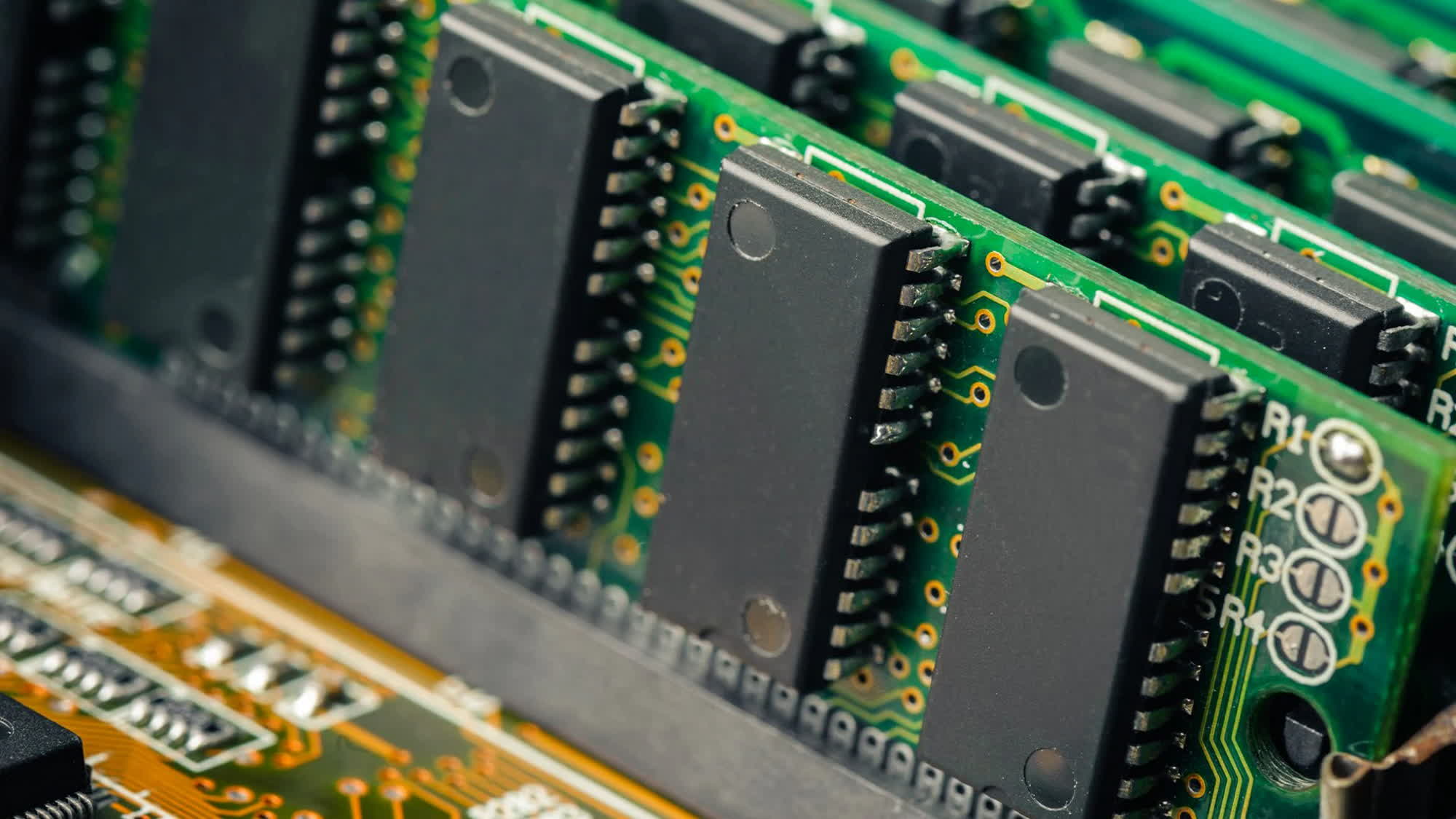
The new Task Manager will replace the old MHz value with the more recent Mega Transfers per second (MT/s), which should be closer to how modern DDR RAM actually works. Back in the SDRAM days, memory chips would make just one data transfer per cycle. With Double Data Rate SDRAM, however, memory chips can perform two transfers per cycle.

Modern DDR5 RAM modules can be advertised as running at 6000 MHz, while the actual clock is 3000 MHz. A correct way to measure performance would then be 6000 MT/s. RAM manufacturers are still using larger MHz values to avoid user confusion, but Windows 11 24H2 should at least depict a clearer picture of how RAM memory is actually behaving.

Permalink to story:

 
If they are going to do this, systems without hardware encryption capability (compatible SSD/NVME) should be exempt.
 
The bitlocker portion of the article is mostly assumptions.

-could encrypt the system disk in the background

-will apparently impose the full-volume encryption

-it may also impact I/O performance
 
I don’t see how

There are much better encryption options out there with a universal decrypt key.

For whatever reason Windows decides to turn BL on or a user/employee gets prompted and just clicks yes not knowing what it is. Not knowing that saving the pass key is crucial.

Have you ever had to tell a customer, sorry I can't back up or retrieve your files as you didn't save the key. Fresh Win reload only.

Administration is a nightmare, every Windows install has a separate key that needs to be recorded and saved somewhere.

Don't get me wrong encryption is a good thing but MS implementation sucks. Might be OK for a home power user.
 
If they are going to do this, systems without hardware encryption capability (compatible SSD/NVME) should be exempt.
It's using BitLocker along with TPM to store the password and automatically enter it at boot. It's not using the built-in disk encryption that comes with higher end HDD's/SSD's.

TPM is a requirement for Windows 11, so there's nothing stopping this from becoming default.

I will say however, I wish it was more of a toggle during install, by default off, then switch it on if you want it.

People like my mum are probably a great example, she will spill a drink on the laptop and kill it, she won't have backed up anything but she has precious pictures on there, she absolutely won't have backed up the BitLocker codes, she won't even know what that is.

There's a lot of people out there that BitLocker will end up being the reason they lost all their data, rather than it being protected from physical theft.
 
It's using BitLocker along with TPM to store the password and automatically enter it at boot. It's not using the built-in disk encryption that comes with higher end HDD's/SSD's.

TPM is a requirement for Windows 11, so there's nothing stopping this from becoming default.

I will say however, I wish it was more of a toggle during install, by default off, then switch it on if you want it.

People like my mum are probably a great example, she will spill a drink on the laptop and kill it, she won't have backed up anything but she has precious pictures on there, she absolutely won't have backed up the BitLocker codes, she won't even know what that is.

There's a lot of people out there that BitLocker will end up being the reason they lost all their data, rather than it being protected from physical theft.
I see this happen regularly, and people are NOT happy. Same with windows accounts that they cannot remember their PIN and cannot reset it because MS refuses to send a new hotmail email.

And it's not like it even helps the end user. Who is going after Grandma's SSD? It's a corporate security thing.
 
I honestly been using Win 11 for almost a year and havent had much complaints..except few interface changes but as a whole, the OS performs same as 10.

I think majority of complaints are from users that got the free upgrade...I got the pro version...never ever install software thats free...except WinRAR..
 
I honestly been using Win 11 for almost a year and havent had much complaints..except few interface changes but as a whole, the OS performs same as 10.

I think majority of complaints are from users that got the free upgrade...I got the pro version...never ever install software thats free...except WinRAR..
I can imagine that paying $200 for windows 11, instead of getting it for free, would indeed give you Stockholm Syndrome and make you think it was good.
You can for sure disable after the fact but I don’t know why you would
How about because it can tank SSD performance by up to 45%?
Maybe I dont want to lose my system data because MS has a panic attack and screws up something?

Whatever happened to consumer choice? Nobody is breaking into my house to steal my SSD and I dont house illegal stuff on it. I dont need bitlocker.
 
Well because I want the full performance of my SSD, and I'm not a child pornographer?
Goodness, I'm all for better security and encryption, but MS should still have it as an optional feature (Suppose I want to use VeraCrypt or PGP or something instead). I doubt consumers wanting to use encryption automatically makes them guilty of the latter half of your comment neither.
 
It's using BitLocker along with TPM to store the password and automatically enter it at boot. It's not using the built-in disk encryption that comes with higher end HDD's/SSD's.

TPM is a requirement for Windows 11, so there's nothing stopping this from becoming default.

I will say however, I wish it was more of a toggle during install, by default off, then switch it on if you want it.

People like my mum are probably a great example, she will spill a drink on the laptop and kill it, she won't have backed up anything but she has precious pictures on there, she absolutely won't have backed up the BitLocker codes, she won't even know what that is.

There's a lot of people out there that BitLocker will end up being the reason they lost all their data, rather than it being protected from physical theft.
BitLocker does utilise hardware encryption to reduce the IO issue significantly if certain criteria are met.
 
There are much better encryption options out there with a universal decrypt key.

For whatever reason Windows decides to turn BL on or a user/employee gets prompted and just clicks yes not knowing what it is. Not knowing that saving the pass key is crucial.

Have you ever had to tell a customer, sorry I can't back up or retrieve your files as you didn't save the key. Fresh Win reload only.

Administration is a nightmare, every Windows install has a separate key that needs to be recorded and saved somewhere.

Don't get me wrong encryption is a good thing but MS implementation sucks. Might be OK for a home power user.
Yep. When I worked for Pepsi last year their entire system was down because someone supposedly hacked in and shut everything down related to networking and god knows what else so we couldn't scan inventory with our provided iPhones. The entire reason the IT Admin couldn't get in to resolve whatever the person did to the system, was because they didn't know the Bitlocker key lol. That screen that prompts to enter the Bitlocker key was on the main tv for almost a week and it was all because someone didn't write down the key.
 
Terrible idea. I can imagine how many people will loose all their data because of this.
If you are good at pc's and know what bitlocker is, year you're good.
I used to do computer repairs and I know how many people will have trouble wit that thing on by default
 
Great! Now burglars, hackers and the police won't be able to look at my photos!
Of course everyone who looks at my FaceBook page can see my photos but that's a well-guarded SECRET.
I blame Natella for pushing MS to the brink of destruction with an unending stream of user-hostile actions. Ballmer, for all the stupid stuff he did was definitely the better CEO.
I hope real solutions can be found because I LIKE Windows (and before that, MS-DOS) but if that doesn't happen I'll change ecosystem once Win10 goes end-of-life.
 
Back