mikeaaron33
Posts: 10 +0
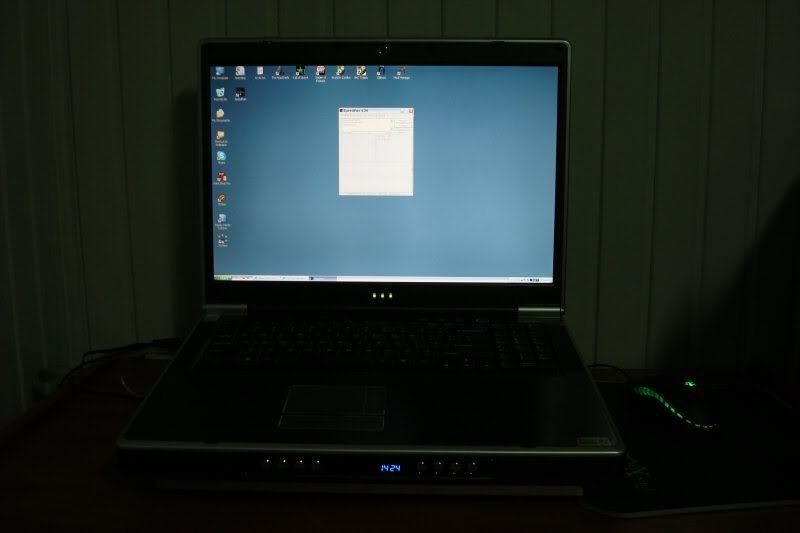
This still amazes me that these two quick fixes took about 30 degrees off my laptop... I was having problems with my laptop randomly turning off. So bein the newb, I googled some key words a couple times. I found that probably too much dust or maybe the thermal glue was coming off cpu or somethin like that. Dust makes sense, cause I am in Baghdad doin contracting work.
Noticing this was a heat problem probably, I downloaded Speedfan and ran it. It showed 75 deg celcius.. I knew that was hot because earlier I read something about 40-50 bein sorta warm. I didn't think Speedfan was accurate, so I ran couple other programs that I found, they all gave same reading. At that point I turned the laptop off hehe
I took laptop apart, blew all the dust out of it, and ya there was a whole lotta dust in there. Took me good 10min just to clean it up. Put it back together. I also pulled out my Bytecc tray cooler that had been sitting in a box unused forever and put that under the laptop.
Powered on, noticed it was not blowing whole lotta hot air out the side of the laptop anymore, let it run, ran some applications and games. Then ran Speedfan again. To my surprise it showed 43deg celcius.
So that's my little story about a newb an his gaming laptop overheating. Maybe it'll help someone out there. If I'm still wrong and my laptop is still way too hot, I'd appreciate if somoene let me know, much thanks.
3.8GHz Intel P4 2mb L2 cache
nVidia gforce go 7900 512mb
2gb 533mhz ddrram
200gb hd
I tried to post links to photos, but it won't let me since this my first post.
Noticing this was a heat problem probably, I downloaded Speedfan and ran it. It showed 75 deg celcius.. I knew that was hot because earlier I read something about 40-50 bein sorta warm. I didn't think Speedfan was accurate, so I ran couple other programs that I found, they all gave same reading. At that point I turned the laptop off hehe
I took laptop apart, blew all the dust out of it, and ya there was a whole lotta dust in there. Took me good 10min just to clean it up. Put it back together. I also pulled out my Bytecc tray cooler that had been sitting in a box unused forever and put that under the laptop.
Powered on, noticed it was not blowing whole lotta hot air out the side of the laptop anymore, let it run, ran some applications and games. Then ran Speedfan again. To my surprise it showed 43deg celcius.
So that's my little story about a newb an his gaming laptop overheating. Maybe it'll help someone out there. If I'm still wrong and my laptop is still way too hot, I'd appreciate if somoene let me know, much thanks.
3.8GHz Intel P4 2mb L2 cache
nVidia gforce go 7900 512mb
2gb 533mhz ddrram
200gb hd
I tried to post links to photos, but it won't let me since this my first post.