Click OK when you are sure that everything is cool.
Now, if you have any other FAT32 partitions that you want to have linux automatically mount
on boot, and make available under /mnt/ then give then mount points as well by highlighting
them and hitting EDIT, again making sure to select "Leave Unchanged" so that disk druid does
not format these.
For example, if you have a partition filled with mp3s you have downloaded, what about
/mnt/mp3 as the mount point?? Or /mnt/games ?? You get the picture....
Now, nothing is actually done until you bypass this screen, so you
can take your time
making sure that absolutely everything is set up correctly. And I mean, SURE!!! Make
sure that there is not a single mistake, because disk druid will quite happily follow your
incorrect instructions and format over valid data if you let it!
When totally sure, click NEXT.
The next screen asks you about the boot loader. Select these options:
-Use LILO as the boot loader.
-Install boot loader on first sector of boot partition.
ONLY Install Linux to the MBR if you ONLY have linux installed on the machine, or are
planning on dual booting with Windows 9x, and don't want to use a boot disk.
Click NEXT.
Now, in network settings.... If you:
a) have a static IP address, then untick "Configure using DHCP" and enter all of your
network details there and then click NEXT.
b) have a dynamically assigned address, then untick "Configure using DHCP" for a moment, and
enter a computer name for your machine under "HOST NAME" and then tick "Configure using
DHCP" once again.
Make sure that "Activate on Boot" is ticked, unless you don't want that (which I imagine you
all will want....)
The next screen is firewall configuration. Unless you are TOTALLY paranoid, or are
installing a top secret server, then the defaults are fine. NEXT.
Next screen is "Additional Language Support" Add others if you want, but make sure that
yours is the default. NEXT.
Time Zone config... again, pretty self explanatory.... Just select yours.
Now in account config, enter a root password.
Also create another account, a non-root account. This is because what you should do in
Linux is log in using a normal user account, and then "su" to root when you have to install
software or change configuration settings, or so forth. Logging in a root and running
Xwindows as root is not very cool.
The next screen is authentication config. Unless you are on a network with a linux server,
then just click next because the defaults are fine.
OK, now is the package selection bit. There are MANY programs, utilities, etc, installed
with Linux, but this section puts them into groupings. There is even an "individual
package selection" option, but that is more for advanced users.
Assuming that you have at least 3 GB or so of space for linux, then I usually take
EVERYTHING except for some of the server type things, such as:
News server, NFS Server, SQL Database, Router / Firewall, DNS Name Server....
...So pick EVERYTHING else apart from these (no need for laptop support if not installing to
one, though)
INCLUDING the last option which is "EVERYTHING."
Just omit the particular services that I listed above, as I have explained.
In total, you should be looking at about 2,800 MB or so. This is fine.
Click NEXT.
Now in graphical interface section. Select your graphics card, and Video RAM amount. If
its not listed, again start looking at options like generic and so forth.
Don't stress TOO much about settings like graphics, mouse, etc RIGHT now, just make sure
that you can get through the installation process, because all of this can be changed
later....
Click NEXT, NEXT, and now the file copying will begin. Go away and make a cup of tea or
something, because this is probably going to take about half an hour...
You should be asked at one point to insert disk 2, do so.
....Still there??.....
OK, once this is finished, you will be asked to create a boot disk. You should ALWAYS do
this! ALWAYS!!! The boot disk is tailored for your system. Insert a floppy in drive a:
and allow the installation to create the disk.
Now, in monitor config, try to find yours, or something like yours. There are again a
number of generic types that should work with your system. Don't stress TOO much if this
doesn't work, as I said earlier this can later be fixed in the command prompt with some
pretty nifty tools.
Click NEXT, and then select the resolution, colour depth, etc that you want. Test this as
well, and ensure that the selected mode can be displayed. If it doesn't work, post back
here for advice. But it should do. If you are asked do you want to start X on booting, say no. Then click EXIT.
As your machine reboots, go into the BIOS and set the machine to boot now from floppy. As
you reboot, you will be presented with a prompt that looks like this:
BOOT:
Just hit return. It will take a moment or too to boot from the floppy, but in a moment,
when we make it boot from the hard drive, it will boot faster.
As it boots up, you will see a series of messages from the kernel and then a series of tasks
will start. If the task starts OK, then you will get a little green OK on the right hand
side of the screen. If there are any problems, take a note of the task that failed, and
post back here.
If during the boot up process the hardware detection finds any additional devices (such as
sound card) then choose configure. For the most part there should be very little user
intervention involved, and the hardware will be configured automatically.
Finally, you shall be presented with a login prompt.
Log on as root (just this once!) and try :
startx
to start XWindows... Does it work??? If not, post back here.
As a final step, we want to add linux to Window XP's boot menu.
If you chose to mount your XP partition as /mnt/winxp and you installed linux to hda6 then
this is what you do:
/sbin/lilo
-----should say that it has added linux sucessfully...., then:
dd if=/dev/hda6 of=/mnt/winxp/bootsect.lin bs=512 count=1
adapt the dd command for any changes to mount point or device name if applicable.
Then reboot, go into XP, and add this
c:\bootsect.lin="Red Hat Linux"
to the bottom of boot.ini which is located in c:\ (hidden and read only by default.)
If you now reboot again, you will be able to boot linux without the boot disk.
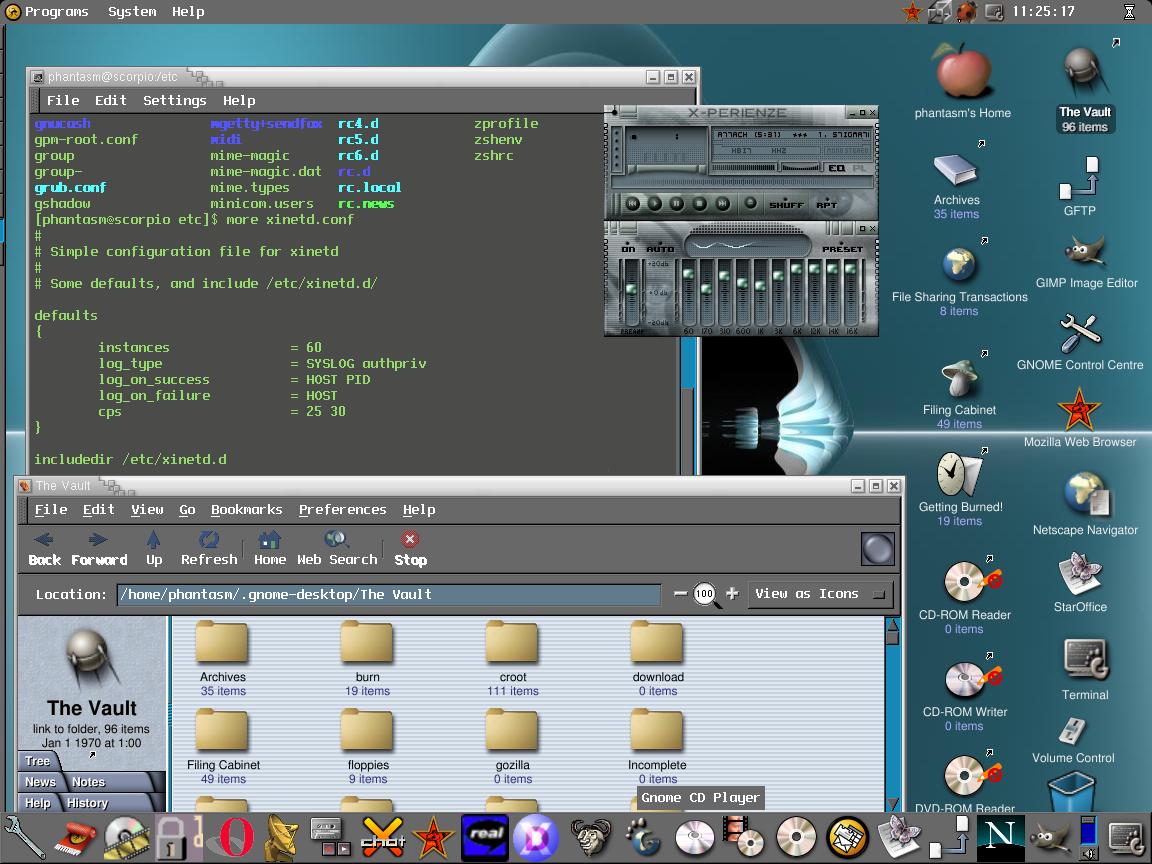
Start X and muck around with your new system....
....You want more??? Then try my XIMIAN GNOME installation instructions :
http://www.3dspotlight.com/vb/showthread.php?s=&threadid=80
Or maybe try your hand at installing the XINE media player :
http://www.3dspotlight.com/vb/showthread.php?s=&threadid=125
Good luck. Post back with any problems.


 )
) 


