also @ TechSpot: Mozilla brings near-native application performance to the web with asm.js

Accidentally bent some CPU pins

Discussion in 'Processors and Motherboards' started by Bluebarry, Oct 7, 2012.

Post New Reply
  1. Bluebarry Newcomer, in training

    I accidentally pulled out my CPU chip when I was cleaning my heatsink from dust. I didn't notice the chip was still stuck to the heatsink, so when I tried putting it back in I bent some pins.

    I've been working for hours now straightening them with a pair of tweezers and a credit card. I tried it once already but it was a no go. My biggest problem is I get a no signal on my screen (TV). (Note, I am using a HDMI connection and I do NOT have a HDMI port straight to my motherboard, only my ATI Graphics Card)

    So should I be able to get it to work again, other then the no signal I notice I can not turn off my computer by holding the power button so that doesnt work either. I also broke off a couple pins but managed to save them, will I be able to get those back in?

    Thanks a bunch! I really need help!
  2. cliffordcooley TechSpot Paladin Posts: 2,314   +292

    Please clarify this statement.

    If you broke a few pins from the CPU, you will not be able to fix them.
  3. Bluebarry Newcomer, in training

    They fell off when I was trying to straighten them. I read somewhere you can stick them into the chip slot?
  4. Cobalt006 TechSpot Booster Posts: 821   +43

    Not really. Once there broke , There is no way to fix them.
  5. slh28 TechSpot Paladin Posts: 1,680   +102

    You're gonna need a new CPU. Every single one of those pins need to be present.
  6. hellokitty[hk] I'm a TechSpot Evangelist Posts: 4,001   +31

    If you're really pro I think it'll work if you solder them back on.
    But you have to be a good jeweler or something to have a chance.
    You should just buy a new CPU but I guess if you're desperate you can just try to shove the pins in and hope it works.
    Next option (I am making these up) is to bring out your hair dryer, solder paste, and tiny syringe and hope for the best :)
     
  7. dikbozo TechSpot Member Posts: 74

    If you inserted the broken pin bits into the socket, you have also managed to ruin your motherboard.
  8. hellokitty[hk] I'm a TechSpot Evangelist Posts: 4,001   +31

    As would my advice I should mention!
  9. Zilpha TechSpot Enthusiast Posts: 345

    That's a real bummer - next time when you are just dusting off the heat sink\fan assy there's not really any need to remove it from the unit. Just take compressed air, take the machine outside, and blow away! I'd only ever take one out to do a repaste job.

    Also, it sounds like maybe you are just starting out in the wonderful world of DiY maintenance and repair? If you aren't sure about a procedure, this forum is a great place to ask the pros how they do things. It might help you avoid damaging components in the future. Sorry you hurt your CPU - hopefully you can get those pins out of the mobo and get a replacement CPU cheap.
  10. snoop600 Newcomer, in training

    I have bent pins on a CPU before but was able to straighten them without breaking them. It was a real pain in the butt to do. I would rather buy another CPU then try to straighten pins again.
  11. St1ckM4n TechSpot Maniac Posts: 1,532   +199

    Wait... Are we all confused here, or just me? MOBO's have pins, CPU's don't (if we're talking any kind of recent hardware).
  12. cliffordcooley TechSpot Paladin Posts: 2,314   +292

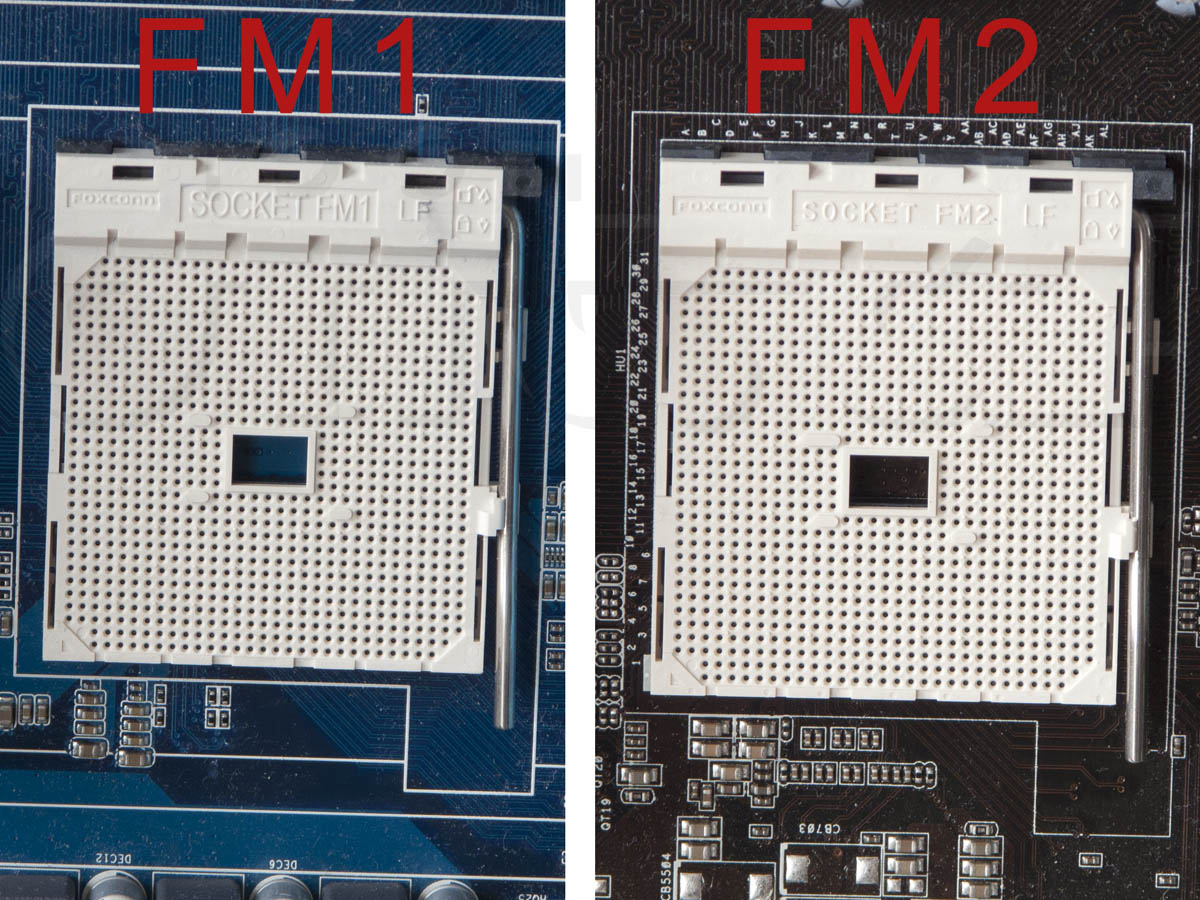
    This is true for Intel but not AMD. AMD still has pins on the CPU.
    [IMG]
    St1ckM4n likes this.
  13. hellokitty[hk] I'm a TechSpot Evangelist Posts: 4,001   +31