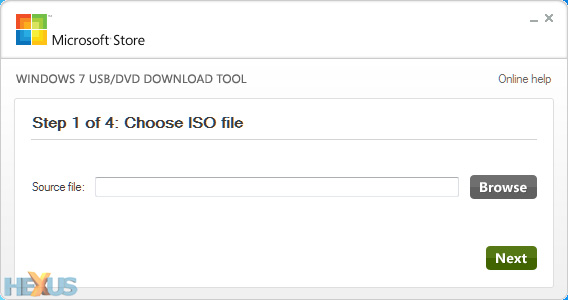
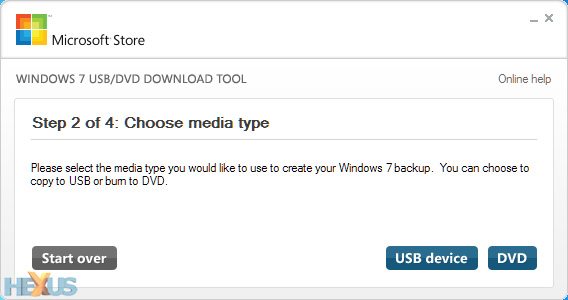
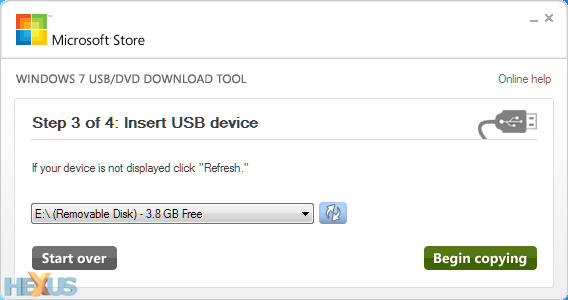
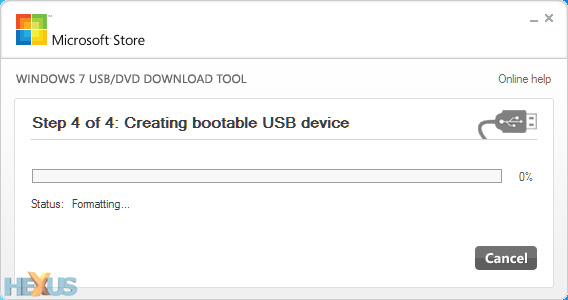
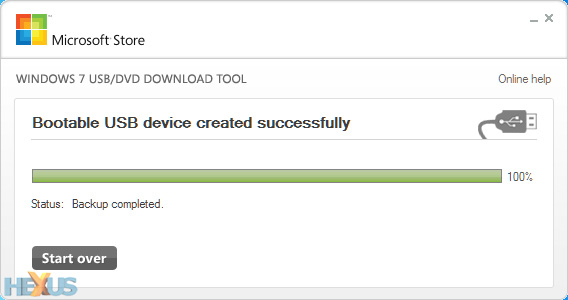
There are probably 3rd party utilities you can use that would be easier, but the approach I use...
1. Make USB drive bootable - format drive using diskpart. (Drive will be wiped)
From command console:
diskpart
list disk
select disk # (USB drive)
clean
create par pri
for fs=ntfs quick
active
assign letter=e
exit
2. Copy bootcode to the thumb drive.
Insert or mount Windows 8 or 7 disk/iso from command console: Change to Windows DVD boot directory. Assuming USB drive is mounted to e:
d:\boot>bootsect /nt60 e:
3. Copy Windows 8 files to the thumb drive. Insert working Windows 8 DVD or mount windows 8 ISO (Assume mounted to d:\. Assume USB drive is assigned to e:\)
From Command Console:
c:\>xcopy d:\*.* e: /e/s/f
That should be it.