also @ TechSpot: Windows 8 Release Preview leaked, Microsoft may raise OEM prices

TechSpot

Something in my laptop screen

Discussion in 'Other Hardware' started by karMeister, Jan 17, 2009.

Thread Status:
Not open for further replies.
  1. karMeister Newcomer, in training

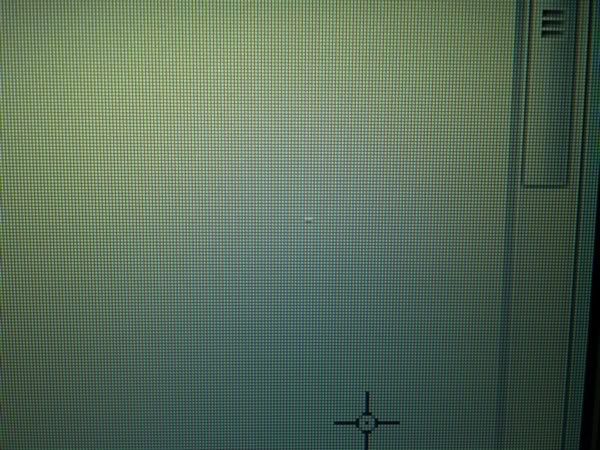
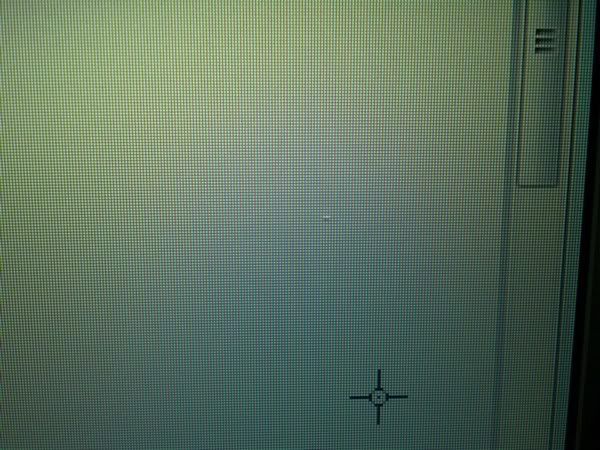
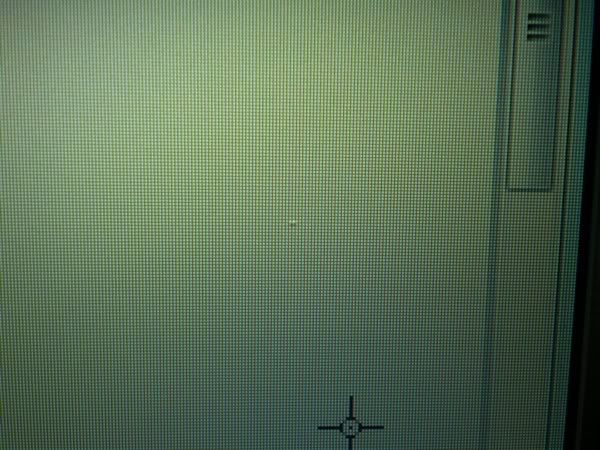
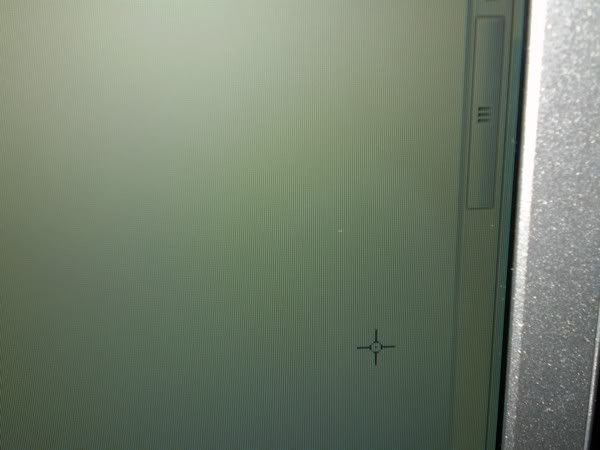
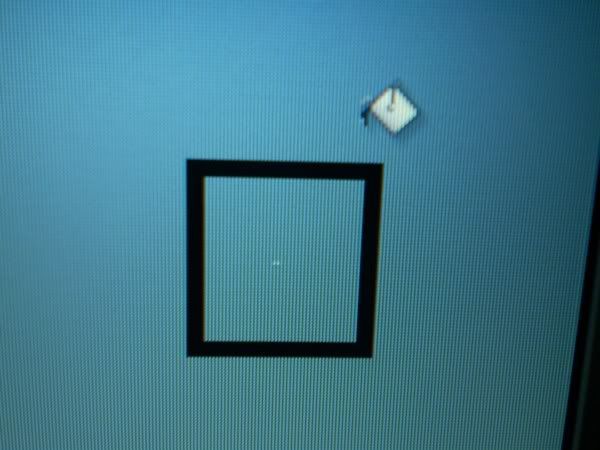
    I was surprised to see something appear in my laptop screen from nowhere.
    Its very frustrating! has anyone had this problem? Can I get rid of this?


    Its a XPS 1530 WXGA+ screen. Here are some pics.
    [IMG]
    [IMG]
    [IMG]
    [IMG]
    [IMG]
    [IMG]
  2. SNGX1275 TechSpot Special Forces

    Its hard to tell for sure but it looks a bit like dead/stuck pixels. There are some utilities that can flash a bunch of colors real fast on the screen trying to unstick them. There is also some people that have reported success with shutting the screen off, then lightly massaging the area when you bring the screen back up. Beyond that though you don't really have many or any options.

    Do the pixels actually change colors? It looks like they might in that first pic, but it may just be bleed over on the digital camera's picture and jpg compression. If they do change colors, the pixels aren't dead or stuck and I really don't know what to tell you then.
  3. kimsland Ex-TechSpotter

  4. karMeister Newcomer, in training

    Hi thanks for the quick replies!. It kinda looks like its under the glass (between the glas and the white thinggy). It isnt visble if my sceen is black. I used paint to test the background pics because i dint have those tools to check the pixels yet. I took a short video hope you can find time to take a look at it. thanks!


    http://rapidshare.com/files/185286266/P1010621.AVI.html
  5. kimsland Ex-TechSpotter

    I don't want to download your 21Meg Video file

    Also here's a free server http://savefile.com/upload.php
    That is better than Rapidshare :suspiciou

    If the above program doesn't help
    And if SNGX1275 advice on lightly tapping the screen doesn't help

    Then here are your choices:
    1. Put up with it, or turn the brightness down to not notice it as much
    2. Replace the screen

    That's it.
  6. karMeister Newcomer, in training

    Turning the brightness down will make it show alot more on a white backgound.

    It looks more like dirt between the LCD and the backlight. If I put my mouse cursor over it (the black sides on a white background) I can still see it if I look at it from the sides.

    Its very frustrating. I had something like this on my inspiron so I took the lcd apart. grrrrr.

    I guess Ill have to live with this untill i have the money to burn for a new one. :(

    uploaded to youtube but the qualty isnt that good:

    [ame]http://www.youtube.com/watch?v=g_NO1XWKo0U[/ame]
Thread Status:
Not open for further replies.