also @ TechSpot: AT&T unleashes solar-powered phone chargers into New York parks

What does your desktop look like?

Discussion in 'General Discussion' started by Phantasm66, Feb 10, 2002.

Post New Reply
  1. Phantasm66 Newcomer, in training Posts: 6,504

    [IMG]

    Windows 2000 Advanced Server Service Pack 2
  2. Didou Bowtie extraordinair! Posts: 5,898

    Judging by the size of those icons, either you have a huge monitor or that helmet of yours is getting you blind my friend ;)
  3. Ai Hate Newcomer, in training Posts: 321

    nice wallpaper, p66 :)
  4. boeingfixer Newcomer, in training Posts: 1,245

    Uhmm, I don't have a digital camera. But I can describle it to you all.

    It look like wood. It is simulated wood. Plastic with a woodlike substance underneeth. It was all the craze in the 90's in America.

    Can you guys picture it ??
  5. Mictlantecuhtli TS Special Forces Posts: 4,916   +9

    You don't need a digital camera to take a screenshot. In Window$, just press "Print Screen" and it will copy your screen to clipboard from which you can paste it into some painting program where you save it as, say, jpeg.
  6. boeingfixer Newcomer, in training Posts: 1,245

    Hey Mictlantecuhtli,

    Uhh it was a joke, "what does your desktop look like", wood, as in the top of my desk. Get it ?? I know about the print screen function. Sorry you didn't get it but thanks for the help.
     
  7. Mictlantecuhtli TS Special Forces Posts: 4,916   +9

  8. g-man Newcomer, in training

    :)

    Attached Files:

  9. Didou Bowtie extraordinair! Posts: 5,898

    Dual view :D

    [IMG]
  10. svtcobra TechSpot Paladin Posts: 875

    Didou, where did you get that background? I would like to use that on my laptop.
  11. Phantasm66 Newcomer, in training Posts: 6,504

    [IMG]

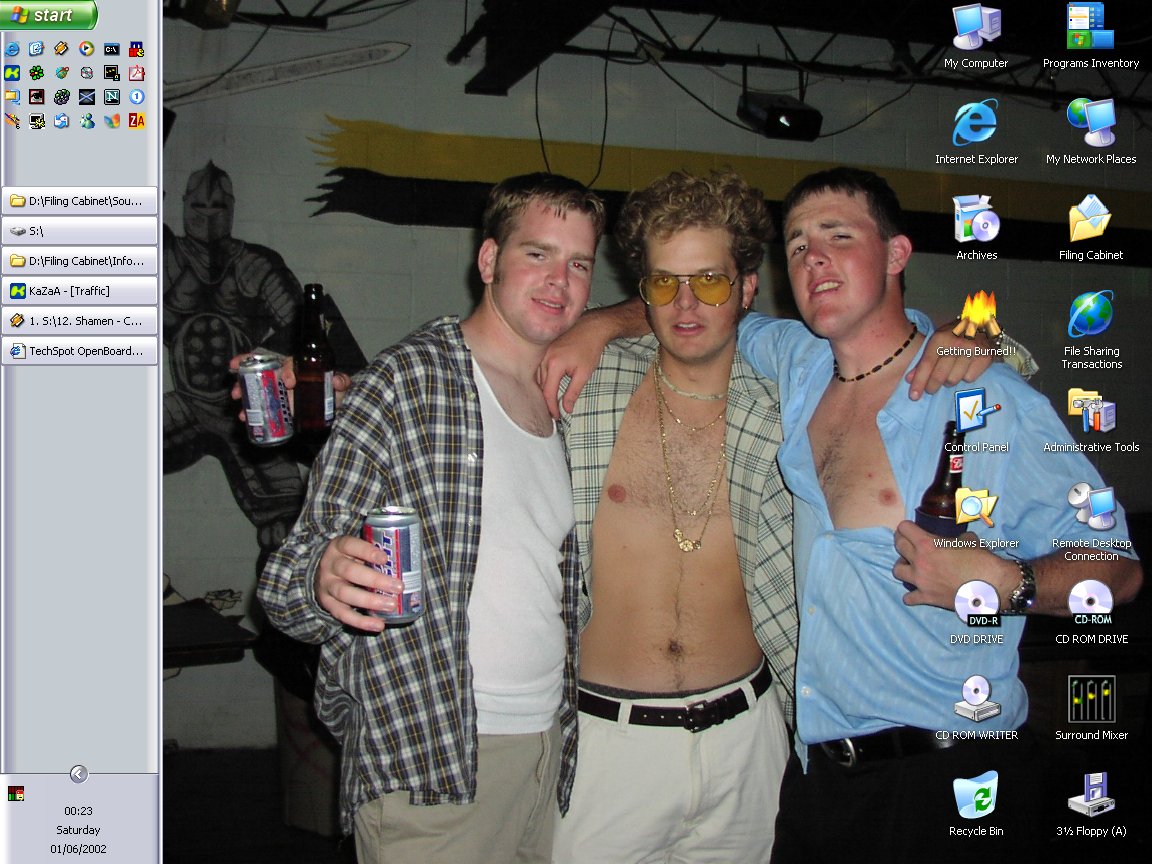
    My Office Workstation, Windows XP.
  12. Mictlantecuhtli TS Special Forces Posts: 4,916   +9

    [IMG]
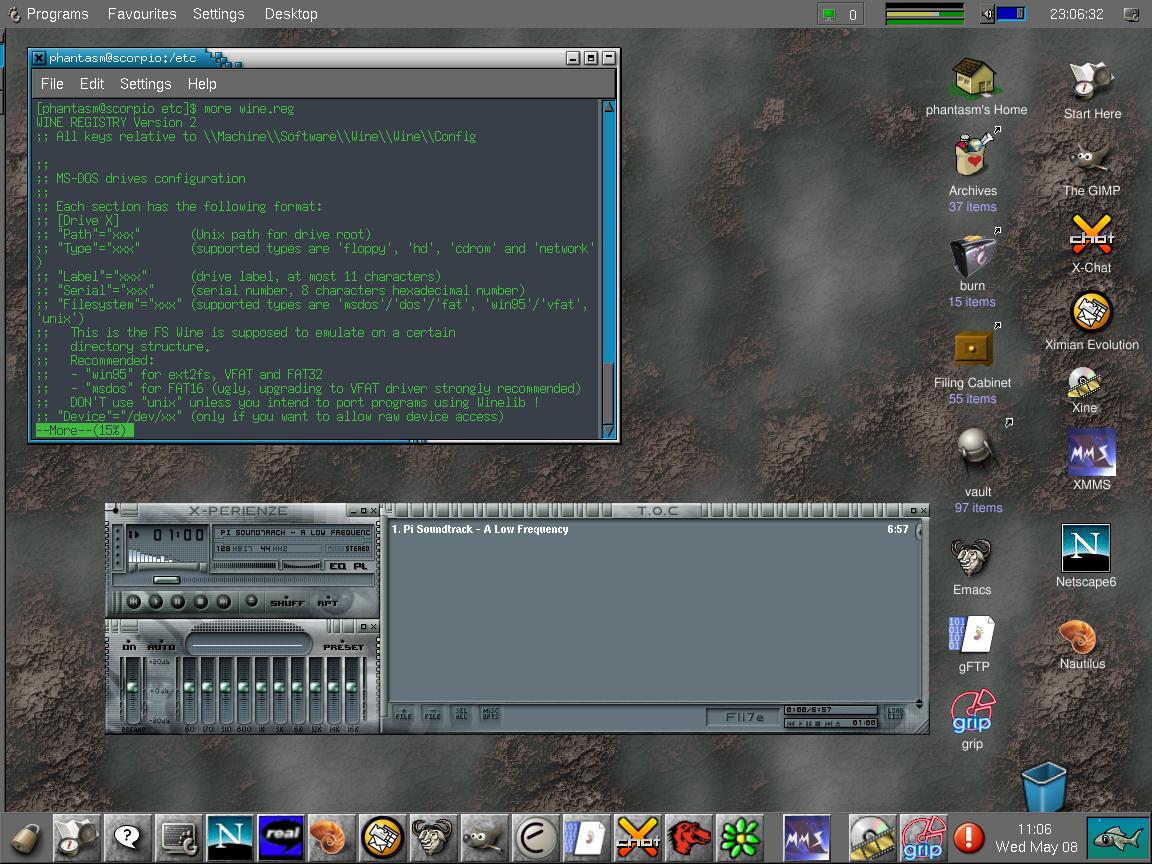
    Linux From Scratch, XFree86 4.2.0, KDE 3 :)
    I had some problems compiling Gnome2-libs, that's why I decided to try KDE3, thanks to Phantasm66 who told it's out.
  13. SuperCheetah Newcomer, in training Posts: 868

    What exactly do you do after saving the picture as a jpeg? I tried posting but it gives a broken link. Can anyone explain this step by step for a newbie??? :stickout:
  14. Phantasm66 Newcomer, in training Posts: 6,504

    There's instructions in the thread.
  15. Elcarion TechSpot Paladin Posts: 188

    KDE 3.0/RH 7.2/2.4.18 Kernel/XFree86-4.1

    [IMG]
  16. Elcarion TechSpot Paladin Posts: 188

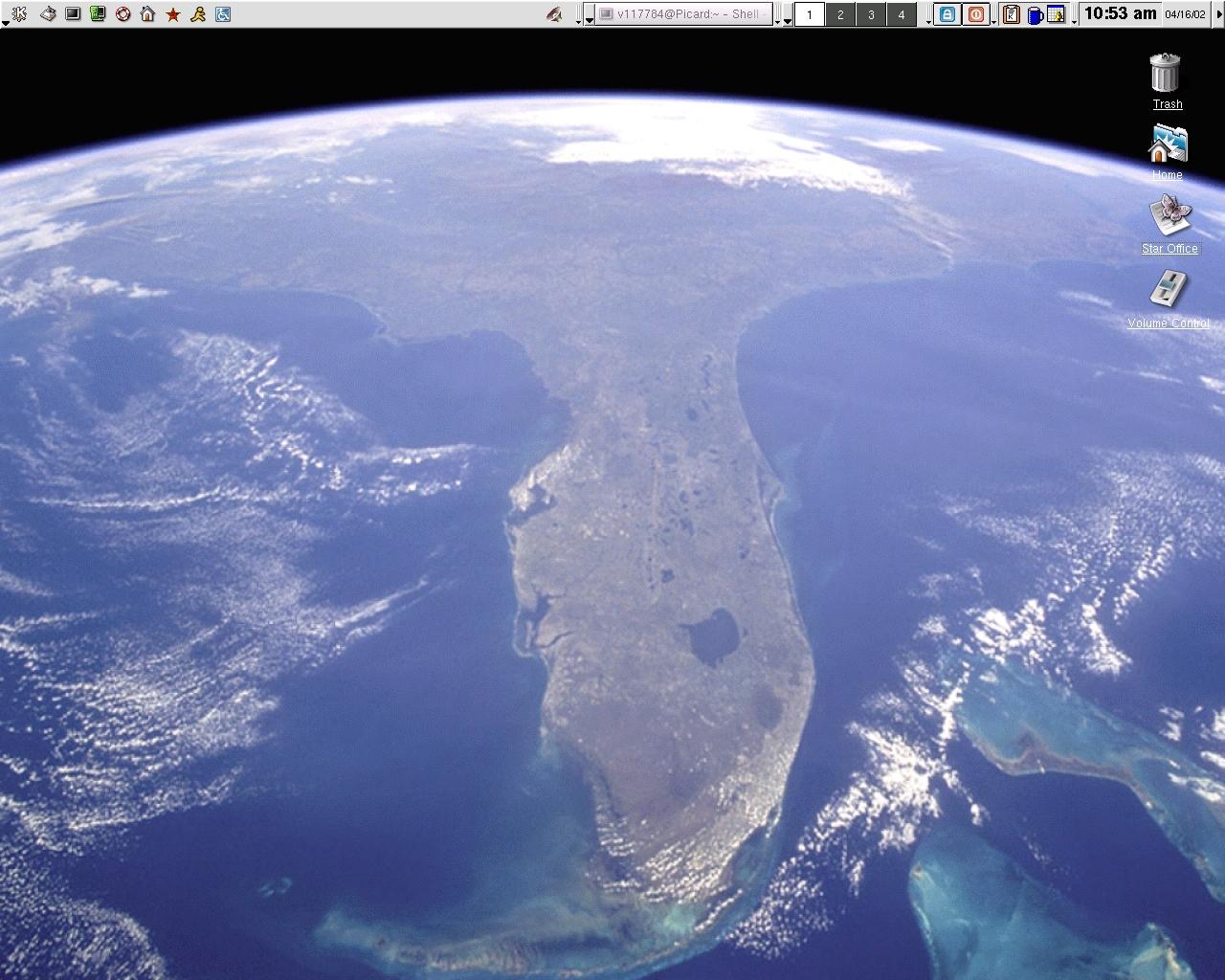
    Re: KDE 3.0/RH 7.2/2.4.18 Kernel/XFree86-4.1

    Hey...I think I can see my house from here!
  17. SNGX1275 TS Special Forces Posts: 11,916   +119

    [IMG]

    Mine's Bigger HAHA
  18. LNCPapa TS Special Forces Posts: 3,974   +125

    [IMG]

    Let's not talk about whose is bigger...

    LNCPapa
  19. SNGX1275 TS Special Forces Posts: 11,916   +119

    :haha: Thats pretty good. Figured somebody out there would beat me - and thought you might be the one to do it. Although I know there are probably others out there that have bigger monitors than I do that can do insane resolutions. I just got a 17".
  20. LNCPapa TS Special Forces Posts: 3,974   +125

    Wow! That was pretty good with a 17" monitor. I'm using a 21" SGI tube - I can't hit 2048 with any of my other 21" monitors - just 1920. What kind of 17 is that?

    LNCPapa