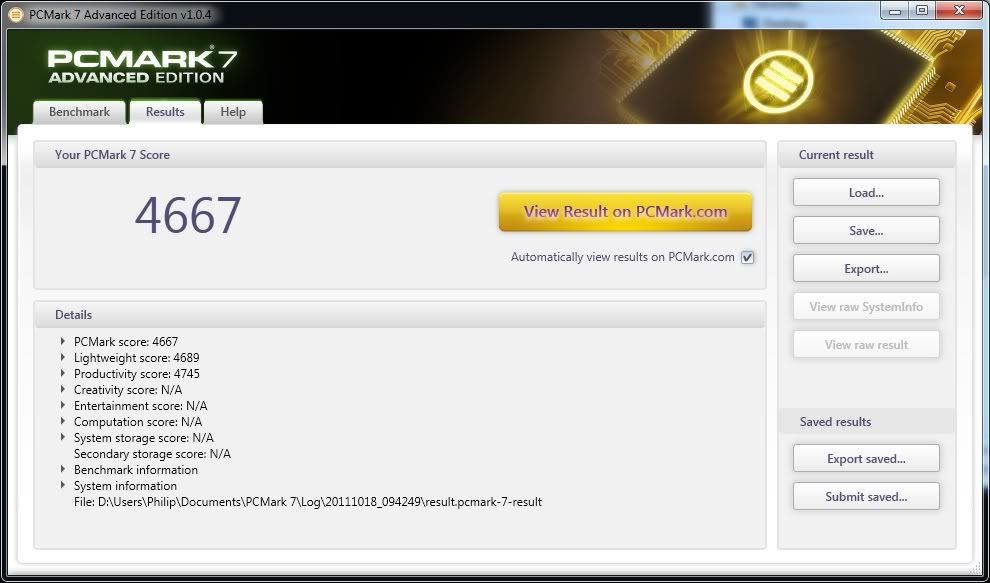
mizz nvidia updated there drivers to 280.26 WHQL on the 9th so you might try those.
New in Release 280.26
NVIDIA SLI
Enables SLI technology on SLI-certified motherboards with AMD chipsets: 990FX, 990X, and 970.
NVIDIA 3D Vision
With Release 280 drivers, the 3D Vision Controller driver is now included with all GPU driver installations. Users are no longer required to install a separate 3D Vision Controller driver or CD driver. This driver includes the 280.19 3D Vision Controller driver. For more information, please view this knowledgebase article for more information.
Adds support for viewing 3DVisionLive.com and YouTube 3D with NVIDIA SLI PCs. Please view this knowledgebase article for more information on 3D Vision Window Mode.
Adds support for Window mode for 3D Vision Video Player. This requires v1.7.2 or higher of the player.
Adds support for new 3D Vision monitors: ViewSonic V3D245
Adds support for new 3D Vision projectors: Acer X1111, BenQ W710ST, and NEC NP-V300W
Added the following 3D Vision game profiles:
Alice Madness Returns
Back to the Future (Episodes 1-5)
Call of Juarez: The Cartel
Chuang Shi Xi You (创世西游)
Dao Jian 2 刀剑2
The Darkness 2
Dead Island
Deep Black
Dou Zhan Shen 斗战神
Dragon Ball Online
Dungeons and Dragons: Online
Gods & Heroes: Rome Rising
Harry Potter and the Deathly Hallows Part 1
L.A. Noire
League of Legends 英雄联盟
LEGO Pirates of the Caribbean
Lord of the Rings Online: Shadows of Angmar
The Lord of the Rings: War in the North
Mars
Might & Magic Heroes VI
Mount & Blade: Warband
Mount & Blade: With Fire and Blade
PROUN
RAGE
Red Orchestra 2: Heroes of Stalingrad
Rise of the Immortals
Rusty Hearts
Serious Sam 3: BFE
Virtua Tennis 4
Warhammer 40,000: Space Marine
Update the following 3D Vision game profiles
Crysis 2 – rating changed to Excellent. NVIDIA recommends using the v1.9 game patch.
Deep Black – rating change to 3D Vision Ready
Super Street Fighter IV: Arcade Edition – convergence changes and rating changed to 3D Vision Ready
Other
Installs HD Audio driver version 1.2.23.3
Installs PhysX System Software to version 9.10.0514
Supports playing back Blu-ray 3D discs when connecting your GPU to an HDMI 1.4 3D TV. Playback requires compatible software application from CyberLink, ArcSoft, Roxio, or Corel. For GPU and system requirements, visit the NVIDIA Blu-ray 3D website.
Supports the new GPU-accelerated features in Adobe Creative Suite 5 including Photoshop CS5.
Supports GPU-acceleration for smoother online HD videos with Adobe Flash.
Supports OpenGL 3.3 for GeForce 8-series and later GPUs.
Supports OpenGL 4.1 on GeForce 400 series and later GPUs.
Supports single GPU and NVIDIA SLI technology on DirectX 9, DirectX 10, DirectX 11, and OpenGL, including 3-way SLI, Quad SLI, and SLI support on SLI-certified Intel X58-based motherboards.
Supports GPU overclocking and temperature monitoring by installing NVIDIA System Tools software.
Users without US English operating systems can select their language and download the International driver here.