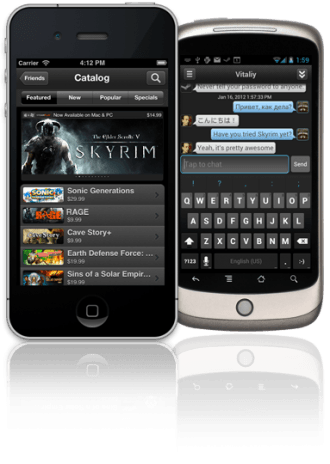
Valve has launched a new Steam beta that lets you manage your game library remotely, plugging one of the primary shortcomings of its mobile application. In January, the developer released iOS and Android apps providing access to core Steam features, such as chatting with friends, browsing profiles, viewing news as well as monitoring sales and purchasing games.
However, games purchased away from home – whether through a handset or a computer – couldn't be downloaded remotely without using tools like TeamViewer to access your main PC. Waiting two hours for a new purchase to download after work is a bummer if you only actually have two hours to play. Besides, gamers aren't exactly revered for their patience.
To download titles remotely, you'll need to opt into the beta update on your main PC (launch Steam > enter settings in the Steam menu > click "change" under the beta section > opt in and restart the client). After that, you should be able to log into your Steam account from any Web-connected, browser-equipped device, view your library and initiate downloads.
It's worth noting that the update is still being rolled out, so just check back later if you don't see the feature yet. Also, the Steam client on your gaming rig must be open, which naturally means your PC will have to be on for remote downloads to work. Community members who usually put their systems to sleep have suggested enabling wake on LAN functionality (Device Manager > open your network adapter's properties > power management tab > check "allow this device to wake the computer").