also @ TechSpot: IBM's Watson conquers Jeopardy, cancer and now customer service

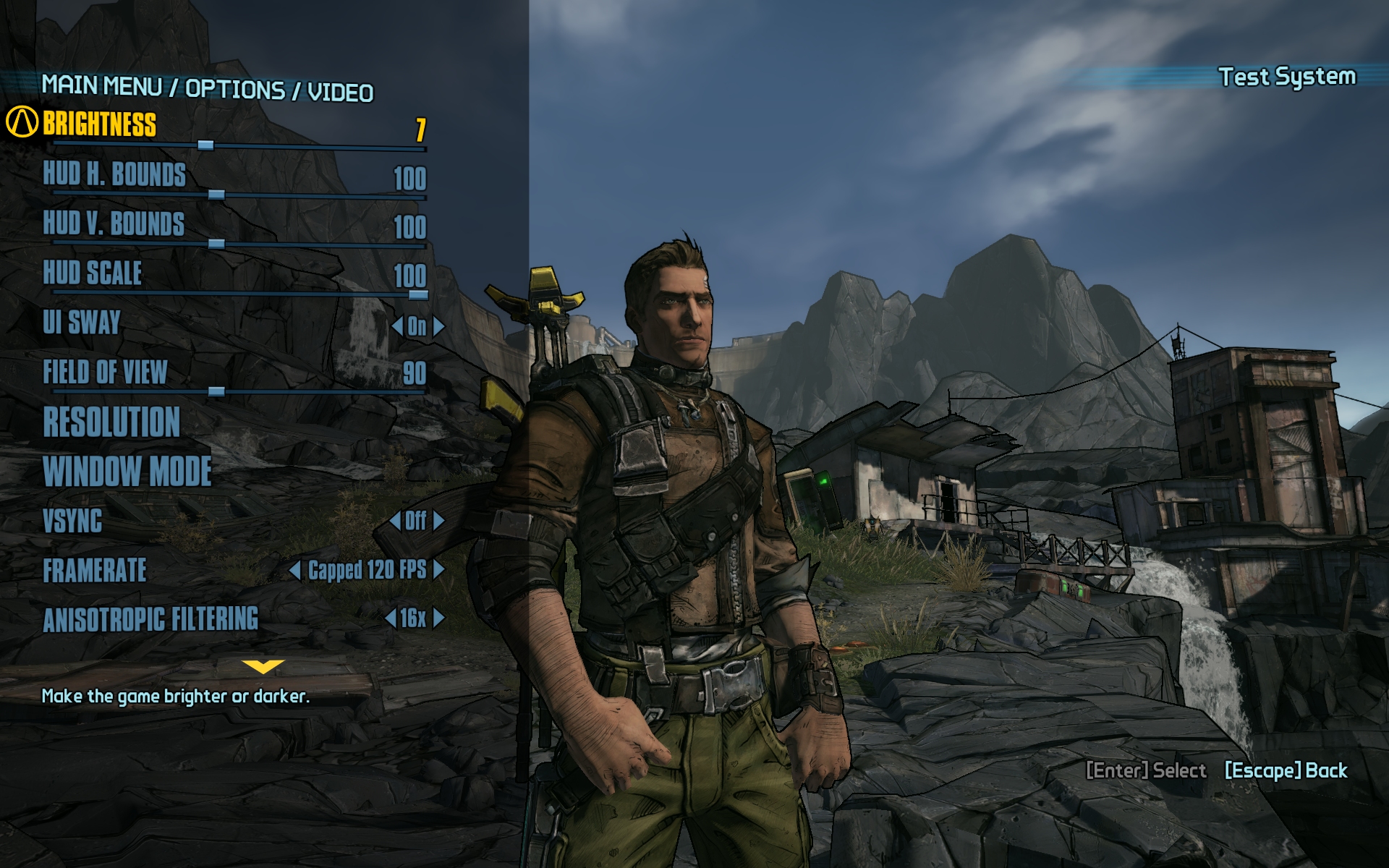
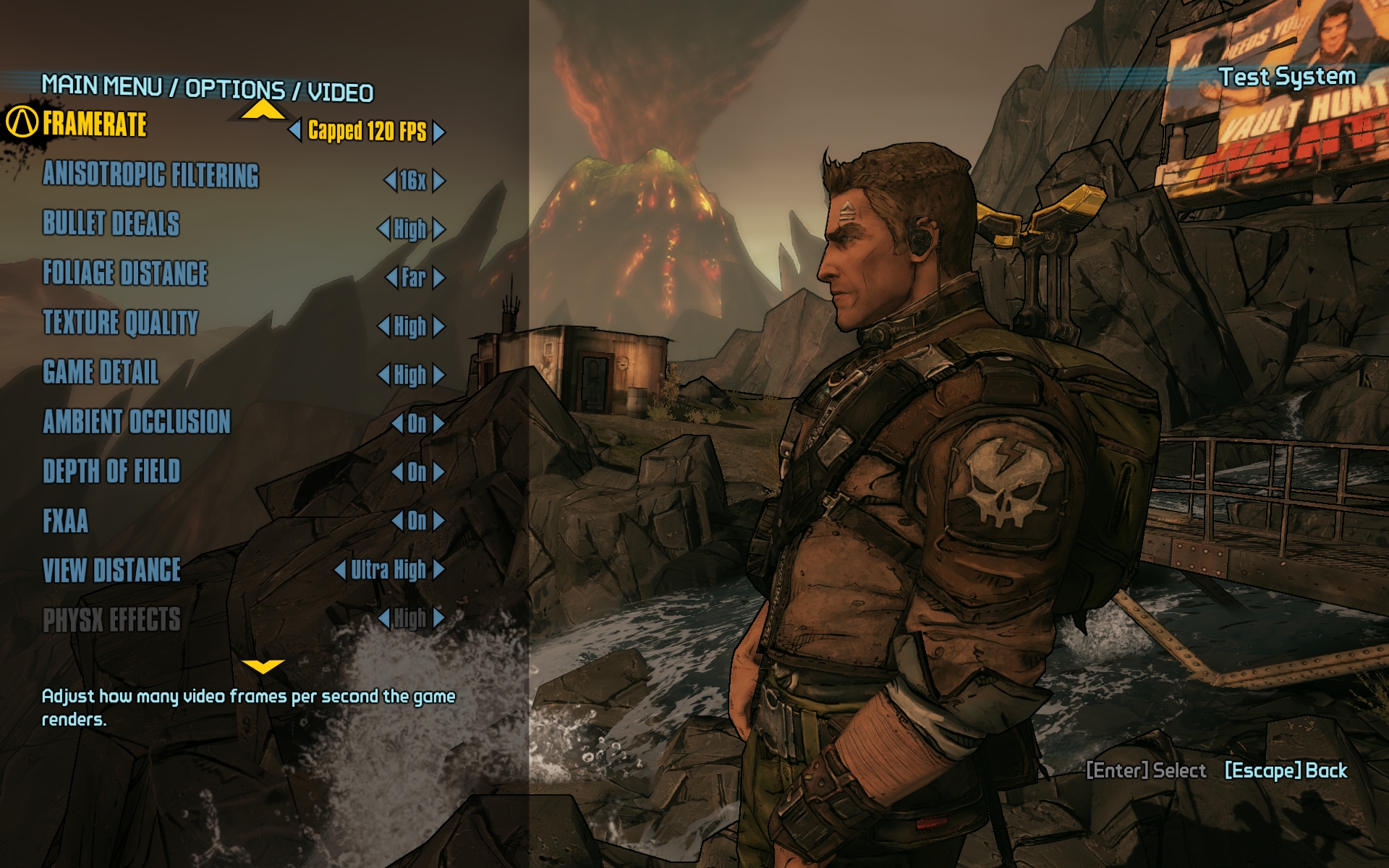
Borderlands 2 GPU & CPU Performance Test

By

On September 20, 2012, 9:41 PM

Although it was somewhat of an underdog when it arrived in October 2009, Borderlands quickly became a hit among PC and console gamers alike, selling over 4.5 million copies and propelling Gearbox Software to new heights. Despite complaints about repetitive gameplay and finicky menus, fans loved the title's unique comic-like art style and its seamless mashup of the first-person shooter and role-playing genres.

Considering the success of its first entry, it came as no surprise when Gearbox revealed plans to produce a sequel that would address Borderlands' shortcomings while expanding on its strengths.

Built on a highly modified version of Unreal Engine 3, the game only uses DirectX 9, opting to exclude the engine's DirectX 11 support. It's worth mentioning that Borderlands 2 is a "The Way It's Meant to be Played" title, supporting many Nvidia features such as PhysX and 3D Vision Surround.

Borderlands 2 succeeds at building on the foundation laid three years ago, delivering an improved menu system, revamped skill trees, new characters, more weapons, smarter foes, and the same addictive loot-driven co-op first-person shooter action. As exciting as all of that may be, we're more interested in seeing how the game runs on the finest PC hardware from Intel, AMD and Nvidia. Let's get down to business...

Read the complete article.

, , , , , ,

User Comments: 57

Got something to say? Post a comment
  1. Could you please include at least one of so popular SB or IVB - i3, Pentium cpus. :S

  2. Please add some i3 performances

    We aim to please. From GameGPU.

    [image link]

    [Source]

  3. Good article. I've found that this game on maximum detail + FXAA drags down to 55fps on GTX680-SLI 19x12 with a 2700K@4.7GHz. Latest drivers too so any tips to improve this I may have missed?

    Do you also know that that the line PhysXLevel=2 for "WillowEngine.cfg" is located ... Documents\My Games\Borderlands 2\WillowGame\Config\LauncherConfig

    It generates this on saving the changes in the game menu, simply change that value on exiting the game normally.

  4. Good article. I've found that this game on maximum detail + FXAA drags down to 55fps on GTX680-SLI 19x12 with a 2700K@4.7GHz. Latest drivers too so any tips to improve this I may have missed?

    Do you also know that that the line PhysXLevel=2 for "WillowEngine.cfg" is located ... Documents\My Games\Borderlands 2\WillowGame\Config\LauncherConfig

    It generates this on saving the changes in the game menu, simply change that value on exiting the game normally.

    What do you mean 19x12?

  5. 99.99% sure that means 1920x1200

  6. What do you mean 19x12?

    1920x1200 as LNCPapa rightly said... gives me more vertical height that normal 16:9 displays lack. Vital for a mainly FPS gamer.

    I was also wondering how many others were playing with all ingame sliders to the max and what your average framerate was (use Afterburner, Fraps, Xfire, etc).

    I still have the feeling this game needs patching to sort performance on this port despite the recent mini-patch on release. I used to use 2K textures for Borderlands and I dread trying that for B2 which still uses 1024. I remember the same laggy feeling with BF3 on Ultra but my GTX680-SLI manages that with ease at 125fps average. Maybe I have it all wrong and these 'Ultra' options are for future GPUs, not current ones. Trouble with that theory is by Q2 next year this game will have be played to death and we'll have grown bored of playing it umpteen times - despite being as amazing as it is

  7. I have all the in-game options maxed and currently play at 1920x1080 w/vsync and I've never seen it drop below 60. I have a similar setup to you.

  8. Regarding AMD FX performance:

    What happens if you disable every other "core" (the interger half of it) and rerun the game test ? Since FX-4170 is doing quite well in comparison with the FX-8150 this means the game mostlikely isn't using more than 4 threads at any given time so running on 4 real cores (as opposed to 2 cores + 2 gimped integer clusters) should produce even better results.

    While you are at it, why not post the Task Manager screenshot showing CPU usage in game like some other review sites do ? This was you can easily tell how many CPU-heavy threads the program is using ...

  9. LOL @ 3x7970's for gaming @ 19x12 and bitcoin mining.

  10. Wow, maybe I should have read the article before posting. The Radeons perform quite well with PhsyX on after the chop mod. Still, its Nvidia's technology.

  11. Can someone notify the author or site that their methodology is wrong and are spreading misinformation. There have been a few comments already addressing their flawed method.

    This article should be yanked or marked with a giant disclaimer. Not all PhysX effects will work properly with just a Radeon, had the author bothered to check he'd have realized this.

    Shoddy article. NeoGAF/Anandtech already caught on to the misleading conclusions, don't be fooled.

  12. I did some PhysX testing with my i3 in case anyone is interested...

    [video embed]

  13. I still don't understand how AMD GPUs can use PhysX just by editing an .ini, when PhysX requires CUDA cores which AMD GPUs physically don't have...

  14. You bitcoin mined $1600 in less than a year? I'd hate to have your electric bill after one year of running tri-crossfire 7970s.

    Must be a "Back to the Future" class power usage...

    which has made them free over the last 10 months.

    ...since HD 7970 time in the marketplace is 8.5 months.

    Retail launch 9 January, 2012

  15. I'm running 3X 7970's and I can't figure how you come out on top with the electric bill 'bitcoining' either. as Chef was eluding to, it's close to a 1.21 jigowatt deal during BF3

  16. Look at the i3 video up there, it works... but the physx work is all done by the CPU in this case...

  17. I still don't understand how AMD GPUs can use PhysX just by editing an .ini, when PhysX requires CUDA cores which AMD GPUs physically don't have...

    Supposedly it gets offset to the CPU to do the work. Some of the hardcore AMD fans are swearing that it makes no difference but I honestly don't believe the CPU can keep up with some of the heavier gameplay sections with tons of physics going on at once. I could be wrong though.

  18. @ hahahanoobs,

    No, you game and bitcoin mine separately. You don't game 24 hours a day, right? Let's say you game for 2-3 hours a day, what happens when you go to work or sleep? NV GPUs just sit there doing nothing and AMD cards make $. That's what my point was.

    ------

    Interesting that you can run PhysX in this game with a powerful enough CPU. I actually expected far more extensive use of PhysX effects in this game after the amount of marketing NV did for this game.

    What more can they do exactly? All the cloth, particles, and liquid physics looks great. It's just something you don't really notice unless you pay attention. See the borderlands 2 physx video comparison on youtube.

  19. Bitcoin mining doesn't require memory bandwidth. Dropping memory speed to 300mhz, and maintaining 1150mhz overclocks at 1.08V average (1.175V peak) results in a GPU power usage of ~170W per card. Also, the value of each bitcoin has increased from $5-6 to $12 since January. The electricity cost for me varies from 6.5 ¢/kWh Lowest Price (Off-peak), 10.0 ¢/kWh Mid Price (Mid-peak) to 11.7 ¢/kWh Highest Price (On-peak).

    Gaming 2-3 hours a day, mining 20-21 hours a day for almost a year.

    Each 7970 @1150mhz generates ~ $80 bitcoins a month. 3 such GPUs then earn $240 a month, every month for 10 months so far.

    That's ~$2,400 in bitcoins earned - $520 in electricity costs (510W for the 3 cards + 150W system @ highest electricity rate of 12 ¢/kWh for the worst case scenario x 21 hours a day x 310 days = ).

    So ya, it's more than $1,600 in profits so far.

    Dividebyzero,

    retail launch 9 January, 2012 ---> it's been almost 10 months. Jan 9 to Sept 23 is not 8.5 months, but 9.5 months. Keep in mind, every month the 3x 7970s continue to make $240 in bitcoins, so another $240 in October, $240 in November too. They have already paid for themselves off fully.

  20. Ya, my math has failed, it's 8.5 month. However, my conclusion doesn't change. You guys can check this yourself. Even now 3x 7970s would make $195 a month after electricity costs:

    http://bitcoinx.com/profit/index.php

    Hash Rate for 3 is: 2040

    Electricity Rate: $0.12

    Power consumption: 660W

    Timeframe: 1 month

    Cost of mining hardware: 0

    Net profit per month: $198 @ peak rate

    The mining difficulty has increased since January so more coins were generated during the first half of the year. My electricity rate < 12 cents though, so I put in the worst case scenario.

  21. At least the people running Borderlands 2 with an AMD CPU didn't spend as much as the Intel guys, right? That's a good thing right? Right?!

  22. Just wanted to report that an "old" Core i7-920, OC'd to 3.8 Ghz and with a GTX 670, with max settings in BL2 at 1920x1200, does a super-smooth 60 fps. I don't dispute that it's been around for a little while, but don't count out a great chip!

    Very enjoyable read. For anyone in the market for a new GPU, the GTX 670 is fantastic so far and a free copy of Borderlands 2 is just icing on the cake.

  23. This is correct. I'm using an i7-2600k @ 4.8GHz with 2xHD7970s @ 1920x1200 and with PhysX set to High (=2 in .INI file, same as setting via game menu... no need to pretend it's a "hack," gaming journalists, just select the option like a normal person) the game runs great until you get into a heavy firefight with grenades, shotguns and rockets. FPS will tank to 14-15 during these scenarios until the particles fade away. Setting PhysX to medium helps a lot, and setting to low obviously results in 60FPS 100% of the time on this rig.

    Whatever test they used for this benchmark was obviously not actual gameplay, or they didn't actually enable high level PhysX effects.

    Also of note, even with PhysX set to high, my CPU loading never exceeds 40%, and GPU loading never exceeds 60%. Reeeeal efficient.

    Fun game, though.

  24. In the review, Steve mentioned that AsRock motherboards needed a BIOS update to avoid crashing on startup. Can anyone point me in the direction of this fix? I'll even accept a mean-spirited LMGTFY response.

  25. In the review, Steve mentioned that AsRock motherboards needed a BIOS update to avoid crashing on startup. Can anyone point me in the direction of this fix? I'll even accept a mean-spirited LMGTFY response.

    http://www.asrock.com/mb/index.us.asp

Recently commented stories

Post a new comment

Social Login & Guest Posting TechSpot Members
Login here or sign up for free,
it takes about a minute.
Get complete access to the TechSpot community. Join thousands of technology enthusiasts that contribute and share knowledge in our forum. Get a private inbox, upload your own photo gallery and more.
TechSpot on:

Subscribe to TechSpot

Get free exclusive content, learn about new features and breaking tech news.