
A hot potato: Adware is usually associated with pre-built PCs and dubious free downloads, but some users recently discovered that even legitimate monitors can quietly install apps that display pop-ups without permission. Fixing the issue seems to require changing local group policy settings or, in extreme cases, disabling the Microsoft Store altogether.
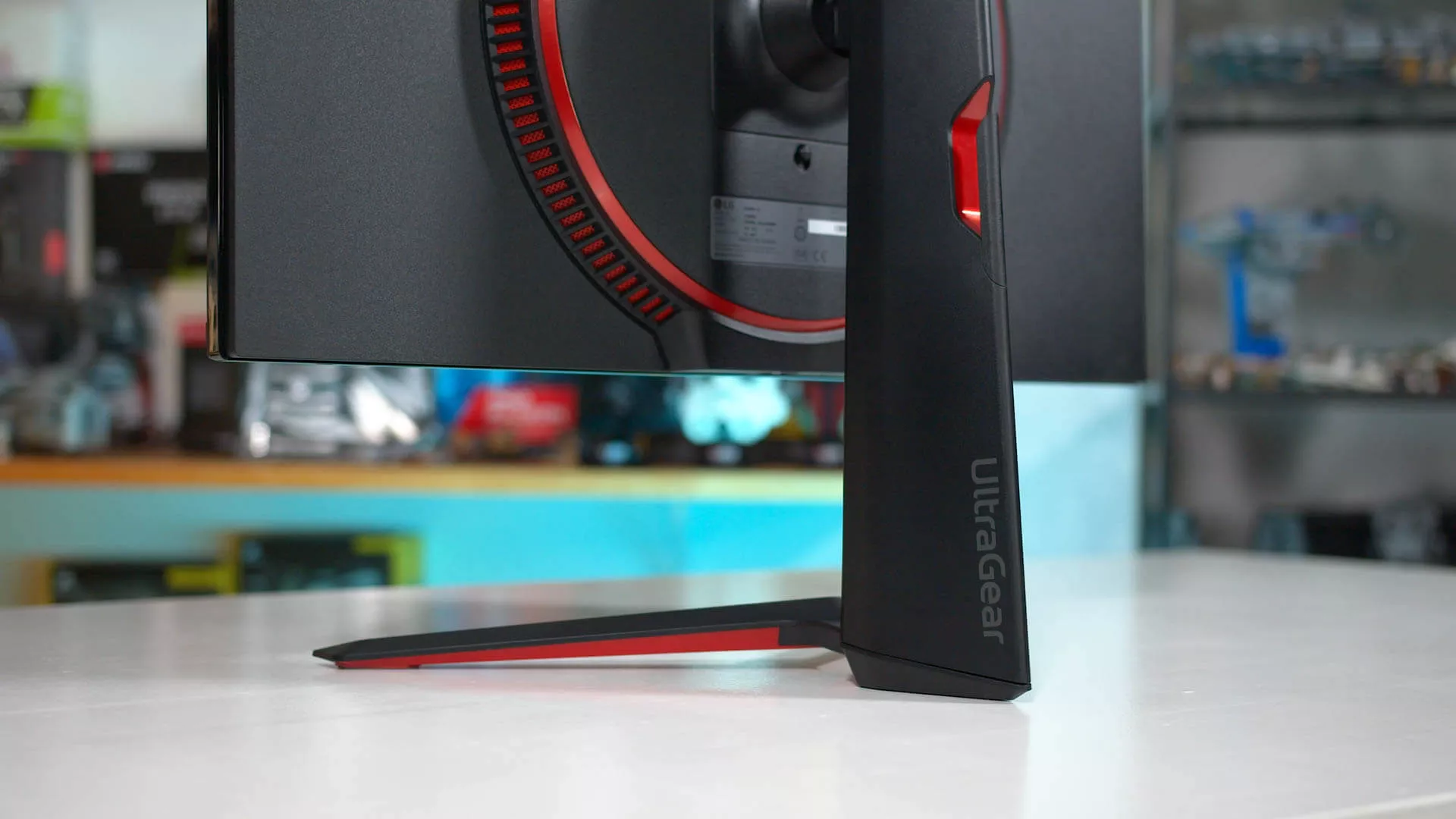
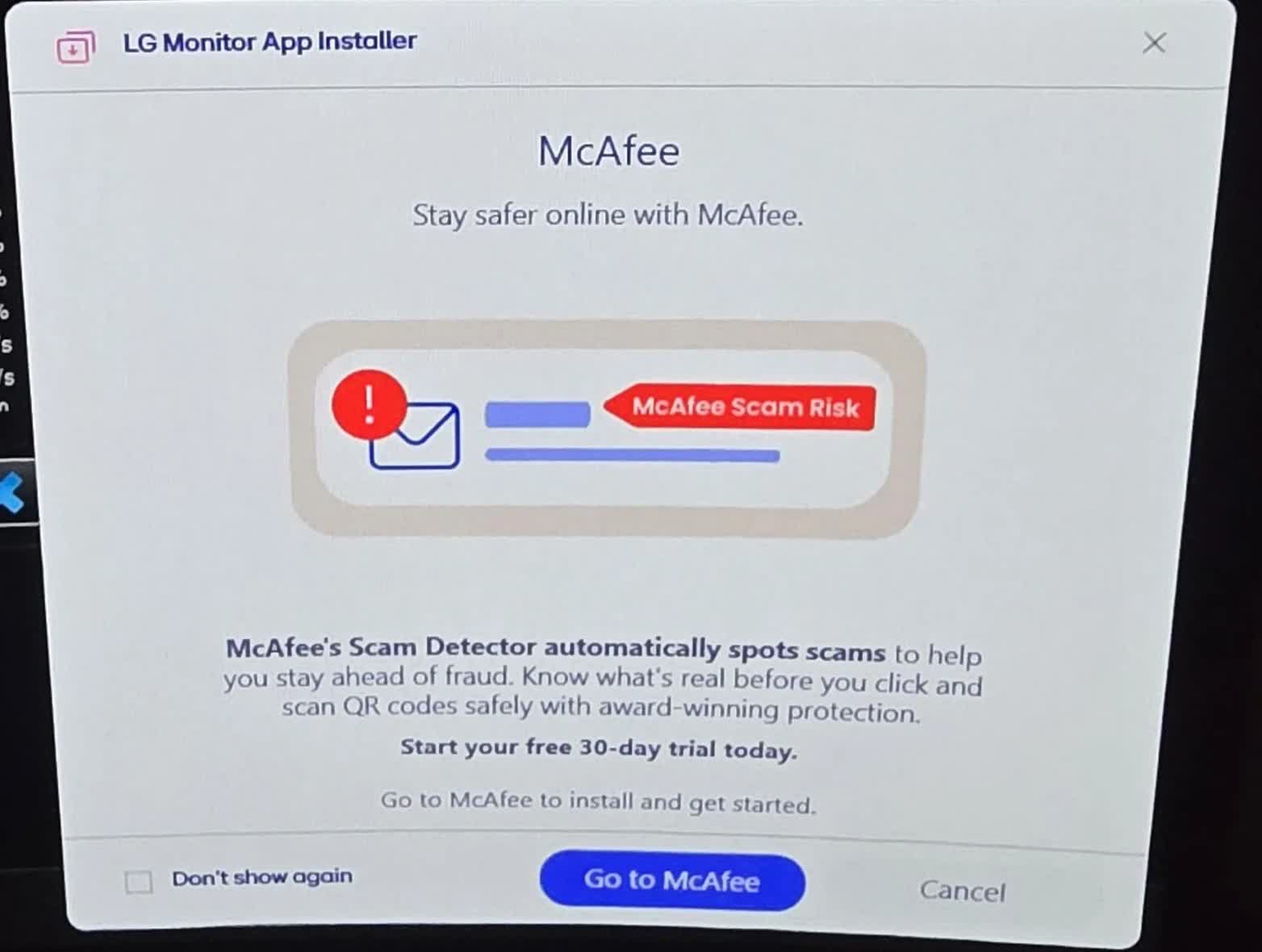
Redditor "Mags_Smash" recently complained about seeing McAfee pop-up ads on his PC despite never having installed the antivirus suite. He eventually traced the ads back to another app that his new LG monitor had installed without his knowledge.
After connecting one LG UltraGear 27GP83B monitor and two 27GN800s, Mags_Smash found that at least one of the panels had installed an "LG Monitor App Installer" via the Microsoft Store and Windows Update. The application shows up under the name "9PM9N6F47JB8-LGElectronics.LGMonitorApp" in Reliability Monitor, and Event Viewer logged its successful installation.
Windows update silently installed LG bloatware, which causes a McAfee pop up
by u/Mags_Smash in pcmasterrace
Several others reported the same problem after coming across the discussion, and some found their own systems were affected once they went looking. Others confirmed similar behavior with Dell and Alienware monitors, comparing it to how Asus motherboards automatically install the company's Armory Crate software.
Unfortunately, the LG Monitor App can't be uninstalled through the Microsoft Store. So far, the only confirmed way to disable it without touching advanced system settings is to stop it from launching at boot, by unchecking it under Settings > Apps > Startup.
Also read: Antivirus bloatware may be killing your (not so old) Windows PC
Mags_Smash also found two more permanent solutions.
The first involves changing a local group policy setting: navigate to gpedit.msc > Computer Configuration > Administrative Templates > System > Device Installation, and enable the setting that prevents automatic download of applications associated with metadata.
The second, more drastic option is to disable the Microsoft Store entirely, via gpedit.msc > Computer Configuration > Administrative Templates > Windows Components > Store, by choosing the setting to disable the Store application.
McAfee pop-ups might feel like a throwback to early-2000s nagware, but adware and other forms of unwanted advertising have become a fixture of smartphones, AI, and smart TVs alike. Amazon Prime and YouTube TV have both started showing unskippable ads to more users, and Hisense recently drew criticism for serving ads when users simply changed inputs. Meanwhile, ChatGPT began showing ads earlier this year to boost revenue, Motorola was caught hijacking Amazon links, and EA is planning to work more ads into its games than ever.
LG and Alienware monitors caught auto-installing Windows adware


