
The question is no longer whether a 4K gaming monitor can deliver sharp visuals and high refresh rates, but which display technology best suits your budget and how you use your PC. Unlike the GPU market, where hardware is now stubbornly expensive, 4K monitors have become far more accessible, with models now available across a much wider range of prices.
The market and our picks have been settled into four categories for choosing a new 4K gaming monitor: premium 32" OLEDs, more compact 27" OLEDs, mini-LED LCDs with genuine HDR performance, and affordable IPS displays built primarily for SDR gaming.
Every monitor listed here has been tested by us, and nearly all of them have full reviews either on TechSpot or over at Monitors Unboxed on YouTube. So our recommendations are based on hands-on testing, current pricing, and the trade-offs that matter in everyday use. Whether you want the best image quality available, high brightness without burn-in concerns, or simply a fast 4K monitor at a reasonable price, these are the models we would buy today.

Best 32-inch 4K Gaming Monitors
Asus ROG Strix OLED XG32UCWMG 32"

Right now, the best 4K gaming monitors on the market are 32-inch 4K OLEDs. Although 27-inch models are also available, I find the larger 32-inch panel size more immersive for 4K gaming, and prices are not much higher than those of the smaller models. These panels offer high resolutions, fast refresh rates, and excellent HDR performance for gaming. With two main panel types to choose from, QD-OLED and WOLED, there are plenty of great options, and it is rare to find one that is outright bad.
Unchanged from our previous buying guide, the Asus ROG Strix XG32UCWMG remains the best overall 32-inch 4K OLED. This is a 32-inch 4K WOLED with a 240Hz refresh rate, and we consider it the best option because of its excellent feature set. It uses a stunning glossy TrueBlack finish that is superior to glossy QD-OLED coatings and does a better job of preserving deep blacks across different viewing environments. QD-OLED has the persistent issue of blacks appearing gray in brighter rooms, which is a complete non-issue on the WOLED-based XG32UCWMG.
WOLED has two other advantages over QD-OLED. The first is better HDR performance, thanks to more consistent brightness output, no panel dimming in bright scenes, and peak brightness that still reaches 1,000 nits. A 4K 240Hz WOLED also supports dual-mode operation, allowing the monitor to run at 1080p and 480Hz. This mode offers excellent clarity for competitive gaming and adds versatility for those who play several types of games.
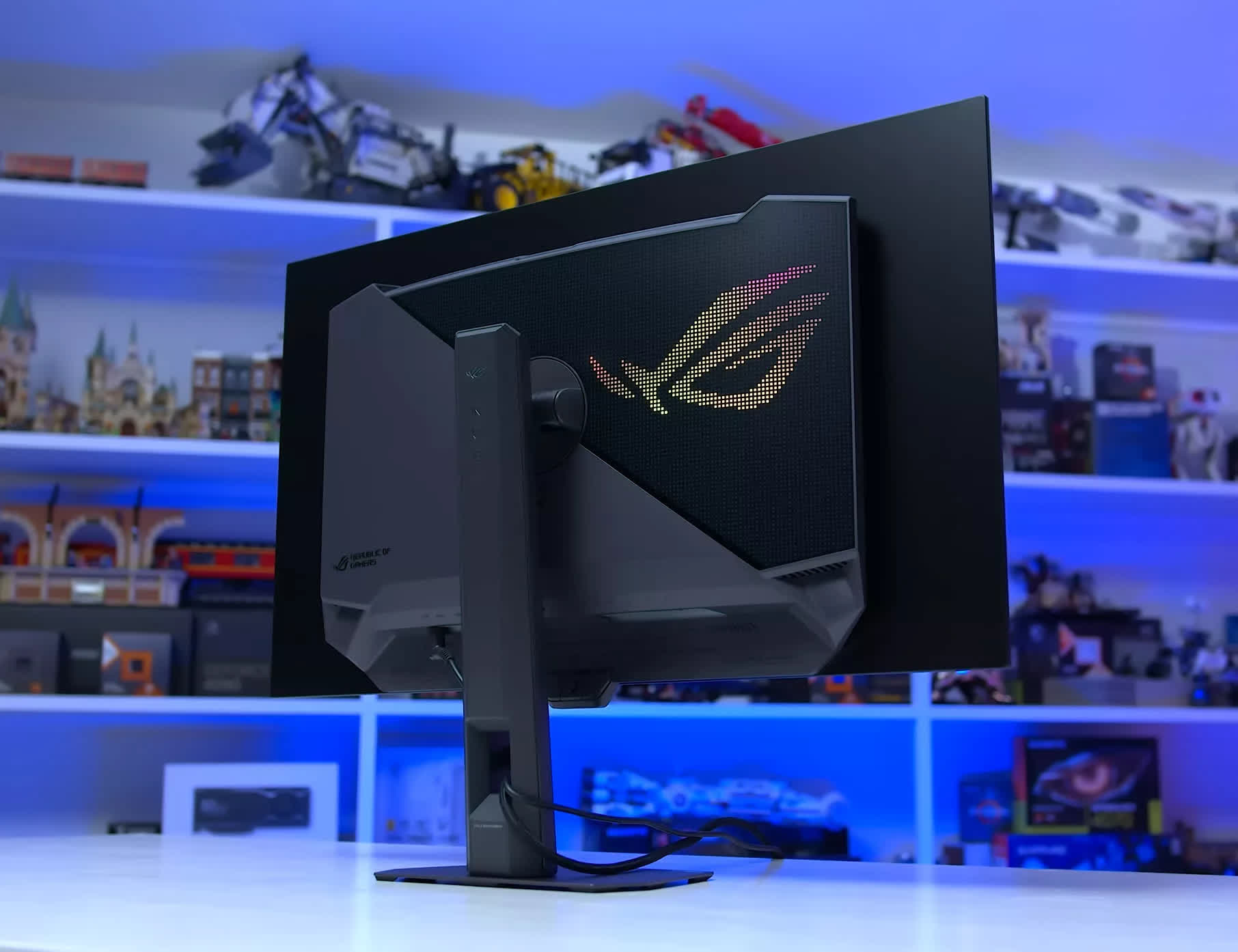
Asus also throws in several useful features, such as its Neo Proximity Sensor, OLED Anti-Flicker mode, ELMB, and unlocked color controls. QD-OLED does have some advantages, including wider color volume, higher color brightness, and better uniformity. However, we think the overall package offered by the latest glossy WOLED panels is the best on the market.
The XG32UCWMG is slightly cheaper in mid-2026 than it was last year, typically retailing for a little under $1,000. That is toward the higher end of 32-inch 4K pricing, but it is not outrageous compared with QD-OLED models that start at around $800. For those seeking a premium 4K model, spending around 25% more on this WOLED is reasonable, in our opinion.
More Bang for your Buck?
When it comes to value-focused QD-OLEDs, it is hard to go wrong because most offer excellent performance. In 2026, there are two main 32-inch 4K 240Hz panel variants: the original panel that launched in 2024 and an updated version introduced at the start of this year. The newer panel, which we tested in the Asus PG32UCDM Gen 3, has higher full-screen brightness at 300 nits versus 250 nits, slightly improved black levels in bright rooms, and 8% higher brightness in HDR content.
You can distinguish the new panel from the older version by its DisplayHDR True Black rating. The 500 tier indicates the 2026 panel, while the 400 tier indicates the 2024 panel.
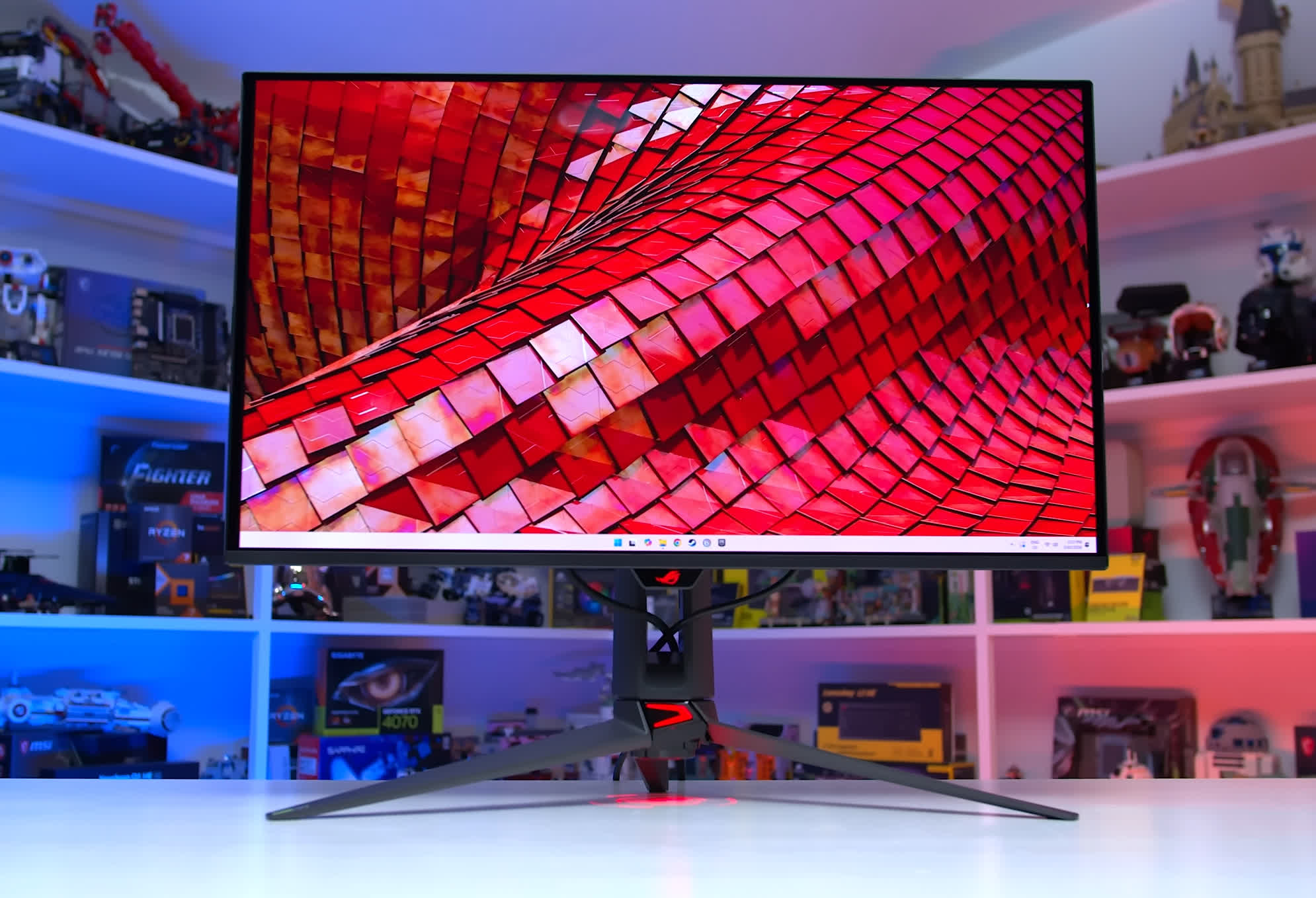
Asus PG32UCDM Gen 3
The new panel is better, but not by much, so we do not think it is worth paying a significant premium. When a 2026 model is available for the same price as a 2024 model, by all means choose the newer version. However, monitors using the original panel are currently much cheaper. For example, the MSI 321UPX is available for just $800, while the new 322UR X24 is debuting at $1,100. In that situation, I would save the $300 and buy the older 321UPX.
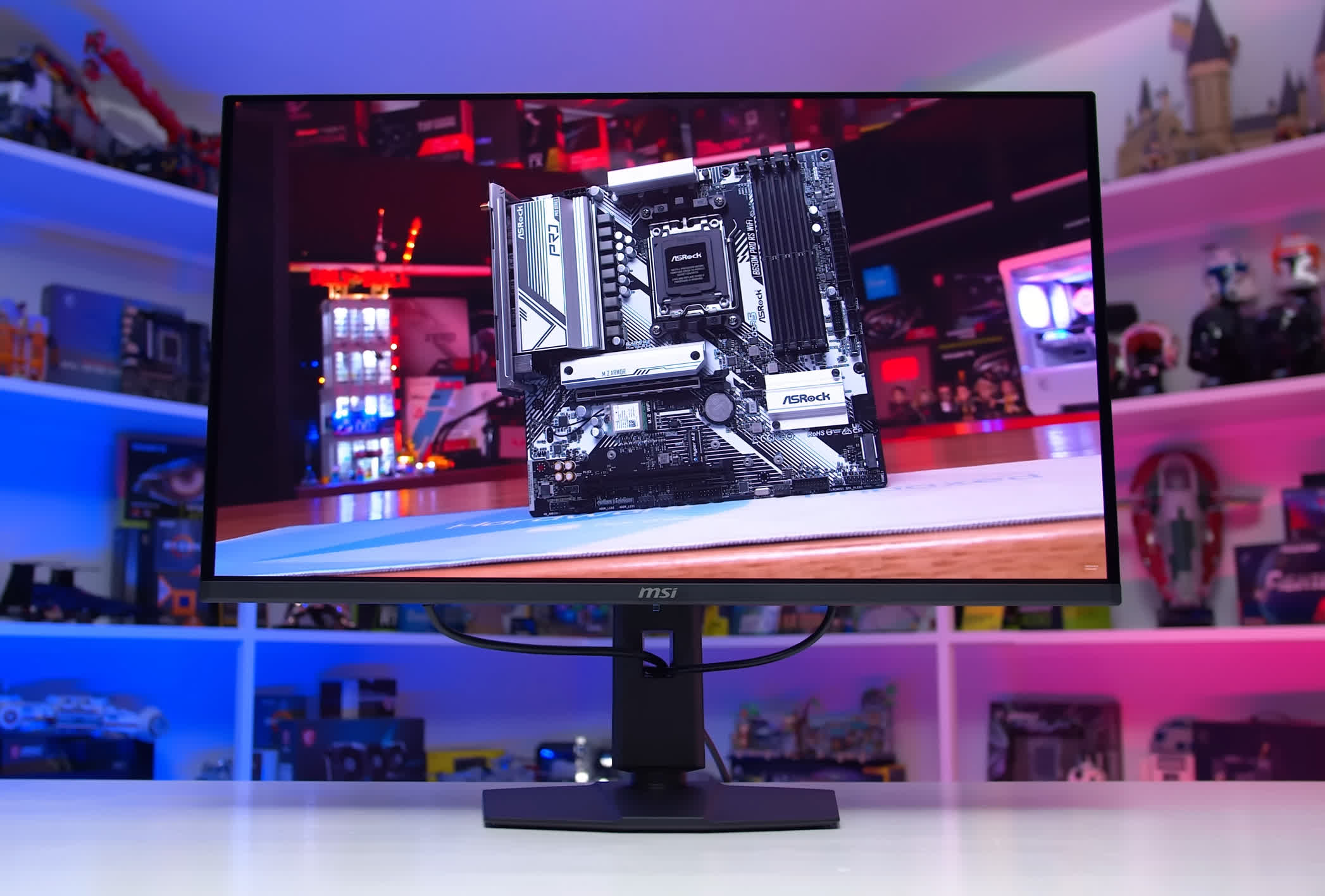
MSI 321UPX
The 321UPX is the model we recommend in most situations because it routinely ranks as an excellent-value purchase based on our price tracking. There are, of course, several other models we have tested and liked, including the MSI 321URX, the curved Dell Alienware AW3225QF, and the Samsung G81SF for those who prefer a matte finish.
We suggest looking at the options available in your region and choosing the most affordable model with the features you need.
What's coming
When it comes to high-end 32-inch 4K OLEDs, the models we just discussed are available now and are products we would recommend buying today. However, you may also want to wait if you are interested in one of the WOLED options.
For example, our top pick, the Asus XG32UCWMG will soon be succeeded by a newer model, the ROG Strix XG32UQWMS. It has the same basic specs, including a glossy coating, a 4K 240Hz panel with a 1080p 480Hz dual mode, and the same RGWB subpixel layout. However, it is being upgraded to the latest Tandem WOLED technology, bringing higher brightness, DisplayHDR True Black 500 certification, and a rated peak brightness of 1,500 nits. It should become available at a similar price within the next few months.
There is also a new 32-inch RGB Stripe panel from LG that will soon debut in several monitors, including an Asus model called the PG32UCWM. We are not yet sure how that model will perform, but it is worth keeping an eye on because it is expected to launch in the near future.
Also coming as cheaper 165Hz models using both QD-OLED and WOLED panels. These displays do not offer motion clarity as strong as the 240Hz models. Outside of that difference, however, they provide performance that is largely identical to the full-fat 240Hz versions used in higher-end displays.
Normally, we do not think much of the 165Hz models because a $50 price difference compared with 240Hz alternatives is often insignificant. Recently, however, we have seen a model called the Asus ROG Strix XG32UCDS that offers a much more substantial discount. It costs just $600, which is $200 less than most 240Hz models. That is remarkably cheap for a 32-inch QD-OLED and makes it well worth considering when refresh rate is less important to you than OLED color performance.
Best 27-inch 4K Monitors with HDR
Dell Alienware AW2725Q 27"

For those who prefer a smaller 27-inch panel for HDR gaming, our recommendations are unchanged. The only available panel at this size uses QD-OLED technology and is essentially a smaller version of the first-gen 32-inch panels. That means you can expect similar performance to the larger models, but in a more compact format with higher pixel density.
The three standouts are the Dell Alienware AW2725Q, Gigabyte MO27U2, and MSI MAG 272UP X24. All three are typically available for between $650 and $700, use the same panel, and offer excellent value at those prices. It is difficult to recommend any of the more expensive alternatives unless you specifically need the additional features they provide.
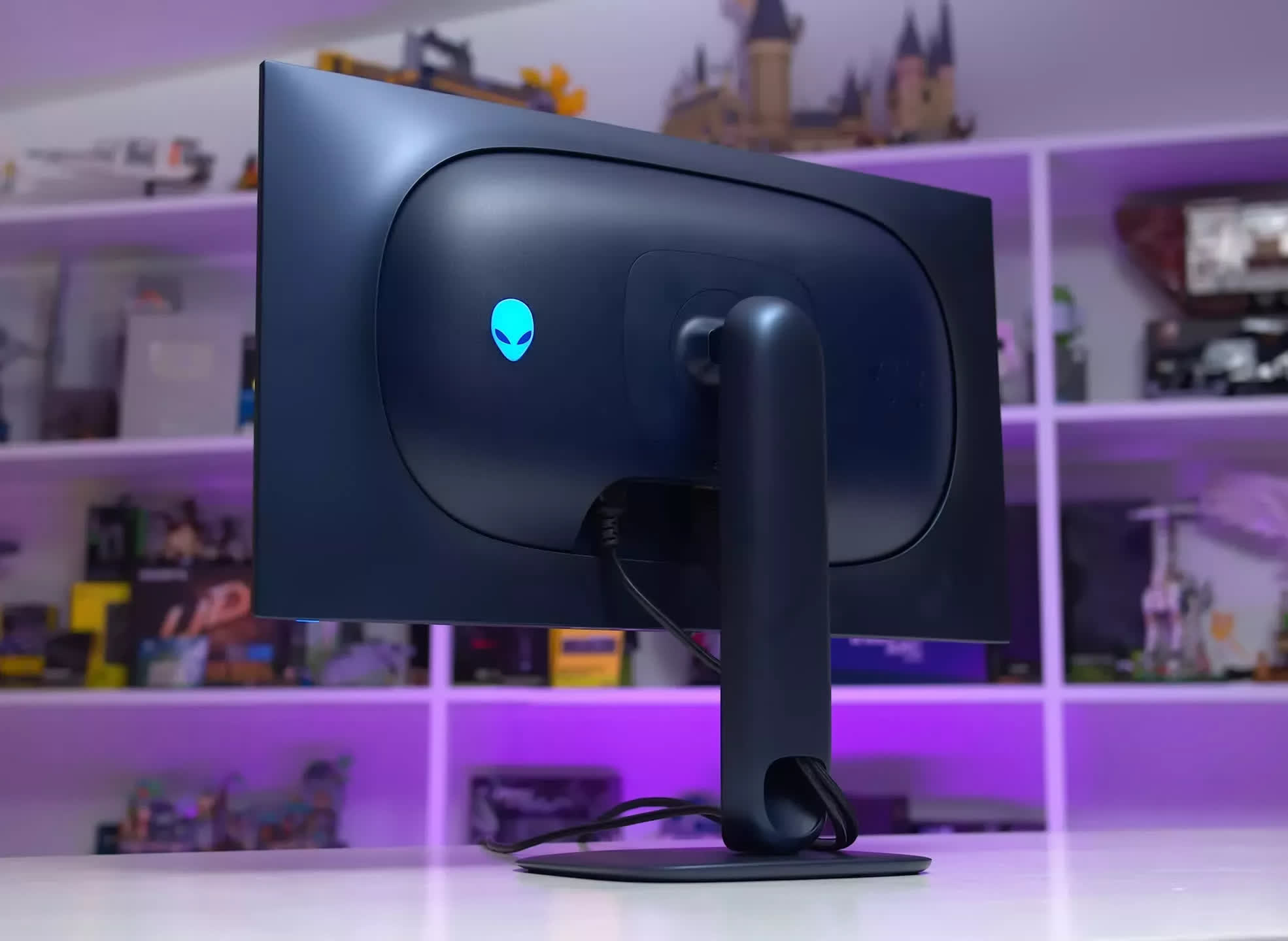
The AW2725Q performs similarly to the other options. It is just as bright, looks excellent for HDR gaming, and uses a glossy panel that produces deep blacks. Its main downside is the lack of some features found on premium models, such as USB-C display input. It is usually my go-to choice in this category, especially when available for $700.
The MO27U2 is very similar to the AW2725Q in terms of overall performance and features. I was not as impressed with its highest-brightness HDR mode, which uses a boosted-brightness configuration rather than a more traditional Peak 1,000 mode. Outside of that, it performs similarly to other 27-inch QD-OLEDs. It also has an excellent design, USB-C connectivity, and a KVM switch, giving it a strong set of hardware features.
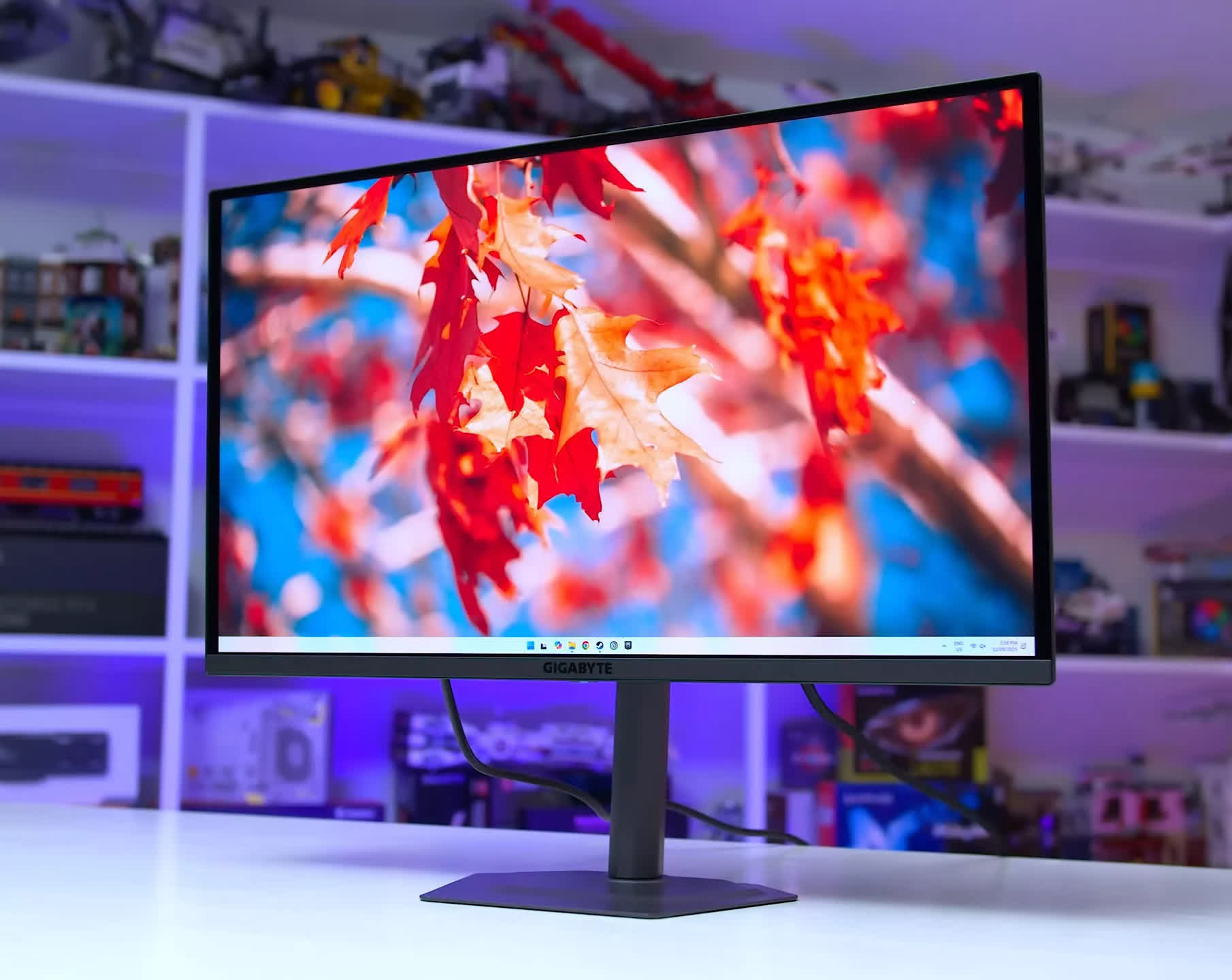
Gigabyte MO27U2
There is also the MSI MAG 272UP X24, a newer model that we have not tested, though we have confirmed that it uses the same OLED panel as the others. We have not seen any major feature differences compared with the Dell and Gigabyte models, and we expect it to perform similarly to the higher-end 272URX. However, it drops features such as DisplayPort 2.1, helping to keep the price down. With a typical price of $730 and recent sales reducing it to $700, it is definitely worth considering.
Several higher-end models are also worth considering for buyers seeking specific features, including the Asus ROG Swift PG27UCDM and ROG Strix XG27UCDMG. Some of these monitors include features that we do not think justify the higher price, such as DisplayPort 2.1, while others offer more useful additions, including the Neo Proximity Sensor found on both the ROG Swift and ROG Strix models.
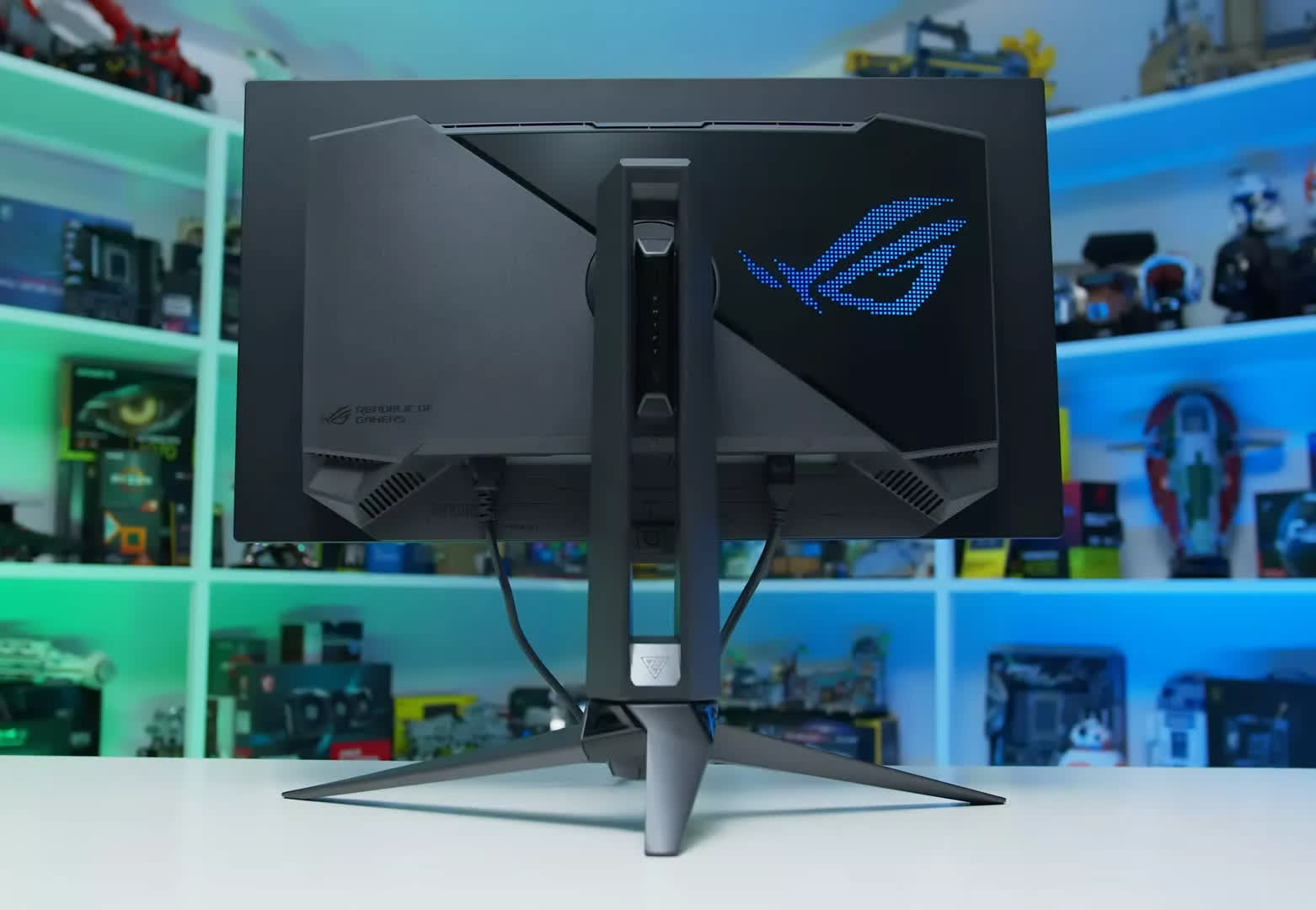
Asus ROG Swift PG27UCDM
Finally, while 27-inch 4K QD-OLED displays offer excellent performance and remain easy to recommend, a competing 27-inch 4K WOLED panel is expected to enter the market shortly. We recently saw this panel at Computex and expect it to arrive soon. It uses Tandem WOLED technology, runs at 240Hz, and features an RGB stripe subpixel layout. It may be worth waiting to see how monitors using this panel perform before choosing a 27-inch 4K OLED for gaming.
Best 4K LCD Monitors with HDR
MSI, AOC, Koorui or KTC 27" Mini-LED

For those seeking a 4K HDR-capable LCD, our recommendations in this category remain unchanged as well from last year. We have not seen any new models arrive that would displace our previous picks, the current options still offer excellent value, and, as far as we are aware, all of them remain widely available.
There are three main reasons to choose a 4K HDR LCD gaming monitor. First, you may not want to deal with the potential burn-in concerns associated with OLEDs. For those who use their display for both gaming and productivity, LCDs are the safer choice and may offer better long-term durability.
Second, you may want a 4K HDR monitor without spending at least $700 on an OLED, as LCDs with mini-LED backlights are considerably cheaper. Third, you may simply prefer the extreme brightness that LCDs can provide, with current models pushing full-screen brightness beyond 1,000 nits.
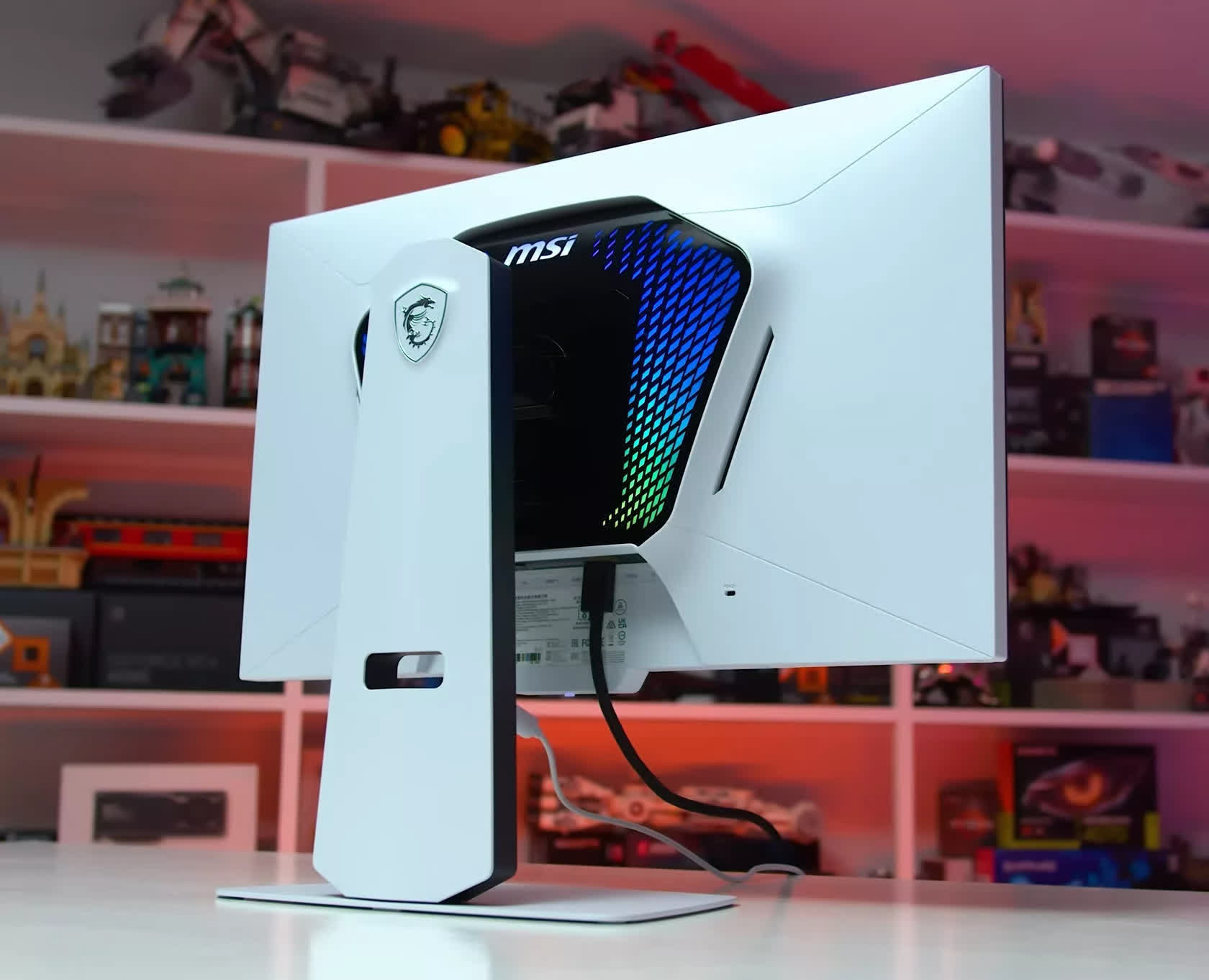
MSI MPG 274URDFW E16M
The models we currently recommend are the MSI MPG 274URDFW E16M, AOC U27G4XM, Koorui S2741LM, and KTC M27P6, all of which appear to use the same panel. These are 27-inch 4K 160Hz IPS LCDs with 1,152-zone mini-LED backlights and support for a 1080p 320Hz dual-mode configuration. Unlike older models we have tested, this newer generation performs well and avoids the frustrating, deal-breaking flaws seen in some previous products.
With full-array local dimming, these 4K LCDs are genuinely capable of displaying HDR images properly, unlike fake HDR products that lack local dimming and are often marketed with misleading "HDR 400" specifications.
A 1,152-zone backlight allows for a substantial increase in contrast over SDR monitors, producing deeper blacks and reasonably precise control over bright and dark elements displayed at the same time. This creates the dazzling HDR effect you are paying for, rather than simply running the screen at a higher brightness level.
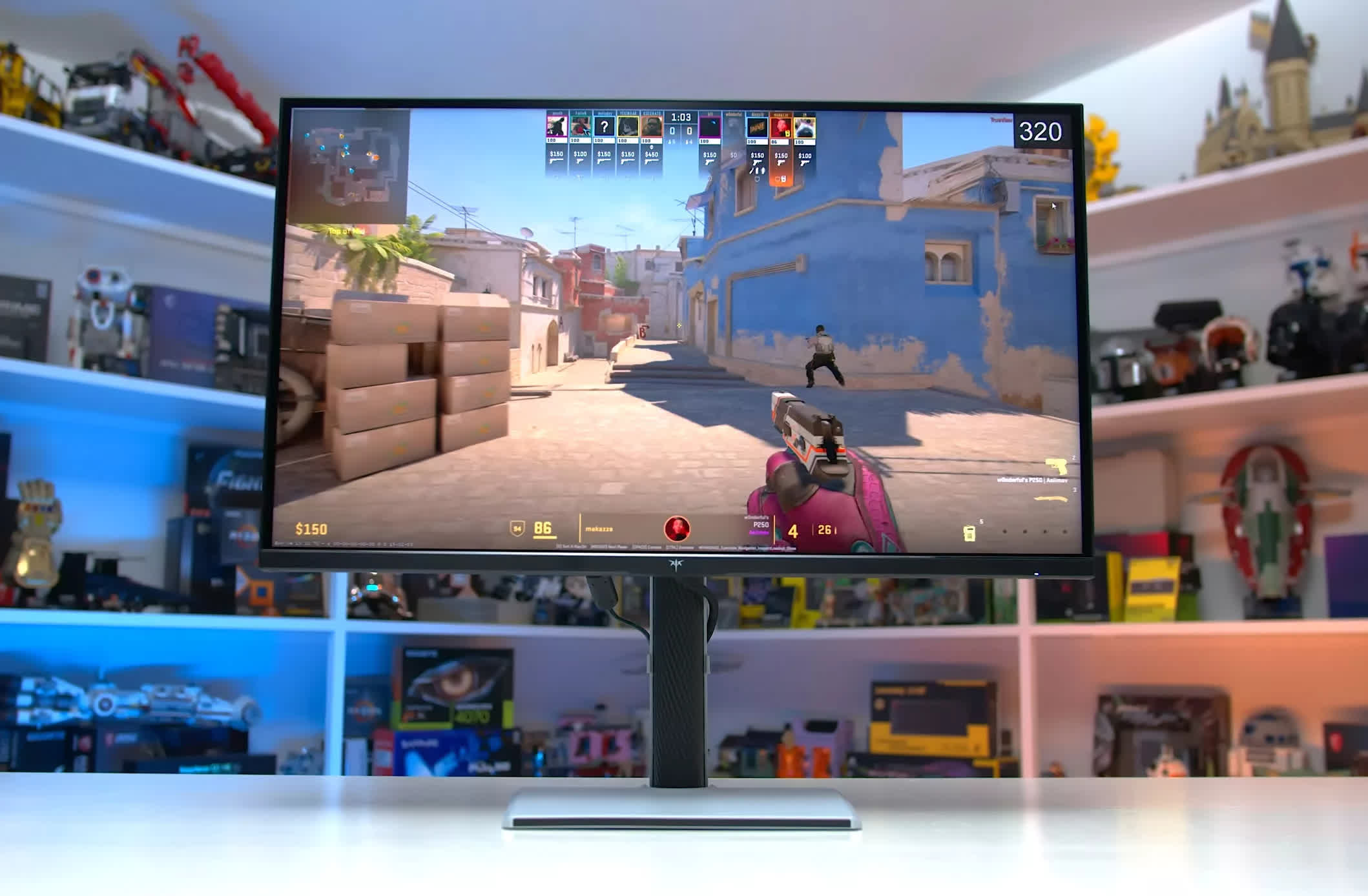
KTC M27P6
Speaking of brightness, these monitors are capable of extremely high output, particularly in brighter scenes. The KTC M27P6 reaches more than 1,700 nits in real-scene testing. Combined with good shadow detail and fast dimming response times, this produces strong HDR gaming performance that is a significant step up from cheaper SDR products. Under the right conditions, these LCDs can look remarkably similar to an OLED.
Motion performance is also quite good across these. They use typical fast IPS panels, with tuning that varies depending on the model. The KTC is well balanced across the middle of the refresh-rate range, while the AOC is better optimized toward 160Hz. The 1080p 320Hz dual mode improves clarity for competitive multiplayer gaming, making these versatile displays capable of HDR gaming in single-player titles, 320Hz gaming in multiplayer titles, and productivity work without burn-in concerns.
You can expect to pay between $400 and $500 for one of these monitors, representing roughly a 30% to 40% premium over basic 4K SDR models. As a mid-range 4K option positioned between SDR LCDs and OLEDs, that seems reasonable to us. We also do not have a strong preference among the four models at their current prices, largely because the differences are relatively small. They are typically priced within $50 of one another, with occasional discounts appearing from time to time.
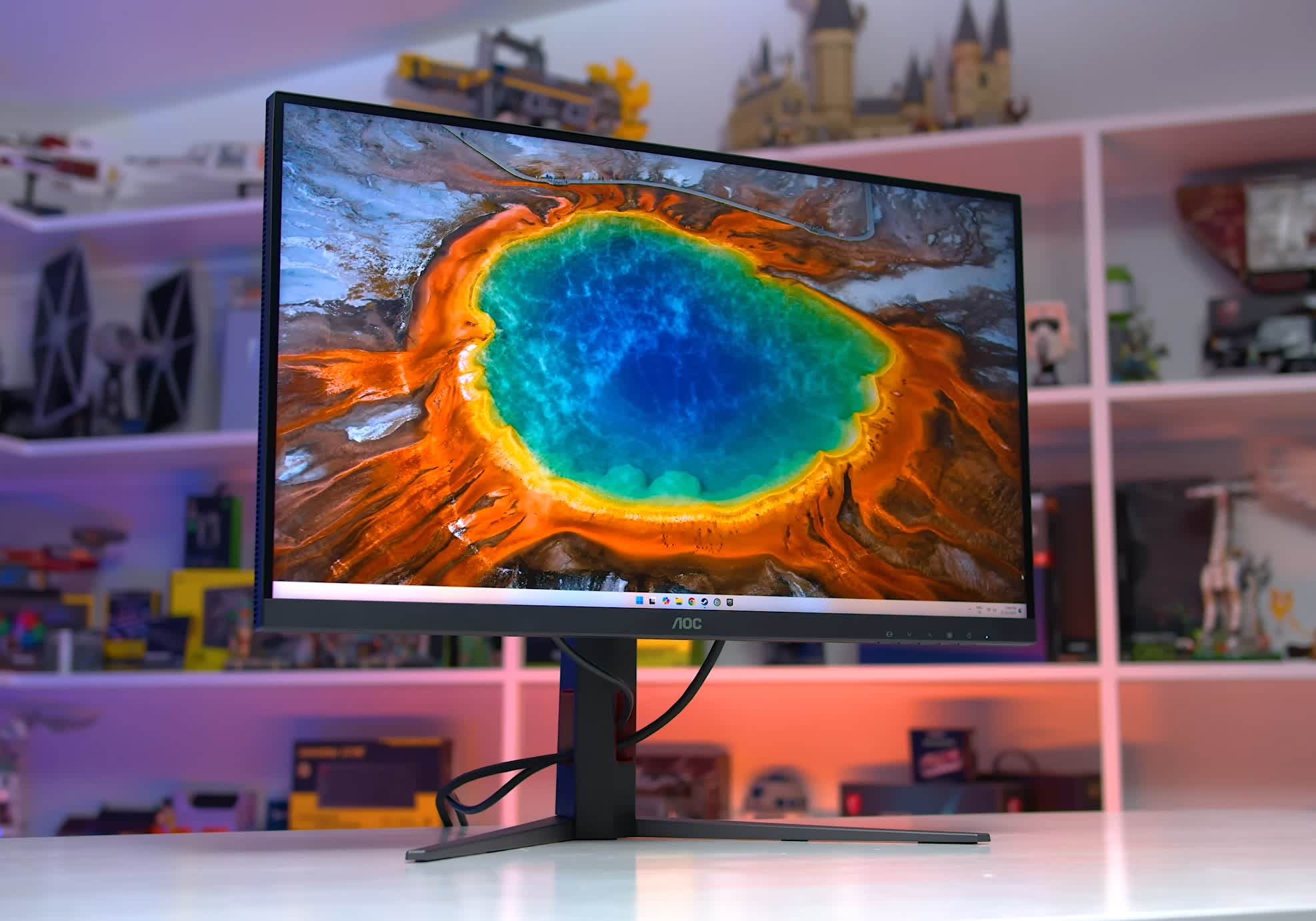
AOC U27G4XM
The main deciding factor is whether you want the mini-LED backlight tuned more toward brightness or contrast. The KTC and Koorui models are the brightest and push peak brightness the hardest, occasionally at the expense of contrast.
The MSI and AOC models are still bright but favor stronger contrast and deeper black levels in HDR scenes. There is no right or wrong presentation, and we would recommend all four depending on pricing and availability in your region.
The other good news for buyers in this segment is that we are not expecting any major new releases throughout the rest of 2026. Based on what we have seen at trade shows and heard from monitor vendors, this generation of mini-LED technology is likely to remain the standard throughout the year.
Best Budget 4K Monitors without HDR
Gigabyte M27UP 27"

If what you want is a reasonably affordable 4K monitor for gaming, with perhaps some productivity work on the side, IPS LCDs offer excellent value. In the budget category, you will not find top-tier HDR hardware with advanced mini-LED backlights, but you will find excellent high-refresh-rate displays for SDR gaming.
The best option in this category is the Gigabyte M27UP, a 27-inch 4K 160Hz IPS LCD monitor. Although this display has an MSRP of $380, it is regularly available for around $330, at which point it becomes an excellent buy. Despite its low price, it delivers performance similar to other 4K IPS LCDs we have tested. It is reasonably fast, offers a well-tuned single overdrive mode, has good calibration, supports a wide color gamut, and delivers acceptable IPS-level contrast. The overall balance of performance makes the M27UP a great monitor for both gaming and productivity.
The other cool thing about this monitor is its 1080p 320Hz dual mode, which improves responsiveness and motion clarity for competitive gaming. Of course, you do not have to use dual mode. You could simply ignore the feature and enjoy the monitor's excellent value as a 4K display, but for those who play a wide variety of games, it is a worthwhile addition.
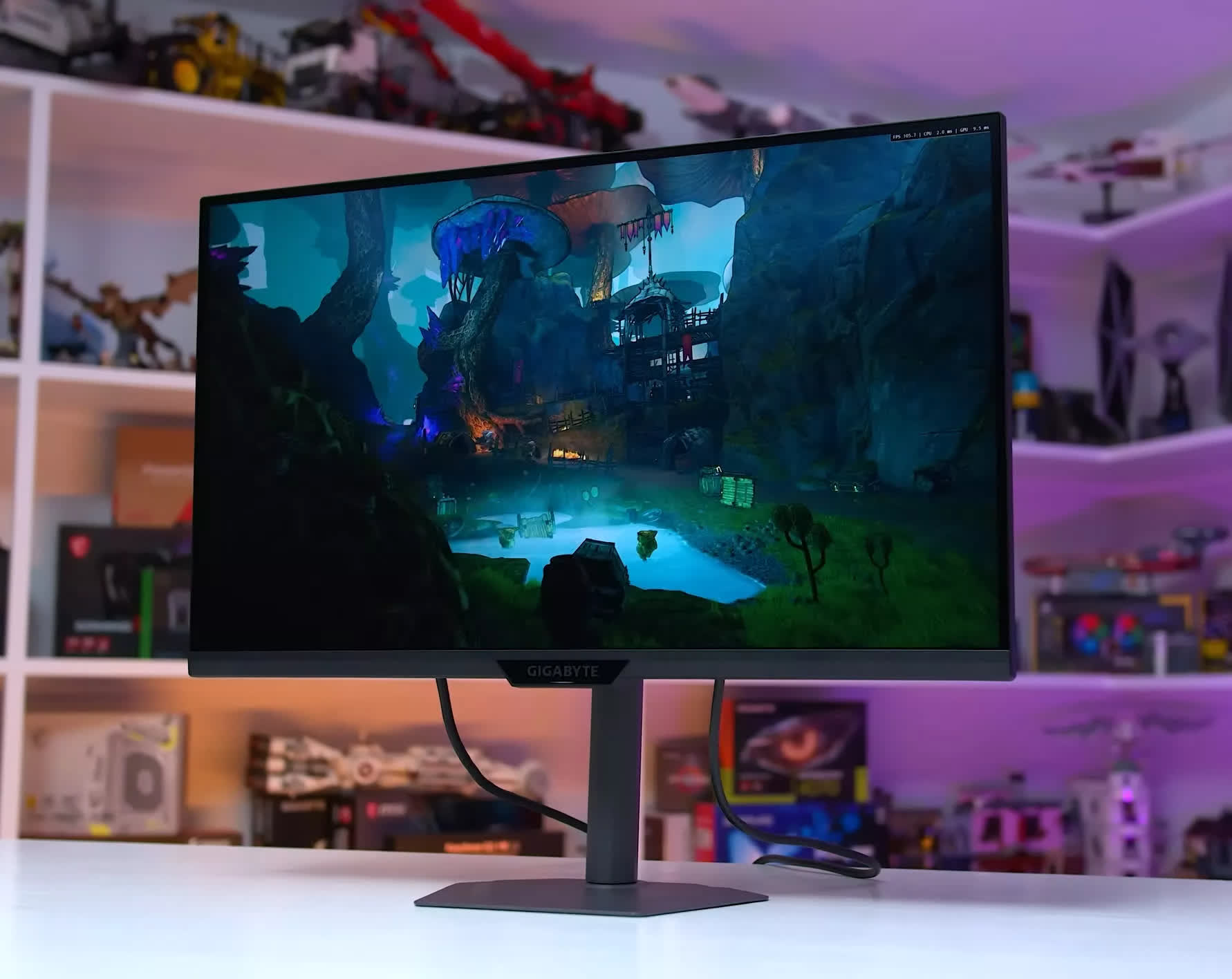
We do not recommend spending more than $330 on a standard 4K LCD, as the models we have tested generally offer a very similar level of performance in both motion handling and color quality. With the M27UP already well tuned for motion, well calibrated, and, in my opinion, well designed, there is little reason to spend more on something marketed as premium. You will probably just be wasting money, and once you move into higher price tiers, better options become available with more advanced display hardware.
Based on what we have seen over the past six months, the Gigabyte M27UP usually offers the best value in this category. However, there are a few alternatives worth watching, including the Asus ROG Strix XG27UCG, which is a very similar monitor. At the moment, the XG27UCG costs around $50 more than the M27UP, but if it goes on sale, we would simply buy whichever of the Asus or Gigabyte models is cheaper.
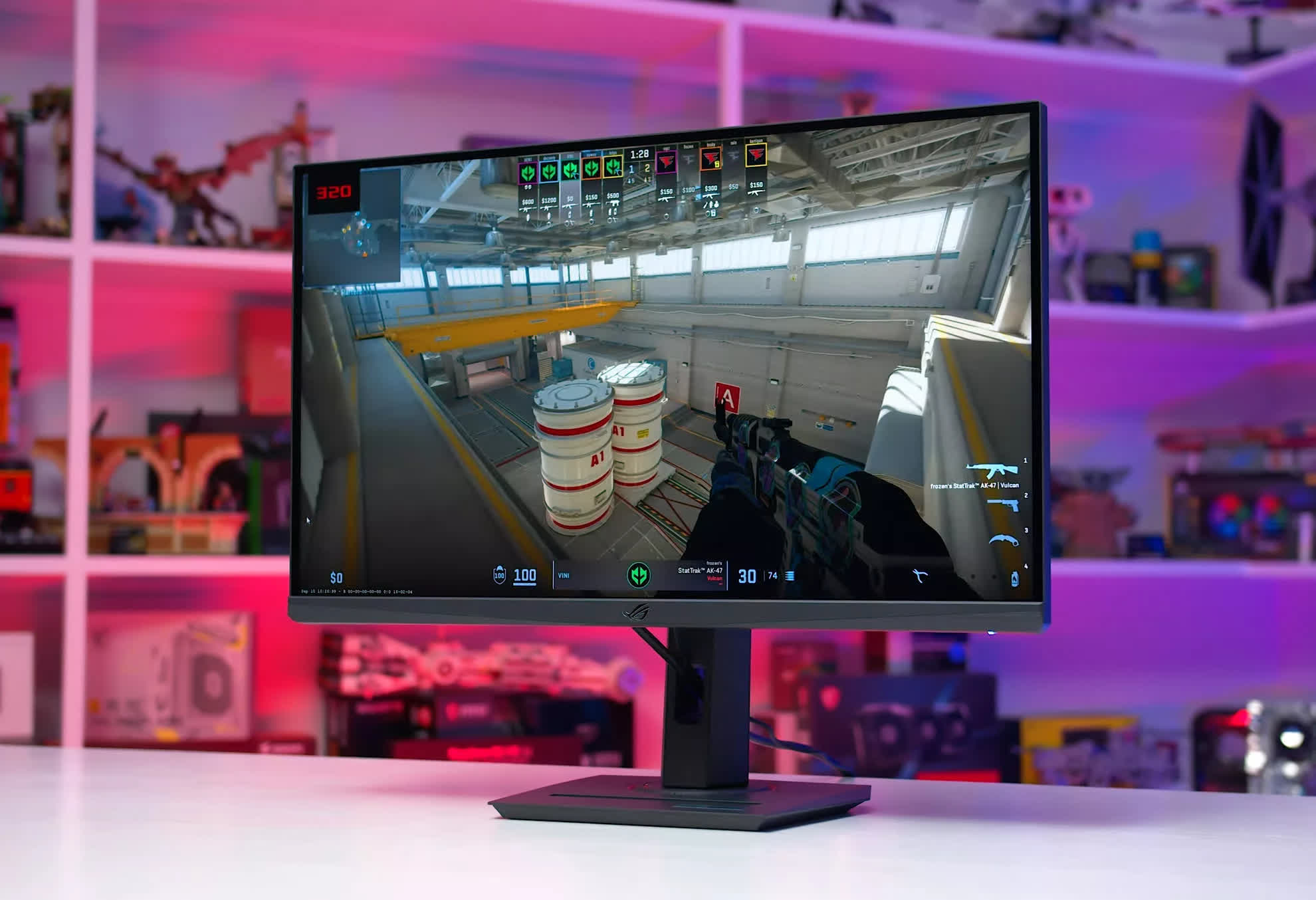
Asus ROG Strix XG27UCG
In previous versions of this buying guide, we also recommended several budget 32-inch 4K LCDs for SDR gaming. However, as of mid-2026, all of those monitors have been discontinued. The LG 32GR93U and Gigabyte M32UP are no longer widely available, apart from select retailers carrying old stock. We are also not particularly impressed with many of the remaining options, which for the most part are either underwhelming or too expensive.
With 32-inch OLEDs now falling toward the $600 range while offering 165Hz refresh rates, it becomes difficult to justify spending a similar amount on an LCD with the same refresh rate. Even for buyers who still prefer LCD, there are not many compelling options at that price. For now, unless the market changes later in the year, we cannot recommend a 32-inch 4K SDR LCD gaming monitor.