Our editors hand-pick related products using a variety of criteria: direct competitors targeting the same market segment, or devices that are similar in size, performance, or feature sets.
There's a lot to like with the Dell XPS 12. The Thunderbolt 3 connector combined with a docking station lets you use the device like a full fledged desktop that works great. Having a large, fairly light tablet running Windows is also a really nice...
As it happens, I still use the original XPS 12 on a daily basis as my go-to home laptop. It's bigger than the new model, and naturally nowhere near as good a tablet, but the combination of full-fat Core i7 performance, all-day battery life, and a great...
After the sheer delight of the XPS 13 and the XPS 15, the XPS 12 is a real misstep from Dell. There's no doubting the quality of its gorgeous screen, but its shortcomings and design nuances are major detractions that are hard to ignore. The...
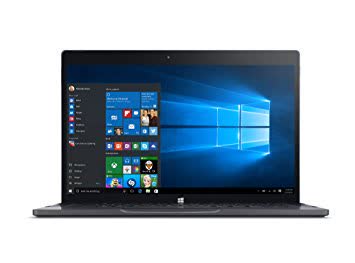
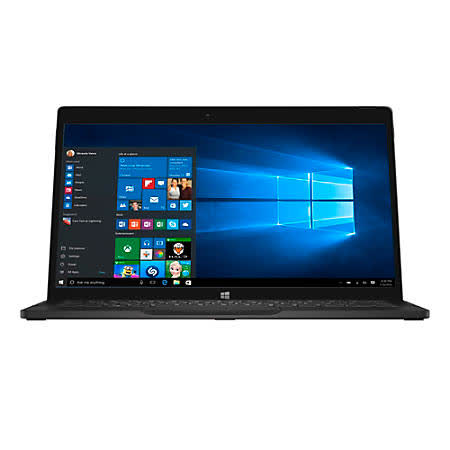
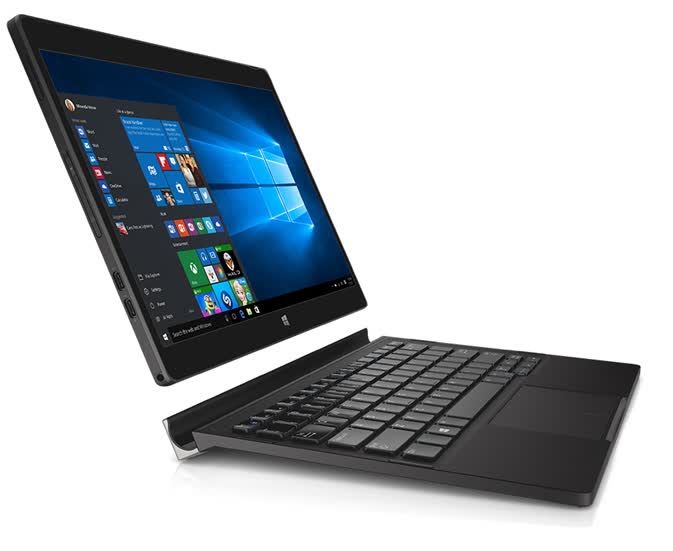
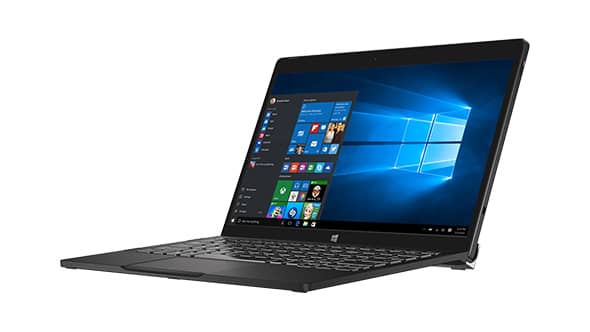
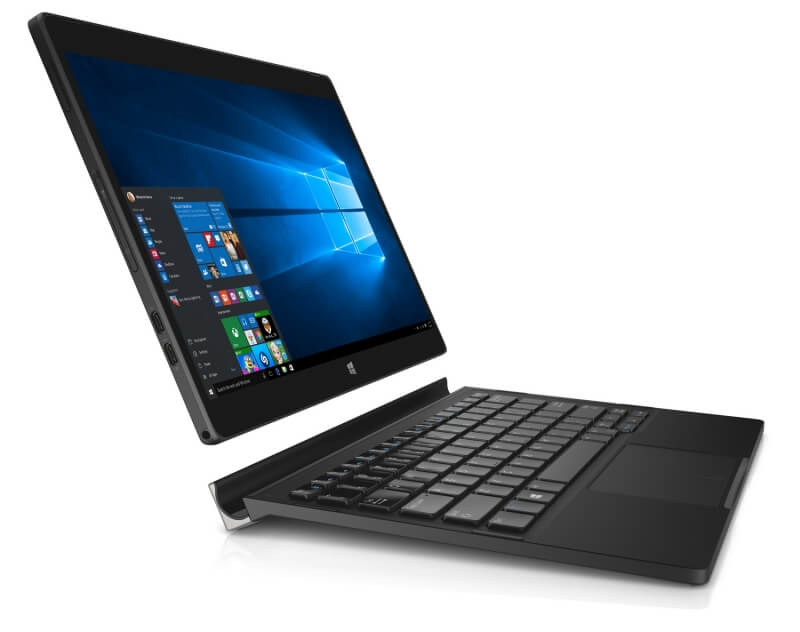
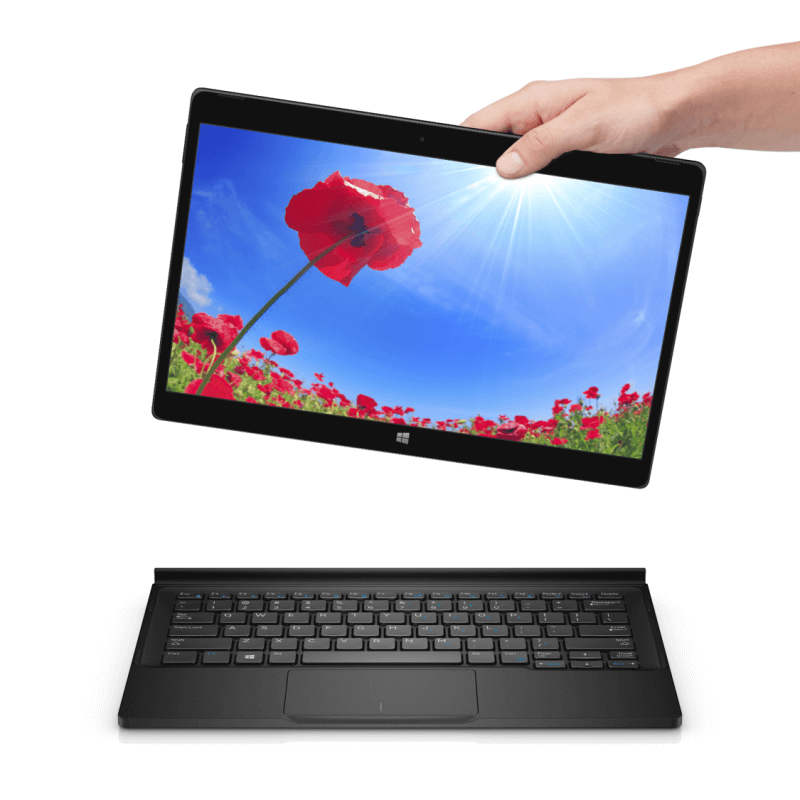
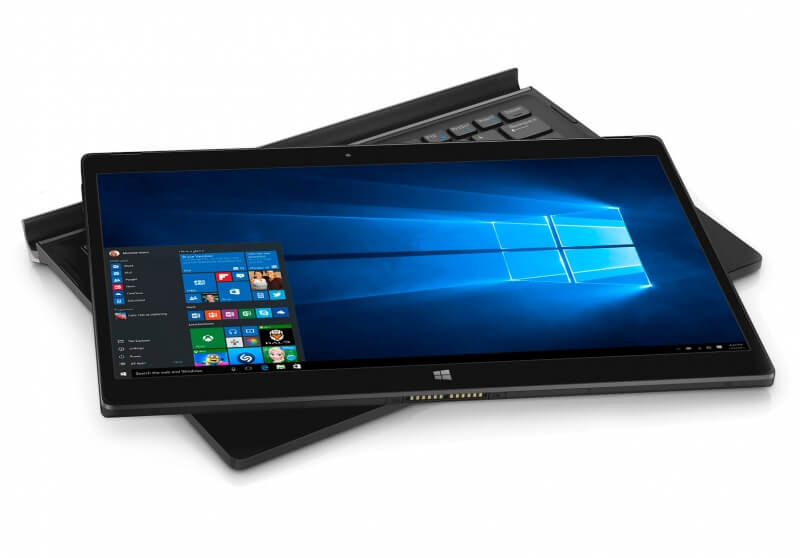
Dell's XPS 12 9250 is a slim, 12.5-inch convertible. The installed Intel Core m7 6Y75 processor has enough power for routine tasks, and its TDP allows passive cooling. The SSD impresses with high read rates and ensures a fast-running system. The...
Starting at $1,499.991, Dell's XPS 12 can be considered a premium and enterprise-facing device. The rubber and magnesium alloy construction is top-notch even if the styling is a bit austere and the fact that Dell includes the keyboard in the package...
Like so many devices before it, the Dell XPS 12 (2015) gets plenty right – but then blows it all with battery life. This is a hybrid with many class-leading qualities, but a three-hour battery life simply isn't good enough.
Dell XPS 12 (2015) – Performance One of the biggest potential compromises of this machine over a conventional slim and light laptop, or indeed a device such as the Microsoft Surface Book, is that it uses only an Intel Core M processor. Whether you're...
The release of Windows 8 has not only added a brand new operating system to the table but also has resulted in the increased availability in touch-capable devices (tablets, laptops and desktops) in order to be able to fully utilise all the features of...
Pros:
Cons: