

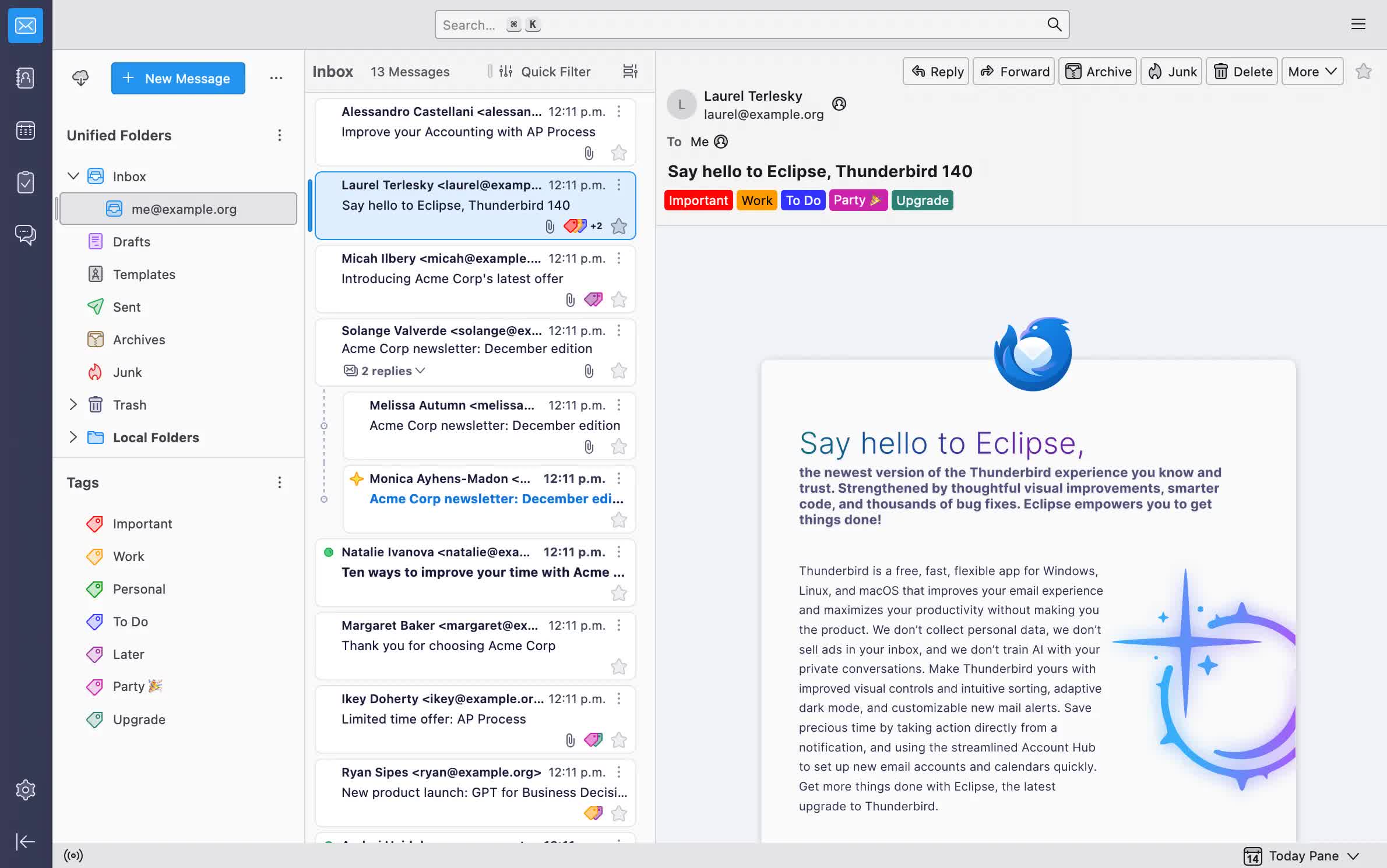
Thunderbird makes email better for you, bringing together speed, privacy and the latest technologies. Focus on what matters and forget about complexity.
Is Thunderbird free?
Yes, Mozilla Thunderbird is free and open source. You can use it for personal and commercial use. However, Mozilla is open to donations in order to keep improving the app.
Does Thunderbird let users make a local copy of my messages?
Yes, Thunderbird will keep a copy of all your messages on your computer by default. You can also create a local backup of your messages or download them from your server whenever you need it.
Can Thunderbird replace Outlook?
For general email use, yes, Thunderbird can be a suitable replacement for Outlook. Those that require better integration with Microsoft Office and Exchange will be more satisfied with Microsoft Outlook. Additionally, Thunderbird's interface may not be as polished as Outlook's.
How many email accounts can I have with Thunderbird?
Thunderbird has no limitation on the number of email accounts users can add to the app.
What mail services does Thunderbird support?
Thunderbird supports most mailing services that synchronize items through the IMAP protocol or download messages through the POP3 protocol. The application also supports synchronization for MS Exchange and Outlook.com accounts. Thunderbird supports Gmail, iCloud, Outlook.com, IceWarp, Microsoft Exchange, Yahoo, AOL, GMX, Kerio and more.
Features
Mail Account Setup Wizard
Prior to this feature you had to know your IMAP, SMTP, and SSL/TLS settings. Now all you need to provide is your name, email address, and password and the email account set up wizardry will check our database and find the email settings for you.
Personalized Email Addresses
Ever dreamed of having a personalized email address (such as "[email protected]") for you, your family or your business? Thunderbird makes this easy - you can sign up for a new email address within Thunderbird, and it will all be set up automatically for you ready to send and receive.
One-click Address Book
One-click Address Book is a quick and easy way to add people to your address book. Add people by simply clicking on the star icon in the message you receive. Two clicks and you can add more details like a photo, birthday, and other contact information.
Attachment Reminder
The attachment reminder looks for the word attachment (and other words like file types) in the body of your message and reminds you to add an attachment before hitting send.
Multiple-channel chat
Enjoy real-time conversation with your contacts, right from your favorite messaging application, with multiple supported networks. Thunderbird makes it easy to search through both past conversations and received emails.
Tabbed Email
Thunderbird replicates the new look and feel of Mozilla Firefox in an effort to provide a similar user experience across all Mozilla software desktop or mobile and all platforms.
Tabbed email lets you load emails in separate tabs so you can quickly jump between them. Tabs appear on the top of the menu bar providing a powerful visual experience and allowing the toolbars to be much more contextual.
Tabbed email lets you keep multiple emails open for easy reference. Double-clicking or hitting Enter on a mail message will open that message in a new tab.
When quitting Thunderbird, visible tabs will be saved and will be restored when you open Thunderbird the next time. There is also a Tab menu on the Tab toolbar to help you switch between tabs.
Search the Web
You can now search the Web without having to leave Thunderbird. Type whatever comes to mind in Thunderbird's search box and choose from several different search providers.
You can also highlight words in your email, right click, and select "search the web for:" to start your Web search.
Quick Filter Toolbar
The Quick Filter Toolbar lets you filter your email faster. Start typing in words in the Quick Filter search box and the results are displayed instantly. Or you can filter your email by New Messages, Tags, and people in your Address Book. You can also "Pin" or save a Filter and use it across multiple folders.
Search Tools
The search interface in Thunderbird contains filtering and timeline tools to pinpoint the exact email you're looking for. Thunderbird also indexes all of your emails and chat conversations to help you search even faster. Your search results are displayed in a tab so you can easily switch back and forth to your search results and other email.
Message Archive
If you think you're going to need an email in the future but want it out of your inbox without deleting it, archive it! Archiving helps you manage your inbox and put your email into the archive folder system.
Selecting the Archive button or hitting the 'A' key will archive your email.
Activity Manager
Thunderbird version 91 is only offered as direct download from thunderbird.net and not as an upgrade from Thunderbird version 78 or earlier. A future release will provide updates from earlier versions.
What's New
New
- SecurityDevices enabled in enterprise policies
- One-click account setup for Thundermail accounts
What's Changed
- Use 'Add' instead of 'New' for account, calendar, address book creation buttons
- GMail OAuth updated to use PKCE
- Mail server hostname is also checked when detecting address books and calendars
- Updated about:rights to replace local with hosted url
- 'Hide completed tasks' now also hides cancelled tasks
What's Fixed
- New mail alerts appeared on wrong monitor in three-monitor setup
- Spam messages triggered new mail notifications before being moved to Spam folder
- Filtered IMAP or NNTP subscriptions were lost after closing Subscribe dialog
- 'Download Headers' dialog for newsgroups failed to open
- Messages nested deeper than 255 levels disappeared from threading view
- Performing Delete followed by Undo on thread parent message could corrupt view
- Single messages still appeared collapsible after thread members were deleted
- Updated threads remained misordered until folder refresh or resort
- Non-threaded subject sorting separated 'RE:' replies from original messages
- BCC recipients were included in signed email headers
- Performance issue when decrypting encrypted messages
- Filter search on Body missed draft messages containing German umlauts
- Thunderbird could crash during local message search
- Blocked file warning showed without 'Unblock File' button in compose window
- Forwarding/Redirecting Exchange messages failed with NS_ERROR_OUT_OF_MEMORY
- Compose window closed early and send progress dialog hung after NNTP failure
- Compose window stayed open after sending when mailnews.sendInBackground set
- Microsoft OAuth2 failed when HTTPS localhost redirect was not intercepted
- Pasting contact photos stopped working when photo button had focus
- Filter dialog lacked focus ring and had poorly distinguishable buttons
- Subfolder kept stale accessibility unread count after unread messages were deleted
- 'Edit as New Message' and inline 'Forward' not possible with PGP-signed messages
- Various MIME improvements
- EWS messages could go missing from folder view
- IMAP "Show only subscribed folders" could not be changed without restart
- Unable to delete more than 1000 messages at a time on Microsoft 365
- EWS folders in Trash were moved to Trash again instead of being hard deleted
- IMAP notifications repeated for emails read on another device after sleep wake
- POP3 deadlocked when server went silent without closing socket
- Calendar acceptance no longer distinguished between single occurrence and series
- Transparent popups on macOS made calendar event editing difficult
- Duplicate attendees were added to invitations instead of being filtered out
- Task percentage complete was not preserved separately from status in tooltips
- Visual and UX improvements
- Security fixes
