
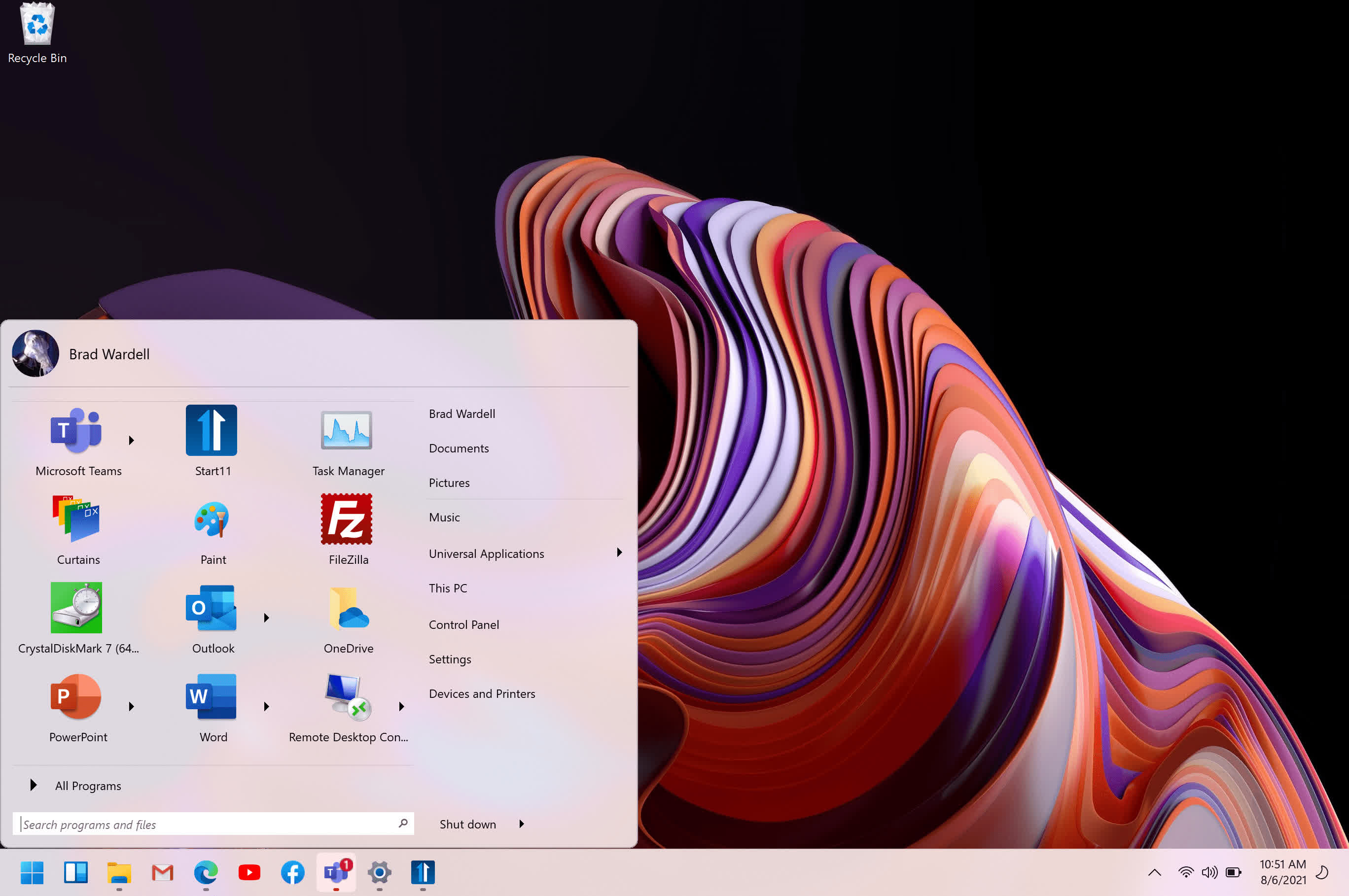
Replace the Start menu with a classic version. This Windows 7-style look is a comfortable return to the form and function you expect.
Features
- Choose from several Start menu layouts
- Works on Windows 10/11
- Integrate Stardock's "Fences" into the Start Menu
- Quickly access search on your desktop
- Add color / texture to the Start menu and taskbar
Quick Access
Quick and convenient access to search means your desktop applications and new Universal applications are always accessible. Running with multiple monitors? Add a Start menu to the secondary taskbar for always at hand access.
Stylize
Try a Modern take on the Start menu with a clean, flat style.
Customizable
Choose your favorite color for the Start menu and enjoy custom textures for your taskbar. An array of bundled images and textures let you personalize your PC.
Languages included: English, Arabic, Czech, Dutch, Finnish, French, German, Hungarian, Italian, Japanese, Korean, Polish, Portuguese, Russian, Simplified Chinese, Spanish, Swedish, Traditional Chinese, and Turkish
What's New
- Start11 5-Pack upgrade is now available