TL;DR: Microsoft is launching Copilot AI for Excel, a new feature that uses advanced language models to help users analyze data, summarize information, and generate ideas directly in their spreadsheets. The company cautions, however, that Copilot can produce incorrect responses – especially in high-stakes situations – and advises users to carefully review results before relying on them for important decisions.
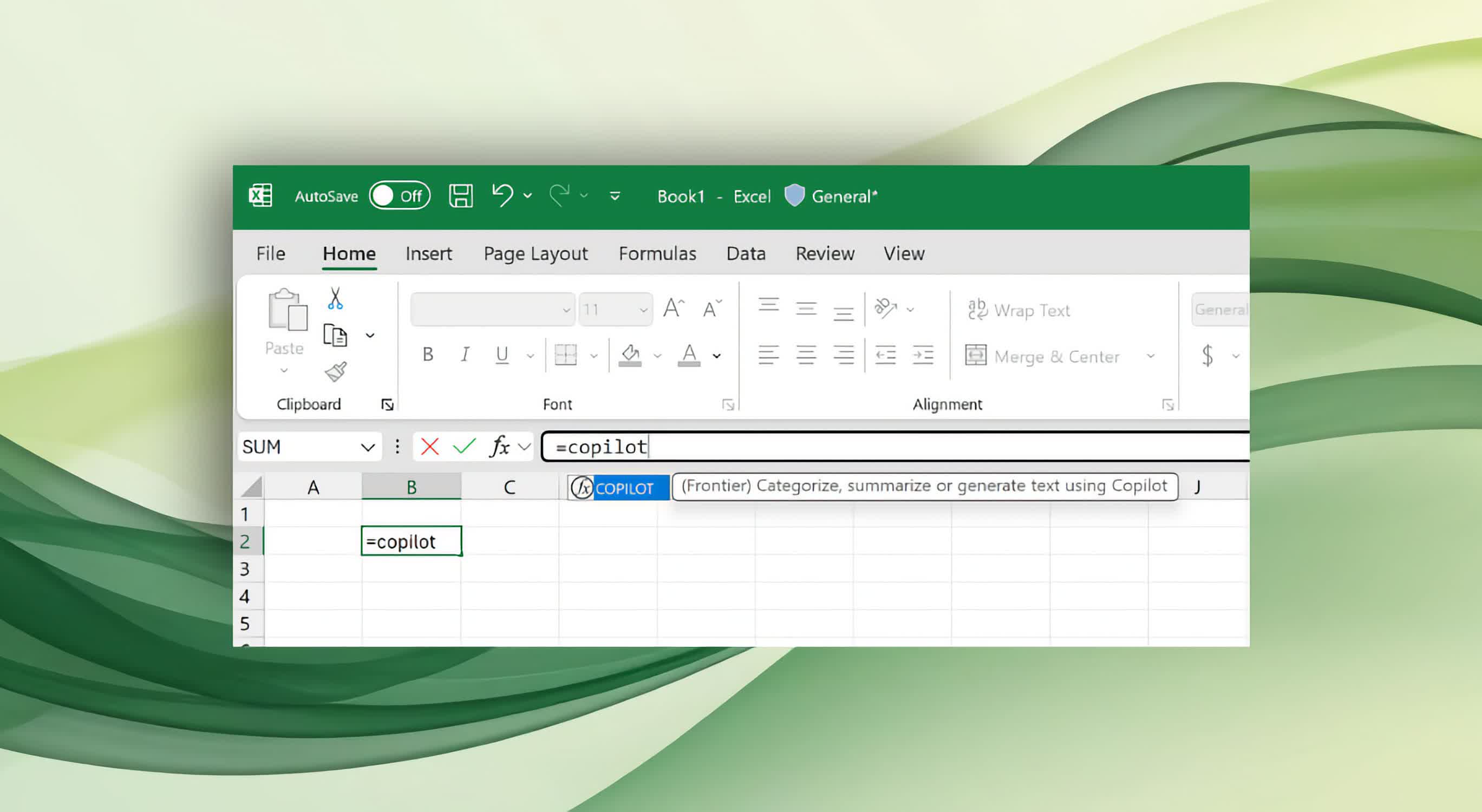
With Excel's Copilot, tasks like classifying feedback or creating summaries can be done quickly by simply typing a prompt into a cell. The tool enables automation of common spreadsheet tasks while remaining fully integrated within the familiar Excel environment.
The Copilot function lets users enter a natural language prompt into a cell using a formula such as =COPILOT("Summarize this feedback", A2:A20).
Powered by OpenAI's GPT-4.1-mini model, it interprets the prompt alongside the referenced data to generate outputs ranging from classified feedback to new tables or summaries. This feature builds on experimental tools Microsoft began testing in 2023 with the Labs.GenerativeAI function.
One of Copilot's key benefits, according to Microsoft, is its integration with Excel's existing calculation engine. When the underlying data changes, the AI-generated result updates automatically, eliminating the need for manual refreshes or scripts. Copilot is also designed to work with standard Excel formulas such as IF, SWITCH, LAMBDA, or WRAPROWS, allowing users to incorporate AI-powered features into complex spreadsheet logic without restructuring their workbooks.
The Copilot syntax requires at least one prompt argument, with optional references to cells or ranges for context. For example, a prompt could instruct the function to "classify this feedback" across a range of user comments, enabling quick sentiment analysis or categorization within the spreadsheet.
Other potential uses include generating plain-language product descriptions, summarizing lengthy comment fields, or building tables and lists from provided data.
This automation does have limitations. Copilot is restricted to data within the spreadsheet – it cannot access live online information or external documents. Usage is capped at 100 function calls every 10 minutes, or up to 300 per hour. Microsoft recommends applying the function to larger data ranges at once rather than using it repeatedly in multiple cells, since each call counts toward the limit.
The feature is currently available to Microsoft 365 Copilot license holders in the Excel Beta Channel, with support for both Windows and Mac users on recent builds.
Microsoft plans to expand availability to Excel for the web and has previewed future upgrades, including support for larger data arrays, broader enterprise and web data access, and enhanced model performance. At present, the function outputs date information as text rather than Excel's native date format, a limitation the company is working to resolve.
Microsoft emphasizes that Copilot is entirely optional and appears in spreadsheets only when users choose to invoke it. The company is actively seeking feedback as it refines the feature during its beta phase.
Excel gets Copilot formula function, but Microsoft warns about accuracy


