Lossless Scaling lets a second GPU handle frame generation, reviving dual-GPU gaming without SLI

DragonSlayer101

Posts: 1,047   +15
Staff
First look: Nvidia's RTX 3000 graphics cards debuted way back in 2020, but they still offer decent performance in many newer games. With Team Green recently relaunching the RTX 3060 12GB, a DIY enthusiast has reportedly paired an RTX 3090 and an RTX 3050 using Steam's Lossless Scaling tool to boost their combined performance.
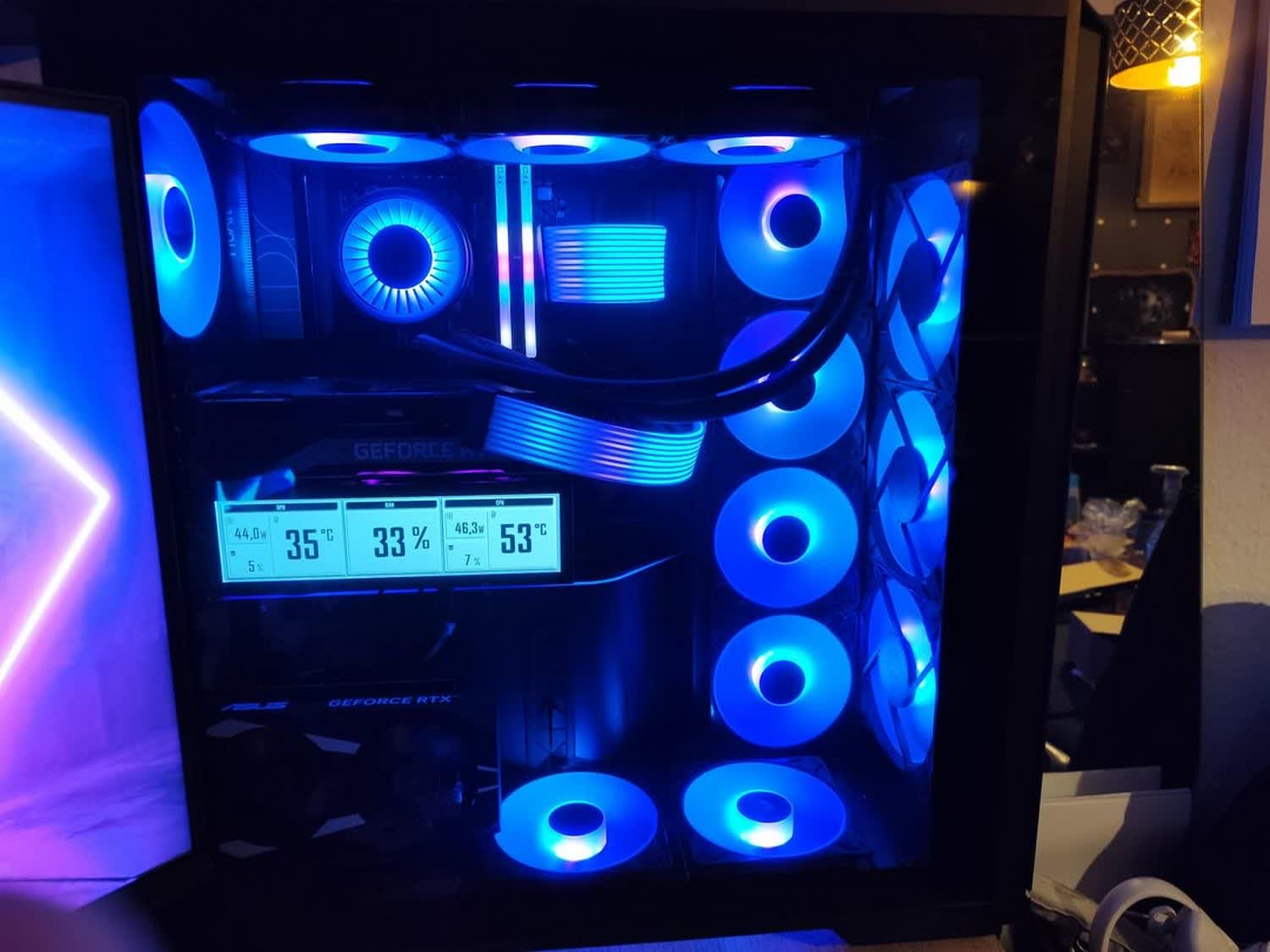
Redditor quiziwuzzi claims to have built a gaming PC with an unusual dual-GPU setup, pairing a Gainward RTX 3090 Phoenix with an Asus Dual RTX 3050 6GB OC Edition through Lossless Scaling - the $6.99 Steam app that delivers vendor-neutral frame generation and AI upscaling in a wide range of games, regardless of whether they officially support Nvidia DLSS, AMD FSR, or Intel XeSS.
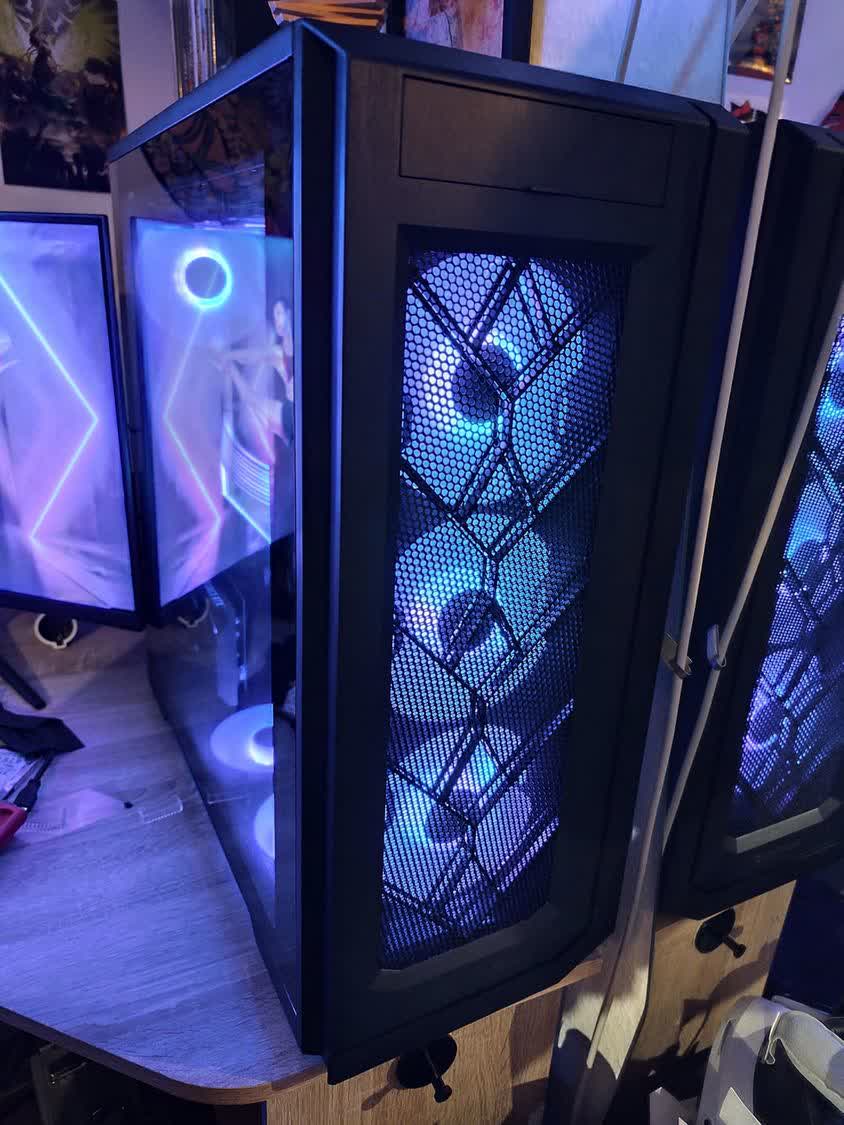
According to quiziwuzzi's post, the RTX 3090 rendered the actual frames, while the RTX 3050 generated the intermediate frames and sent them to the display. The dual-GPU configuration reportedly delivered a 4K HDR output at 144 FPS, up from just 71 FPS rendered by the RTX 3090 at the same resolution.

The Redditor added that Lossless Scaling was applied in 2x, 3x, or adaptive scaling mode during gameplay. The tool supports up to a 4x frame generation multiplier, even with integrated graphics processors. However, high-end discrete cards, like the RTX 3090, offer the best results.

The poster did not mention which game was used for the test, but noted that the dual-GPU combination was able to max out the 144 Hz maximum native refresh rate of their 42-inch LG C4 OLED TV, which was used as the display. The TV features automatic upscaling with support for Nvidia G-Sync and AMD FreeSync Premium.
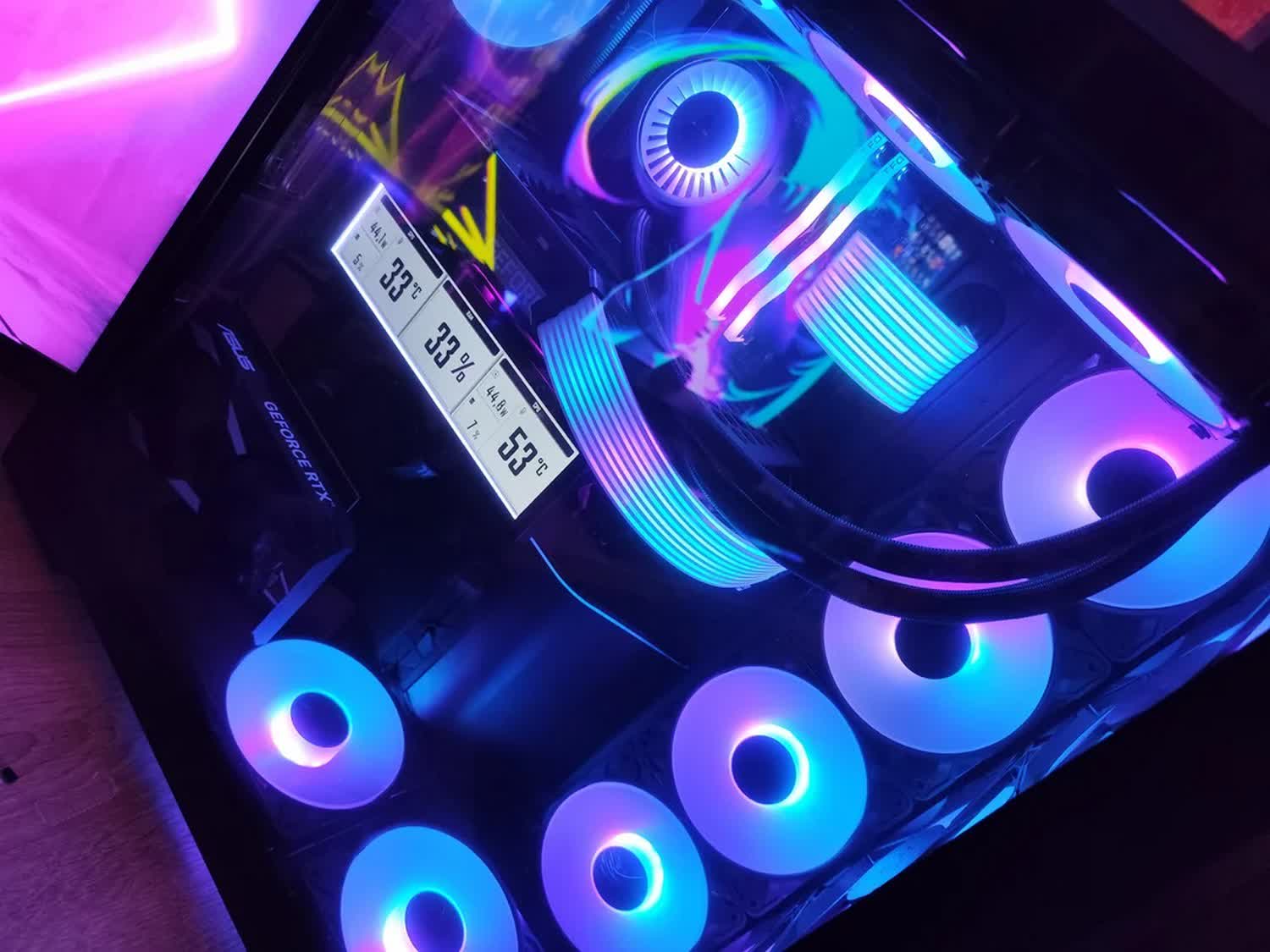
The testbed was powered by the AMD 9800X3D CPU, paired with 32GB of DDR5-6000 Teamgroup Delta CL30 memory. The system used an Asus ProArt X870E-Creator WiFi motherboard and drew power from a Thermaltake Toughpower GT 850W PSU. Both graphics cards were connected via PCIe 4.0 x8, offering the highest possible bandwidth for a dual-GPU setup.

Dual-GPU gaming rigs were once all the rage, with Nvidia's SLI and ATI/AMD's CrossFire technologies allowing gamers and DIY enthusiasts to dramatically improve frame rates in games by simply adding a second graphics card without making more substantial changes to the setup.

However, with modern games no longer scaling well with SLI or CrossFire, neither company now supports multi-GPU setups for gaming. Nonetheless, this experiment shows that resourceful modders can still squeeze additional frames out of most games, even if the extra frames are technically AI-generated and not actually rendered by the GPU.

Permalink to story:

 
I wonder what the latency and 1%lows are like, that was always the problem holding back multi GPU setups.
 
I wonder what the latency and 1%lows are like, that was always the problem holding back multi GPU setups.
It doesn't have the 1% lows/microstuttering issues of old multi GPU systems because it's not really multi GPU. The game is being rendered by just one GPU, and the other one only processes the feed that goes to the display (where it does the frame generation).

It does add latency. In my experience (which is with a single GPU, so likely worse than a two GPU setup like this), on games that I play with mouse and keyboard I can feel the latency difference, but if your base framerate is ~60 it's still decently playable. On games that I play with a controller, I can't feel the latency difference. In fact, for example, lossless scaling is the perfect way to play dark souls/elden ring at 120 FPS or more without sacrificing online functionality, since you need to disable all the online stuff to use framerate unlock mods.
 
I wonder how well it would work with a i5 10600KF @ 5Ghz all core and a 3080ti? Currently 3060's are running about 500CN and I'd only consider going that route if I knew I'd see a reasonable increase.
 
This article doesn't really go over the benefit of using a second GPU for frame gen. I would imagine if you use framegen with one GPU there is some loss of base frame rate, but how much? How much better is this?
 
This article doesn't really go over the benefit of using a second GPU for frame gen. I would imagine if you use framegen with one GPU there is some loss of base frame rate, but how much? How much better is this?
The problem with using Lossless Scaling with just one GPU is worse than losing base framerate. That happens on native FSR/XeSS frame gen implementations, because when it's native the game knows how to allocate resources between the real frames and the frame generation so that everything works smoothly (and that costs some base performance). Lossless Scaling can't do that, it basically "fights" the game for GPU resouces, which is why it only really works if your GPU has plenty of headroom (so either use it in games where you're already CPU-limited, or use a FPS cap to ensure your GPU utilization is only around 80% to 90% tops). If you don't do that and your GPU is maxed out, you get a lot of really severe stuttering, as Lossless Scaling can't "coordinate" well with the game and fights for the same GPU resources.

The advantage of using two GPUs is that it eliminates this problem. The second GPU gives you a clean 2x/3x/4x on the framerate the first GPU produces, with neither a loss in base framerate nor any stuttering. But you still get the increase in input latency from frame gen.
 
SLI has returned, except the second GPU now draws the frames that happen between the frames. Somehow, multi-GPU gaming became both smarter and more fake.
 
Back