Something to look forward to: Microsoft is making a serious push to improve Edge's performance. The Chromium-based browser is introducing "smart" enhancements for managing slow extensions, giving users the final say on which ones should be disabled first.
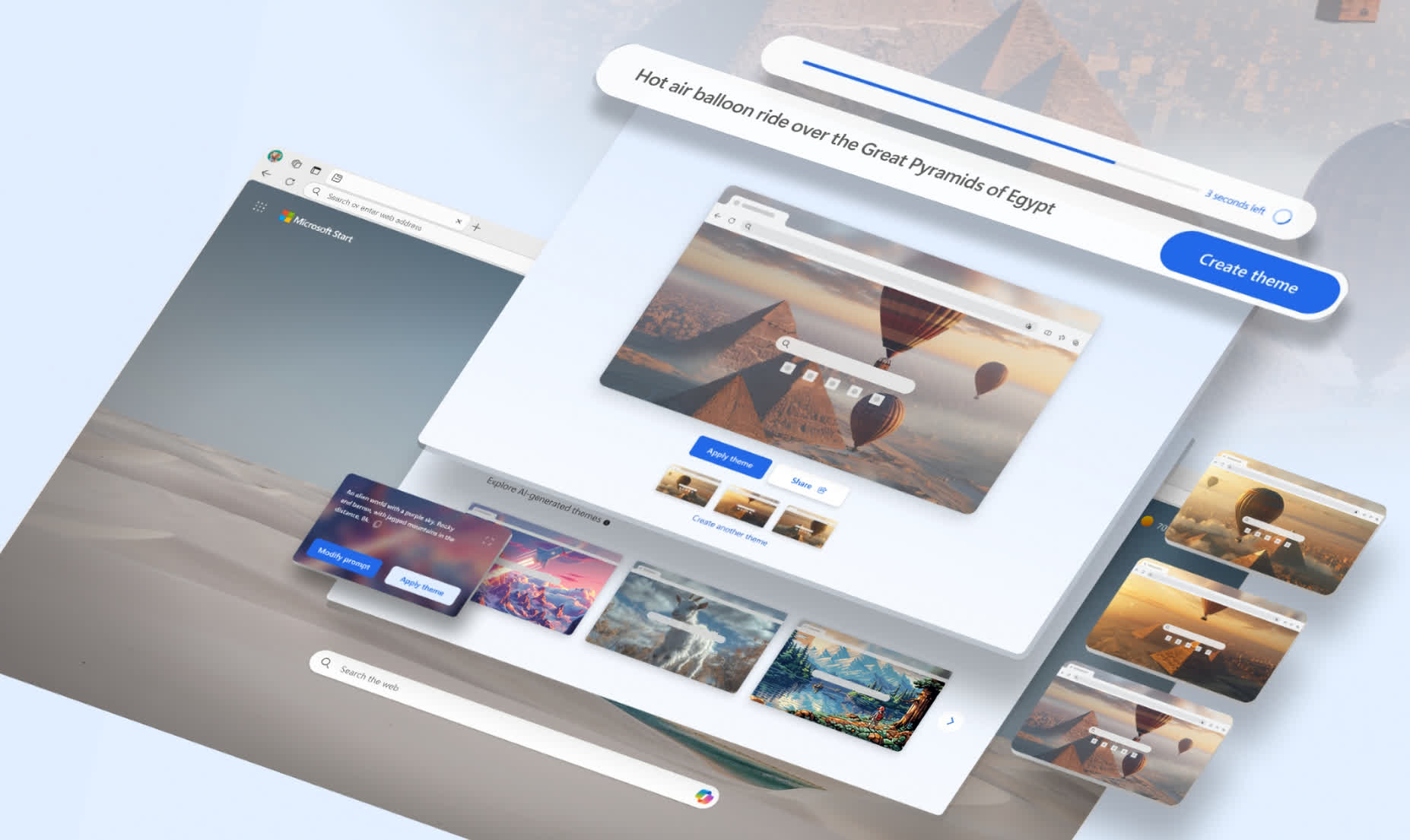
Despite being the default web browser on Windows, Edge is still used by a minority of PC users compared to Chrome. Microsoft is actively enhancing the product to attract more users, with performance now a major selling point in the company's efforts to differentiate itself from other Chromium-based browsers.
Redmond recently announced another performance-focused change: an extension "performance detector" that helps users identify which add-ons negatively impact the browser's speed and responsiveness. When certain extensions consistently slow down the browser, Edge will display a pop-up alert. Clicking the alert will show users which extensions are causing slowdowns and how much they are affecting web page load times.
The alert allows users to disable problematic extensions immediately and will only appear if Edge detects ongoing performance issues. Microsoft stated that the new feature will soon be rolled out to "some users" in Edge Canary 130, the less stable beta version of Edge. Access to Edge Canary requires a Microsoft Edge Insider subscription, which provides the latest (daily) development builds.
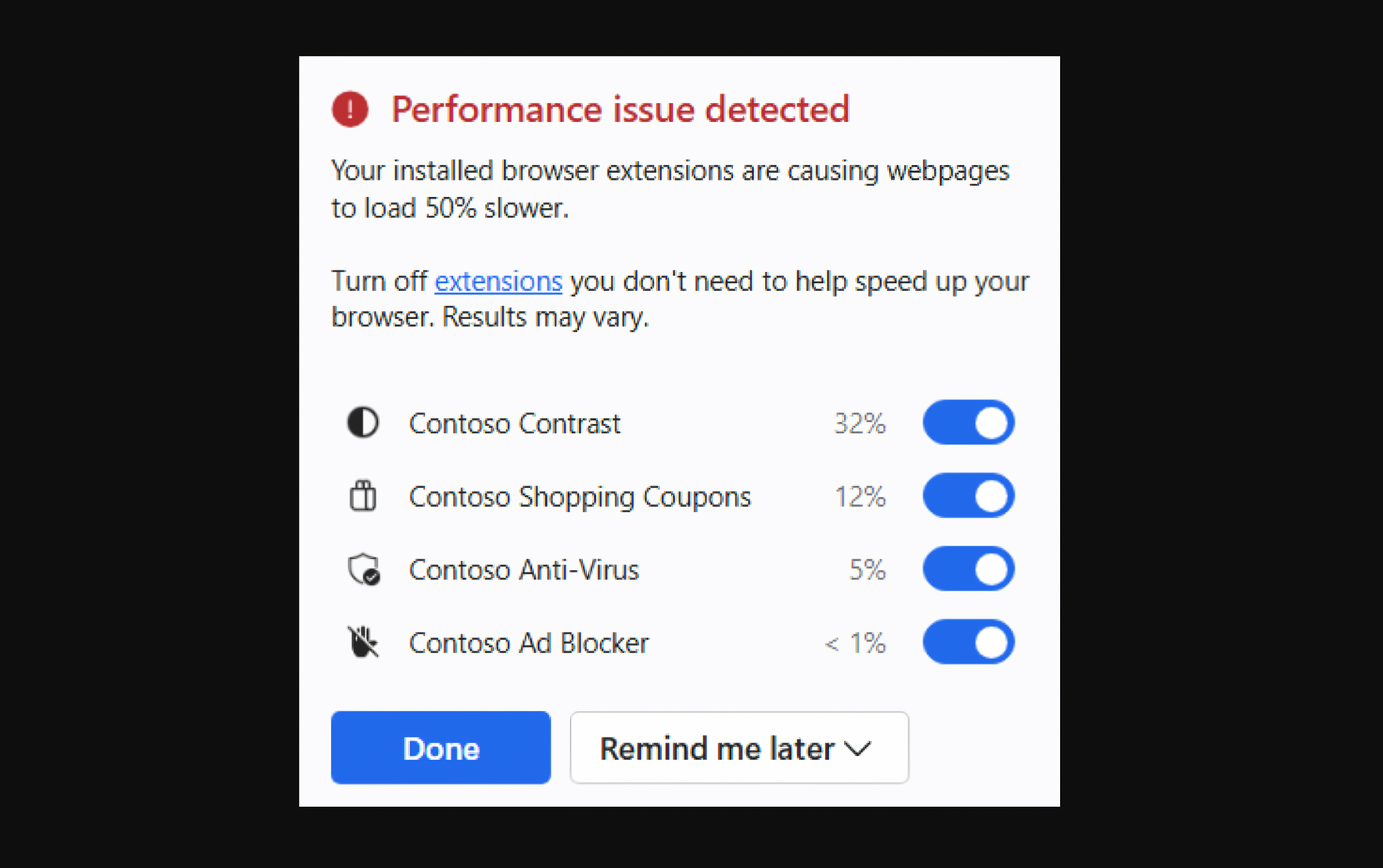
Microsoft acknowledges that extensions can greatly enhance the browsing experience, offering productivity boosts and customization options. However, a poorly optimized add-on may introduce "extra lines of web code" that can negatively impact the browser's overall performance, especially when loading web pages.
Add-on developers should focus on optimizing performance, and Microsoft is offering useful advice for programmers interested in creating better extensions for the Edge ecosystem. The new performance alert feature can also be activated early via an experimental browser flag. To enable it, visit "edge://flags/#edge-performance-extension-detection," turn on the option, and restart the browser.
Although Chrome is often criticized as a key tool in Google's alleged monopoly, it has introduced significant performance improvements across the web. Modern browsers are increasingly focusing on being as smooth and fast as possible, with built-in performance monitors and "task managers" that allow users to track hardware resource usage.
Beyond performance, memory usage is a critical aspect of today's web browsers. Microsoft recently introduced a feature in Edge that lets users limit how much RAM the browser consumes.
Microsoft Edge will show you which extensions are slowing you down, impacting performance


