Microsoft is now testing the Xbox full screen experience on all Windows 11 PCs

Daniel Sims

Posts: 2,416   +73
Staff
In brief: Microsoft initially introduced its controller-friendly Windows interface with the Asus ROG Xbox Ally in October, but all Windows handhelds will support it starting from today. Windows insiders can begin testing it on other devices soon, and a third-party tool enables anyone to try it now.
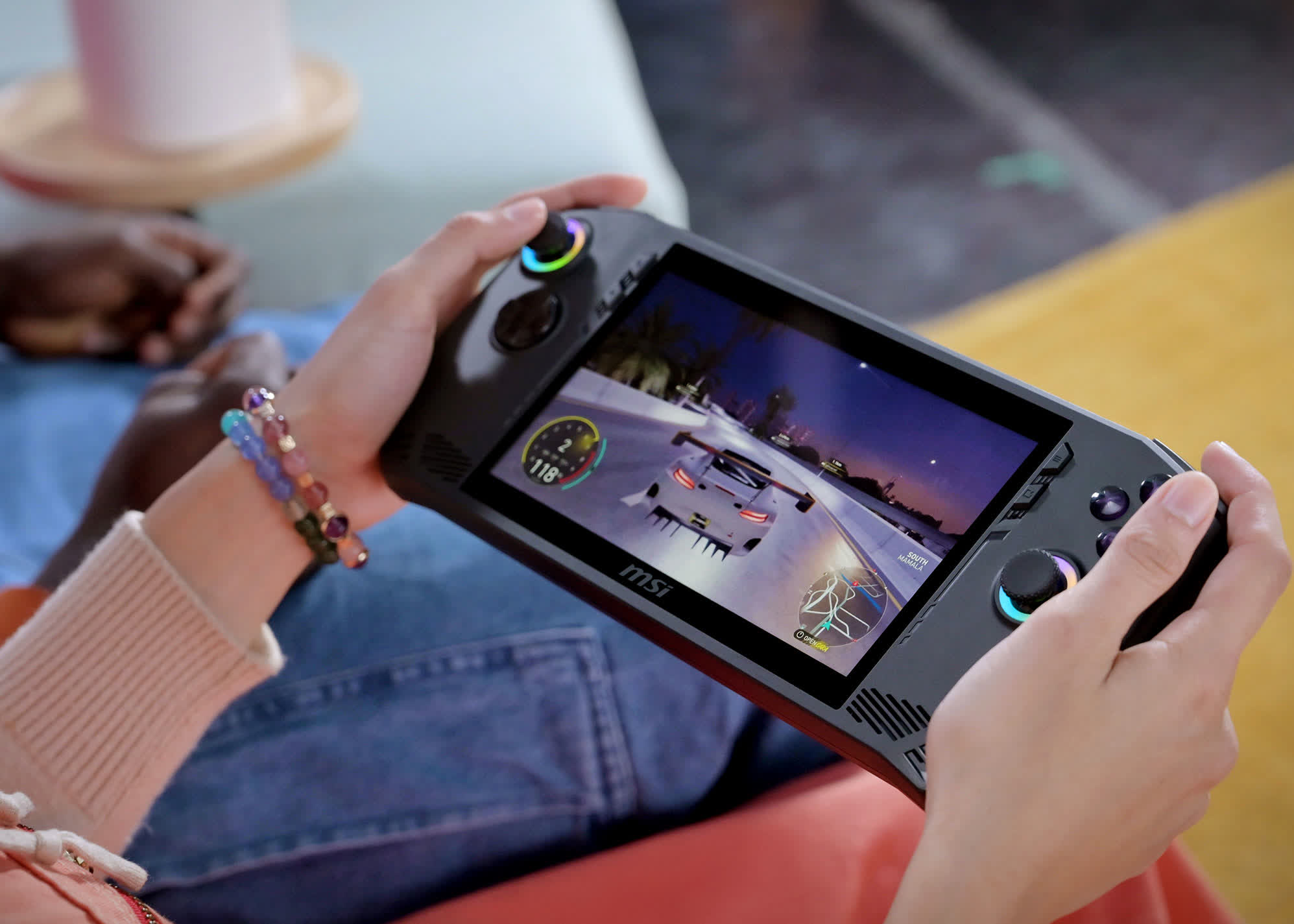
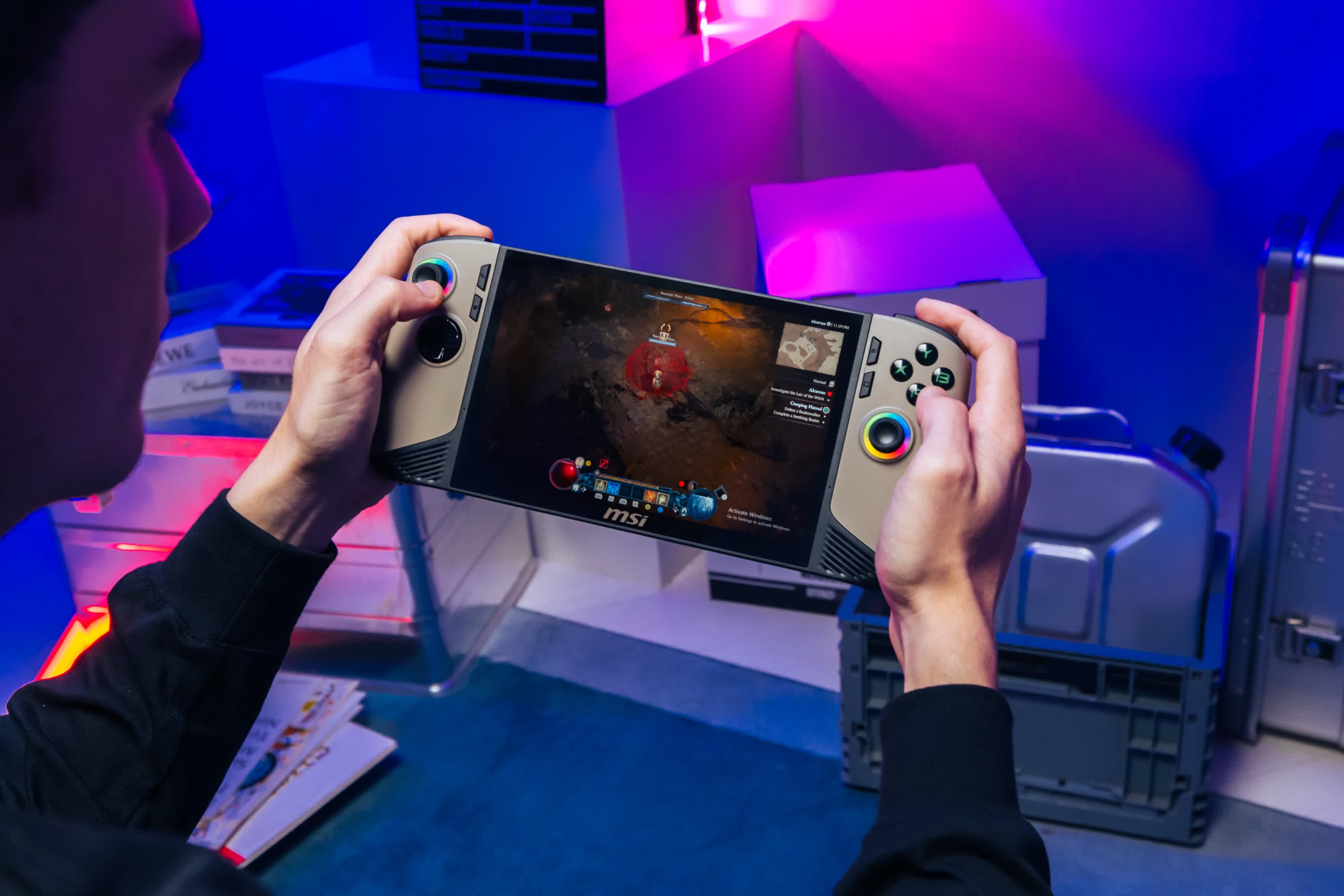
The announcement came at the end of Microsoft's November 2025 partner direct event. Making the full screen experience generally available could significantly streamline the process of launching games on devices like the Lenovo Legion Go, MSI Claw, GPD Win, and earlier Asus ROG Ally models.

In contrast to the Steam Deck, Windows handhelds can run PC games without resorting to Valve's compatibility layer and include the anti-cheat support needed to play many popular multiplayer titles. Some models are also significantly faster than the Steam Deck, but the Windows desktop is ill-suited to gamepads and small screens.
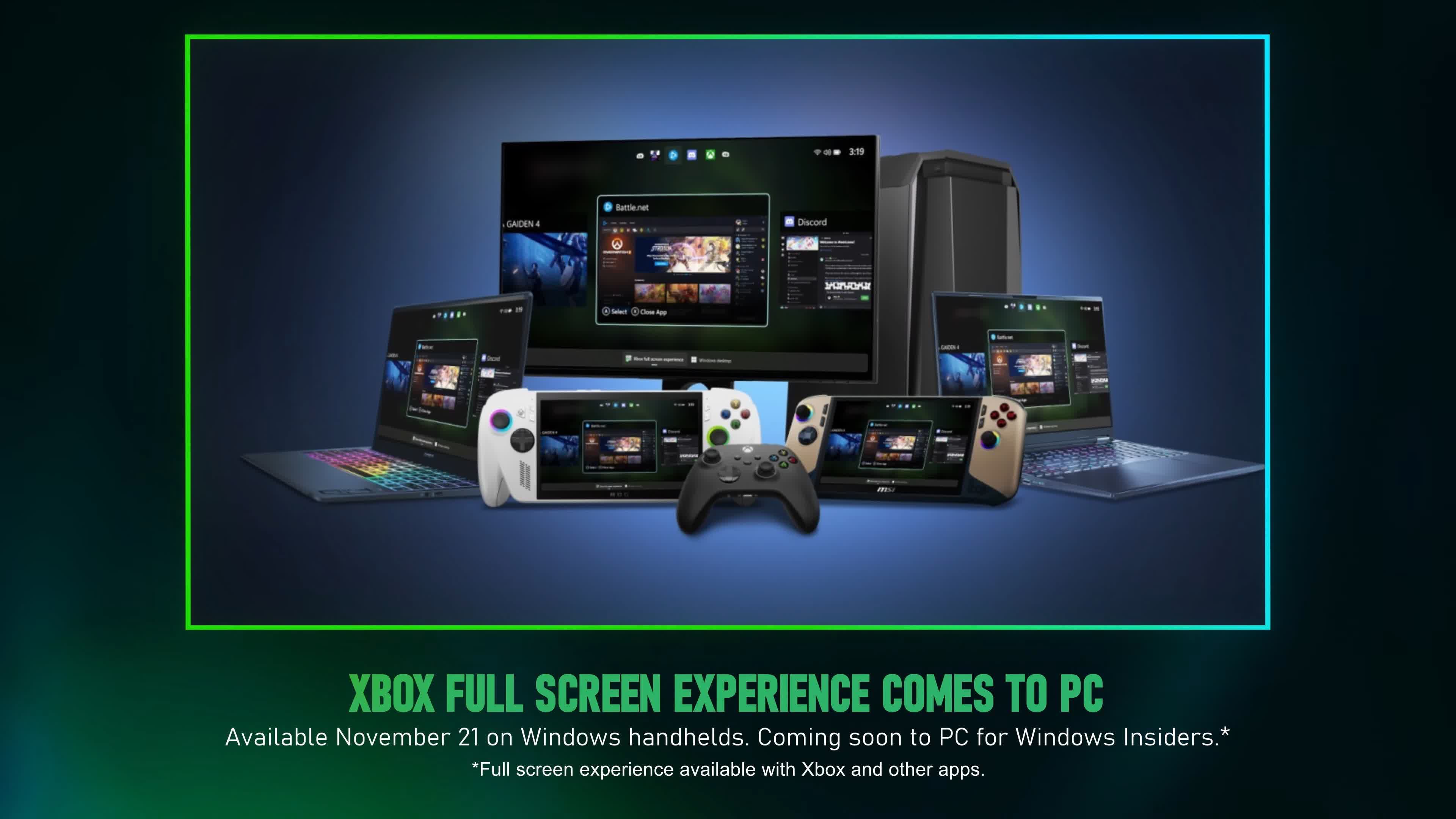
To remedy the issue, the full screen experience replaces the traditional Windows desktop with a new frontend that allows users to launch games from Steam, the Xbox app, Battle.net, and other launchers using only gamepad buttons. Although many consider Valve's SteamOS far superior to Microsoft's solution, the latter is expected to improve significantly over time.

Users have a couple of options to test the full screen experience on non-handheld Windows devices, such as PCs connected to TVs. The official method involves joining the Xbox or Windows Insider program by installing the Insider Hub or registering with the Insider Program after the update becomes available. A Feedback Hub for Insider features is available via the Start Menu.
However, those who don't want to wait and are willing to accept a certain amount of risk can download the unofficial Xbox Full Screen Experience Tool from GitHub. The mod allows anyone with Windows 11 24H2 or 25H2 and a controller to activate the full screen experience, which is already hidden in the operating system.

The developer warns that the tool makes deep modifications to Windows. Users should back up their systems in case a serious error forces them to reinstall the OS. The mod also requires overriding the screen dimensions when using monitors or TVs.
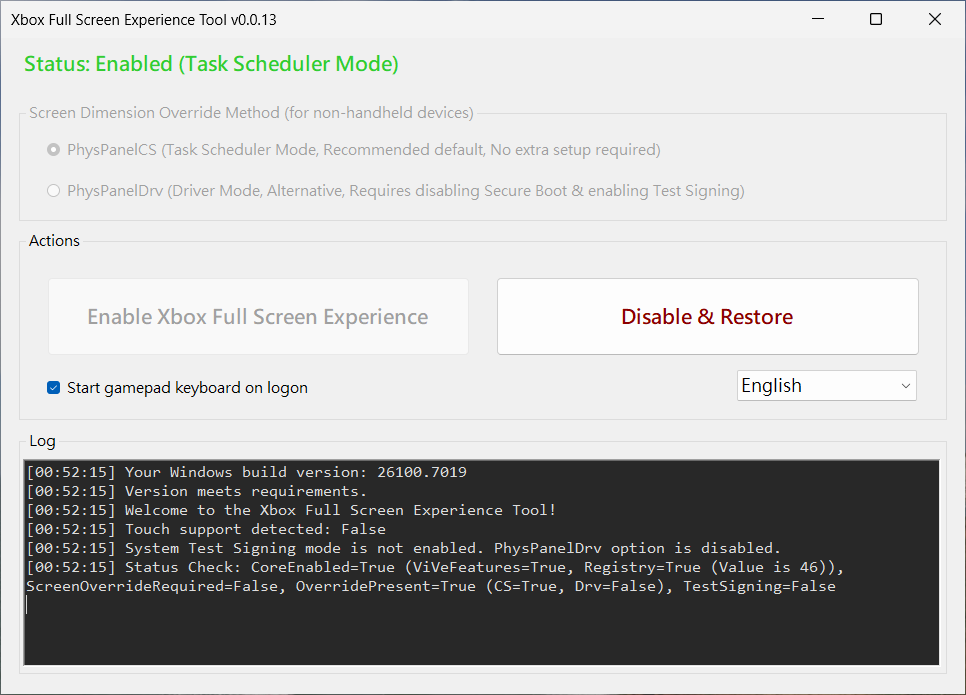
If you want to try the unofficial tool, download the latest .msi package from the GitHub page, run the installer, and start it from the desktop shortcut. After choosing one of the panel modes described in the directions, click the button to enable the new frontend and reboot.

The next step is to update the Xbox Game Bar from the Microsoft Store's Downloads section. Finally, navigate to Settings > Gaming > Full screen experience and select Xbox under "Choose Home app," and enable "Enter full screen experience on startup." To reverse the process, click "Disable & Restore" and reboot.

Permalink to story:

 
Sooooo Windows 8 huh?
Windows 7 was the last straight up no compromise desktop attempt.
8 was aimed at touch screens and made everything extra fat for our fingers.

Hopefully 11 controller optimizing can be done in an additive rather than destructive way. Information density on desktops has gotten so much lower since the rise of the smartphone. The design language for far fingers got carried over to far to many desktop things.

Part of it is also "UI experts" with guidelines to prevent information overload by only displaying a few things at a time to prevent our simplistic ape brains from overloading.
 
Windows 7 was the last straight up no compromise desktop attempt.
8 was aimed at touch screens and made everything extra fat for our fingers.

Hopefully 11 controller optimizing can be done in an additive rather than destructive way. Information density on desktops has gotten so much lower since the rise of the smartphone. The design language for far fingers got carried over to far to many desktop things.

Part of it is also "UI experts" with guidelines to prevent information overload by only displaying a few things at a time to prevent our simplistic ape brains from overloading.
I was referring to the Windows 8 touch screen interface.
 
If this were to work simply - no nonsense (Perhaps a paid for app even - one time payment.) That simply allowed us to use our PCs like the Xbox. Plus Console interface and store for games it would be the first thing ever released on Win11 (beyond the actual basic OS - no bs apps co-pilot crud, A.I bloat etc.)
that would interest me.

For those with suitable hardware it would almost be like getting an xbox for free and connecting to ones PC monitor.

Of course such a simple, and IMHO, very popular app/extension would be something that quite a few gamers would like.

I'm thinking a payment of less than $50, and of couse regular xbox prices for the games, effectively meaning our PCs could also function as an Xbox (Hardware permitting) by clicking on the app and plugging in a controller, that would be popular move.

Of course as it's simple, and wouldn't require A.I. or a stupid subscription it's never going to happen.

The way MS have operated since around the heavy push to W11 I can't imagine such a simple, and IMO excellent thing would ever even occur to them.

I'll stop dreaming now.
 
For all you gamers out there, I hope this works well.
For all of us non-gamers (and especially the millions of employees of the vast majority of companies that don't let employees use company computers to play games on), I hope this does NOT become yet another unwanted feature that must be stripped out forcefully after each install or upgrade.
 
For all you gamers out there, I hope this works well.
For all of us non-gamers (and especially the millions of employees of the vast majority of companies that don't let employees use company computers to play games on), I hope this does NOT become yet another unwanted feature that must be stripped out forcefully after each install or upgrade.
I do game, but I still fully agree with you. It should not be forced, should be easy to disable (MS likes to default on - as we all know) and ideally uninstall it for those, (most overall - as you alluded) who will never, or who are not permitted to game at work!
 
Back