Microsoft is pushing OneDrive backups and integration in new Windows 11 setup by default

Alfonso Maruccia

Posts: 2,576   +958
Staff
Classic Microsoft: OneDrive is Microsoft's cloud storage and file-syncing solution that's baked directly into Windows. However, over time the tool has become increasingly annoying and troublesome, and now Redmond seems willing to make it more so by making OneDrive an opt-out feature.
Microsoft recently changed the Windows 11 installation process, turning on OneDrive data synchronization by default without providing users an opt-out dialog. The "feature" is enabled during the Windows 11 setup procedure after users log in to an online Microsoft account.

After installation, the Windows desktop gets cluttered with new shortcuts to user data and folders previously saved on OneDrive. Everything is automated, so synchronization between Microsoft's cloud servers and the local Windows "experience" starts right after completing a supposedly "clean" Windows 11 installation.

Microsoft could have done things differently, giving users a few pop-up choices to start OneDrive synchronization right after the initial Windows 11 setup. Instead, the company has ultimately decided to shove OneDrive down users' throats. Triggered users immediately shared their outrage on Reddit for yet another annoyance caused by Windows 11.
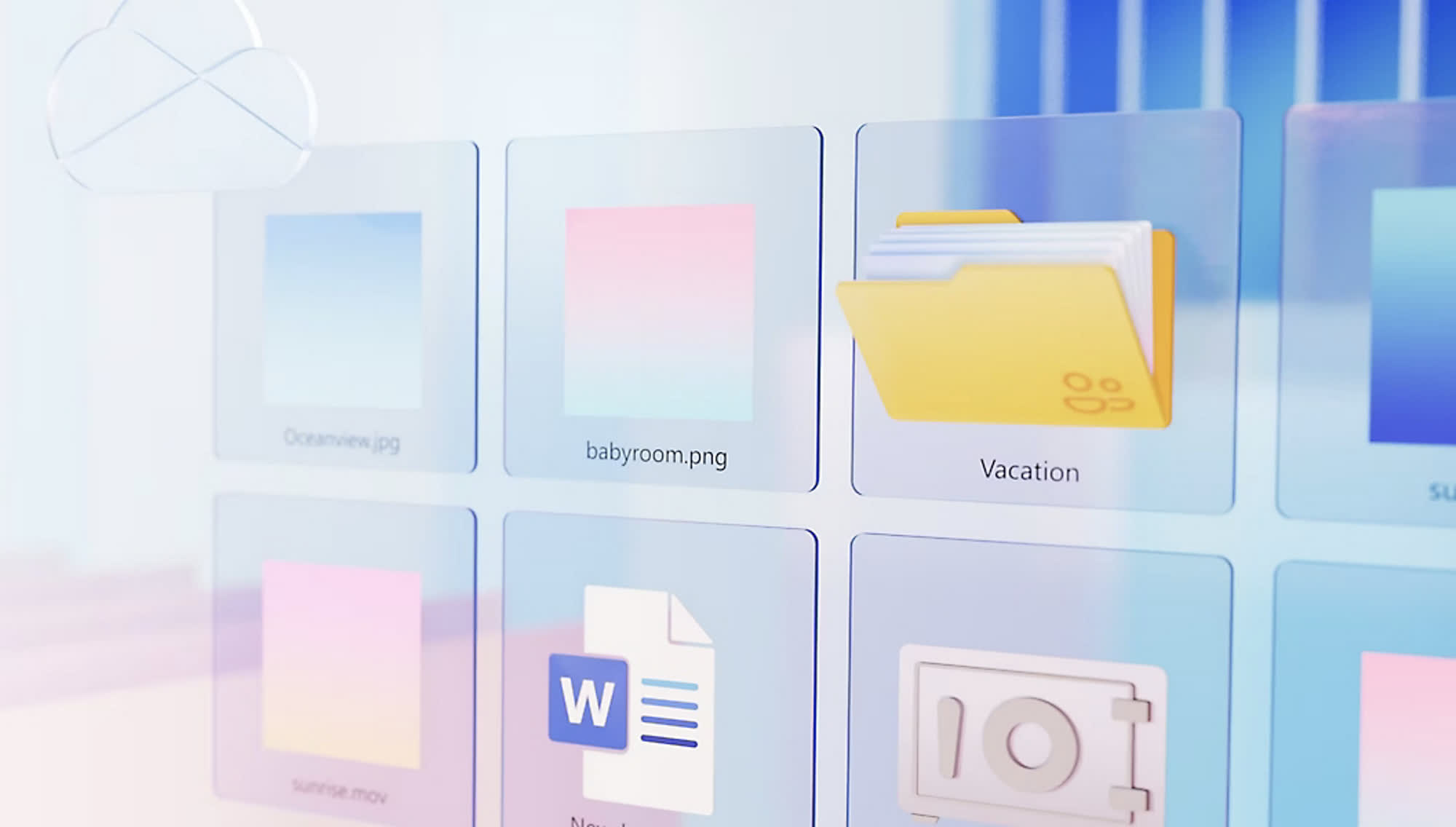
Users can disable OneDrive to stop unwanted data synchronization after Windows installation. In fact, Microsoft is providing an official troubleshooting guide explaining how to properly shut the service down and remove the software from the PC.

However, auto-syncing during Windows setup is going in the opposite direction. Microsoft will likely backtrack on the move when enough user complaints hit the forums and social media, but that does nothing for those looking for a clean, unbloated Win11 install right now.

Redmond's motivations seem clear – lock people into its OneDrive cloud backup solution – in a somewhat similar move to what Apple does with iPhone owners and iCloud. The change indicates that Microsoft views user choice as inconsequential or at least less important than its thorough data harvesting, telemetry collection, and growth of its cloud ecosystem.

Microsoft has used several "tricks" and shady tactics to push OneDrive onto PCs in the past, even making annoyed users explain why they were quitting the pesky cloud software. The company seems laser-focused on forcing users into its digital walled garden by requiring a Microsoft account during Windows 11 installation and removing help pages on how to turn a Microsoft account into a local, "offline" one. It is this type of behaviour that has the European Commission threatening heavy DMA fines against Microsoft now.

Permalink to story:

 
OneDrive is the devil. I've always uninstalled it in the past, which was not an issue. However, after buying and building two new Windows 11 PCs last year, I found that "My Documents" and all other "My" folders defaulted to to OneDrive. I didn't realize this initially, and had quite the ordeal when I ran out of storage while copying data from my old computer because my OneDrive account was full.

Once I figured out that Microsoft had set these folders to default to OneDrive, I had to uninstall it before copying any more data. The first PC (custom-built) was particularly difficult because I had already copied a lot of files, which were then stored in the cloud. Deleting them and moving everything to my local SSD was a hassle.

With the second computer (Dell laptop), I knew what to expect and still had to go through several steps to disable and uninstall OneDrive. Despite being very tech-savvy, the process was a nightmare. I can only imagine how many people Microsoft has screwed with Windows 11 and OneDrive.
 
Some days I wish I were not a gamer. Would make the Linux transition so much easier. I do use Linux on my non-gaming laptop, and I know there are plenty of ways to get games to work on Linux, but I'm lazy and want apps to just work. Fortunately the software support for the Steam Deck has made the ecosystem much more palatable in recent years. My next system just might be Linux, but if so I'll probably dual boot for that one game that is a pain in the rear.
 
Whereas I love Microsoft OneDrive. It keeps my irreplicable personal data (things like family pictures of long dead relatives) safe from being destroyed in a bout of ransomware or God forbid, a natural disaster that wipes out everything I own.
 
I installed Windows 11 Pro on my HP desktop about two months ago. The first thing I did was rip out just about everything Microsoft, including Co-pilot, Edge, Onenote, and a slew of others. Everything is working pretty well, minus, the Microsoft snoopware...
Good on you! Besides Bitlocker, having access to Group Policy is why I have the Pro edition to Windows 10 (upgraded from Windows 8 Pro, ah... those days when the biggest gripe was the UI and not these other shenanigans). I mentioned maybe switching to Linux, but as a gamer, I'll probably do the same thing you do for my next desktop: use a local account and rip out all the crap.

I like the idea of syncing things between devices with a Microsoft Account. Even OneDrive isn't terrible (though I use Mega, which is more private, or at least the brand claims to be). But everything else that Microsoft continues to do with stripping away user agency just makes me say no, I don't trust them. Only reason I use OneDrive is for work, and that's my company's decision and their risks, not mine.
 
Whereas I love Microsoft OneDrive. It keeps my irreplicable personal data (things like family pictures of long dead relatives) safe from being destroyed in a bout of ransomware or God forbid, a natural disaster that wipes out everything I own.
Yes, this is nice to have. But it shouldn't be forced on you, and there are other services which put your privacy at the forefront, staking their brand reputation on it. Microsoft isn't that. Though I do get the appeal. Sometimes I'm half tempted to just say to hell with it and go all in on it. But no, I'll stick to trying to keep control over my device for as long as I can. Inevitably, there will be a subscription fee for Windows.
 
there are other services which put your privacy at the forefront, staking their brand reputation on it. Microsoft isn't that
True. But for the same price? I don't think so! OneDrive is cheap and it works for what I need.
 
True. But for the same price? I don't think so! OneDrive is cheap and it works for what I need.
That's true. I use Mega and their cheapest paid plan is quite expensive (which is why I have the Free plan). I'm glad OneDrive works for you. But, for the rest of us, I complain about Microsoft taking agency away from its users as a principle.
 
I installed Windows 11 Pro on my HP desktop about two months ago. The first thing I did was rip out just about everything Microsoft, including Co-pilot, Edge, Onenote, and a slew of others. Everything is working pretty well, minus, the Microsoft snoopware...
DoNotSpy11 still works very well at blocking the dozens of holes in Windows.
 
DoNotSpy11 still works very well at blocking the dozens of holes in Windows.
And I use AdGuard. Not only does it block ads inside browsers like nothing else can since it works at the network layer as versus being limited by whatever is in the browser, but it also has the ability to block Windows telemetry and ads.
 
For all of you who are tempted to use OneDrove, remember this: There is no such thing as a "cloud" - it's just an obfuscatory name for Someone Else's Computer. And when you put YOUR data on Someone Else's Computer, it isn't YOUR data anymore, it's THEIR data and no matter what lies they tell you, they have the COMPLETE right to do with it Whatever They Want. Your 4th Amendment protection (if you live in the USA) has been handed over to the owner of THAT computer.

I would NEVER consider storing my data on Someone Else's Computer unless that Someone was a trusted family member. I use a portable USB hard drive to back up what's most important (such as my pictures); and I leave it unplugged when I'm not copying anything to it so it's immune to ransomeware.

I found a way around Micro$$$$$$$$'s shenanigans: Use the Windoze 10 installation kit to install Windoze 11. Yes, it works. Just copy the file install.esd from the sources directory of the Win.11 kit to the sources directory of the Win.10 kit, then copy the entire kit to a thumb drive and make it bootable. This one file contains Win.11 in its entirety, and the Win.10 kit's installation process does NOT include any of Micro$$$$$$$$'s garbage (TPM, secure boot, Micro$$$$$$$$ account, etc.). It will install Windoze 11 on any computer that can run Win.10 (Pentium v.900 or later) and you don't even need an Internet connection on the target computer until you're ready to install all the latest patches from Windoze Update.

I also have a "cleanup" script that I run immediately after the installation finishes, which strips out as much of Micro$noop's spyware as I have been able to find out how, including OneSpy and all the Edge garbage.

I wrote a more detailed description of the process in the comments section of another post on this forum yesterday;
 
Back