Netflix brings 4K streaming to Chrome, but you probably don't qualify

Alfonso Maruccia

Posts: 2,643   +991
Staff
Bottom line: Chrome users can now watch Netflix shows in 4K resolution. However, the streaming giant is offering this high-quality option only to users who meet the strict hardware requirements set by the company. Is the official Netflix app still the best streaming option for the broader PC ecosystem?
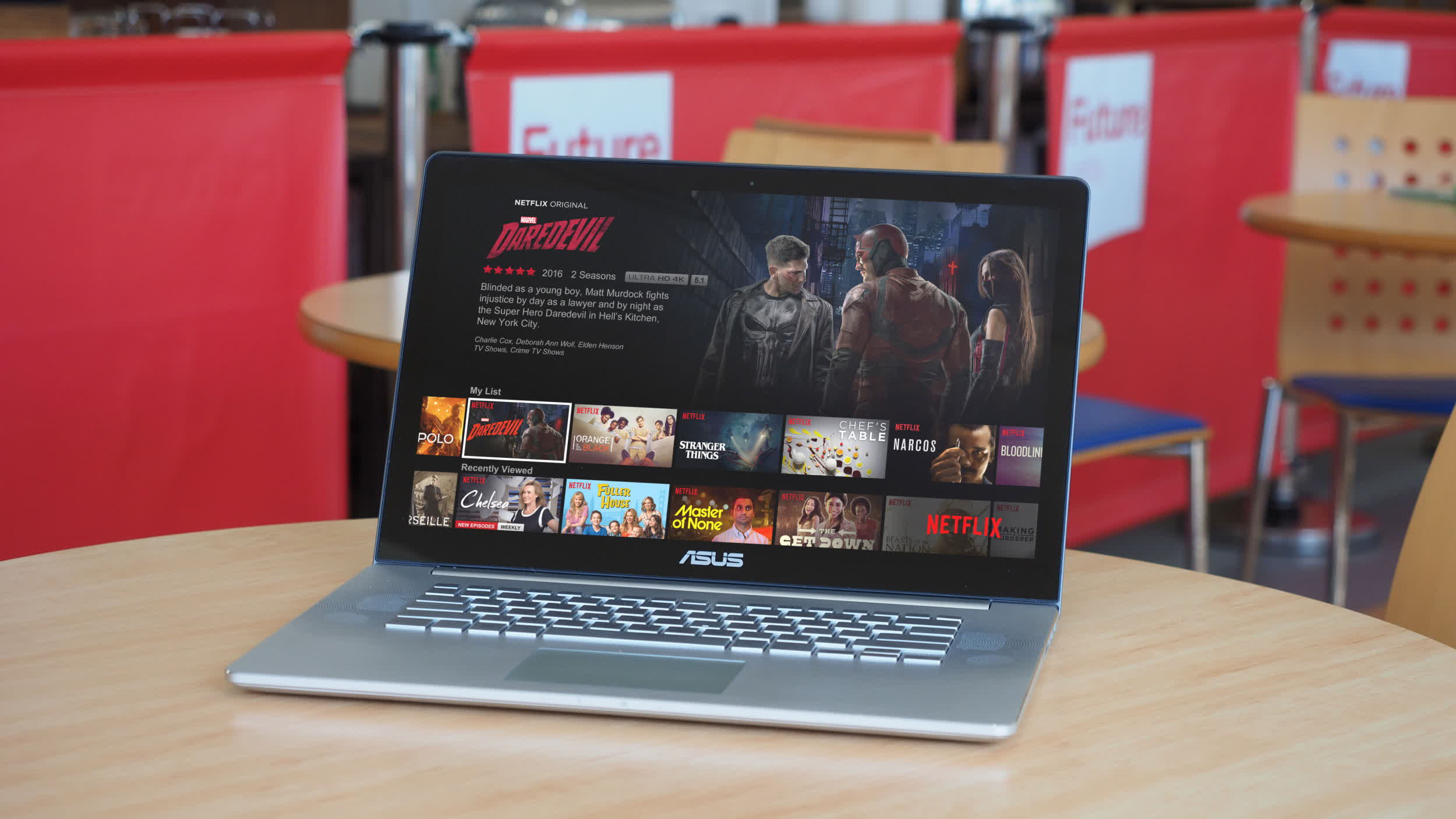
Netflix's support for 4K streaming through Chrome on Windows was spotted last month. Now, the media giant has updated its documentation to explain exactly how subscribers can unlock the higher-quality option. However, the move will still leave many users behind, despite bringing 4K playback to the most popular web browser used by hundreds of millions of people worldwide.

Netflix's updated browser support documentation now lists Chrome 117 or later as a browser capable of streaming shows in Ultra HD (2160p) resolution. Previously, the feature was only available through Microsoft Edge and Safari. Furthermore, 4K streaming requires users to subscribe to the appropriate plan; in the US, the Premium plan is currently the only option that supports 4K and costs $27 per month.

Even worse, Chrome compatibility with 4K streaming is limited to Windows PCs and Chromebook devices. Mac users will still need to rely on Safari, or even Microsoft's Edge browser for macOS, to watch their favorite shows at the highest resolution supported by the service.

Browser support aside, streaming Ultra HD content on computers requires additional hardware and software that Netflix outlines in another support document. These requirements include a "steady" internet connection with speeds of 15 Mbps or higher, Windows 11 with the latest updates installed, and a modern GPU from either Nvidia (GeForce GTX 1050 or newer) or AMD (Radeon RX 400 series or newer).

Additional requirements include a 7th-generation Intel Core processor, an AMD Ryzen processor, or newer models, along with a proper 4K 60Hz built-in or external display/TV that complies with the HDCP 2.2 DRM standard. Multiple displays can be used for 4K playback, but they must meet the same requirements.

Netflix's hardware requirements should also apply to the company's dedicated Windows app, meaning there is currently no official way for Windows 10 users to access Ultra HD playback. Official Chrome support will certainly allow a wider audience to access higher-resolution Netflix content, while people using alternative browsers such as Firefox or Brave are still excluded from the feature.

In that sense, my personal experience dealing with protected media content on PCs suggests that things are unlikely to improve anytime soon. Watching an Ultra HD Blu-ray release – which still offers significantly better quality than streaming – on a Windows 10 PC requires considerable tinkering, including DRM workarounds, firmware flashing, and purchasing compatible hardware. However, it can ultimately be done if you're determined enough.

Permalink to story:

 
The harder they push these digital locks the harder people will push back.

So far, I've spent hundreds to be able to rip every single disk (floppy disk, optical disc, still working on a solution for cassette tapes...) I have in my possession. With and without DRM.

And I'll gladly do it again.
 
$27 is the cost of a cellular contract. What are customers getting for damn-near $30/month? Does it come with an expanded geofencing capability or is that an additional premium?

Also, "a modern GPU from either Nvidia (GeForce GTX 1050 or newer) or AMD (Radeon RX 400 series or newer)." C'mon now, that's ridiculous. Most smartphones can playback 4K streams with no issue, on their iGPU, but you need a 75W dGPU for that task? Also, I notice the stark lack of Intel on this list. Like, if Intel Xe graphics is all I have access to―y'know, the GPU that comes with most Intel processors from the last 5 years , I'm locked out too? Maybe an ARC graphics card will do?
 
All the negatives like the high price, etc., were already present, so adding Chrome compatibility is a purely positive development. Hopefully it leads other streamers to do the same.

But yes, getting high quality streaming on your PC is far more difficult than it should be, and not helped by the streamers generally providing no actionable error messages or other help in explaining why a given pc/browser combination isn't working.
 
And what's the bitrate. 4K-worse-than-1080p?
God, this. The biggest scam in internet video is that companies normalized using resolution instead of bitrate. Video resolution hardly matters, what matters for quality is bitrate. 720p video at 10 Mbps looks better than 2160p video at 5 Mbps.
 
God, this. The biggest scam in internet video is that companies normalized using resolution instead of bitrate. Video resolution hardly matters, what matters for quality is bitrate. 720p video at 10 Mbps looks better than 2160p video at 5 Mbps.

Yes of course to the bitrate mattering a lot, and it generally not being exposed in normal operation. Netflix and some others do provide detailed debug screens when you enable them though.

I'm not sure the "biggest scam" part is really earned though -- in the ones I use, the higher resolution is generally streamed at a significantly higher bit rate, providing your network/device supports it. And you can see the difference, provided it's present in the source in the first place.

Which brings us to the whole category of "4K" content that just isn't really 4K - like older releases that were maybe up-sampled a little bit or even not at all. A lot of old, huge titles with special effects may have camera negatives that could be remastered but have digital content that is pretty low res by today's standards and there's only so much they can do.
 
Now, if only Windows could get Dolby Vision support... I will never use a built in TV app, even for this, ever.
 
I guess I'm lucky I'm "old" and don't bother with 99% of the streaming subscription stuff. Shoot, I just watch the "old" stuff any more. Most of the new stuff they dump online isn't worth it for me.
 
I applaud them for adding more support, but I'll keep judging them for throwing up all these barriers in the first place.
Yeah, yeah... supposedly it's because the movie studios force these things on them because they don't want their content getting copied.
But they also do it for Netflix original content they've made themselves. And I doubt when the largest streaming service simply gives them a "no, we cba - this stuff has been circumvented for years already by the people doing the actual 'stealing' (copying) and inconveniences our regular users" that they stop making use of Netflix to make a buck.
You can literally download anything from Netflix in 4k on the pirate sites, the DRM does NOT work. Meanwhile every legit customer gets limited in what software and hardware they can get the full quality service on.
Indirectly encouraging your best paying customers to pirate your content does not sound like a great strategy to me. They might decide to stop paying entirely.
 
I'm not sure the "biggest scam" part is really earned though -- in the ones I use, the higher resolution is generally streamed at a significantly higher bit rate, providing your network/device supports it. And you can see the difference, provided it's present in the source in the first place.
That is how it's supposed to be, but it's still obfuscation of the stat that actually matters, and allows the companies to do lower video quality without disclosing it. You're at the mercy of the companies choosing to be sensible and honest.

The biggest culprit is Youtube. Multiple times over the years they simply reduced the bitrate of all the video "resolution" choices they offer, the last time being quite recently. This last change about 5 months ago drastically lowered the quality of anything 720p60 and below. It used to be that 720p looked decent for me on a non-fullscreen browser tab, now after the bitrate reduction it looks awful, 720p now looks barely better than what 480p used to look like. I had to move up to 1080p even for non-fullscreen playback just to maintain acceptable quality like I had before the change.

The services you use may be behaving for now, but nothing stops them from doing this in the future, exactly because they obfuscate their bitrate and use resolution instead.
 
Back