In context: The latest Windows 11 update for Meta Quest 3 highlights how Microsoft and Meta are blending traditional desktop productivity with immersive computing. The move gives Microsoft a new foothold in the growing mixed-reality workplace market, while positioning Meta's headsets as capable tools for both entertainment and professional use.
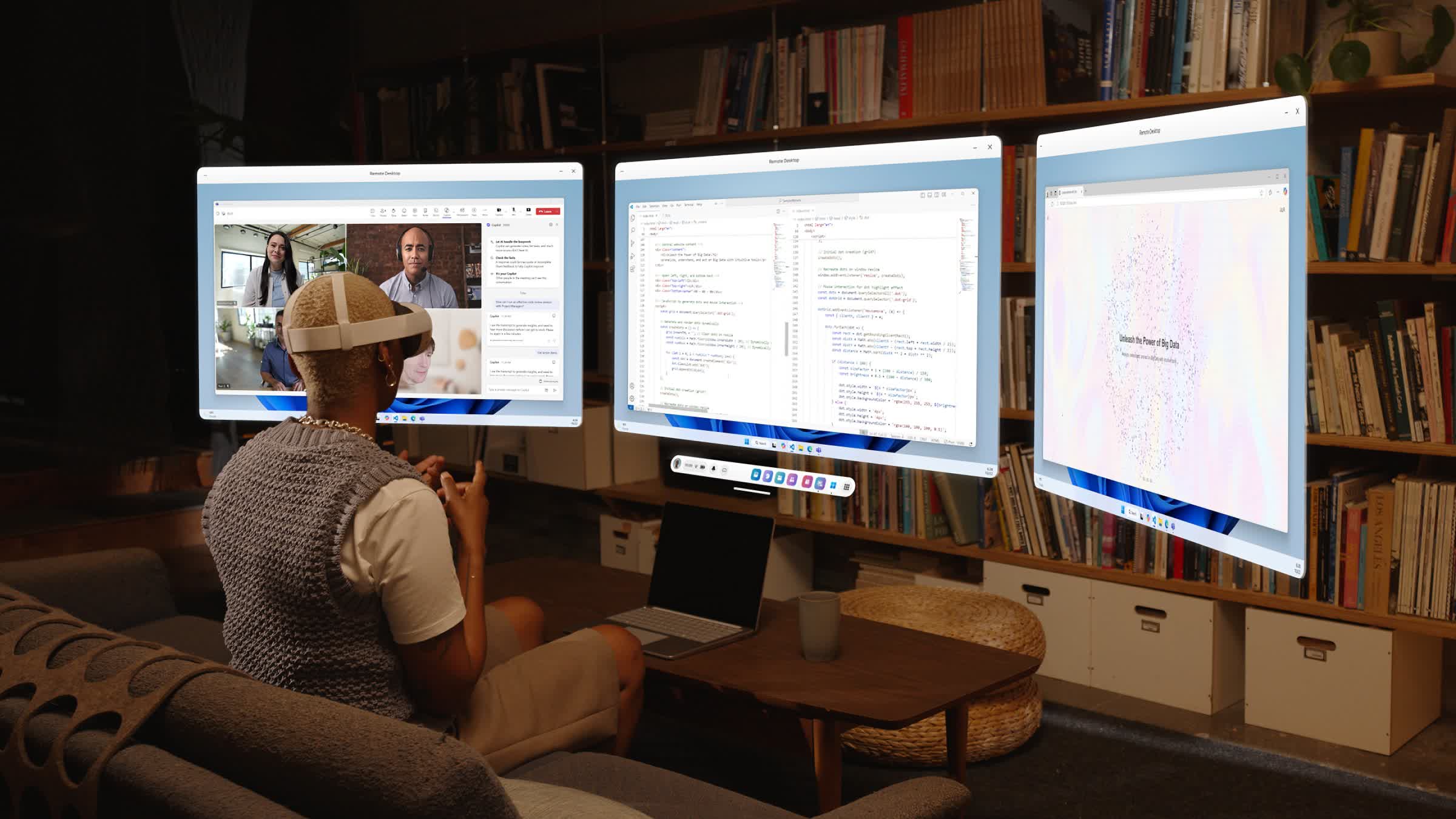
Microsoft and Meta have expanded their mixed-reality partnership with the full release of Windows 11's remote desktop for the Meta Quest 3 and Quest 3S headsets. The update introduces multi-monitor streaming, an ultrawide immersive mode, and new workspace customization tools. The integration allows users to mirror high-resolution desktop displays inside Meta's headset environment.
Once connected through Microsoft's Mixed Reality Link app, the system projects multiple monitors in virtual space, forming a panoramic display that wraps around the user's field of view. The ultrawide mode, introduced quietly during testing, replicates functionality found on Apple's Vision Pro, letting professionals simulate a multi-screen setup without physical monitors.
The remote desktop feature debuted in December 2024 as a preview for Quest users. Meta began expanding availability in recent weeks through the Horizon OS v81 update, which also delivered performance improvements and broader mixed-reality support. The initial release focused on standard multi-display virtual setups, but later updates introduced an experimental ultrawide mode for a more immersive and adaptable workspace.
To use the feature, Windows 11 users install the Mixed Reality Link app and pair their PC with a Quest 3 or Quest 3S headset over a secure network connection. Once paired, they can interact with their Windows desktop in real time – viewing their keyboard, using passthrough mode to maintain situational awareness, or fully immersing themselves in a virtual workspace.
Meta frames the update as part of a broader push to make mixed reality viable for everyday computing. Alongside Microsoft's Windows integration, the company is rolling out several quality-of-life improvements across its platform, including a new option to resize and rescale windows in any app, support for up to 12 simultaneous applications, and a quick-access Full Passthrough mode that lets users double-tap the headset – or press the Quest 3S action button – to view their surroundings instantly.
Windows Remote Desktop goes immersive as Meta Quest 3 adds mixed-reality workspaces


