
In a nutshell: Copilot, Microsoft's attempt to weave generative AI into the fabric of Windows 11, has seen mixed reception since launch. A new series of updates demonstrates that the company is still determining the best method for turning Windows into an "AI PC" experience.
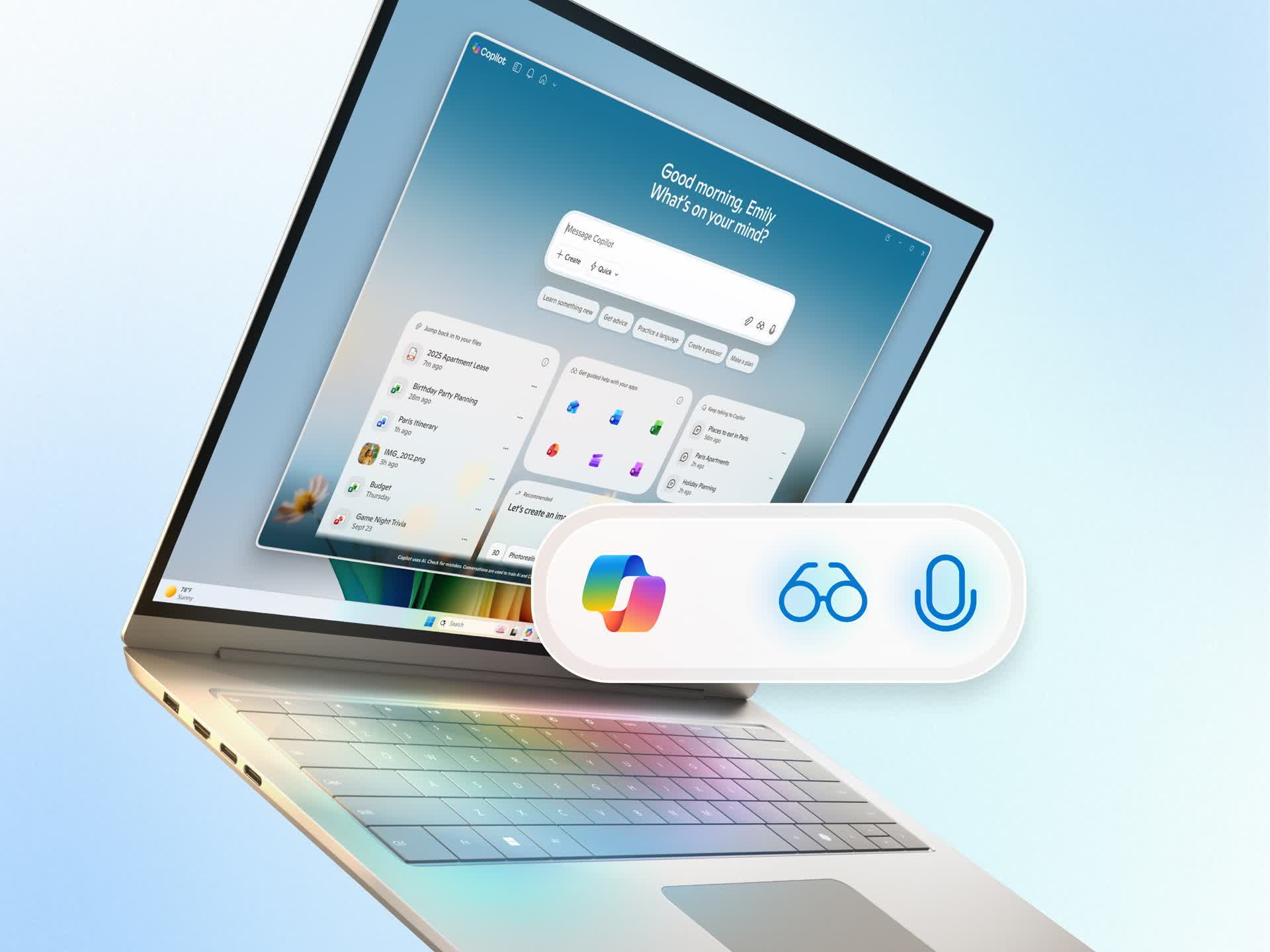
Microsoft has begun rolling out new features for Copilot intended to connect with various Windows functions. Although most of the updates are either restricted to Windows Insiders or are coming soon to beta channels, a few significant AI features are now generally available.
After launching the Copilot app and enabling voice recognition in its settings, users can now activate the chatbot by simply saying "Hey, Copilot." To end the conversation, either tap the X key or say "Goodbye."
All Windows 11 PCs that support Copilot can now use Copilot Vision, which automatically analyzes what is displayed on the desktop or individual files that users manually share. For example, users can ask the assistant to describe onscreen objects or extract data from spreadsheets and presentations.
Believing that generative AI's influence could rival the introduction of the keyboard and mouse, Microsoft is focusing on natural language voice commands to make Copilot more accessible. Text-based controls for Copilot Vision won't even be available for Insiders until a later date.
Another feature now generally available is Manus, a general AI agent that users can access on a website or download as an app. It can complete complex tasks, such as building websites, using files stored on a device.
The company has also released Copilot connectors to Insiders, a feature that connects the assistant to online accounts such as OneDrive, Outlook, and Google services. Users can then ask Copilot questions about information contained in emails, calendars, and cloud storage. Additionally, the assistant can export text to new documents and answer questions about Windows settings.
Meanwhile, Windows Insiders will soon receive a new gateway to Copilot in the taskbar search box. Clicking on it instantly opens the chatbot and offers shortcuts to Copilot Vision and the assistant's voice commands.
Also coming soon to Insiders is a local version of Copilot Actions that automates various tasks with local files. Users can, for example, ask Copilot to organize photos or pull information from PDFs in the background while they focus on less tedious tasks. The variety of actions the feature supports will broaden as Microsoft collects feedback from testers.
Microsoft stresses that users are always in control of what Copilot can see and do, and they can pause or deactivate the AI assistant at any time. Time will tell whether the new AI features avoid the serious security vulnerabilities that led to the delay of the controversial Recall feature.
You can now say "Hey Copilot" to talk to the Windows AI assistant


