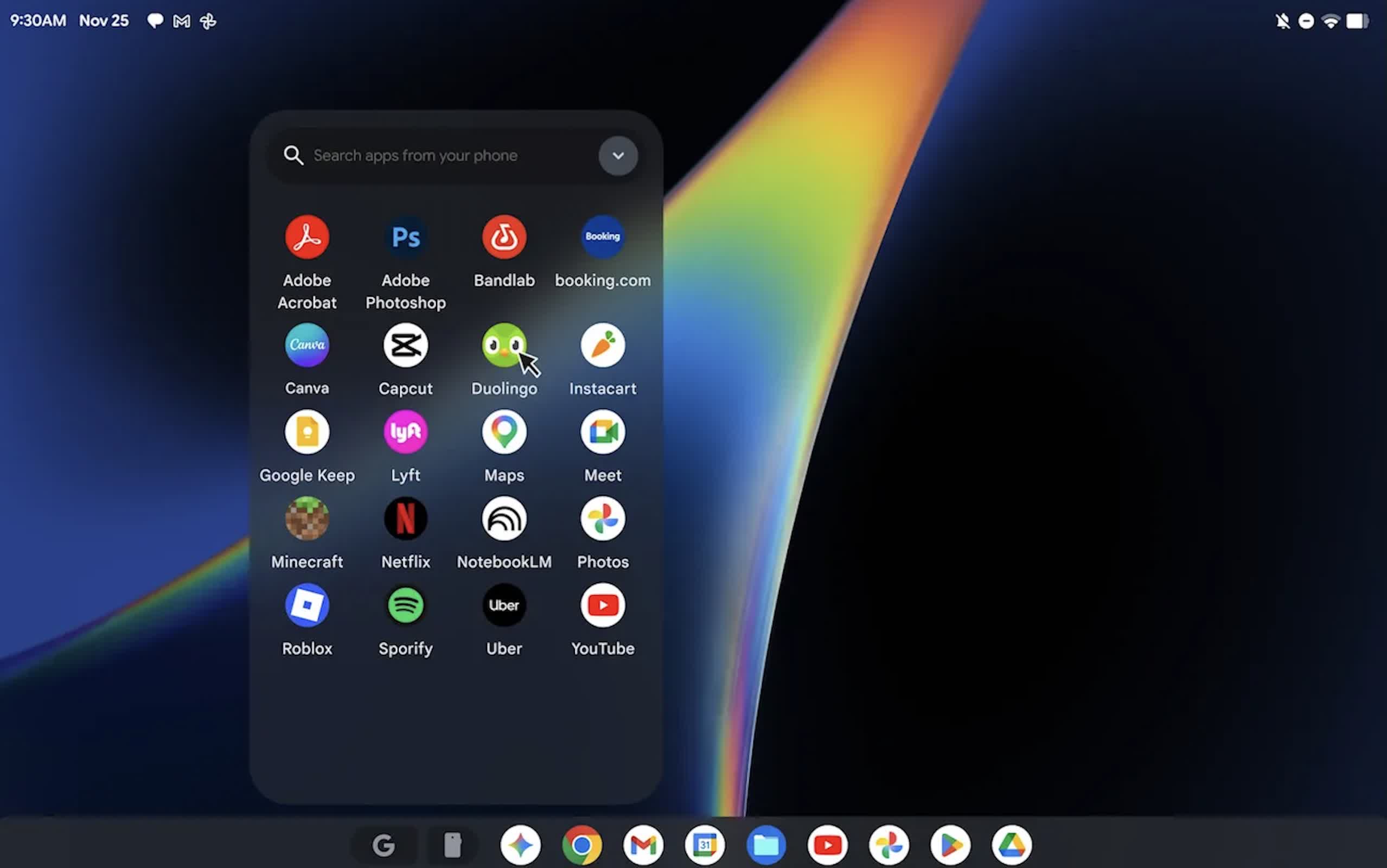
In a nutshell: Developer Skylar Taylor-Barrick has managed to get Googlebook OS running on Apple Silicon Macs using a virtual machine that supports GPU acceleration and a working Chrome browser. The project, called gbos-vm, lets Mac users try Google's Android-based laptop operating system without buying a Googlebook. It remains an experiment, though, with bugs and security limitations that make it unsuitable for everyday use.
The graphics support is a key part of the work. Googlebook OS uses Vulkan, while Apple's graphics system uses Metal. The project bridges the two graphics APIs so the virtual machine can use the Mac's GPU instead of relying on the CPU to render the interface.
That required more than translating graphics commands. Android shares graphics buffers between OpenGL ES and Vulkan using a Linux mechanism macOS doesn't support. Taylor-Barrick's project uses POSIX shared memory instead, then imports those buffers into Metal and MoltenVK, the layer that translates Vulkan calls for Apple's graphics system.
The two platforms also arrange texture data differently. Metal requires texture rows to be padded to 16-byte boundaries; Android does not. The project adds that padding on the Mac side, leaving the guest operating system to handle textures as it normally would.
Those changes give the VM hardware-accelerated graphics, but not complete compatibility. Some WebGL content renders incorrectly because Chrome expects a Vulkan extension that MoltenVK does not provide. The display is also limited to 60 frames per second because the project's QEMU build does not expose a refresh-rate setting.
I got Googlebook OS running on my MacBook Pro
by u/moon-w0man in Googlebook
The installation begins with a Dell Googlebook recovery image. A script downloads it from Google's servers, modifies the hardware-specific parts and starts the operating system through QEMU. Users need an Apple Silicon Mac with at least 16GB of RAM, roughly 60GB of free storage, and Apple's Xcode Command Line Tools.
Other requirements include Homebrew and a Java Development Kit (JDK), along with an Android SDK containing the Native Development Kit (NDK), build tools and a platform supporting API level 34 or later. The Android Emulator is optional and provides simulated Bluetooth functionality. Users can also run a separate script to check that the necessary dependencies are installed before beginning the process.
The recovery image was built for Googlebook hardware, not the virtual devices provided by the Mac's virtual machine. To address that mismatch, the project rebuilds the vendor partition with components from Google's Cuttlefish virtual-device project. The system partitions remain unchanged.
This approach gets the operating system running, but it also removes some of the protections available on a physical Googlebook. The VM has no hardware secure element, so software implementations take over functions that would otherwise rely on hardware-backed security.
Encryption keys therefore lack the same hardware protection. The modified vendor partition also lacks verified boot, although the other partitions retain their original verification.
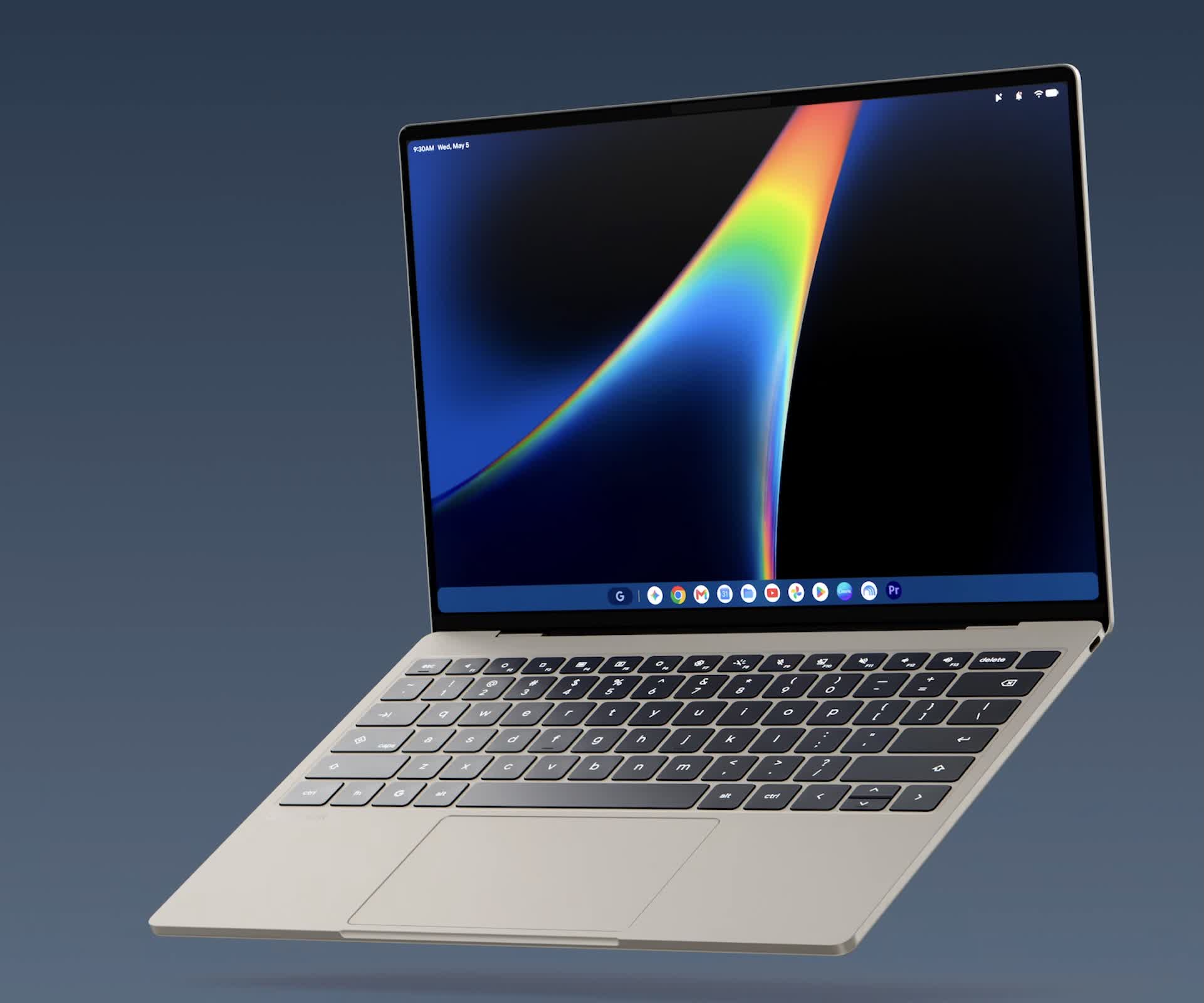
For that reason, Taylor-Barrick recommends using the VM for development and experimentation rather than everyday computing. A successful installation does not mean the virtual machine has the same security properties as the hardware the operating system was designed for.
Bluetooth support is limited to a simulated radio, with no ability to pair with physical devices. Audio has been inconsistent, while copying data out of the guest, right-click functionality, and longer sessions have not been thoroughly tested.
These problems leave gbos-vm best suited to people who want to examine Googlebook OS and can tolerate an unfinished setup. The script automates much of the installation, but the developer tools, storage requirements, and unresolved compatibility issues make the process more involved than installing a conventional desktop application.
The project nevertheless provides a working route into the platform on existing Apple hardware. Chrome runs, and the interface benefits from GPU acceleration. For developers and enthusiasts, that is enough to explore the operating system – as long as they keep its incomplete hardware support and weaker security protections in mind.