

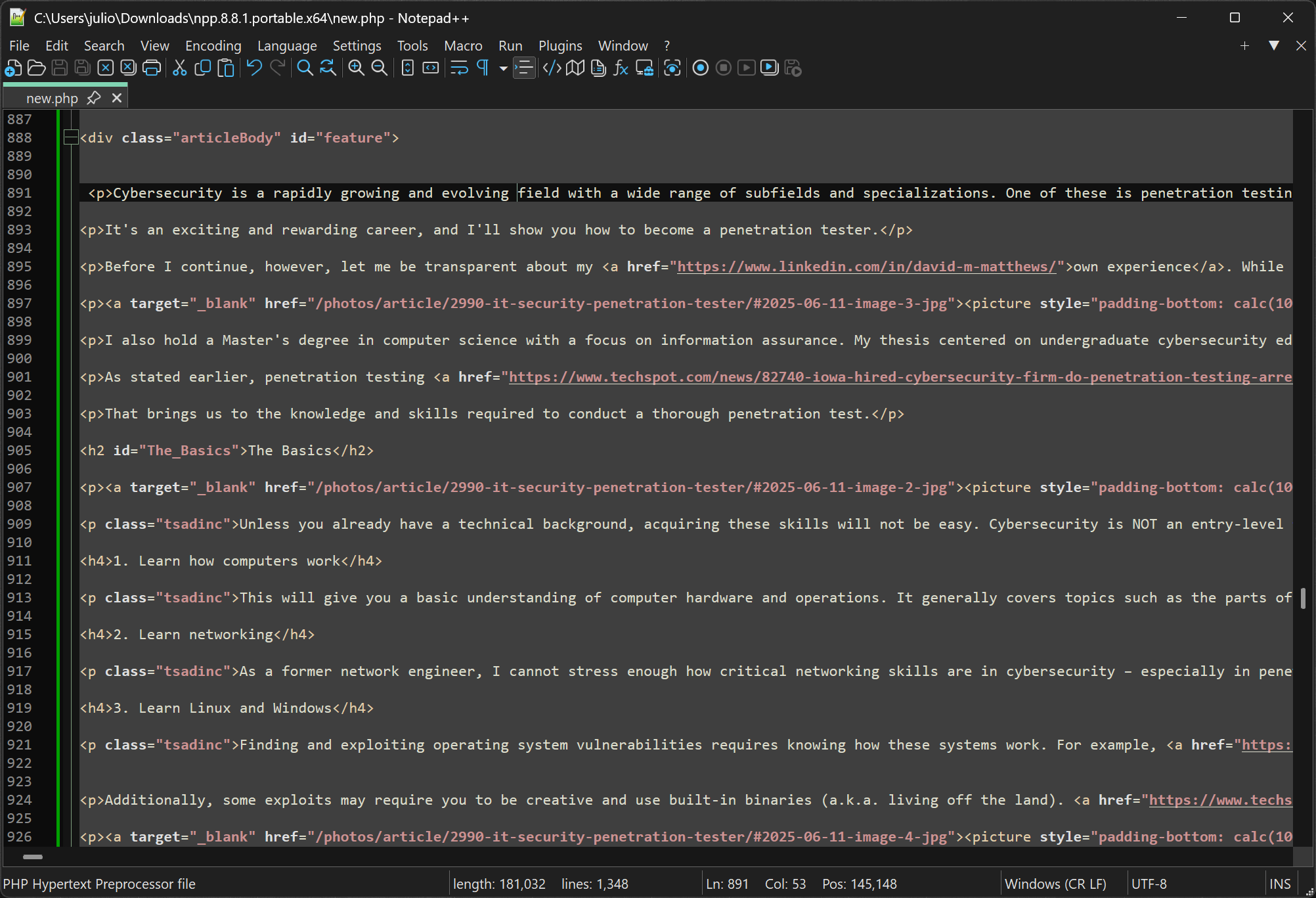
Notepad++ is widely used by developers, programmers, and other professionals who need a powerful yet lightweight tool for editing plain text and source code. Notepad++ is written in C++ and uses pure Win32 API and STL, based on the powerful editing component Scintilla, which ensures a higher execution speed and smaller program size.
By optimizing as many routines as possible without losing user friendliness, Notepad++ is trying to reduce the world's carbon dioxide emissions. When using less CPU power, the PC can throttle down and reduce power consumption, resulting in a greener environment.
How can I open two files side by side in split view?
You can drag a tab away from the main window to open it in a new pane. Once it's in its own tab group, you can adjust the split view layout. This makes comparing or editing two files simultaneously much easier.
How do I disable automatic highlighting of all matching text?
Notepad++ highlights all occurrences of selected text by default. To disable this, go to Settings → Preferences → Search and turn off the option labeled "Highlight all occurrences."
Why can't I set up syntax highlighting or my text remains completely black?
If all text appears in one color even after selecting a language, it's likely due to improper file extension association or syntax mapping. Ensure your file extension matches a supported language and that the correct lexer is selected under Language in the menu.
What is the difference between Notepad and Notepad++?
Notepad is a basic text editor for plain text files, while Notepad++ is a more advanced editor with features like syntax highlighting, tabs, plugins, and tools for coding and scripting.
Is Notepad++ better than Sublime Text?
Both applications are powerful text editors. Notepad++ is free, open-source, lightweight, and great for quick edits, scripting, and basic coding. It's Windows-only and has a strong plugin ecosystem. Sublime Text is cross-platform, faster with large files, and has a more polished UI, and better performance for heavy development tasks. However, it's only free to try – continued use requires a paid license.
Can Notepad++ run code directly, and how do I fix compilation errors?
Notepad++ supports running scripts via plugins like NppExec, but you need to configure the correct compiler commands and ensure paths without spaces are quoted properly. A common mistake is using curly quotes (" ") instead of straight quotes (" "), which causes "file not found" errors.
Why does the editor flicker or redraw strangely when I type or paste?
Flickering can result from a corrupted installation, outdated settings, or plugin conflicts. A clean reinstall – including removing configuration folders – often resolves it, and disabling unnecessary plugins can also stabilize the interface.
Features
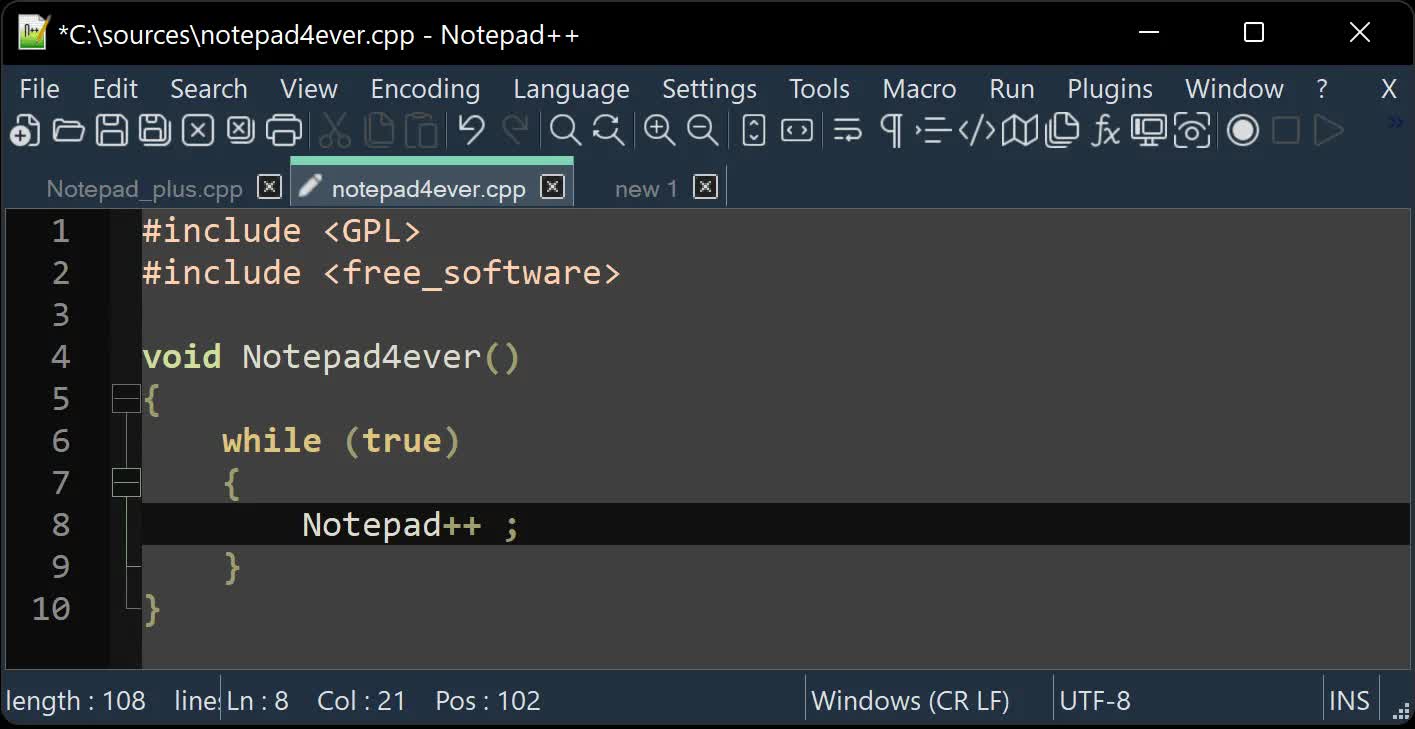
Notepad++ is a free (as in "free speech" and also as in "free beer") source code editor and Notepad replacement that supports several languages. Running in the MS Windows environment, its use is governed by GPL License.
You're encouraged to translate Notepad++ into your native tongue if there's not already a translation present in the Binary Translations page. And if you want, help translating Notepad++ official site into your native tongue would be greatly appreciated.
- Syntax Highlighting and Syntax Folding
- WYSIWYG
- User Defined Syntax Highlighting
- Auto-completion
- Multi-Document
- Multi-View
- Regular Expression Search/Replace supported
- Full Drag 'N' Drop supported
- Dynamic position of Views
- File Status Auto-detection
- Zoom in and zoom out
- Multi-Language environment supported
- Bookmark
- Brace and Indent guideline Highlighting
- Macro recording and playback
What's New
- Fix TOCTOU (Time-of-check to time-of-use) issue in HMAC implementation. (Fix TOCTOU)
- Fix MSI installer regression that leaves old version entry in Add/Remove Programs. (Fix #18071)
- Fix "Open Containing Folder in Explorer" launching extra explorer processes. (Fix #17941)
- Fix a bypass scenario in the previously fixed vulnerability (CVE-2026-48800) that was not fully addressed. (Implement commit)
- Fix bad formed COPYDATASTRUCT makes Notepad++ crash (CVE-2026-48770).
- Fix arbitrary code execution vulnerability via config.xml (CVE-2026-48778).
- Fix arbitrary code execution vulnerability via shortcuts.xml (CVE-2026-48778).
- Fix updating issue where using v8.9.4 32-bits installer creates duplicate "Uninstall a program" entries.
- Fix v8.9.4 64-bits installer error message caused by MSIX on Win10.
- Fix regression in UDL XML files causing an EOL parsing issue.
- Update Scintilla to 5.6.2 & Lexilla to 5.4.9.
- Add option to synchronize zoom level across views.
- Fix MSI installer writting language info to HKCU instead of HKLM.
- Fix imported UDLs not appearing in the language menu without restarting Notepad++.
- Make "(?)" tooltip in preferences & Find in Files dialogs persitant & reduce display delay.
- Fix visual glitch in Mark dialog when in reduced mode.
Notepad++ 8.9.4 Release Notes
- Fix crashes in FindInFiles when nativeLang.xml's "find-result-hits" contains "%s". (Fix #17960, CVE-2026-3008, CVE-2026-6539)
- Fix drop-file crash when file path length reaches 259 characters. (Fix #17921)
- Fix crash caused by undoing column editor bad input in virtual space. (Fix #17915)
- Fix bad column editor input in reverse-direction column selection on virtual space. (Fix #17915)
- Update to Scintilla 5.6.1 & Lexilla 5.4.8. (Fix #17920, #17864, #13522, #11746)
- Fix EOL conversion to Windows format not working (Scintilla update related). (Fix #17920)
- Fix rendering corruption in .bat files (Lexilla update related). (Fix #17864)
- Fix quote escaping causing incorrect JSON syntax highlighting (Lexilla update related). (Fix #11746, #13522)
- Fix MSI installation error due to context menu item registration. (Fix #17918)
- Fix NSIS installation stalling caused by context menu registration issue. (Fix #17308, #17885)
- Add NPP_LANG property to install a specific localization file for MSI. (Fix issue reported in comment)
- Fix MSI installer display random Hexadecimal number as name on UAC. (Fix #17967)
- Add version info into MSI file property (as value of "Comments"). (Fix #17803)
- Fix minimized window not restoring in administrator mode. (Fix #17945)
- Fix Unicode search mismatching ANSI character '?'. (Fix #17125)
- Fix Column Editor regression with empty fields. (Fix #17912)
- Fix floating dialog content not displaying in certain situations. (Fix #17563)
- Fix visual glitch when toggling group view in Document List. (Fix #14285)
- Support improved C++ 11 raw string literal handling. (Fix #17875)
- Fix visual glitch in the Mark dialog. (Fix #16084, #17886)

