

Avast Clear (formerly Avast Uninstaller) is a removal tool that uses a separate window to bypass the normal Avast uninstaller setup. This ensures Avast removal even if you receive the message that the "setup is already running." If you can't uninstall using the standard method, using this dedicated Avast removal tool ensures that Avast can still be uninstalled.
Here's how to uninstall Avast on Windows using Avast Clear:
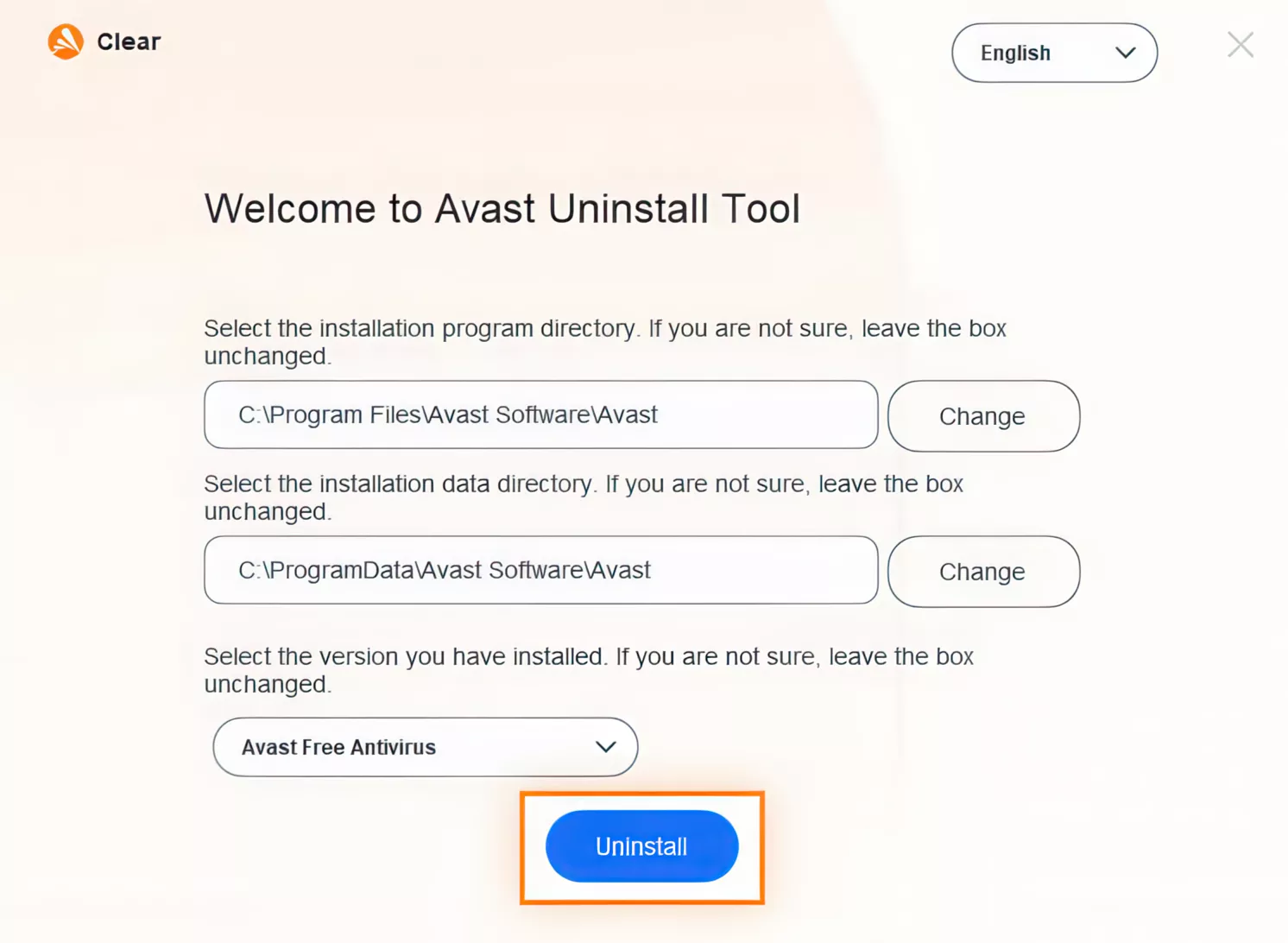
- Download the uninstall utility and save it to a familiar folder on your PC (saved to Downloads folder by default).
- Right-click the file and select Run as administrator. If prompted for permissions, click Yes.
- Click Yes in the Avast Clear dialog to start your PC in Safe Mode.
- Select the folder containing your Avast program files, and select the Avast Antivirus product you want to uninstall (the location and product are usually detected automatically). Click Uninstall.
- Restart your computer.
Note: For Avast Free Antivirus version 18.8 (Windows XP compatible) download the Avast Uninstall Tool (Windows XP).
