
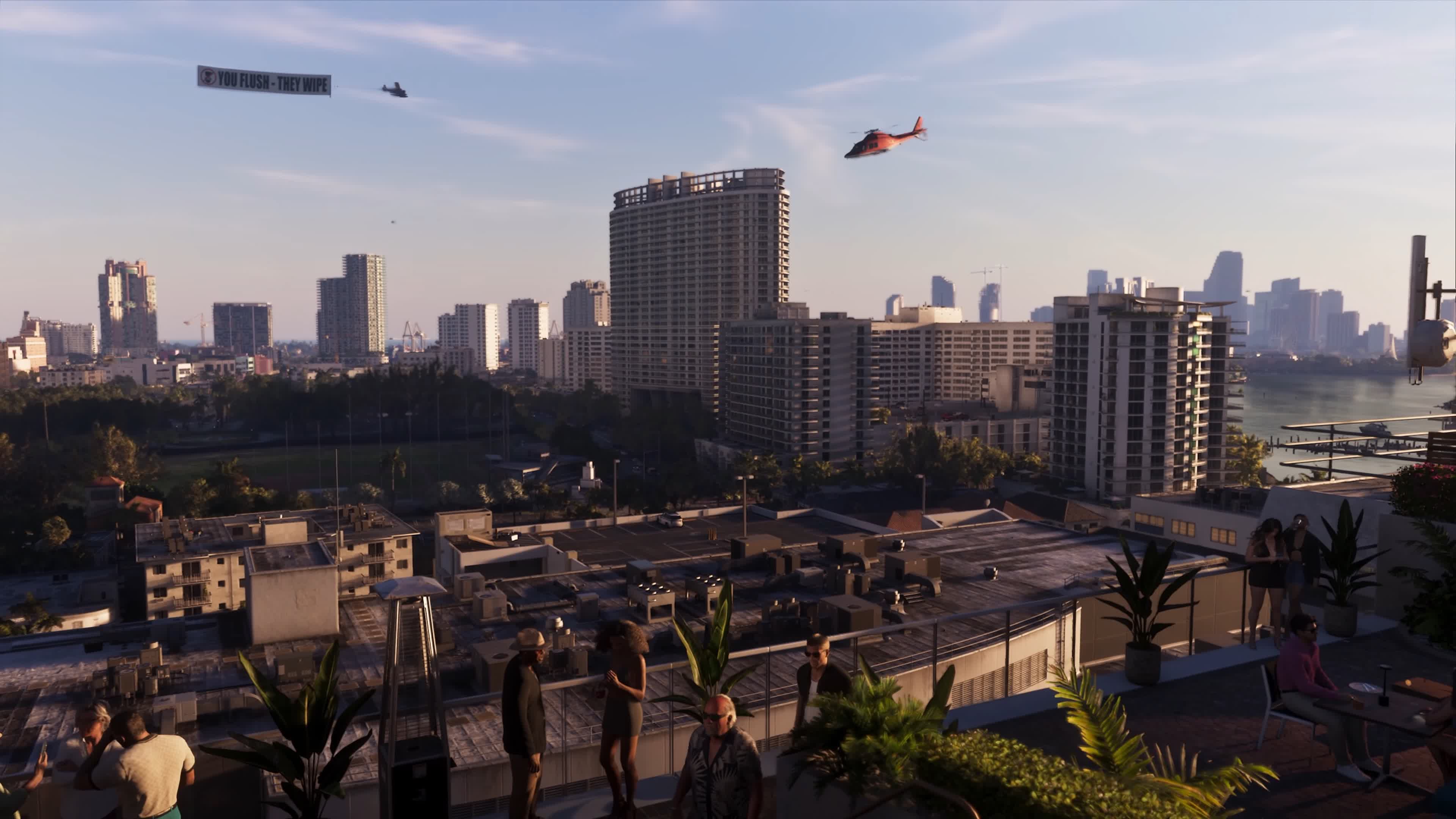
One of the biggest issues with Grand Theft Auto 6 is that it runs at just 30 FPS on consoles. We recently explored why this is the case from some angles that aren't often discussed, and as a PC gamer used to playing games at frame rates above 60 FPS, I've found it a bit difficult to adjust to the game's relatively low frame rate. But over the weekend, I started seeing discussions online about a bizarre configuration that can be used to make GTA 6 run at 60 FPS, so to speak. Naturally, I was intrigued.
This configuration involves taking the 30 FPS GTA 6 output from a console like the PlayStation 5, routing it into a capture card connected to a separate PC, and then running 2x frame generation on that video input signal to produce a 60 FPS output. There are several applications that can be used to do this, but the one I've seen discussed most frequently is called Veyra.
Why this sounds like a terrible idea
When I first heard about this configuration, I thought it would be absolutely horrendous. And that's for a few reasons.
First, 30 to 60 FPS frame generation has generally been quite bad in my experience on PC. A game running at a low render rate tends to produce tons of visual artifacts when using frame generation, as the gap between frames is large, leaving the algorithm with more interpolation work to do. The shorter the gap between frames, the better frame generation tends to work, which is why I typically recommend a minimum render rate of 60 FPS.
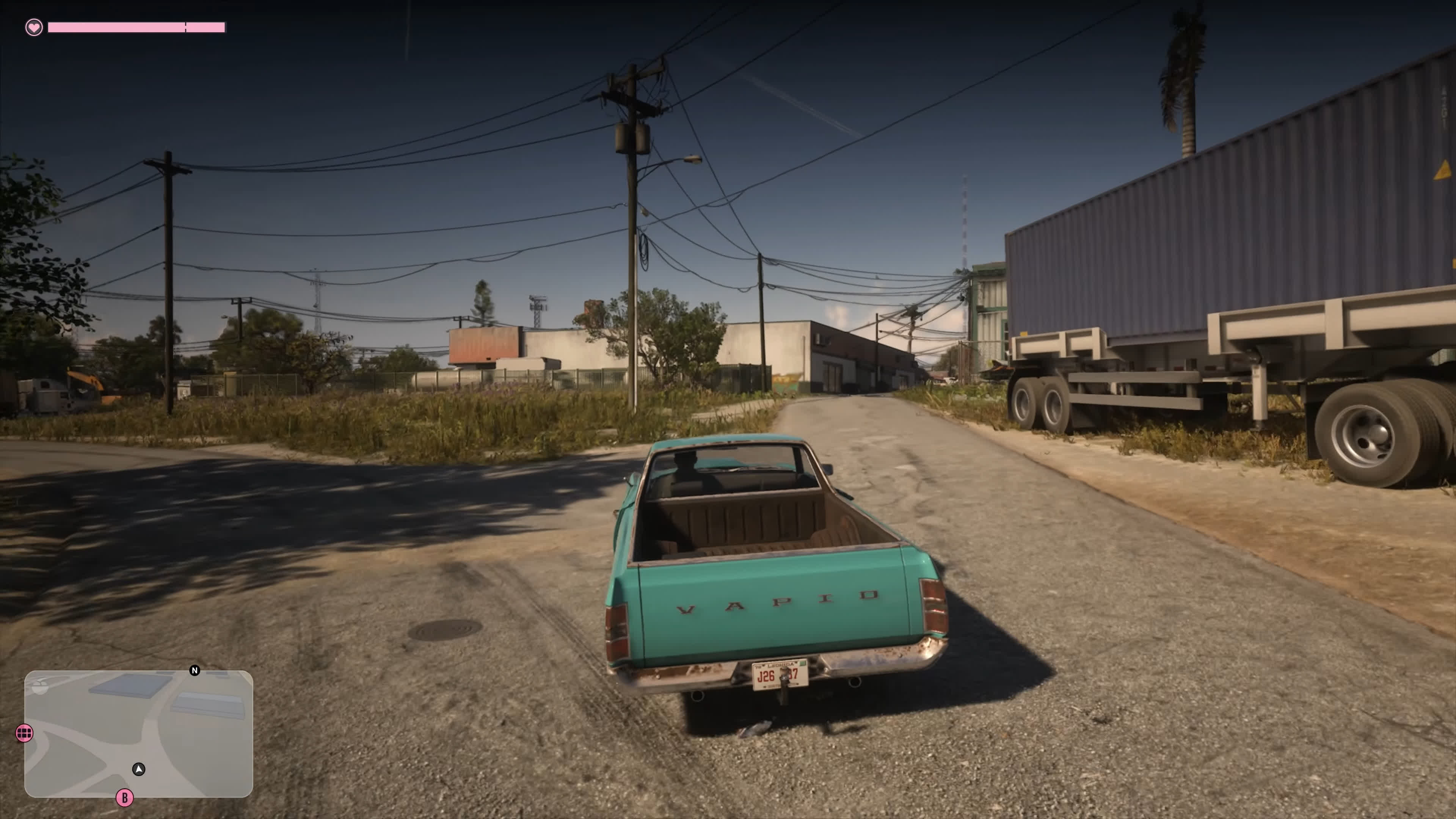
Second, this type of frame generation doesn't have access to game data such as motion vectors or UI flags, so it's applying frame generation to the entire image every single time with little to no context. This makes the technique most similar to driver-based frame generation on PC, which delivers worse visual quality than frame generation integrated into games and is a feature I don't usually recommend.
Game data genuinely helps improve frame generation quality, especially when it comes to menus and UI elements, which will always be subject to interpolation with driver-based or video-based frame generation.
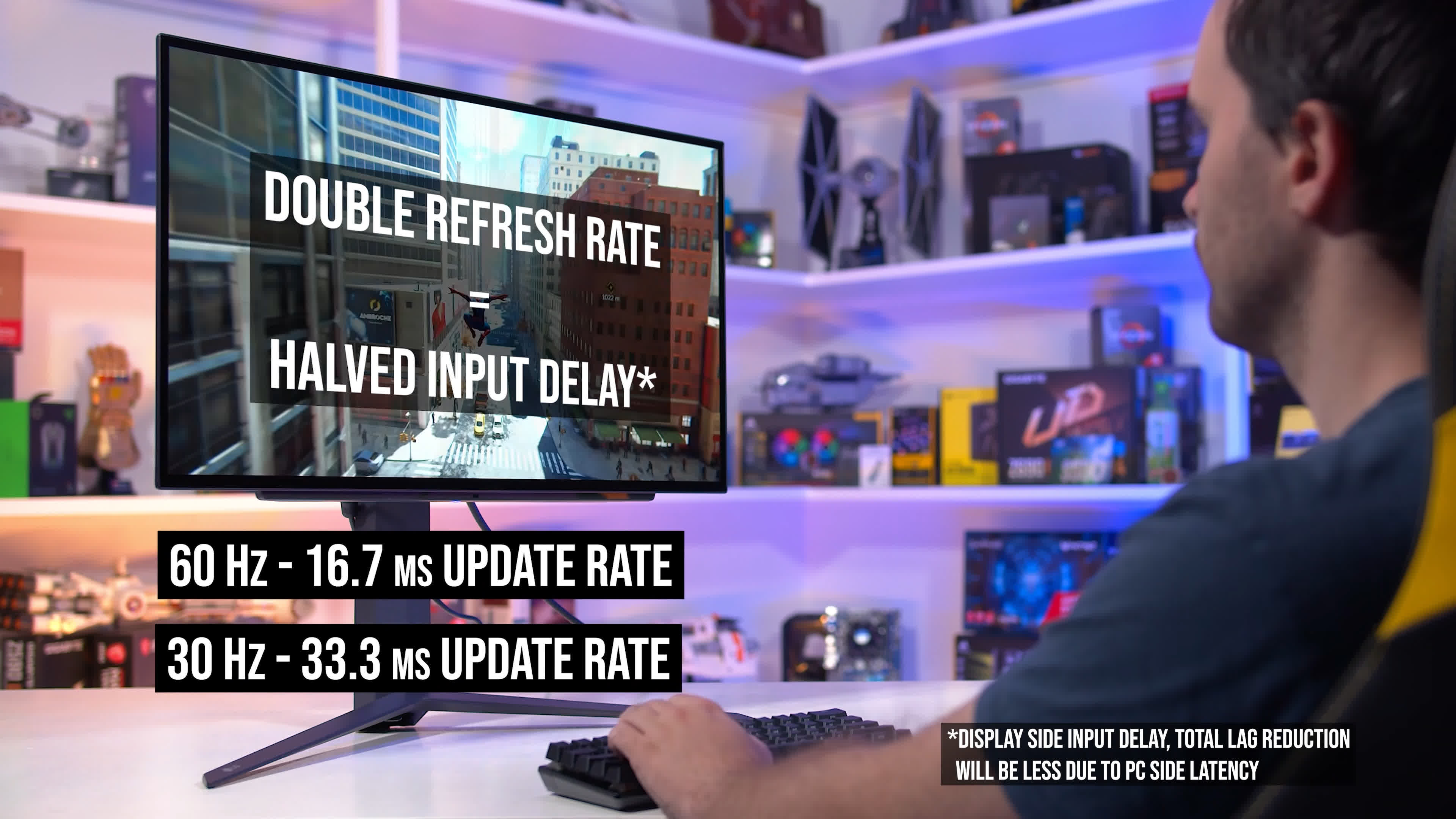
And third, one of the key reasons why 30 FPS sucks to play is the high levels of input lag relative to gaming at higher render rates. When you apply frame generation to a 30 FPS output, you increase latency due to the way frames are buffered, as well as the processing time of the frame generation algorithm itself. With this weird capture card method, you're adding even more latency on top of all that due to the time it takes for the capture card to process and display the incoming signal.
All of this makes the GTA 6 capture card method sound pretty bad: the potential for worse visual quality with tons of frame generation artifacts, and much higher input latency on top of what is already high latency from running at 30 FPS.
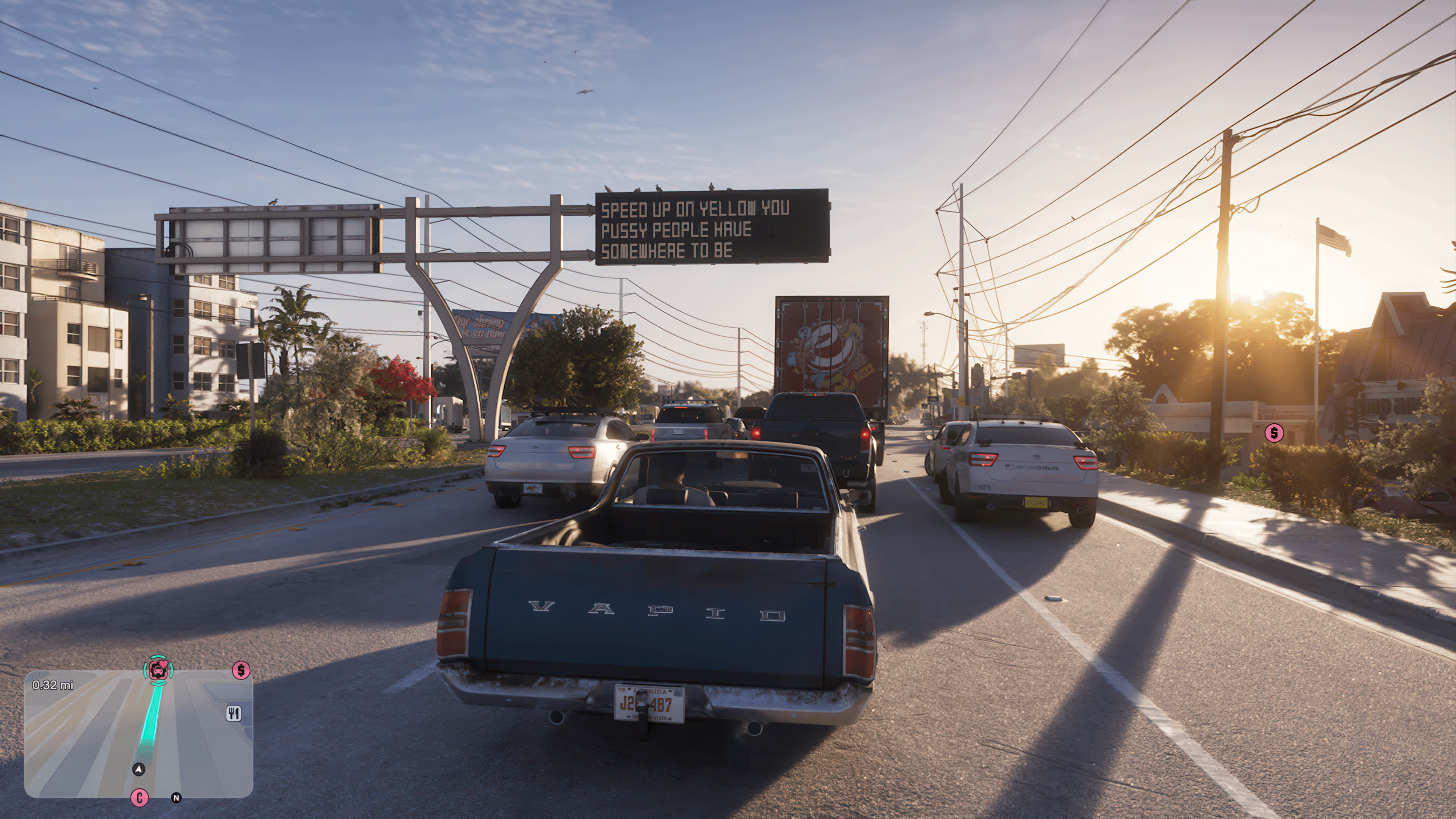
And yet, at least based on what I was seeing on social media, this technique was getting rave reviews, with some gamers saying it made GTA 6 "playable" for them. So I had to try it out.
Before getting into the setup process, it's worth touching on my personal experience playing GTA 6 at 30 FPS on the base PlayStation 5 as a predominantly PC gamer. I found it a bit harder than I expected to acclimatize to GTA 6 running at 30 FPS, with the biggest issue for me being the motion and display blur associated with running at a low frame rate...
With the default settings on a 4K OLED monitor, I found the game quite blurry during any sort of motion, an issue we discussed in our previous GTA 6 analysis.
Some of this was due to motion blur, which can be turned off or even increased in the settings. I found that turning off motion blur helped alleviate some of the blurriness, leaving me with display blur. But this also made the game choppier due to the low frame rate, and on an OLED monitor, you get another issue: judder.
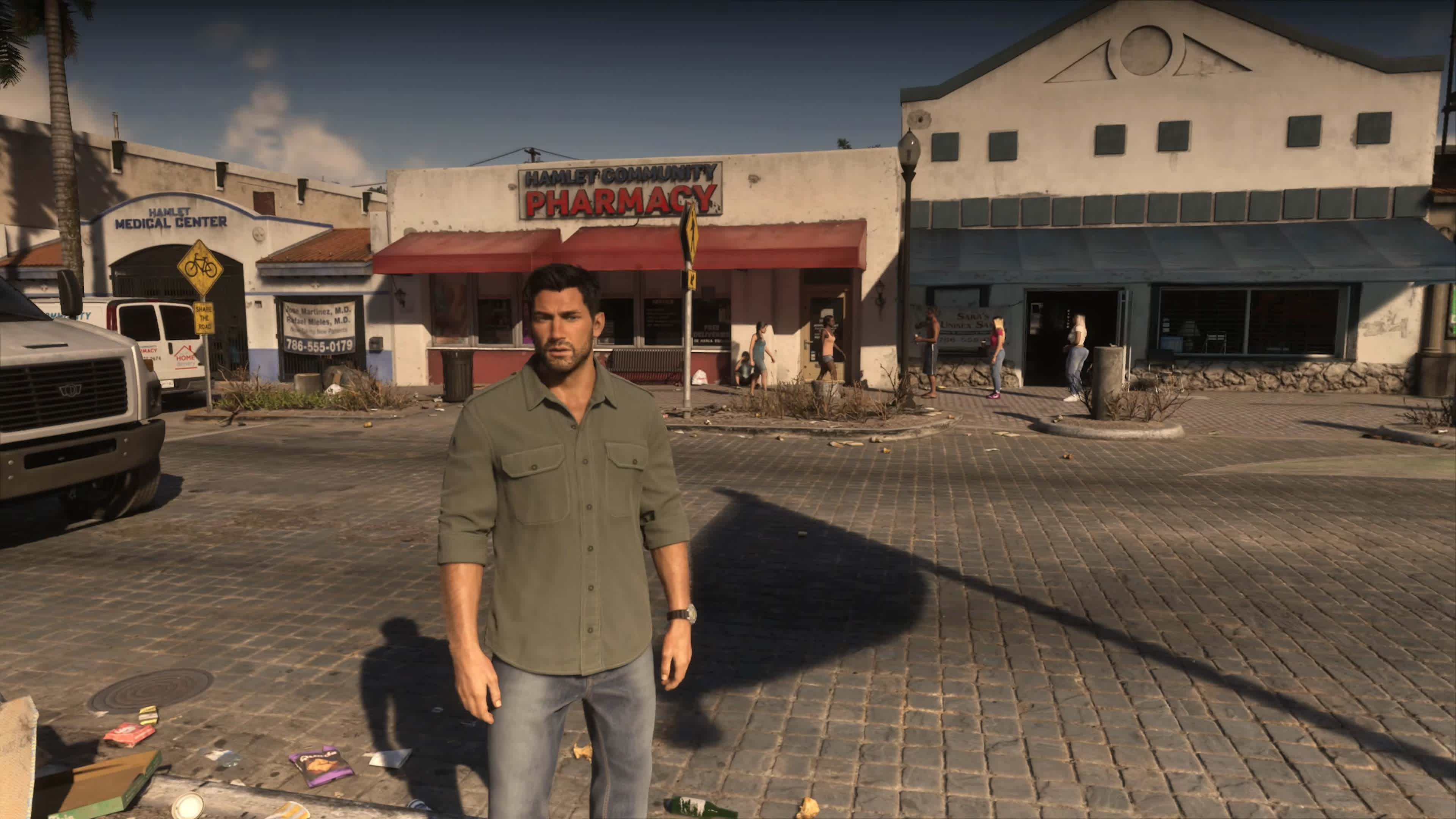
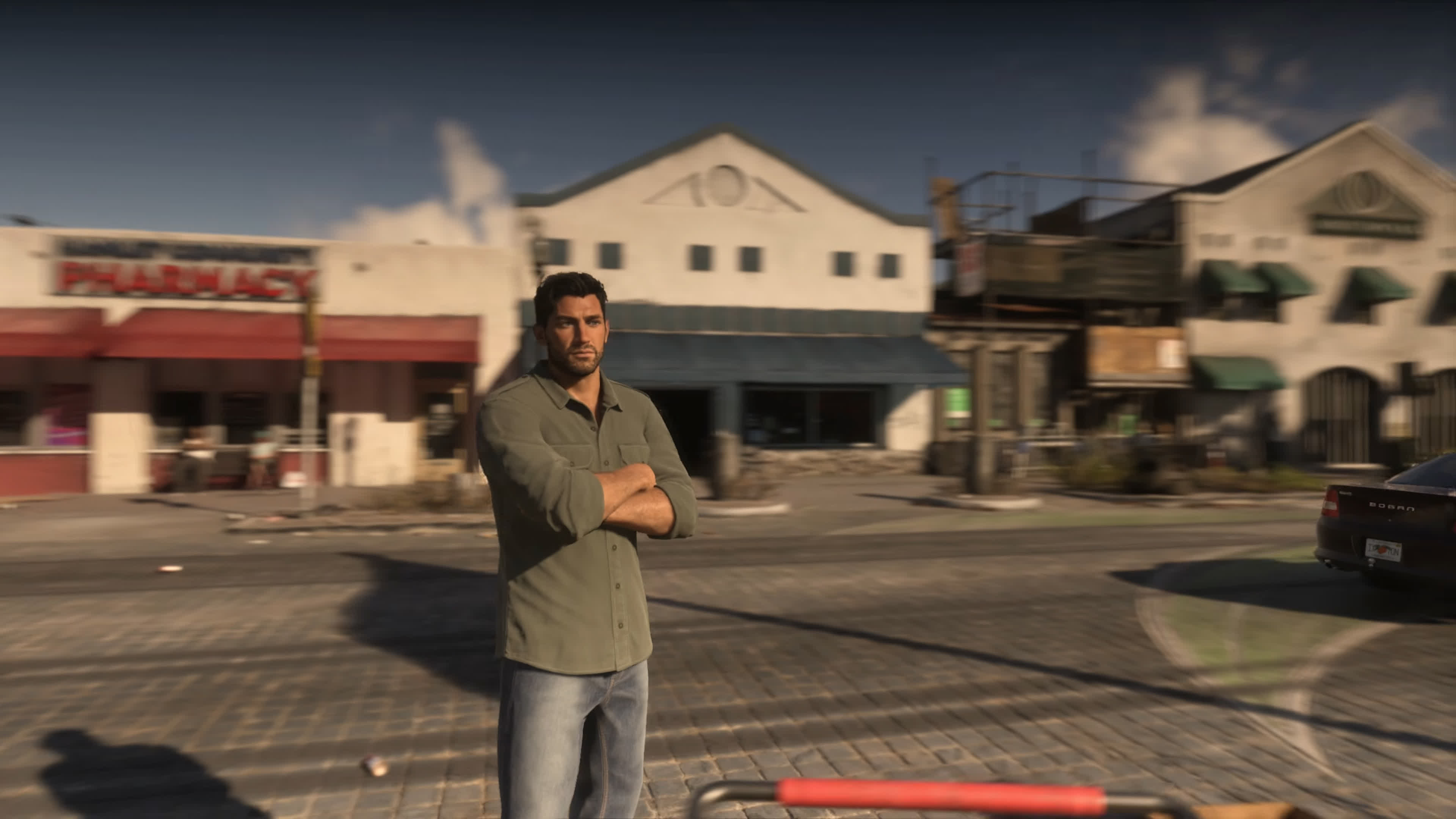
As OLEDs have extremely fast response times, they're able to display each frame almost instantly. During panning motions, you get this juddering effect where objects quickly update their position and are then blurred somewhat by display persistence. On slower LCD monitors, this effect is reduced as response times are longer, effectively blurring away the judder to some degree.
I've seen some people suggest that turning up motion blur when using an OLED is better for reducing judder. In GTA 6, I found this made the game even blurrier and a bit nauseating due to the sheer amount of blur.
However, input latency wasn't a huge issue for me, mostly because GTA 6 is a fairly slow-paced game, with a lot of deliberate, slow, lifelike animations and a game engine that has never been optimized for fast inputs (looking at you, Red Dead Redemption 2).
It's obviously not as good as running PC games at a higher frame rate, but from an input latency perspective, I found the game playable. And when you engage with the world at a slower pace, avoiding huge camera pans or whips all the time, walking around, even driving at the speed limit, you don't end up seeing heaps of display blur all the time. The input latency is manageable enough, so in that sense, it is playable.
How to play GTA 6 at 60 FPS using Veyra
The good news for anyone wanting to try this 60 FPS conversion trick is that Veyra is a free and open-source application, so at least on the software side, there is no cost. You do, however, need a capture card connected to a reasonably capable PC.
When launching Veyra, select Capture Card. From here, you'll get a list of settings specific to capturing the game. Typically, you'll want to match the resolution to your monitor's resolution, in my case 4K, and then select either 30 or 60 FPS, depending on what your capture card supports. The most crucial setting is the pixel format: this should be set to NV12 if you plan on gaming in SDR, or P010 if you plan on gaming in HDR.
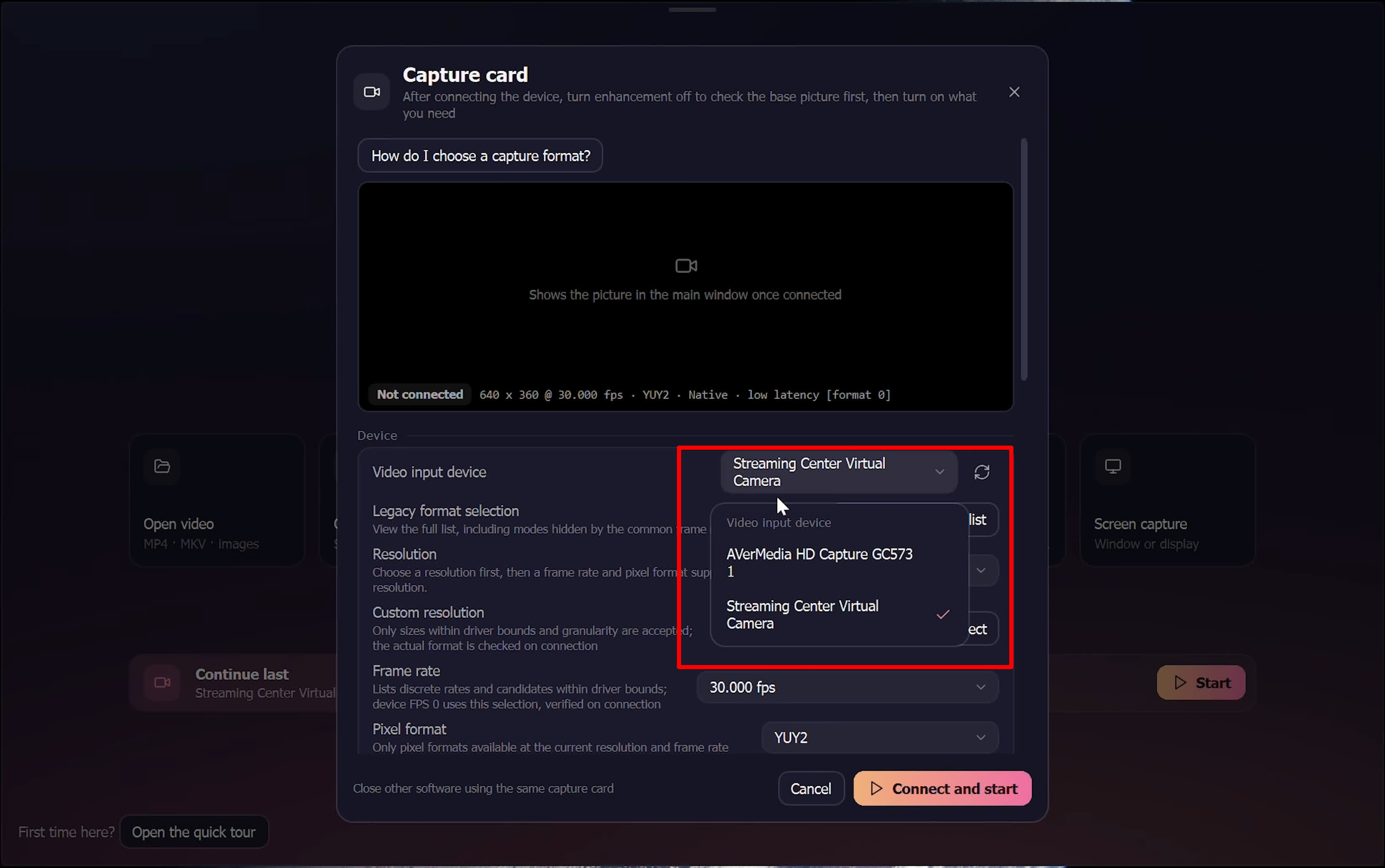
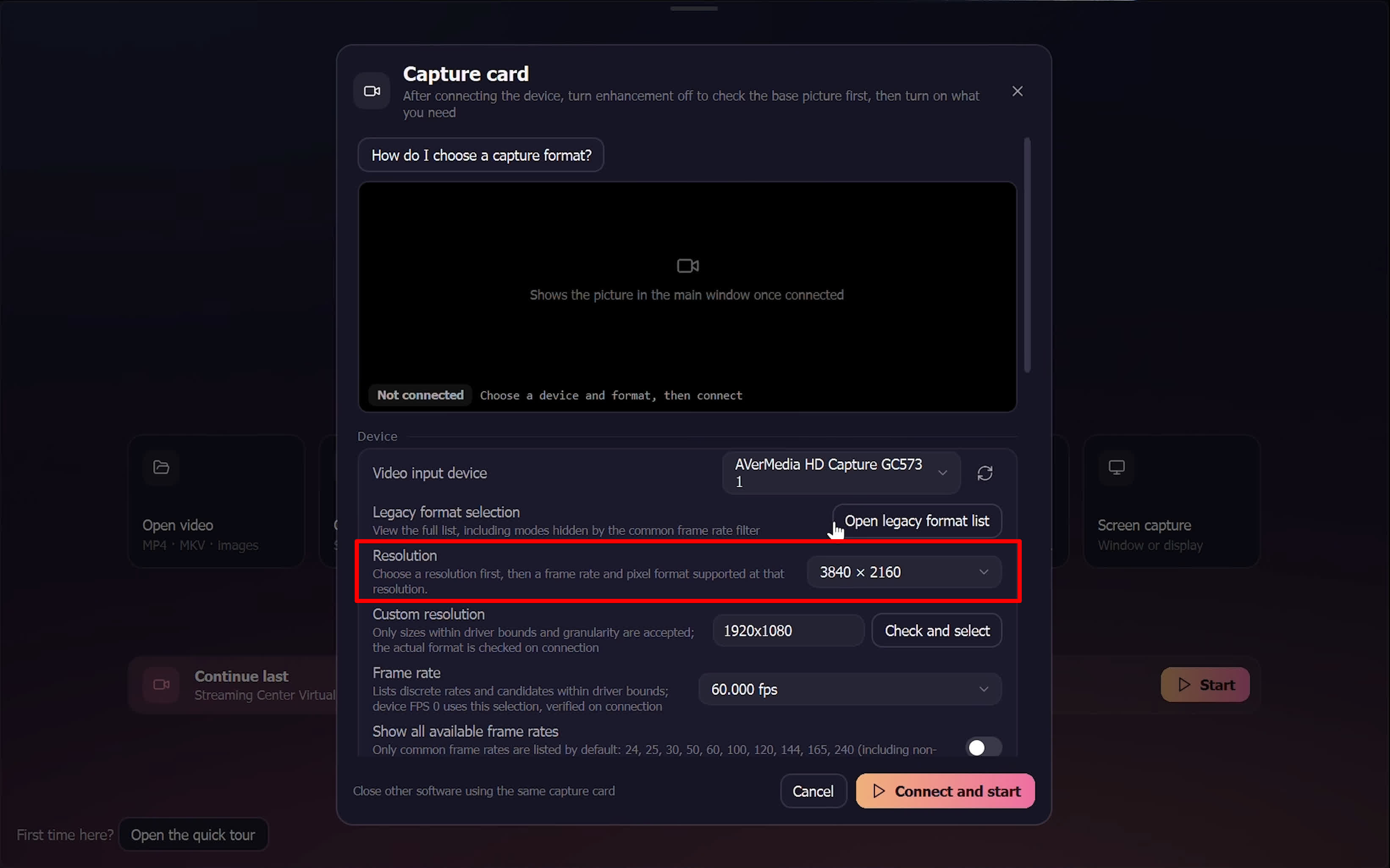
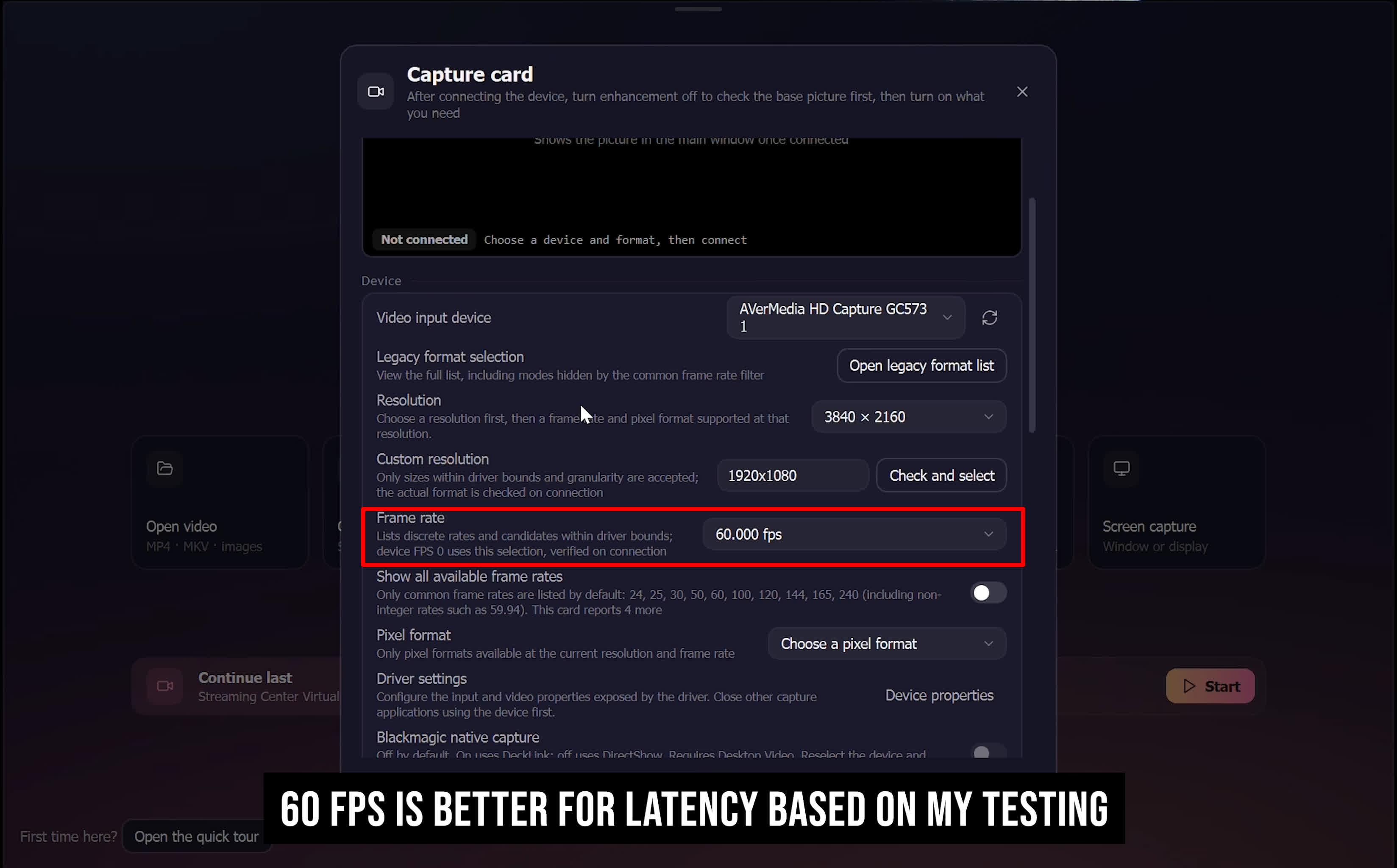
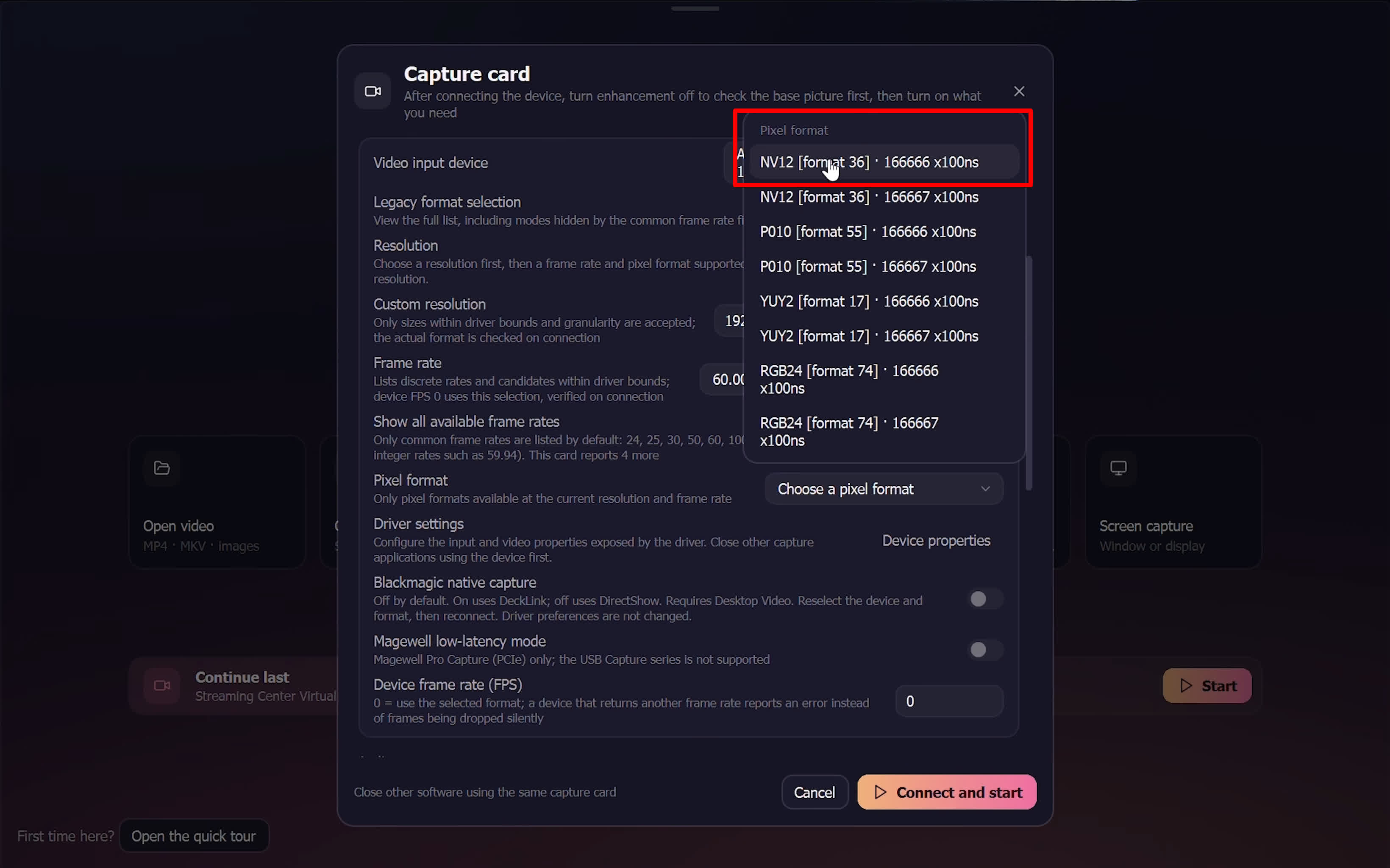
I own several different capture cards, including USB and PCIe models, and found that some combinations of resolution, frame rate, and pixel format aren't available simultaneously.
For example, on my Elgato 4K X over USB, capturing at 4K 60 FPS using P010 wasn't possible for whatever reason. I could only use NV12 at that resolution and frame rate, or drop down to 4K 30 FPS with P010. However, on an AVerMedia GC573 over PCIe, I could get everything working at the same time.
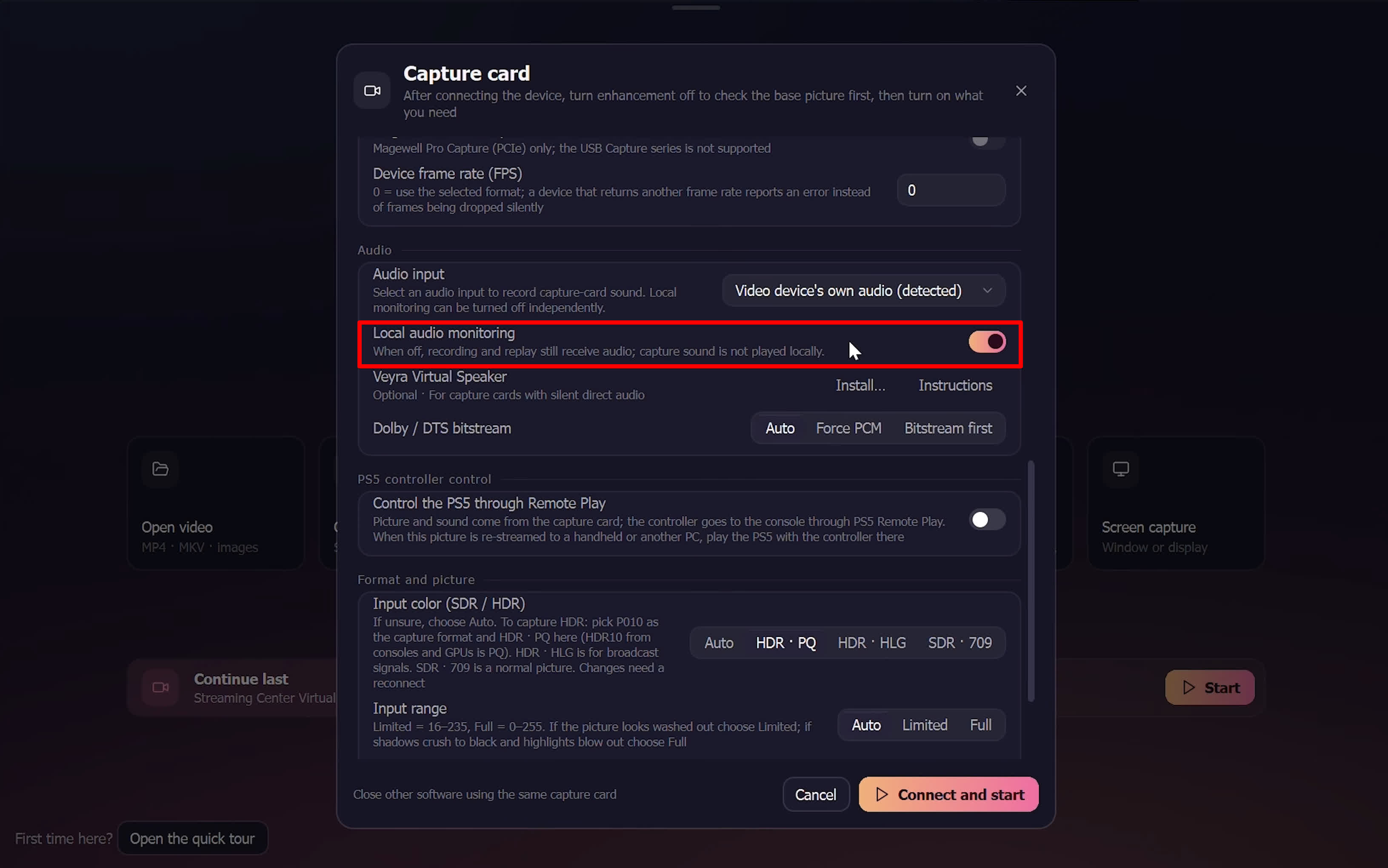
After selecting the pixel format, scroll down to the audio settings. Enable audio monitoring if you want the audio to route through your PC to whatever audio device you have connected.
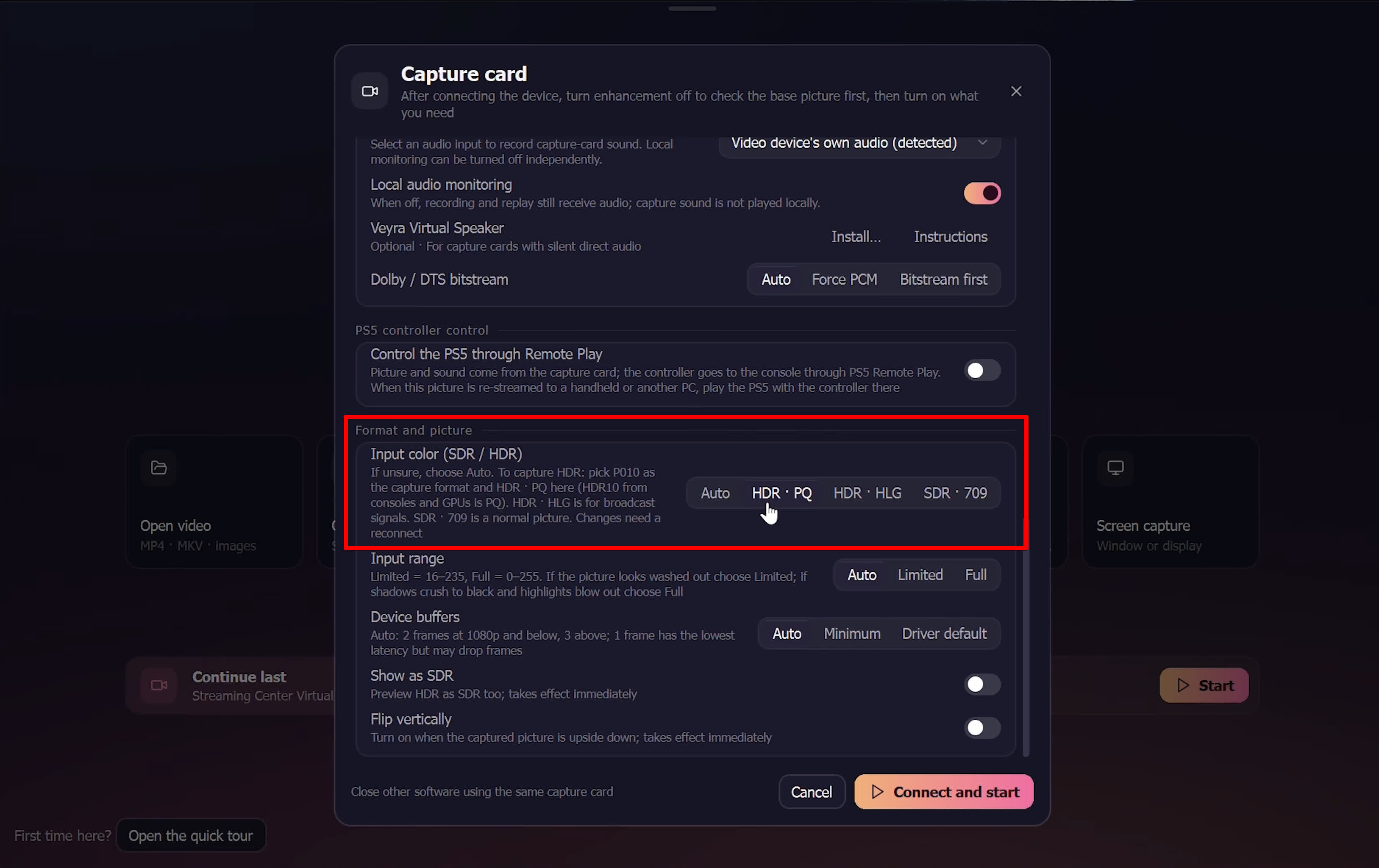
Then, in the final section for format and picture, set the input color to HDR PQ if you want to use HDR. Otherwise, Auto is fine. I also used Auto for the other settings, although there is a minimum latency option that reduces buffering at the potential expense of dropped frames.
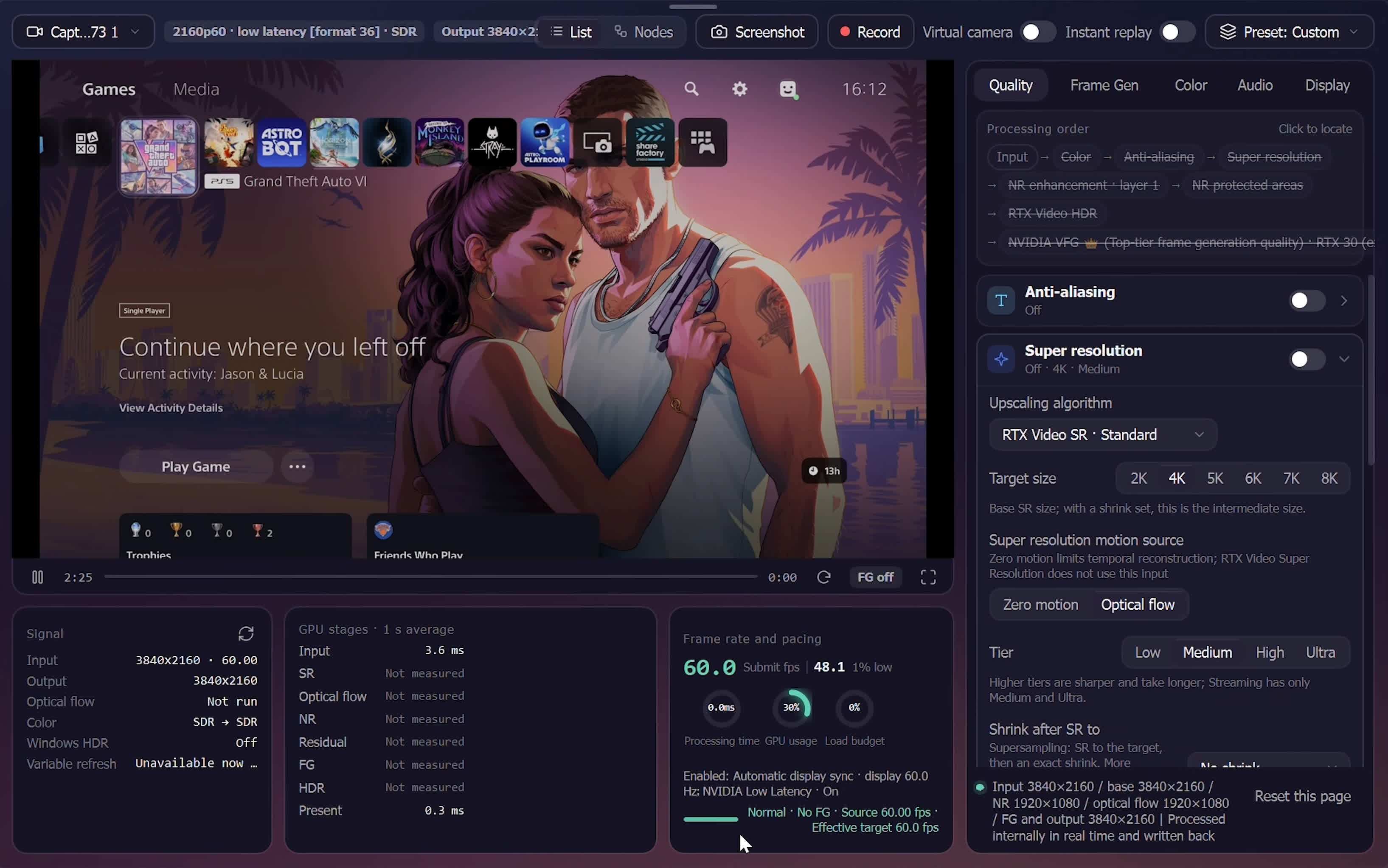
At this point, the capture card is configured, so you can hit Connect and Start. You should see the input from your console in the window, provided it's connected correctly to the HDMI IN port on the capture card. You don't need anything connected to the OUT port, as the output is routed through your graphics card to whatever display is connected to your PC.
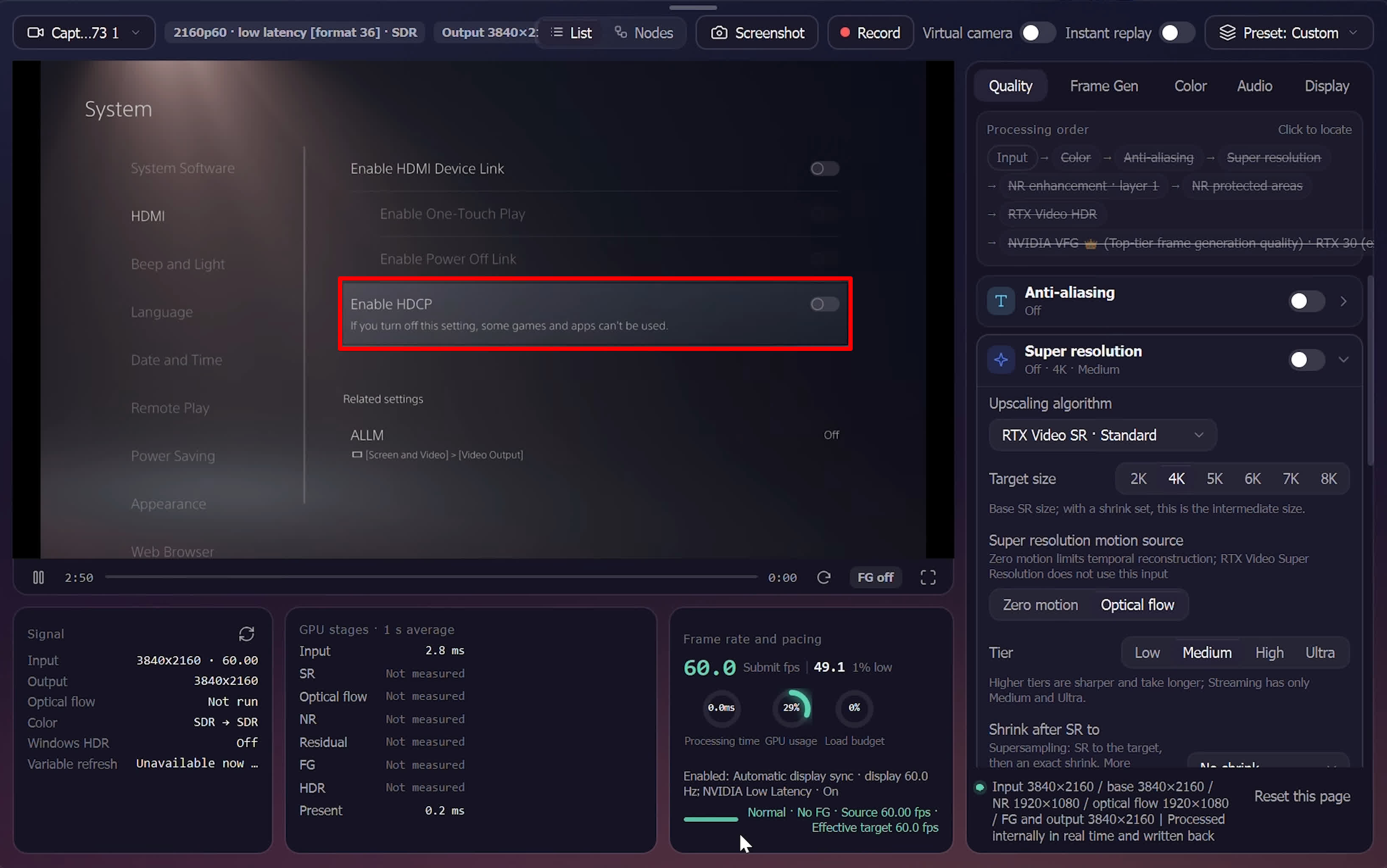
However, at least on the PlayStation 5, you do need to disable HDCP in the console's settings. Head to Settings > System > HDMI > Enable HDCP and make sure this toggle is off.
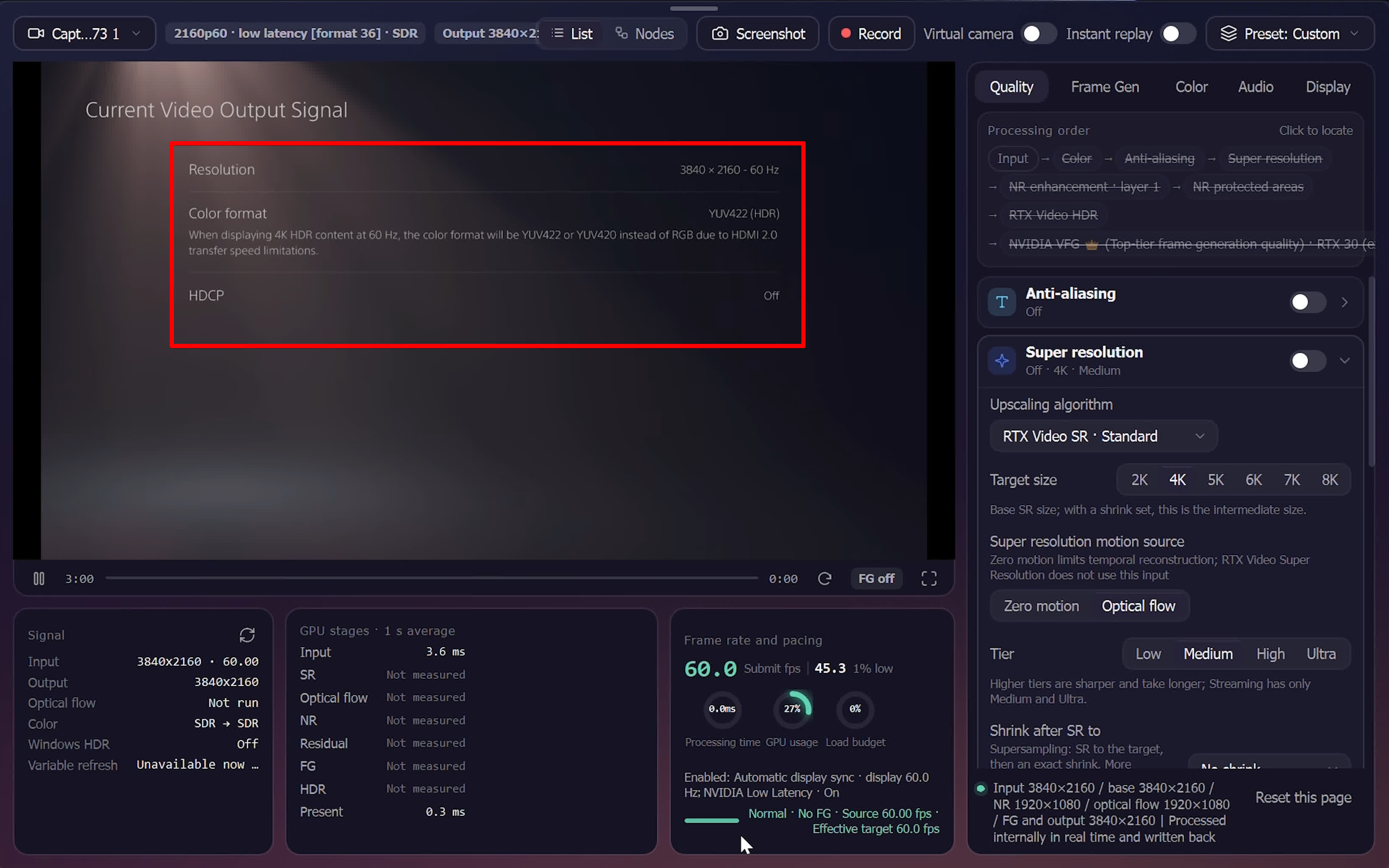
It's also a good idea at this point to confirm everything is working as intended on the console side. Go to Screen and Video > Video Output and check the current video output signal. This should match the configuration you've selected in Veyra, and you'll want to confirm HDR is active if that's what you've set. If something doesn't look right, you may need to adjust either the console or Veyra settings.
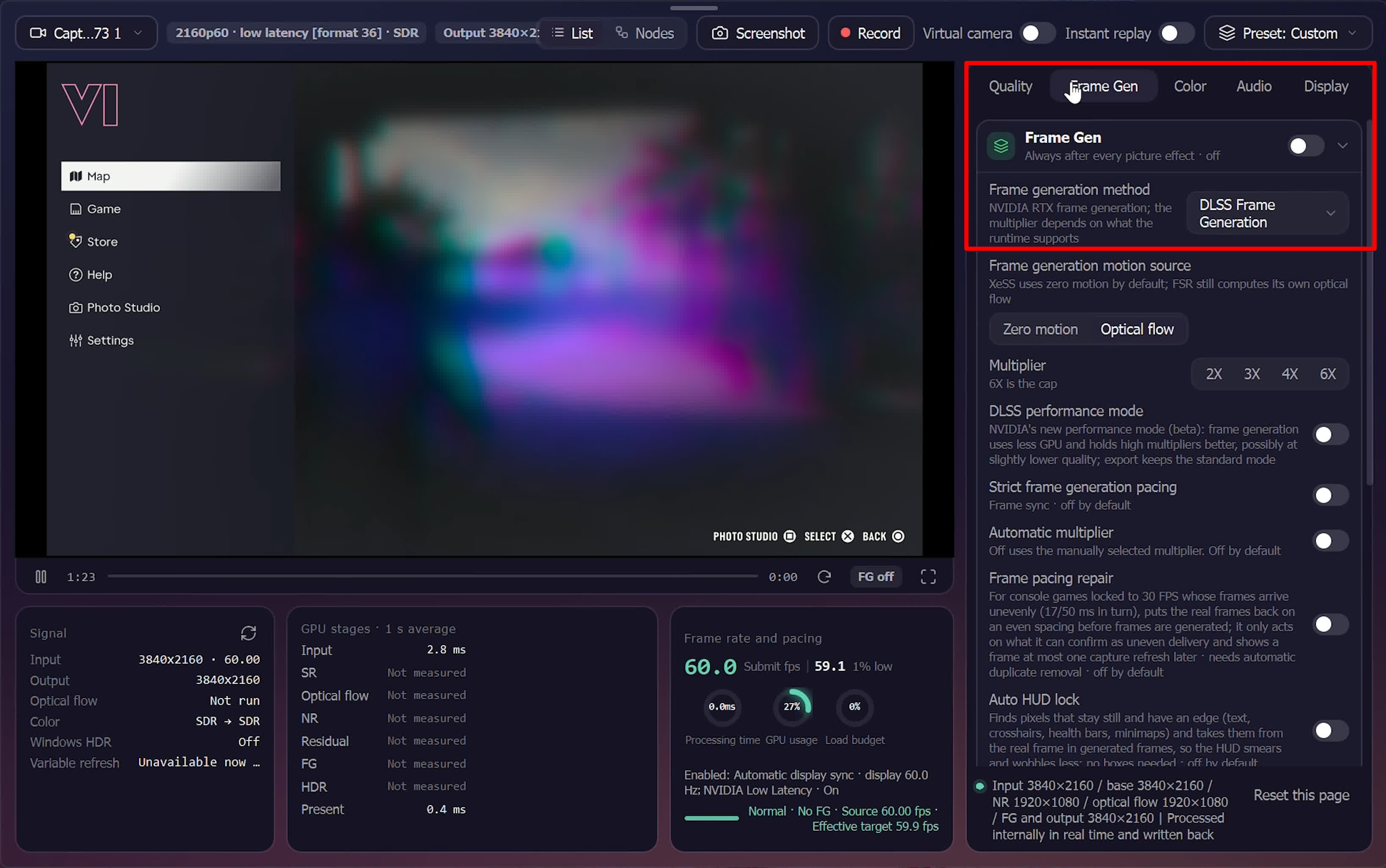
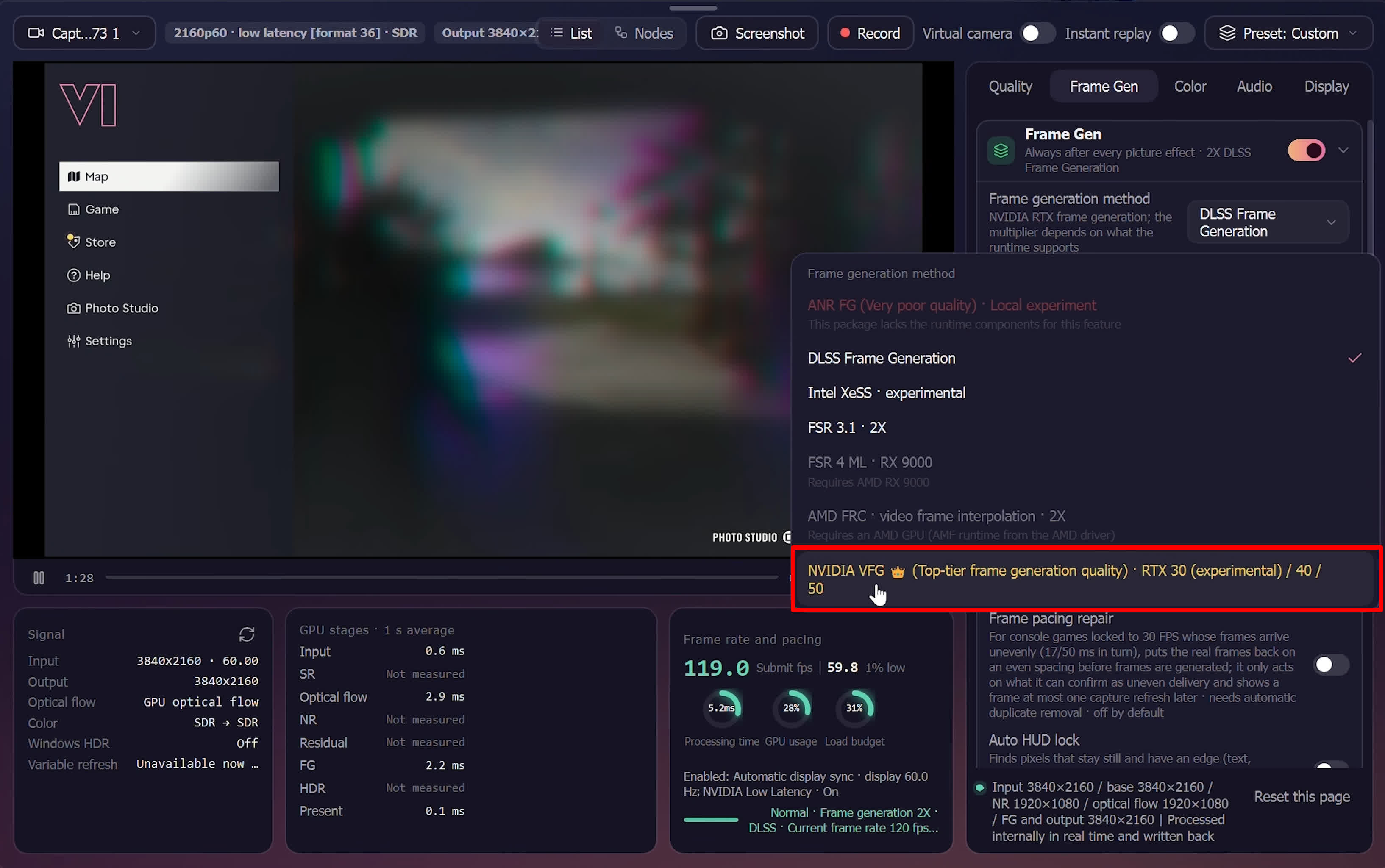
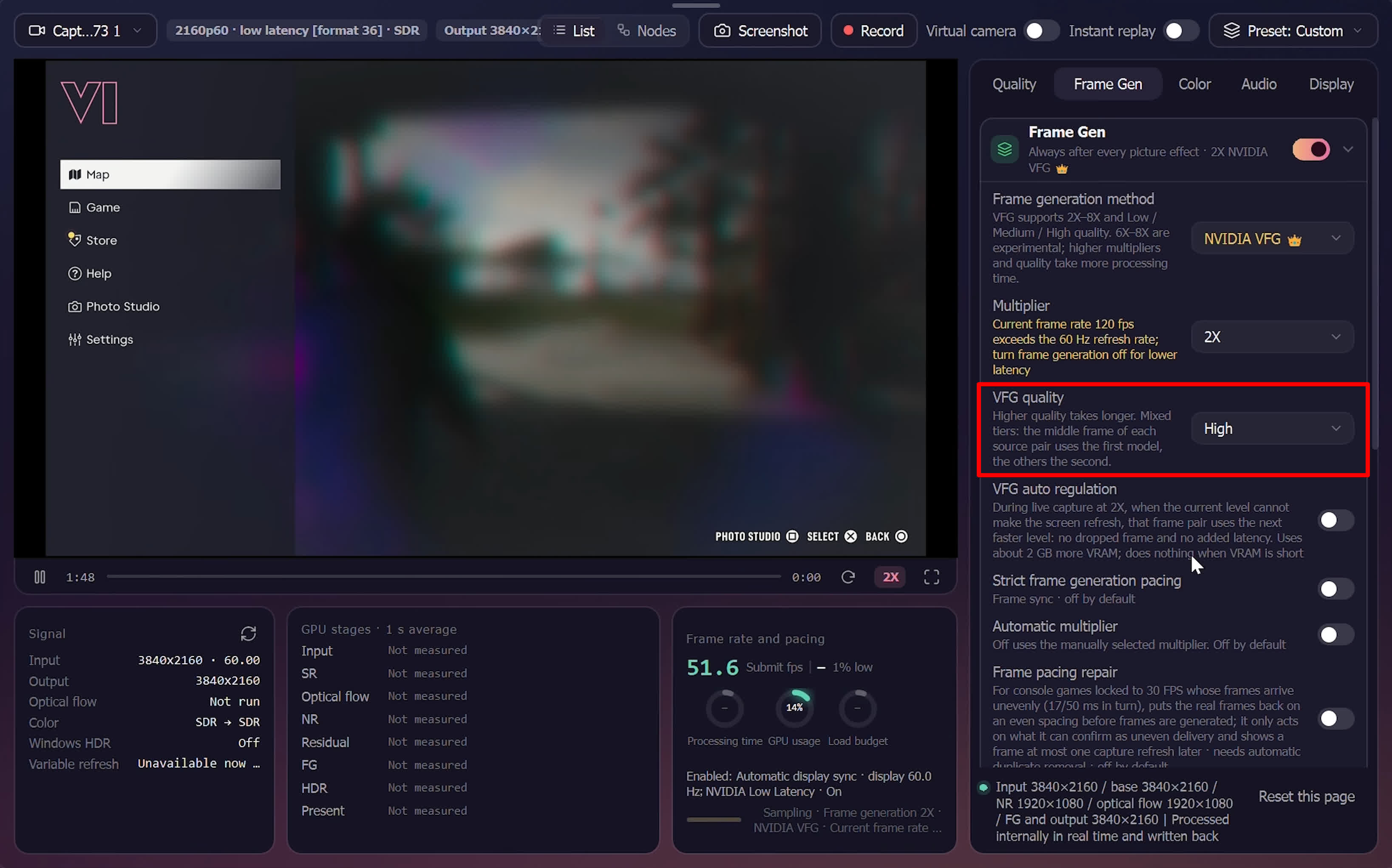
The final major step is to enable frame generation. Using the tabs on the right, go to Frame Gen, enable the feature, and then under Frame Generation Method, choose NVIDIA VFG if you have an Nvidia GPU. I found VFG to work significantly better than the DLSS Frame Generation option, which produces way more artifacts. AMD GPU users should choose AMD FRC, though you can experiment with FSR FG as well.
I also chose to increase VFG quality to High, up from the default of Medium, and to enable strict frame pacing.
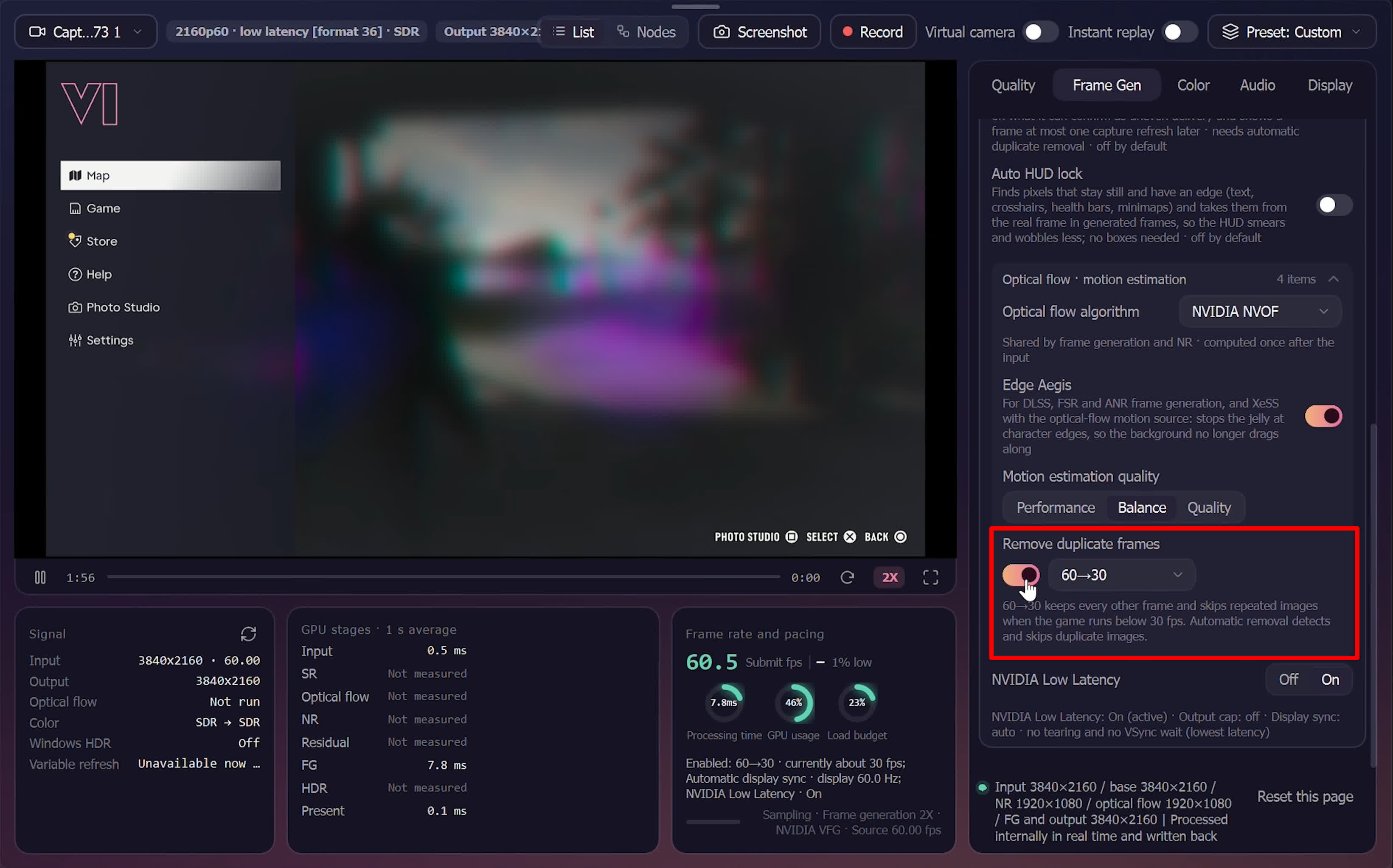
At the bottom of the settings, in the optical flow section, it's essential that you enable Remove duplicate frames and set it to 60 to 30 mode if you've configured the capture card to run at 60 FPS. As GTA 6 runs at just 30 FPS, there will be duplicate frames in a 60 FPS capture signal. You don't want those to be part of the frame generation process, otherwise it will look weird and run badly. I also enabled low latency mode but left the other settings at their defaults.
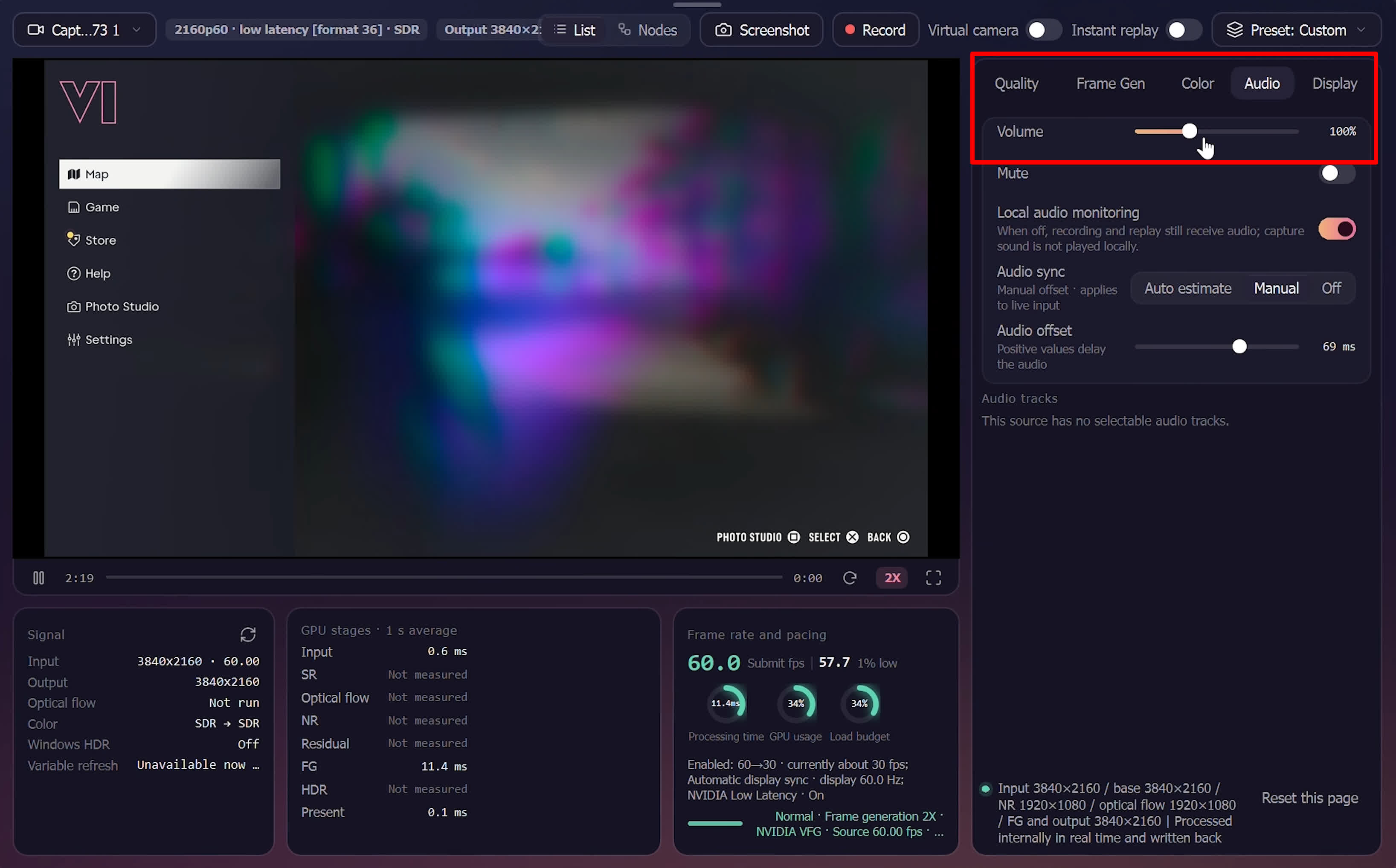
The last option you might want to consider is adjusting the audio delay if video and audio latency are mismatched. Veyra automatically applies some audio delay when enabling features like frame generation, but you can tweak this further in the settings.
Then, just click the full-screen button, and you're playing GTA 6 at "60 FPS" through a capture card and PC-based frame generation.
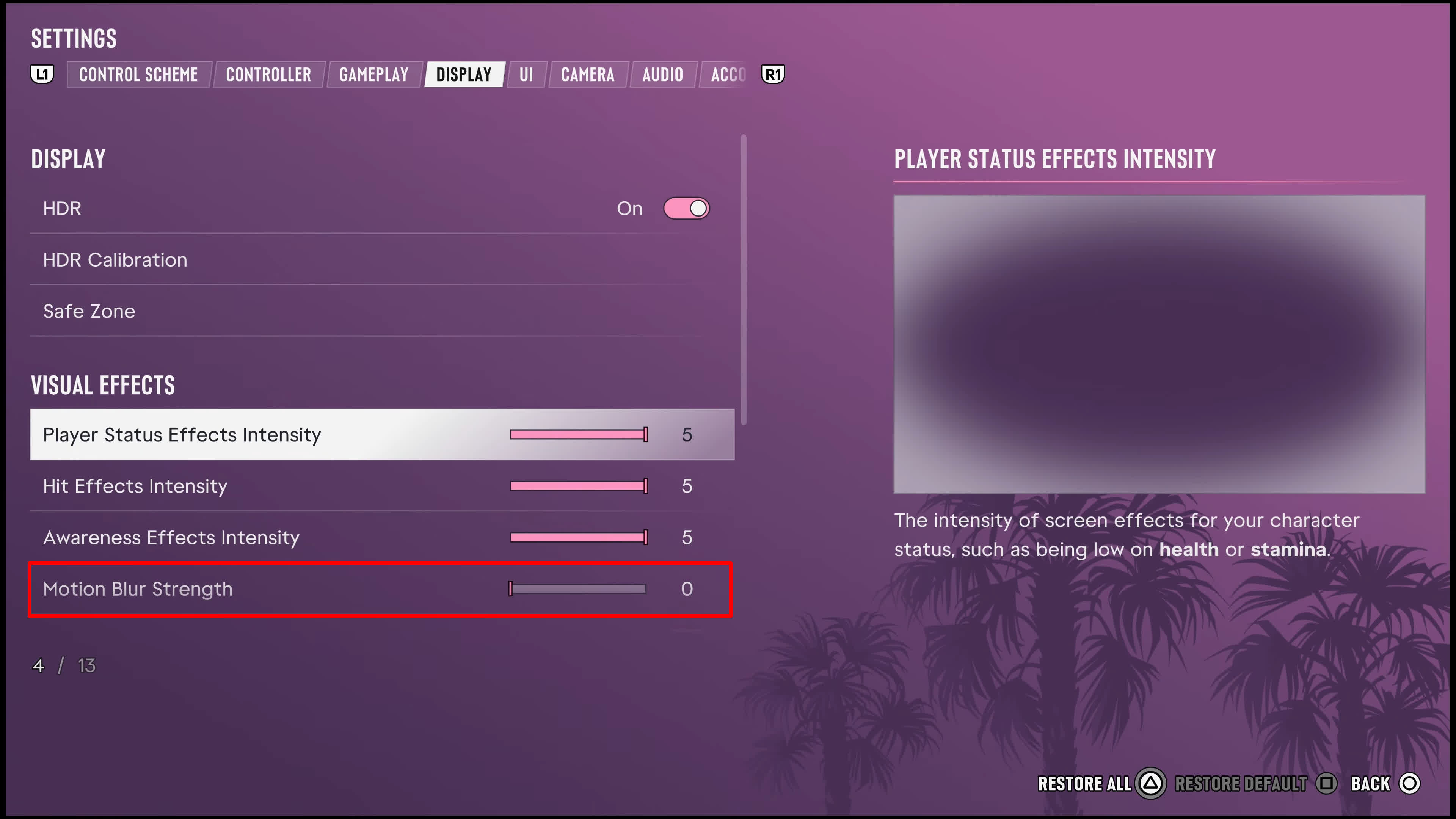
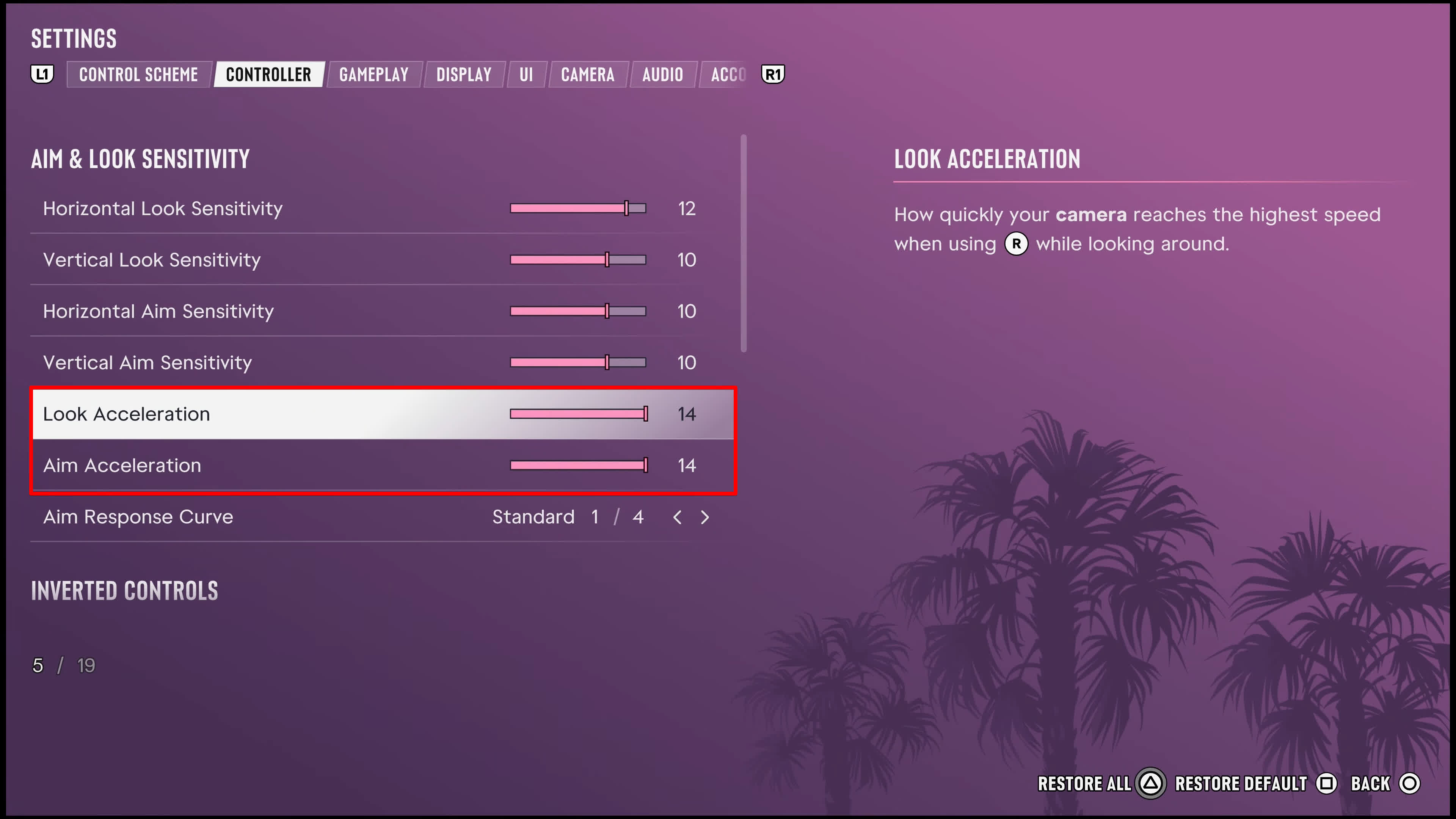
Further optimizations can be made in the GTA 6 settings themselves. I'd recommend turning off motion blur and setting both look and aim acceleration to the maximum. This makes inputs feel quicker and removes the game's motion blur from each frame, feeding the interpolation algorithm the cleanest image possible.
The surprisingly good 60 FPS experience
But is all this any good? Is GTA 6 actually more enjoyable to play through this weird system?
You might need some context for what I'm about to say. I don't like frame generation at low frame rates. I've tested frame generation extensively and consistently found 30 to 60 FPS to be a bad experience. I don't like that frame generation increases latency, I don't think it works particularly well without game integrations, and I'm highly sensitive to artifacts like flickering, boiling, and frame generation-related blending problems.
I typically only use it in some games to increase visual smoothness, especially when already rendering at a high frame rate in excess of 60 FPS. Despite all of this, despite my dislike of low frame rate frame generation on PC... I actually think this capture card method works.
I genuinely thought it would be terrible when I heard about it. I thought I would try it out and hate it, and maybe I'd even get a chance to poke fun at how bad it looks or works. But that's just not the case.
I can't quite believe how much I like the way this system enhances the GTA 6 experience. I'm actually a bit blown away.
For a better representation of image quality comparisons, check out the HUB video below:

What sealed it for me was running both options at the same time and switching between them. On my monitor, I had my PC connected over DisplayPort, running GTA 6 through Veyra at 60 FPS. On the HDMI input, I had the native game presentation at 30 FPS, using the passthrough output from the capture card.
I far preferred playing the game through Veyra at 60 FPS rather than natively at 30 FPS. In fact, every time I went back to the 30 FPS option, I was a bit stunned at how choppy and blurry it looked. When using this system, you do need to temper your expectations, though. This does not make GTA 6 play like a normal 60 FPS game on PC. There are artifacts, and there is an input delay problem that you simply don't get with proper, native 60 FPS gaming.
However, given there is currently no option to play GTA 6 at anything other than 30 FPS, I see this as more of an enhanced 30 FPS experience. Specifically, it makes the game significantly less blurry and less juddery on an OLED monitor, which makes it more enjoyable in my opinion.
In our previous analysis of the issues with 30 FPS gaming, we explained how low frame rates increase display persistence blur on sample-and-hold displays, by far the most common display type today. This makes 30 FPS look extremely blurry during any sort of motion.
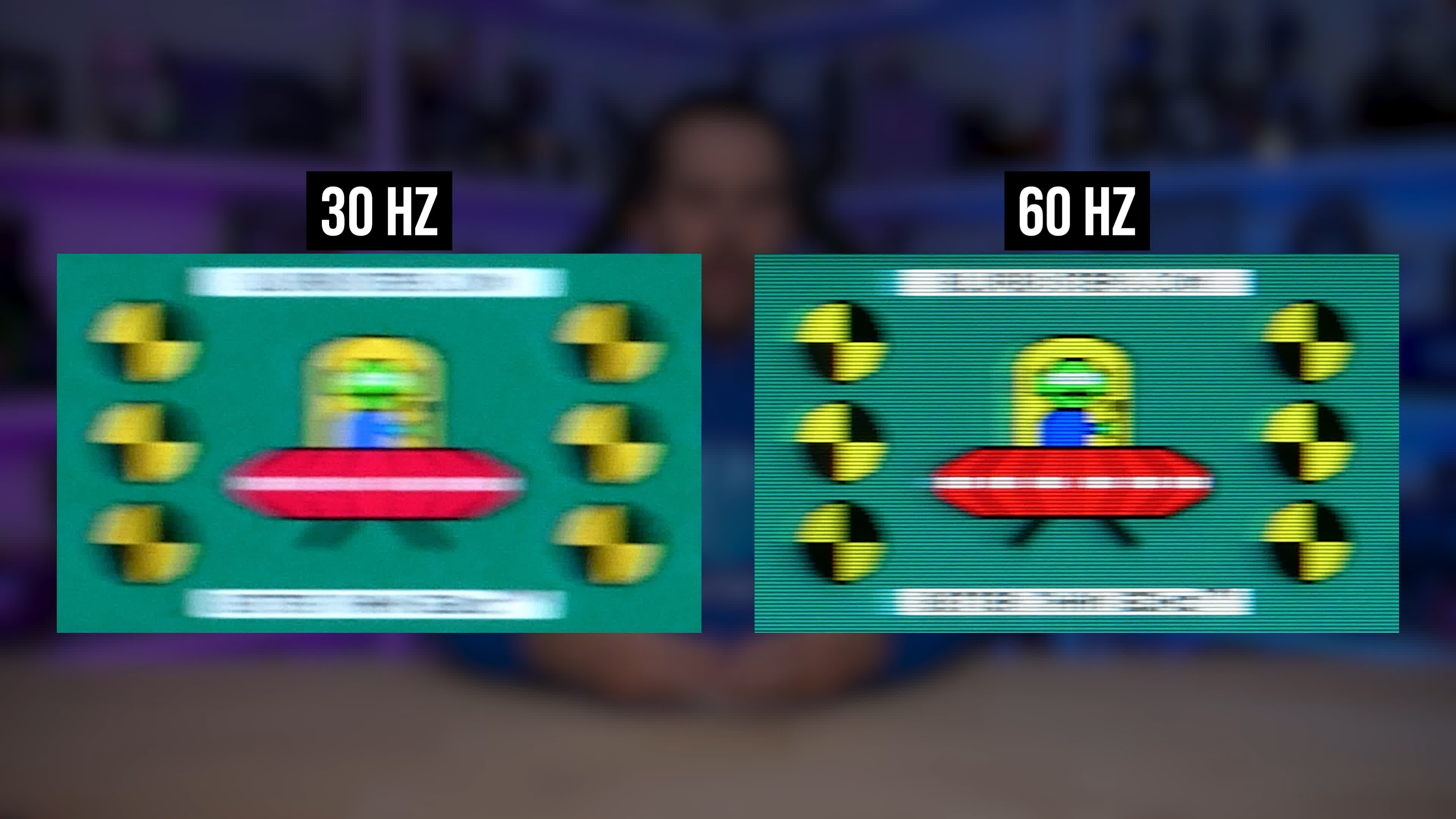
Going up to 60 FPS is a significant improvement in clarity. It's not crystal clear or anything, but it doesn't immediately look like a blurry mess under the slightest camera movement. Provided you're delivering 60 frames per second to the monitor that actually look somewhat decent and have good clarity themselves, running at 60 FPS is a huge boost to motion clarity. There are additional benefits to smoothness, as there are simply more frames being presented to you, reducing choppiness.
What impressed me the most about using Veyra in this way is that the quality of frame interpolation is surprisingly good. It's not flawless, but it's generally free of obvious artifacts in a way that I haven't experienced before with 30 to 60 FPS video interpolation.
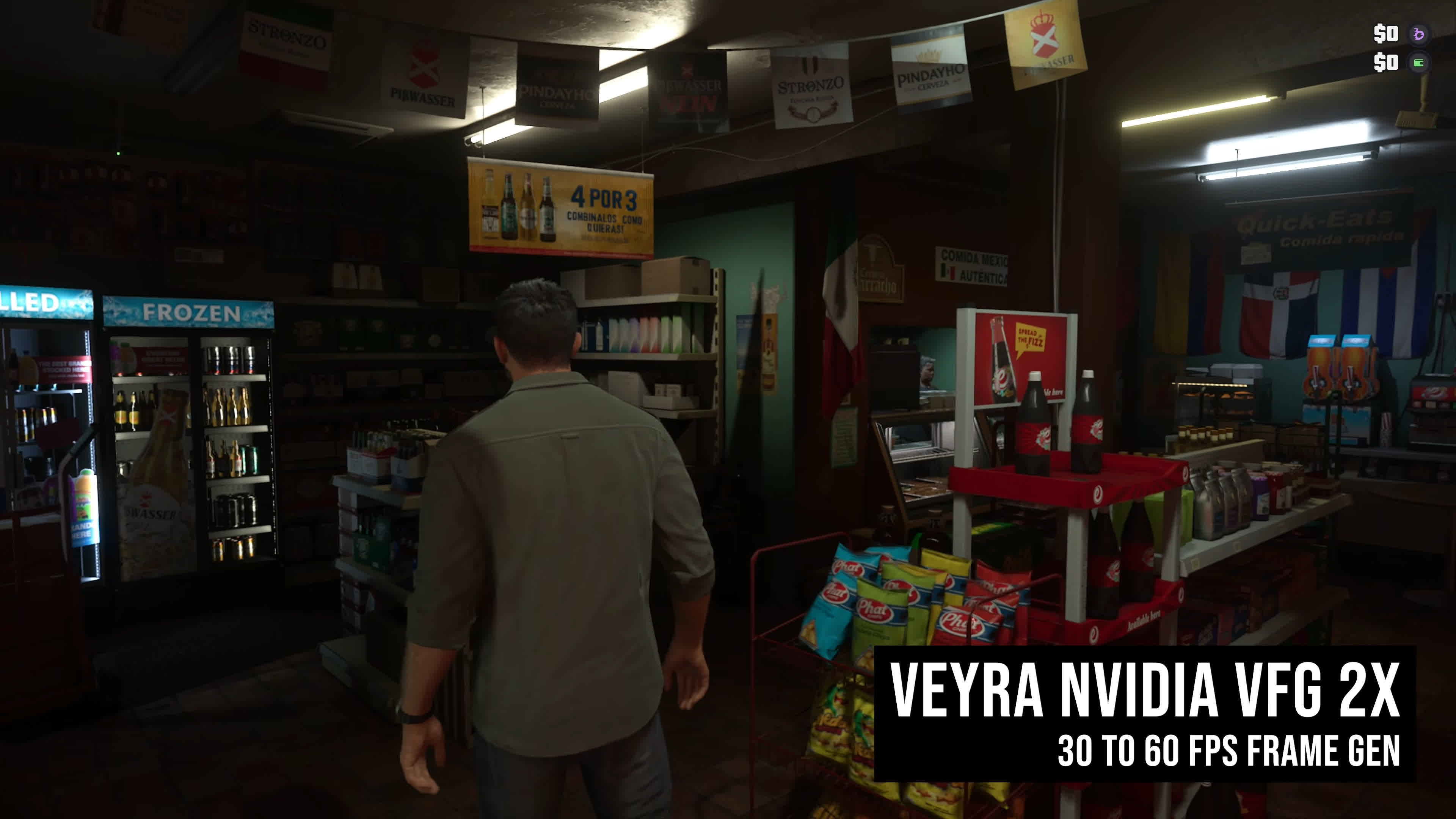
I've played around five hours of GTA 6 using this method and haven't experienced any huge, game-breaking artifacts or massive full-screen blur or warbling issues, as is common with other techniques. It's much better than TV-based frame smoothing, for example, which doesn't do a great job of preserving clarity and tends to blend frames together in a horrible, smeared way.
Part of this appears to be down to how Nvidia VFG works, especially on the High setting. Veyra reports that this frame generation system takes around 10ms to perform interpolation, which is much longer than you'd typically see from DLSS Frame Generation in a game. In Veyra, using DLSS Frame Generation instead of VFG drops the processing time to under 3ms. Essentially, VFG takes over three times as long to compute, and it's specifically tuned for video input.
So with Veyra producing decent frame interpolation, you get a genuine reduction in display persistence blur from running at 60 FPS, which makes the entire game look clearer in motion. This significantly improves one of the biggest issues with GTA 6 at 30 FPS, and it's this benefit that keeps me using Veyra for my GTA 6 gaming.
Of course, there are issues. Frame interpolation is not perfect, so there are going to be artifacts at times. I found VFG on the High setting tended to do a decent job of keeping the UI intact without obvious warbling or flickering artifacts, and even in menus or on the map, it held up well enough.
For a better representation of image quality comparisons, check out the HUB video below:

But there are limits. Occasionally, the frame generation system will produce artifacts on UI elements, such as the tracking markers on screen or when text animates in or out of the frame. It can also struggle with some types of movement, such as when complicated patterns or textures move or transform significantly between frames.
In a PC game, these artifacts would probably be a deal-breaker. You'd be better off lowering settings to get the game running above 60 FPS. This would reduce display blur in the same way as frame generation, but it would do so without interpolation artifacts and with even better motion quality. But with GTA 6, there's no "lowering the settings" option. So it's a question of whether the high levels of blur at 30 FPS or some artifacts from frame generation at 60 FPS make for a better experience. To me, 60 FPS with artifacts wins out whenever I try both options.
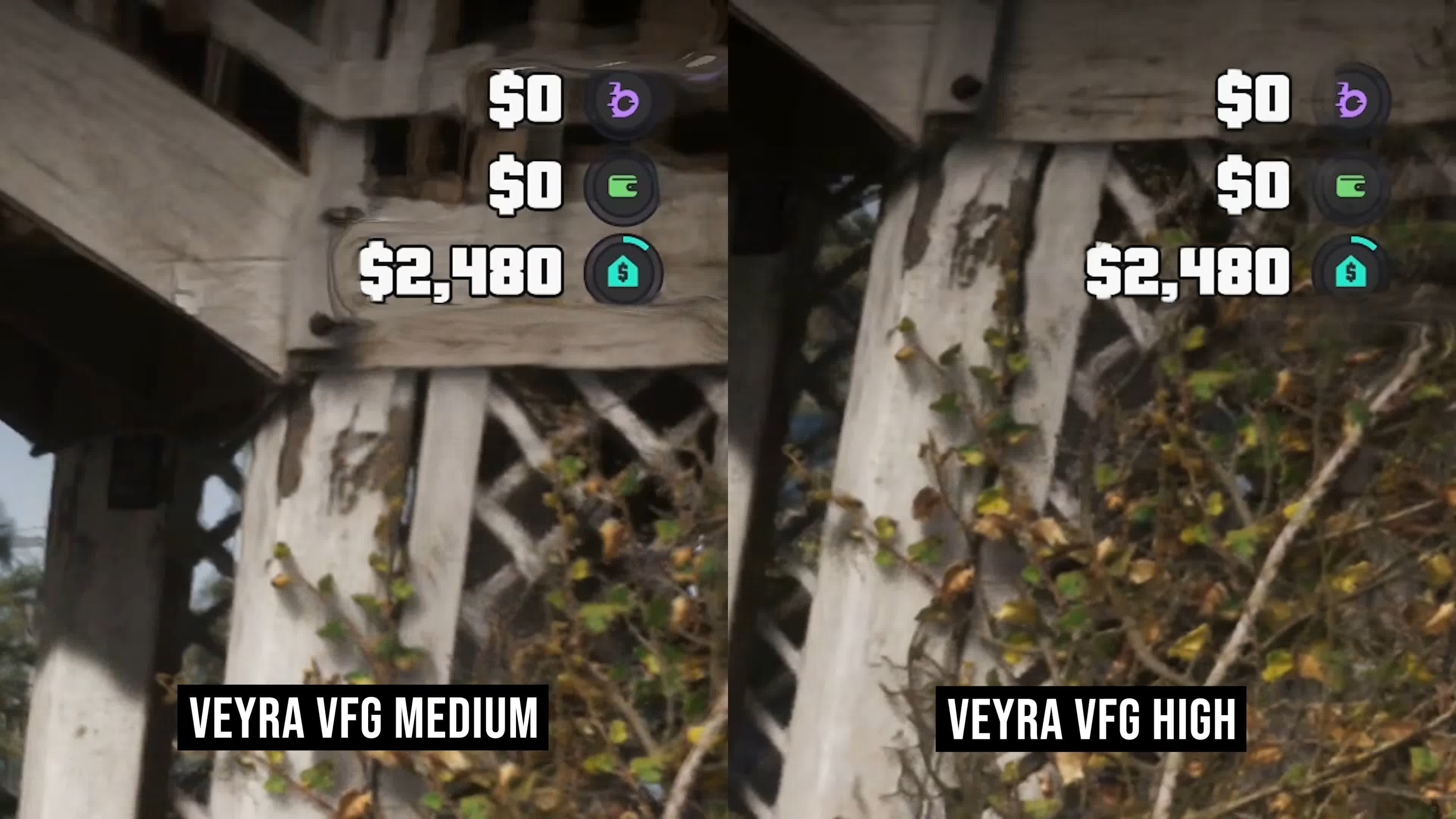
In-game artifacts are a bit worse when using Veyra's NVIDIA VFG option set to Medium. I found this mode struggled more with the UI and tended to produce warbling around text where VFG High would not. Medium is about twice as fast at generating frames and may be required on PCs with fewer resources.
I also found that the overall quality of each frame, even the real frames, is reduced slightly through the capture card method compared to sending the game natively to the display. There's a very faint line pattern that I'm noticing through Veyra. This might just be down to how the capture card actually captures each frame, I'm not entirely sure, but it's very slight and, again, not a deal-breaker compared to running at 30 FPS with increased blur.
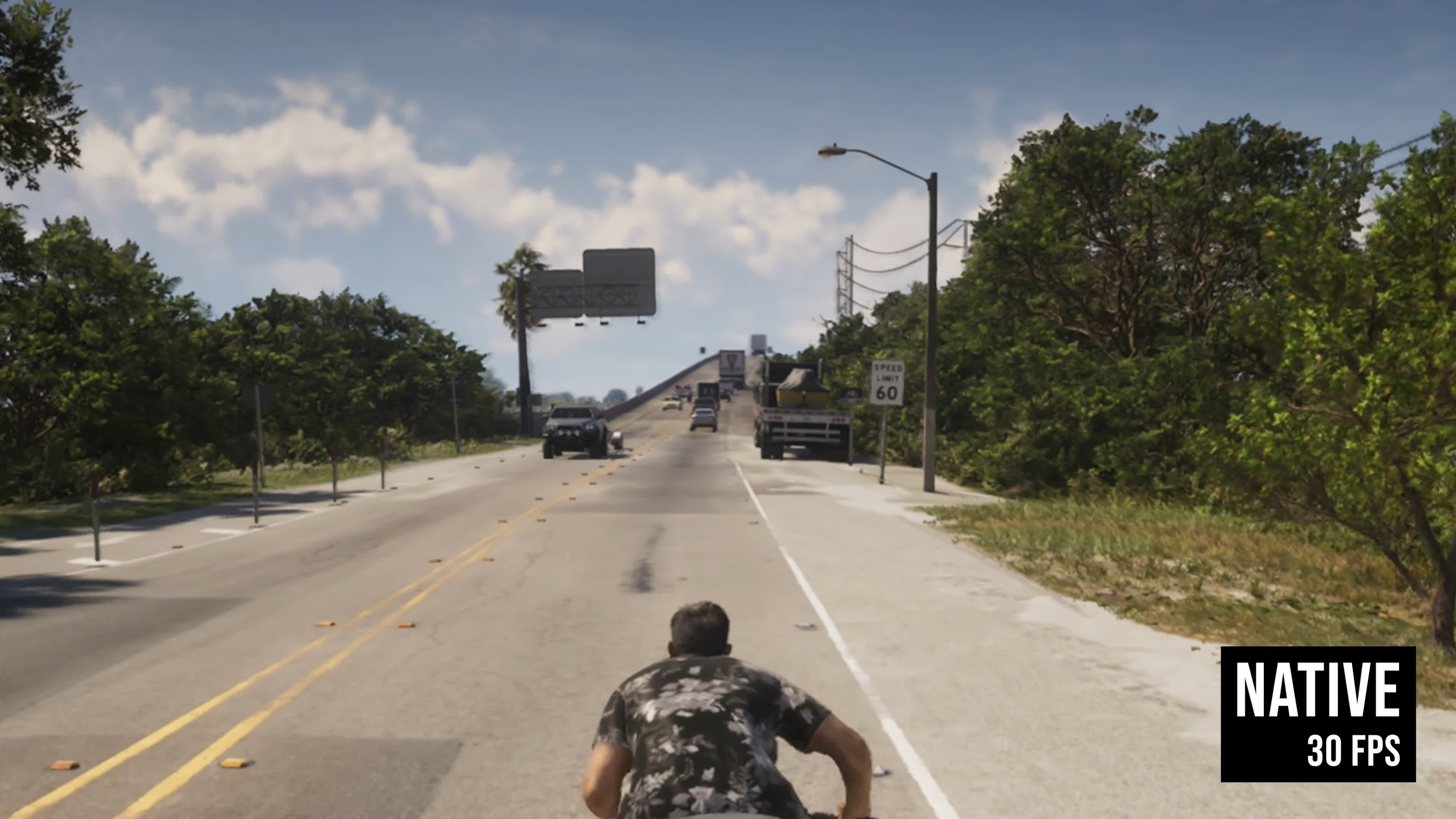
Another factor worth considering when discussing frame generation artifacts is that GTA 6 already has quite a few visual artifacts of its own, especially when playing on the base PS5.
The upscaling method is awful in my opinion. It does a terrible job of reconstructing fine detail, it's quite blurry, and there are lots of sizzling and ghosting issues visible throughout the game. There is also a lot of noise due to the use of ray-traced lighting. The ray count in this game must be quite low, and the denoising solution doesn't appear to be particularly high quality, so many surfaces exhibit grain, pixelation, boiling, and so on in motion.
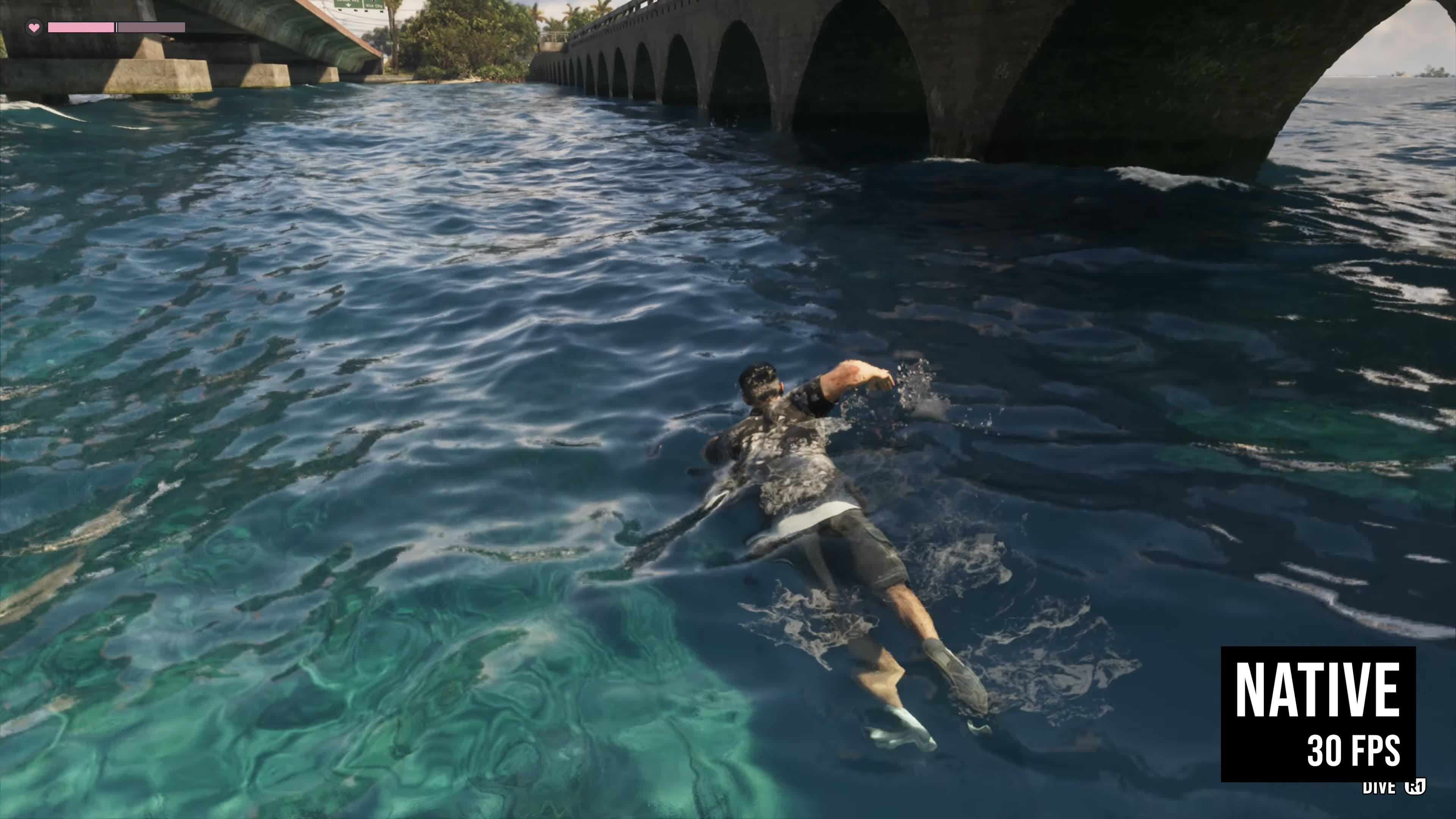
The overall visual fidelity is very impressive despite these artifacts and flaws, especially considering the relatively slow console hardware it's running on, so I fully understand why there are issues. It's not a PC game, and we can't expect a PC-like experience where these issues could be addressed with faster hardware.
But the good news is that, given there are already quite a few artifacts in the game, the frame generation artifacts introduced by Veyra don't stand out nearly as much as they otherwise might in a game with a cleaner, more artifact-free image. I find the sizzling due to upscaling much more noticeable during general gameplay than interpolation artifacts. And that sizzling is present no matter what. It's part of the native 30 FPS experience.
The cost of 60 FPS: Input latency
What about latency? This is the other major part of the equation, as running the game through a capture card and then applying frame generation will obviously increase latency. I tested this, and at least on my setup, the overall latency increase was around 35ms. This is made up of around 25ms of capture latency and around 10ms of frame generation latency.
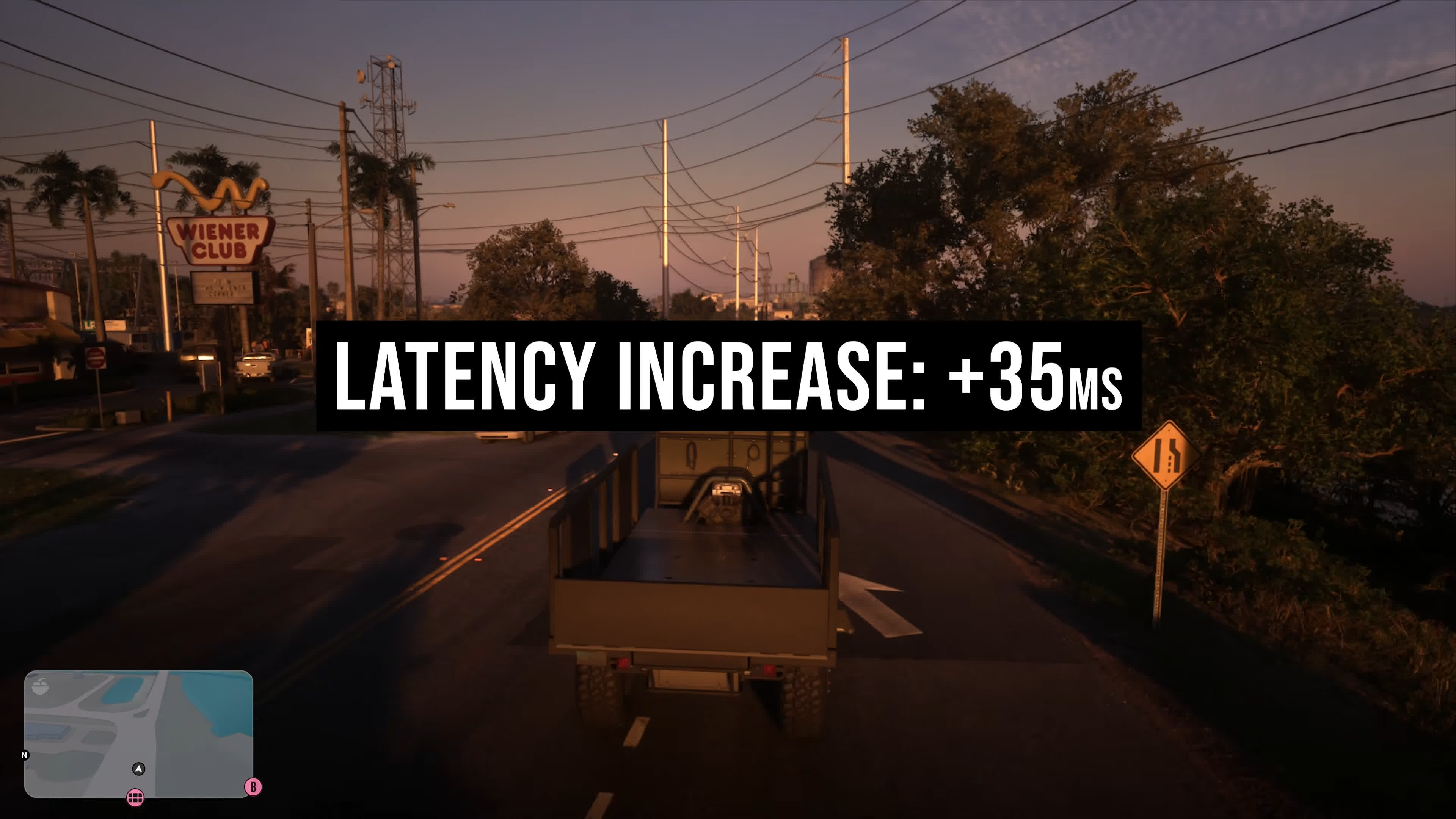
Note that this is measured to the first point of change on screen, which in the case of frame generation will be an interpolated frame. Measuring latency with frame generation is always a bit different, so keep in mind there's another 17ms to account for if we're measuring real-frame-to-real-frame latency at 60 FPS.
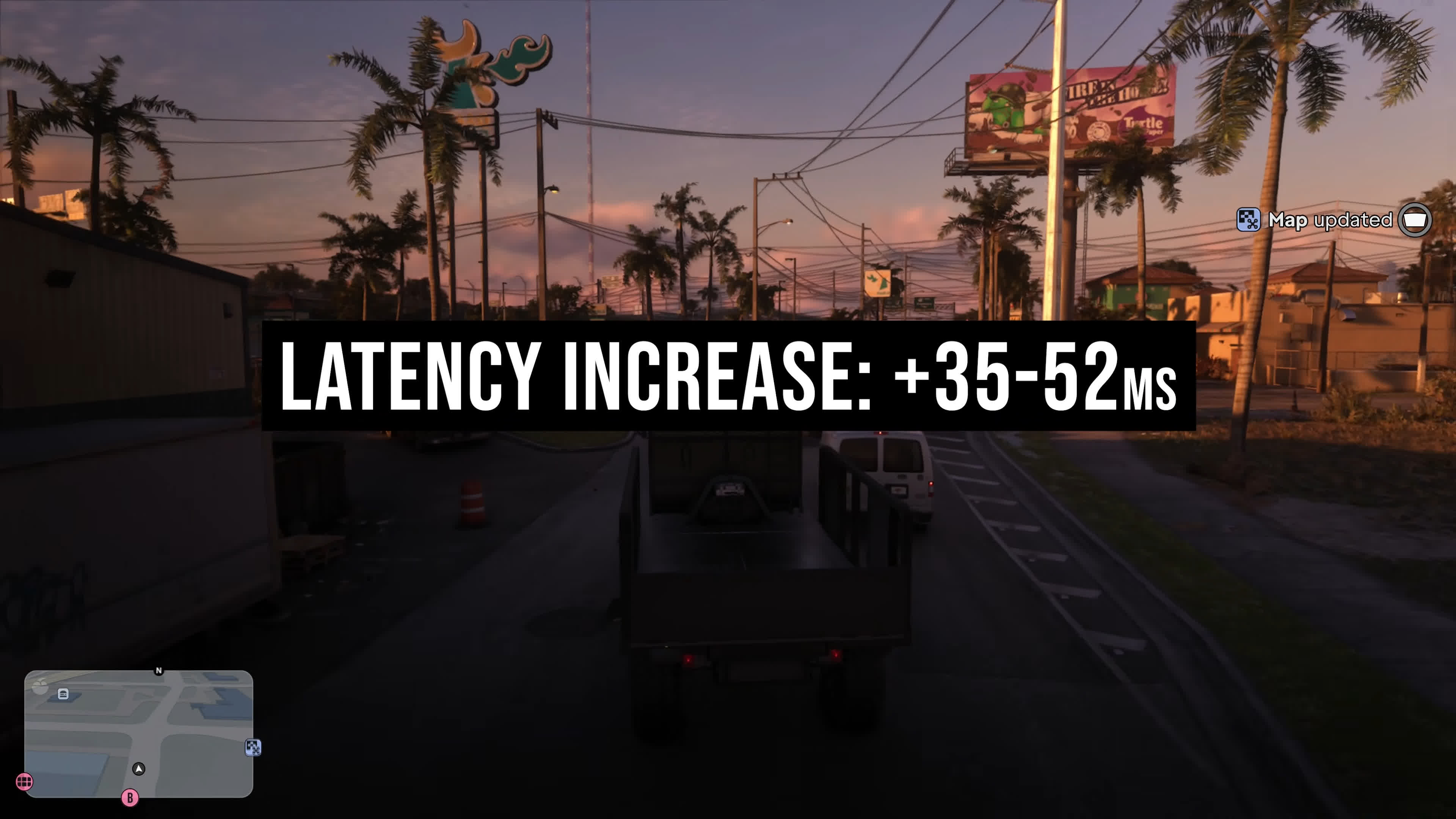
At face value, this sounds like a noticeable latency increase. And it would be absolutely disastrous for PC gaming, where at decent frame rates in single-player titles, you typically see somewhere between 30 and 40ms of latency. Using a capture card and running frame generation would therefore roughly double the latency of a typical PC game, making it a pretty stupid solution that would feel awful.
The funny thing about GTA 6, though, is that this game has extremely high input latency to begin with.
On my monitor, running the game natively over HDMI without Veyra at all, I recorded approximately 160ms of input lag for most actions I attempted. This means the normal 30 FPS experience is pretty sluggish to begin with. I found getting used to the shooting mechanics quite difficult as a result, but once you get used to it, it's playable.
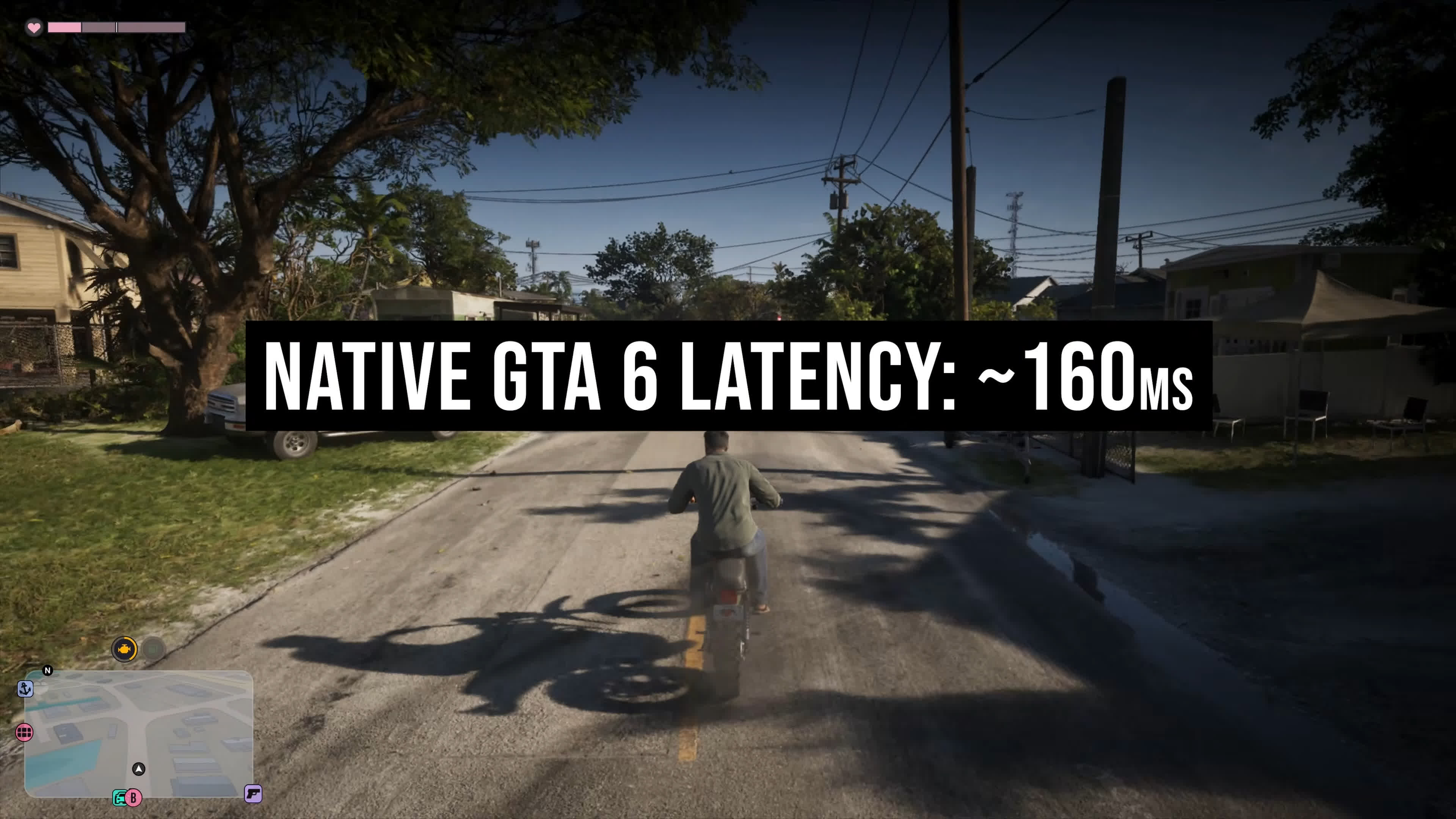
On top of this, GTA 6 is just a slow game in general. Actions are accompanied by lifelike animations that take time, there's lots of slower-paced gameplay, and it isn't really a game where you feel like you have instant control over the characters.
With Veyra frame generation added on top, latency in my configuration was around 190 to 200ms. That's a lot of lag, but relative to the 160ms baseline, the increase isn't that bad. We're already in the "really bad input lag" zone, so adding another 30-40ms isn't necessarily a deal-breaker. It amounts to roughly a 20-25% increase, which is not trivial, but it's not a doubling of latency like you'd see if the game was running with just 30-40ms of native latency.
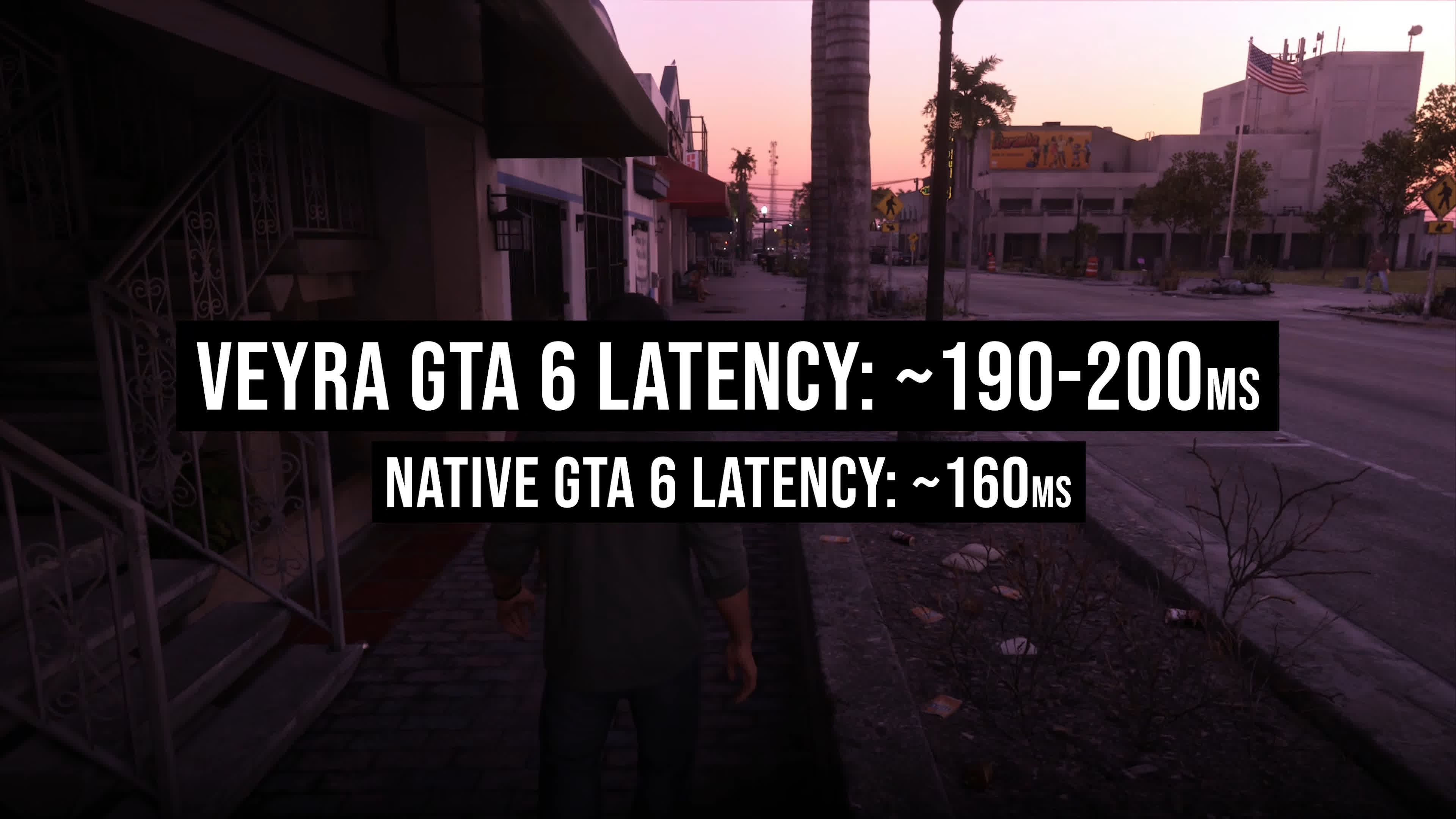
I can tell that frame generation is adding a bit of latency when playing GTA 6, but it's not a deal-breaker for me because the game already has high latency. I was already having to adapt to the high-latency experience at 30 FPS, so it's much the same thing at 60 FPS with Veyra. After a while, I didn't really notice the difference, though it took some time to dial in the faster skills in the game, like driving and shooting.
As with everything else we've discussed, this comes down to a trade-off. Is GTA 6 a better experience at 30 FPS with heavy display blur and 160ms of latency, or is it better at 60 FPS with less display blur, somewhat more artifacts, and up to 200ms of latency?
To me, the reduction in blur from playing at 60 FPS is more than enough to offset the increases in artifacts and latency, so I prefer playing GTA 6 using the Veyra frame generation method. This is not going to be a low-latency, artifact-free experience no matter which path I choose, so I'm basically willing to concede some latency in a quest to fix display blur. Other gamers who are more latency-sensitive will disagree, and the Veyra method will be an even worse experience for them.
Is it worth the trouble?
Would I recommend gamers use Veyra to play Grand Theft Auto 6? As I've said, I prefer playing the game this way, and when switching back and forth between native 30 FPS and 60 FPS via Veyra, I consistently prefer the latter. However, I don't expect that will apply to everyone, especially those who prioritize latency above everything else.
If you don't mind the display blur and lack of visual smoothness but are concerned about the latency side of things, you should probably stay away from Veyra.
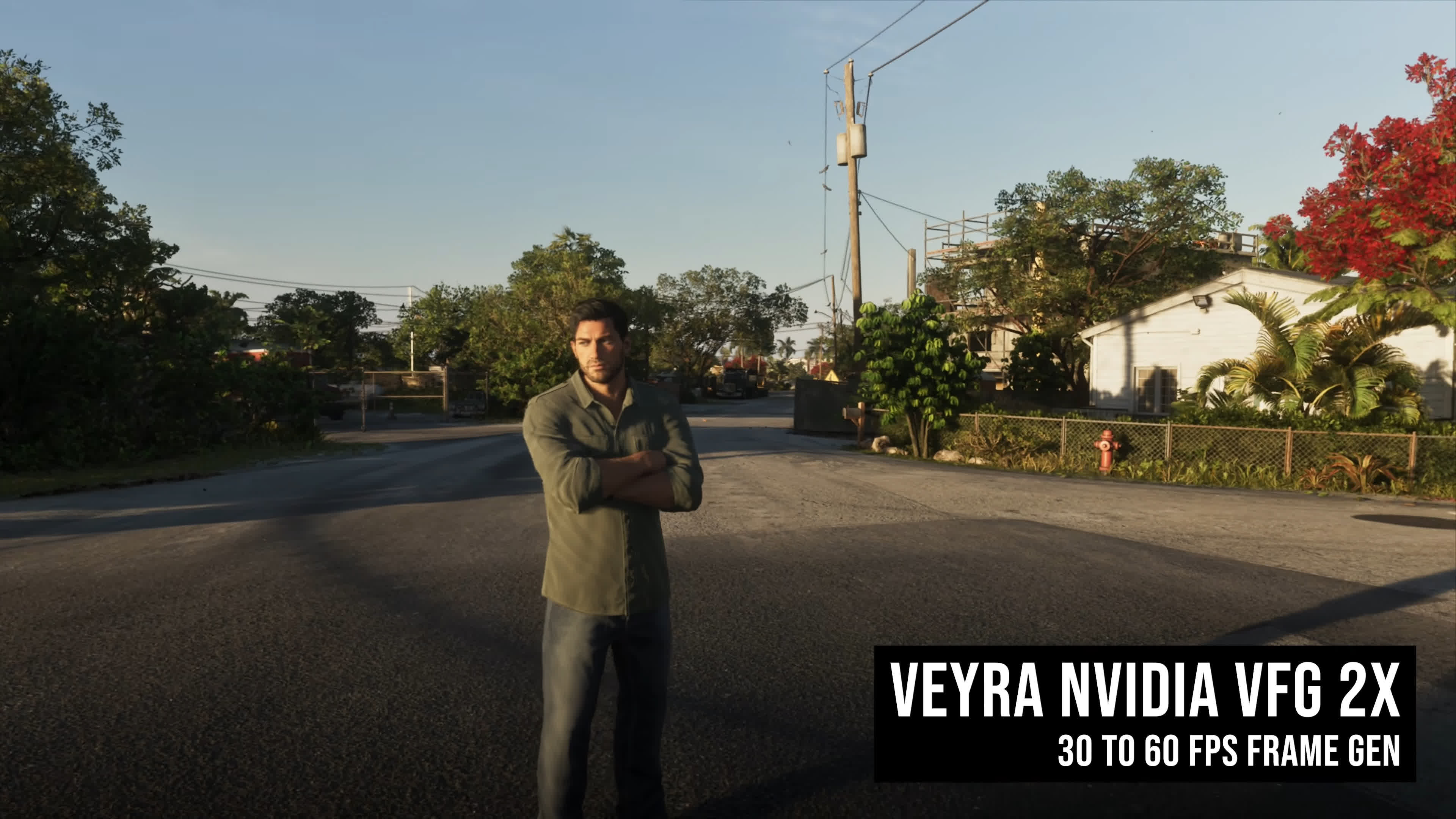
If you happen to own a capture card already and a PC that's capable of running Veyra (which should be most gaming PCs), I think it's worth giving it a try just to see which option you prefer. It's also easy to set up a quick comparison for yourself, with one display input connected to your PC running Veyra, and another connected to the HDMI passthrough from the console. That way, you can switch back and forth and decide for yourself which way you want to play.
If you don't own a capture card, I'm on the fence as to whether I'd recommend investing in one specifically to play GTA 6 this way. A high-quality PCIe capture card capable of 4K with HDR will set you back over $150, which is an investment compared to simply waiting for the game to come to PC. And there's no guarantee you'll even like playing through Veyra.
With that said, there are USB capture cards and models that are only capable of 1080p that are much cheaper, provided you don't need the game running at the highest resolution.
If you do want to buy a higher-end capture card, I'd recommend one from AVerMedia. I've tried a number of capture cards from different brands, and AVerMedia's have been by far the most reliable in my experience. I've used the GC573 for all my Veyra testing here and regularly use a GC553G2 for capturing footage for Hardware Unboxed videos. Unfortunately, my experience with Elgato cards hasn't been nearly as positive.
Ultimately, Veyra isn't a substitute for running GTA 6 at a native 60 FPS, and I still stand by my usual recommendations when it comes to frame generation on PC. But in this particular scenario, where there is no option to increase the game's render rate, the trade-offs make surprisingly good sense. I went into this experiment expecting to find yet another example of why frame generation at 30 FPS is a terrible idea. Instead, I ended up finding my preferred way to play GTA 6, at least until the PC version arrives.