After a decade of frustration, Microsoft finally fixes "Update and shut down" Windows bug

Shawn Knight

Posts: 15,833   +202
Staff member
Why it matters: The "Update and shut down" option in Windows 10 and Windows 11 is meant to do just that – install any updates in the queue and then shut down your machine afterwards. In theory, the feature could be incredibly handy at the end of the work day or after a late night of gaming. By the next morning, your system should be loaded with the latest patches and ready for another session. In practice, however, it did not work like that.
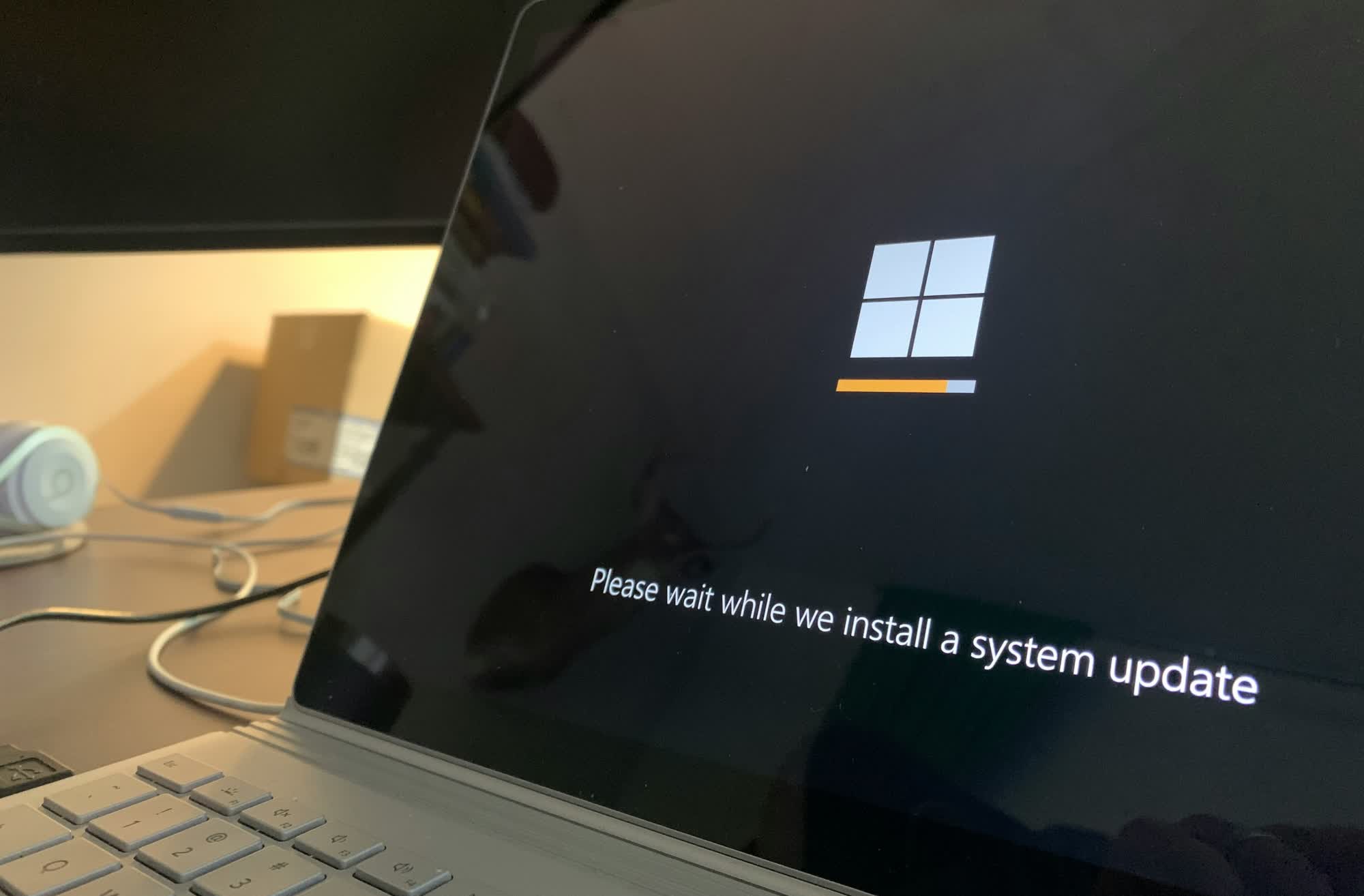
As Windows Latest highlights, Windows typically needs to boot into an offline servicing phase to apply a patch because it can not update files while they are in use. Ideally, Windows would shut down after this step. Instead, it boots back to the login screen.

Depending on your situation, the issue ranges from a minor annoyance to a serious productivity wrecker. For desktops, it is usually just a matter of logging back into your system and carrying on with your day but laptop users may come back to find a dead battery that could set them back hours while it recharges.
Why Windows fails to shut down as promised is not clear. Microsoft didn't give us a reason, only mentioning that the fix improves the performance of the servicing stack. Maybe we will eventually get an explanation from Microsoft veteran Raymond Chen?

Whatever the case, the Windows 11 servicing stack update (KB5067035) – 26100.7010 should rectify the issue. The non-security update is being offered through two release phases: gradual rollout and normal rollout.

Some users will no doubt choose to skip the optional update, and you can't blame them. Windows 11 has had a less than stellar track record when it comes to update reliability. If the update and shut down issue has not been much of a bother thus far, it may be safer to simply skip the fix rather than risk rolling the dice on a patch that could cause something else to malfunction.

Image credit: Triyansh Gill, Clint Patterson

Permalink to story:

 
Windows updates seriously undermine any productivity argument one could make for continuing to use Windows...
 
I have always gone for the 'Update and restart' option. The idea being that if Microsoft is gonna f**k -up my system again, I want to know NOW. Not when I might need my system to start normally for some critical workload.
Speaking of which, the final Win 10 updates f****d -up the task bar -on BOTH my systems! It no longer appeared and disappeared cleanly and smoothly. It stuttered it's way up and down! Couldn't possibly be a mean-spirited final act of sabotage by Microsoft could it?? Yeah.... I know -I'm a conspiracy theorist -NOT!
I removed the aforementioned updates on both my affected systems -lo and behold...no more stuttering taskbars!!
 
That such a simple bug takes this long to fix says all you need to know about the state of the code and the tech debt to wade through now in the OS.
 
The article is a bit vague on exactly what happens. Rebooting to the logon screen after choosing to "Update and then Shut Down"....does this mean that it is a requirement to logon to Windows to finish the update process before shutting down? If that's what is happening, I would agree, that is a problem that would affect portable devices most.
I only use Windows on desktop, mostly, so if that is what's been happening in the past it doesn't affect me much as my power configuration is set to shutoff monitor after a few minutes and go into sleep mode by some factor of the monitor shutdown time.
I think the issue here is that Microsoft just assumes you would be attendant long enough to logon and let the update process play itself out unattended.
But the requirement of a logon to fully complete the "Update and Shutdown" process is a bit illogical as well. It could go both ways I guess so long as you understand what's actually gonna happen when you select that option, regardless of it's description.
 
Honestly never noticed this issue, but I rarely every actually turn my computer off, but rather just put it to sleep.
 
Mmm the smell of elitism.

Yeah, you gotta love macOS where you need an admin password to even plug in a USB Ethernet adapter.
Exhibit A.

Note the hint of desperate anger as the subject first deflects with a passive aggressive insult, followed by an assumptive disdain and subtle attack of their abusers rival.
 
"After a decade of frustration, Microsoft finally fixes "Update and shut down" Windows bug"

...And that's not guaranteed since future updates would mess it up as usual...!

The best software that I have experienced on doing the task and shutting down is Macrium Reflect...!
 
Back