After Wi-Fi 7's Speed Push, Wi-Fi 8 Is Turning to Reliability

"Wi-Fi 7 speed push" - ahh... what? you may be confusing it with 6e, but wifi 7 was all about latency and multiple stable connections.
 
"Wi-Fi 7 speed push" - ahh... what? you may be confusing it with 6e, but wifi 7 was all about latency and multiple stable connections.

"...Wi-Fi 7 (802.11be) offers significant improvements over Wi-Fi 6E, delivering up to 4.8x faster theoretical speeds (46 Gbps vs. 9.6 Gbps)...."
 
"...Wi-Fi 7 (802.11be) offers significant improvements over Wi-Fi 6E, delivering up to 4.8x faster theoretical speeds (46 Gbps vs. 9.6 Gbps)...."
Those wifi 7 speeds don't exist on the market. Some of the top routers can do around 20Gbps or a bit over (theoretically) when you combine all bands, but you also have 6e routers that do 16 combined.

In reality the needle barely moved.
 
6, 6e, 7, now 8?

Can we slow down a bit here? Maybe take some time to fully bake a new implementation first? I'm still on 6, dotn own a single device that can do 6e or 7, and frankly the one 6e router I helped set up was thoroughly unimpressive in both range and speed.
 
6, 6e, 7, now 8?

Can we slow down a bit here? Maybe take some time to fully bake a new implementation first? I'm still on 6, dotn own a single device that can do 6e or 7, and frankly the one 6e router I helped set up was thoroughly unimpressive in both range and speed.
Yeah when I recently looked into them again a good 6 router was still better than a mainstream 6E and a good 6E (or 7) was a lot more money.

As fun as it is for the marketing department to put bigger theoretical numbers on the box, the real world advances have been slim. 6 dealing with many devices better has been the biggest win in a while.
 
This is great because the older gear will be cheap-as-chips on the used market. My home has three "wifi 4" access points and everyone has all the bandwidth they need. Got a desktop computer for work or gaming? Plug the damn thing into ethernet.
 
This article proves that wired cannot be beaten. Every WiFi iteration introduces severe shortcomings that cannot be overcome with ever increasing radiation. I have switched from gigabit to 2.5Gbit routers due to the cost of 5G switches and am very pleased.

I have no intention of switching from my AX5400 as I couldn't care less how fast phones and tablets download updates as I don't watch 4K on a 6.5" screen.
 
Those wifi 7 speeds don't exist on the market. Some of the top routers can do around 20Gbps or a bit over (theoretically) when you combine all bands, but you also have 6e routers that do 16 combined.
No 6E router can do anywhere near that. I have two, and neither of them come close to their theoretical 9 Gbps rate; I've never even seen them top 2 Gbps.

6, 6e, 7, now 8?

Can we slow down a bit here?
As long as backwards compatibility exists-- what do you care?
 
No 6E router can do anywhere near that. I have two, and neither of them come close to their theoretical 9 Gbps rate; I've never even seen them top 2 Gbps.


As long as backwards compatibility exists-- what do you care?
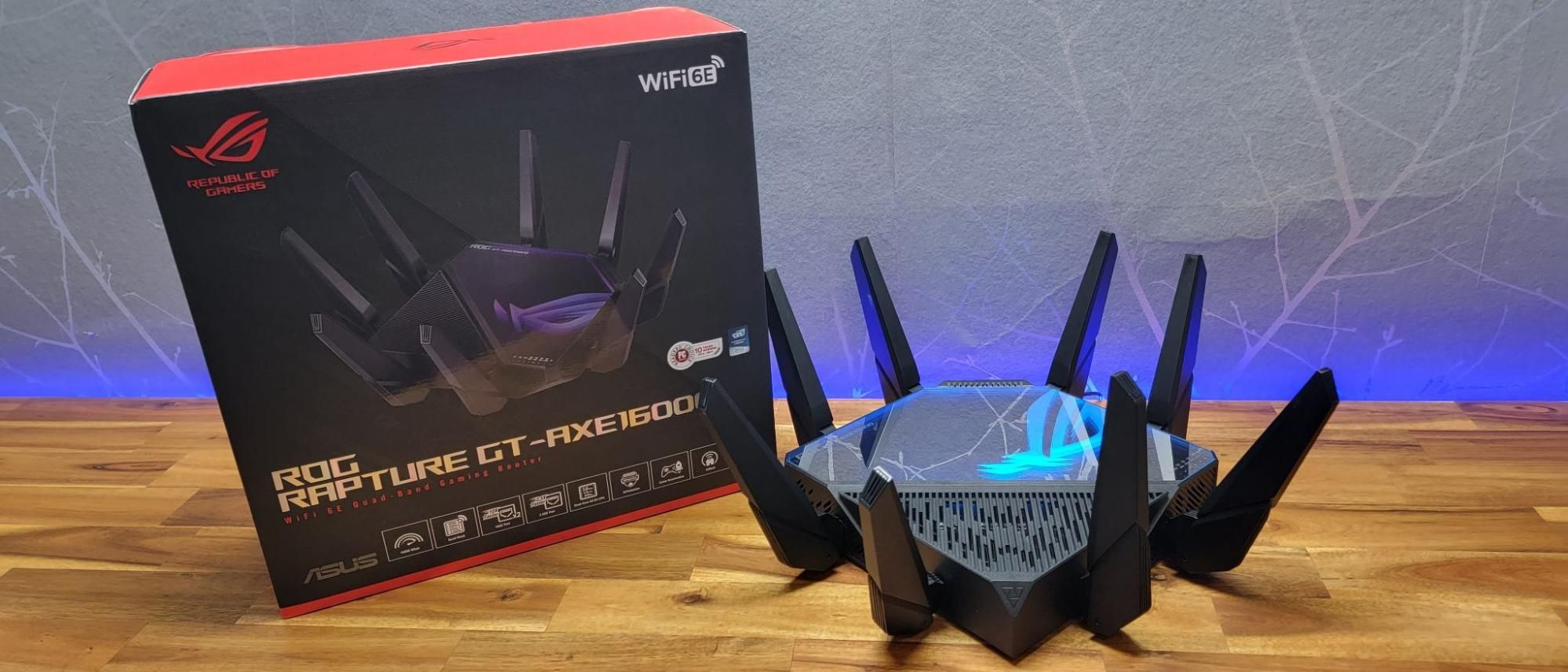
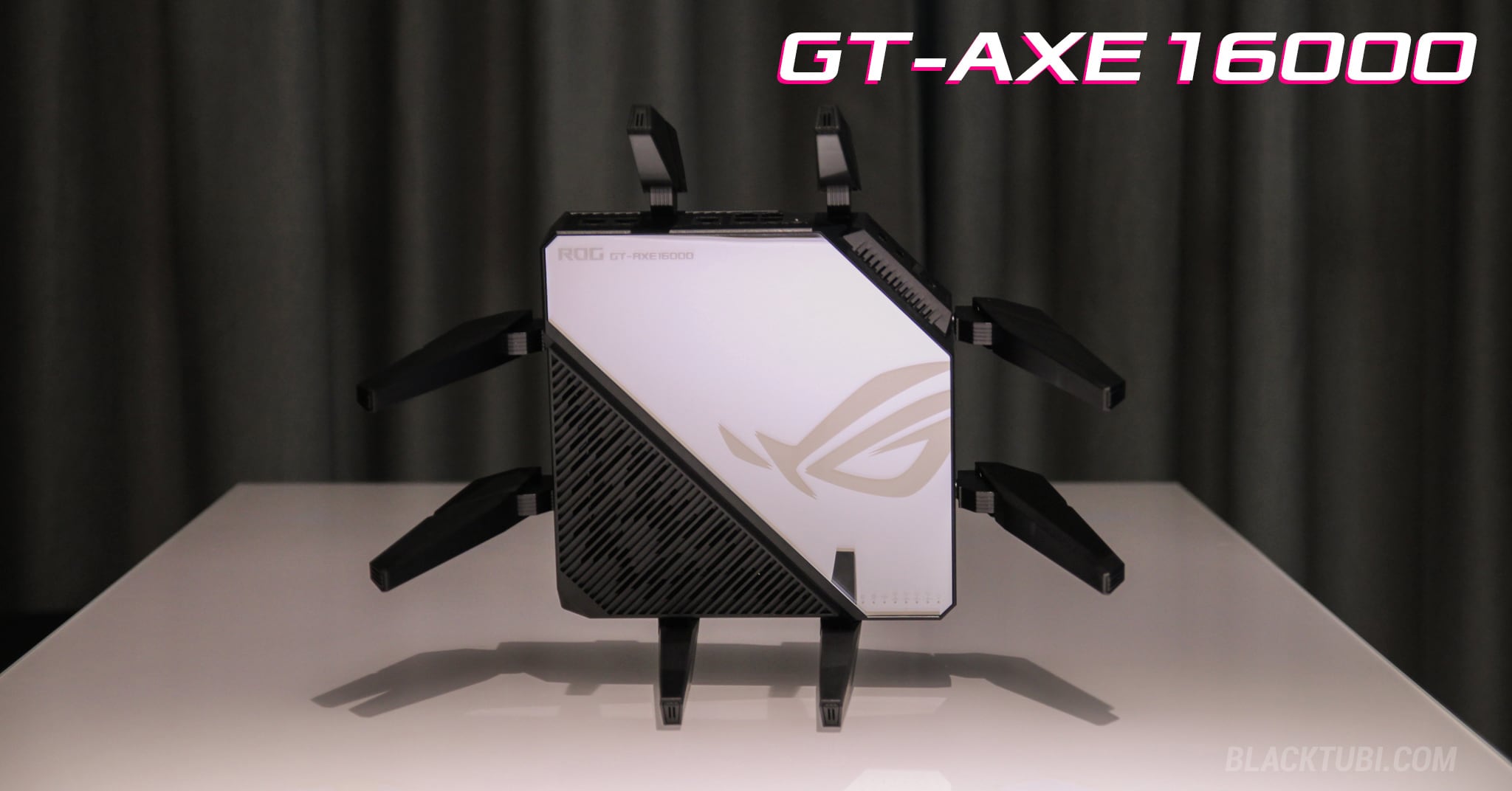
Because you don't have it doesn't make it imaginary. Here you go: ASUS ROG GT-AXE16000 and TP-Link AXE300. Both of these are AXE16000. And if you want something a bit "cheaper" you have the NETGEAR Nighthawk RAXE500 which is AXE11000.

"2 Gbps" - if you want more then you are limited by the servers. In local they can do it.
 
Last edited:
Because you don't have it doesn't make it imaginary. Here you go: ASUS ROG GT-AXE16000 and TP-Link AXE300. Both of these are AXE16000.
Oops again! Neither of those gets anywhere near 20 Gbps.

"...The ASUS ROG Rapture GT-AXE16000 is a top-tier Wi-Fi 6E router, often described as the fastest, delivering close to 1.2 Gbps speeds at close range...."

The THG review of this router didn't even reach that, topping out at just 915 Mbps:

 
Oops again! Neither of those gets anywhere near 20 Gbps.

"...The ASUS ROG Rapture GT-AXE16000 is a top-tier Wi-Fi 6E router, often described as the fastest, delivering close to 1.2 Gbps speeds at close range...."

The THG review of this router didn't even reach that, topping out at just 915 Mbps:

Here you go, this is the fastest wifi 7 router on the market:
This router is BE25000 class and is massively expensive. Care to tell us the speeds? Does it get close to the "advertised" 25000Mbps?

And since you want reviews, here you go:
Here the Asus 6e one was doing 1.6Gbps.

Seriously, if you don't know the router market, it's best to just avoid having this discussion. You seem to be under the impression that Wifi 7 is many times faster, when in reality it's barely faster. The majority of Wifi 7 routers stay at the same Wifi 6e speeds (that's IF they even have 6GHz implemented and you are not stuck with 5GHz). This is the unfortunate reality of the current market.

The popular high end TP‑Link Archer BE550 wifi 7 router (which is outside of the budget for most) is stuck at the 9.3Gbps class.
 
Last edited:
Here you go, this is the fastest wifi 7 router on the market:
(link deleted)
From your link:

"...The advantages of Wi-Fi 7 were readily apparent in our 6GHz testing ... I saw 2,410 Mbps at [close range]...."

That's not the advertised speed ... but it's more than double the speed of the fastest 6e router they tested.

Here the Asus one was doing 1.6Gbps.
Which is just 10% of your claimed 16Gbps. See, math isn't hard, is it?

Here's Guru3D struggling to get even 0.85Gbps out of that same router:
 
My only problem is with the name, 802.11bn, considering that 802.11b and 802.11n were standards for quite some time. At least they didn't call it 802.11bg, as that'd be a mess for sure.
 
From your link:

"...The advantages of Wi-Fi 7 were readily apparent in our 6GHz testing ... I saw 2,410 Mbps at [close range]...."

That's not the advertised speed ... but it's more than double the speed of the fastest 6e router they tested.


Which is just 10% of your claimed 16Gbps. See, math isn't hard, is it?

Here's Guru3D struggling to get even 0.85Gbps out of that same router:
'more than double" I intentionally left the other review because I knew you would try to gaslight me with that.

if you don't like that review, here's another that also gets over 1.6Gbps.
and this one has 1.4Gbps:

Thanks for showing me that that "reviews" have inconsistent speed tests. And you also love to make wild claims and then are forced to make excuses when proven wrong.... every single time.

You didn't even bother to read the guru3d review and look at what was being tested.
"We max out at 850 Mbps, which makes sense as the host side is a PC connected to 1 Gigabit. "

How can you miss this when the number was obviously weird... it didn't trigger a warning sign in your mind at all?
 
The best thing I ever did was to run a Cat 8 cable up to the attic, terminated with a Linksys 7350 Wifi 6 range extender as an access point. I get 500+ Mbps to our tablets and computers throughout the 2nd story. Considering that I pay for 600Mbps at the modem, I'm happy.

Wifi8 sounds nice but I don't see the need... yet.
 
How about fix Wi-Fi 7 first? MLO is critically flawed, 320mhz 6ghz channel support is non-existent. Older devices either won't connect or connect intermittently.

I took out my Wi-Fi 7 and went back to 6E. Connected on 6ghz I get upwards to 1.4ghz reliably and my old ooma actually connects.

Between Wi-Fi 7 and 6E, 6E wins every time on speed.
 
Too bad we're not going to be able to purchase WIFI 8 at a reasonable price here in the great US of State's.
 
The best thing I ever did was to run a Cat 8 cable up to the attic, terminated with a Linksys 7350 Wifi 6 range extender as an access point. I get 500+ Mbps to our tablets and computers throughout the 2nd story. Considering that I pay for 600Mbps at the modem, I'm happy.

Wifi8 sounds nice but I don't see the need... yet.
Did you need the extra shielding? Or was it longer than 50 meters?

Cat 8 cables aren't cheap (at least where I live) since they're made for data centers :)

I looked for Cat 8 cables too when I bought my PC, but it didn't really offer anything extra for the 10-15 meters I needed and most were fake anyway, not having the full shielding that is required by the standard. I just went with a Slim UTP Cat 6a cable that is easier to hide.
 
Last edited:
This is great and all but the majority of people still have Wifi 6 routers, not even 6E, as that's what ships with most broadband packages.
 
How about fix Wi-Fi 7 first? MLO is critically flawed, 320mhz 6ghz channel support is non-existent. Older devices either won't connect or connect intermittently.

I took out my Wi-Fi 7 and went back to 6E. Connected on 6ghz I get upwards to 1.4ghz reliably and my old ooma actually connects.

Between Wi-Fi 7 and 6E, 6E wins every time on speed.
What Router / Access Point were you using?
From my experience, WiFi 7 is still faster on the 6GHz band than WiFi 6E, but you need a proper Aruba/Ruckus or a well configured UniFi AP, if you're using a router from Asus or Netgear, stuff like MLO just doesn't work properly.

In my case, I had an Asus GT-BE98, PS5 Pro supports MLO, but with the Asus router, it would just always sit on the very slow 2.4GHz band, for no reason at all, it just would.

UniFi U7 Pro XGS though, connects to both 5GHz and 6GHz simultaneously.

Also remember, for WiFi 7, 6GHz and MLO to work, WPA3 is required, you can't use WPA2 with optional PMF, limiting old clients (Nintendo Switch for example) from connecting, I just create a second SSID for them and forgo all the new tech as they can't utilise it anyway.

 
The push for a new implementation makes little sense, Wifi 6 will still serve the needs of most, anything more will likely be ISP limited.
New tech is not a bad thing, it's just that it needs to be done properly so that the transition isn't so messy. Wifi 7 has been a hot mess when it comes to buying routers and most routers are just too expensive for what they do.
 
Back