First look: Asus is expanding its OLED gaming display lineup at CES 2026 with three new monitors built around what it calls RGB stripe technology – an approach to OLED pixel structure designed to improve clarity and color consistency across both games and productivity tasks.
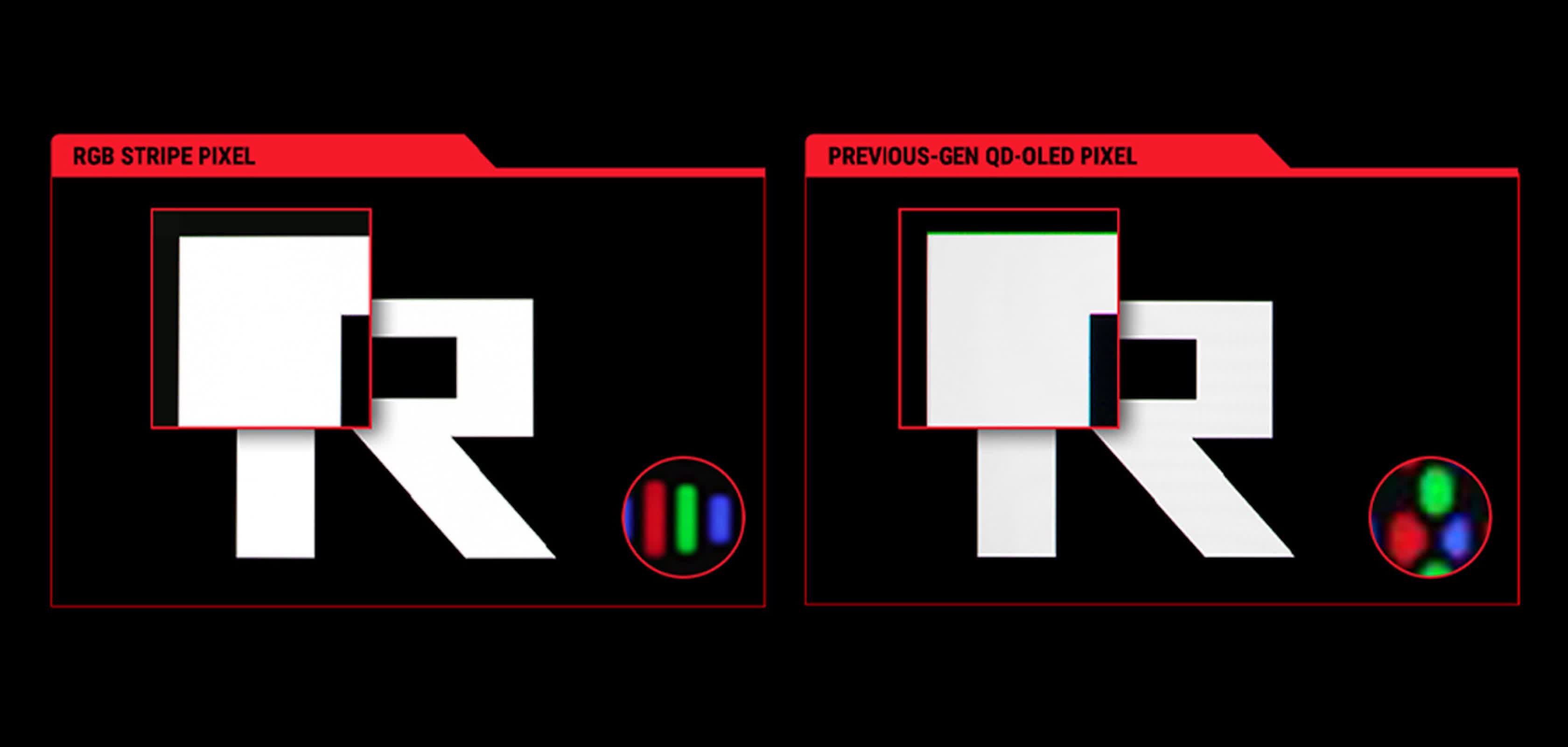
In traditional OLED panels, subpixels can be arranged in various configurations, which can sometimes cause subtle text fringing or uneven color reproduction. With RGB stripes, the red, green, and blue subpixels align vertically in a linear pattern similar to that seen on LCDs.
The company says that the result is sharper text and better-defined color rendering across use cases ranging from gaming to content creation. Asus describes the change as enhancing "texture clarity and color rendering consistency."
Samsung Display and LG Display, two of the main suppliers of gaming-grade OLED panels, are also spotlighting RGB stripe technology this year, marking a broader shift in how OLED monitors balance image precision with color depth. Asus's implementation appears aimed at those seeking monitors capable of handling both creative work and fast-paced gaming with minimal compromise.
The most advanced of the new models, the 27-inch ROG Swift OLED PG27UCWM, uses what Asus calls Tandem OLED technology – two OLED layers stacked to deliver higher brightness, a longer panel lifespan, and a wider color gamut.
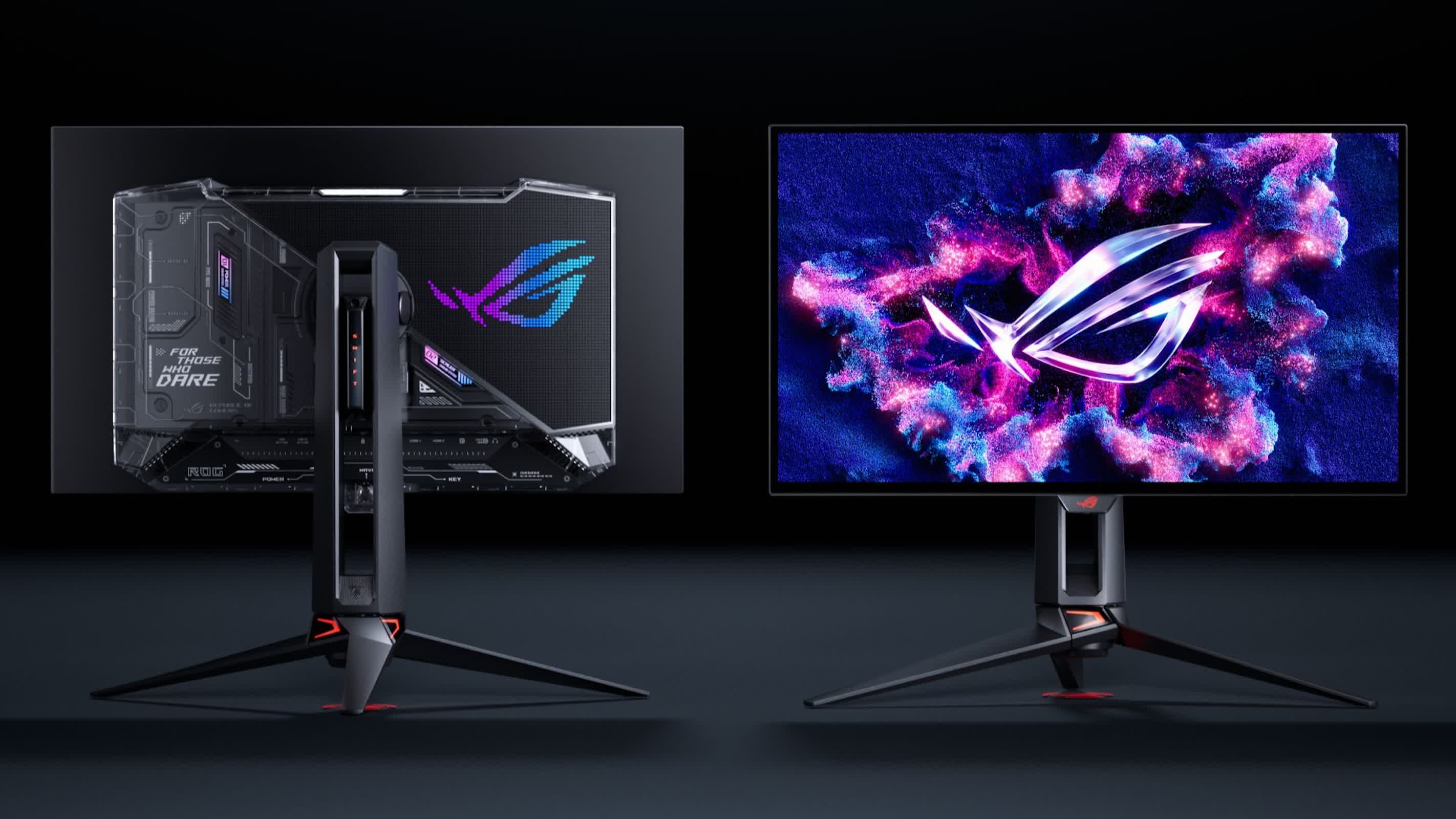
The display supports either 4K at 240Hz or Full HD at 480Hz, offering flexibility between resolution and refresh rate. Connectivity includes a DisplayPort 2.1a UHBR20 port that provides up to 80Gbps of bandwidth, an HDMI 2.1 port, and support for "true 10-bit color."
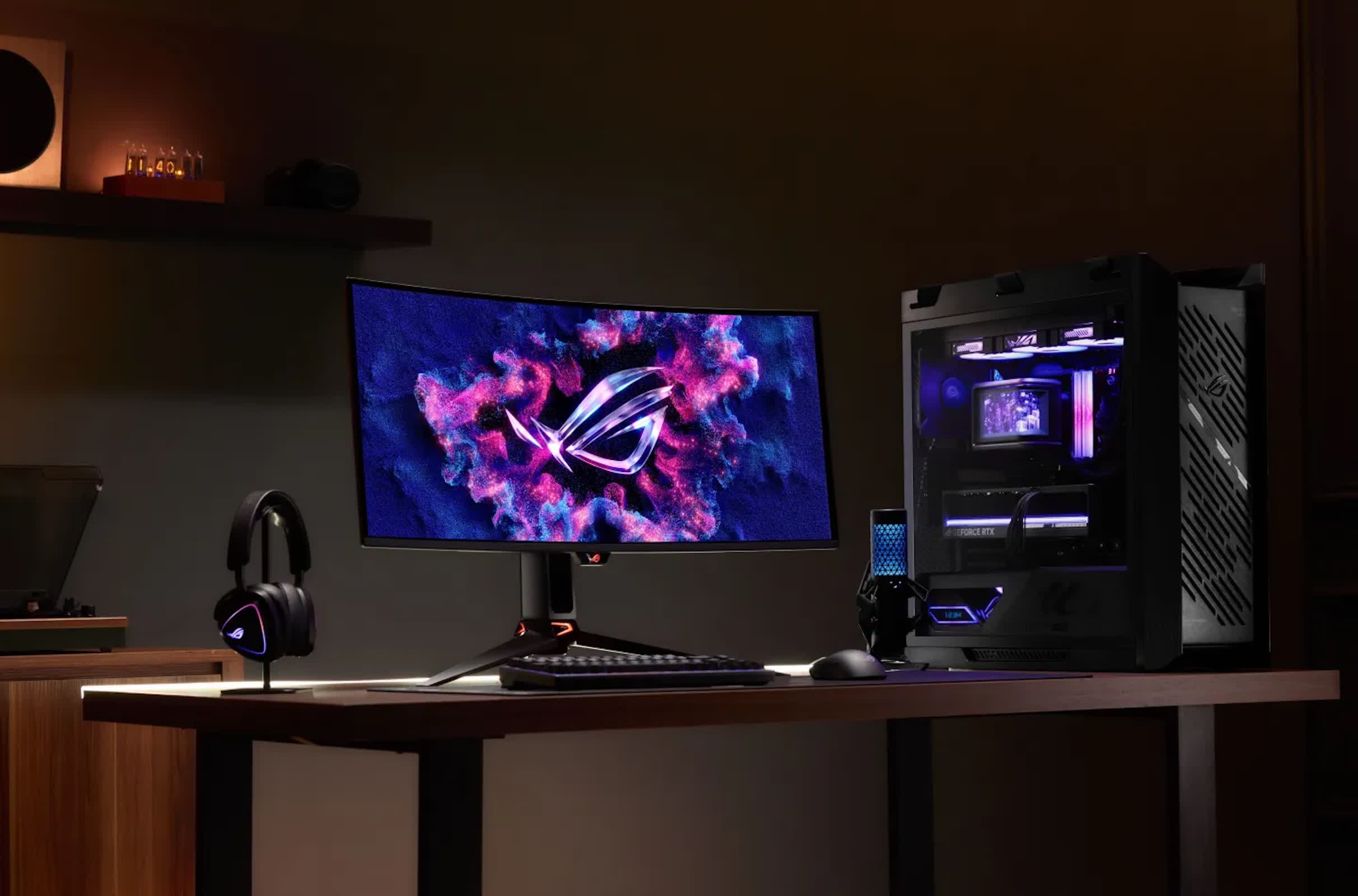
Asus is also introducing two 34-inch curved models, the ROG Swift OLED PG34WCDN and the ROG Strix OLED XG34WCDMS, both featuring quantum-dot OLED panels. The company says these achieve "40% deeper perceived black levels than previous QD-OLED panels."
The PG34WCDN offers a higher refresh ceiling of 360Hz, while the XG34WCDMS reaches up to 280Hz. Each supports true 10-bit color and includes a DisplayPort 1.4 port, an HDMI 2.1 port, and a USB-C connection with power delivery – 90W on the PG34WCDN and 15W on the XG34WCDMS.
Across the lineup, Asus positions these monitors as adaptable tools for users who split time between gaming, media work, and everyday computing.
Asus hasn't yet provided release dates or pricing, saying only that the monitors are "on their way."
Asus' latest OLED gaming monitor combines RGB stripe tech and Tandem OLED


