HDMI 2.2 and DisplayPort 2.1b debut at CES, introducing higher bandwidth and longer cables

midian182

Posts: 11,710   +177
Staff member
What just happened? The announcements from CES are coming thick and fast. As expected, there have been updates to the two main display interface standards: HDMI and DisplayPort. The former, HDMI 2.2, offers increased bandwidth for a wide range of higher resolutions and refresh rates, while the latter, DisplayPort 2.1b, increases active cable lengths.
The HDMI Forum had hinted at the reveal of HDMI 2.2 at CES in December. As we predicted then, the latest standard does not require a new connector, but taking advantage of all its best features will require a new cable.
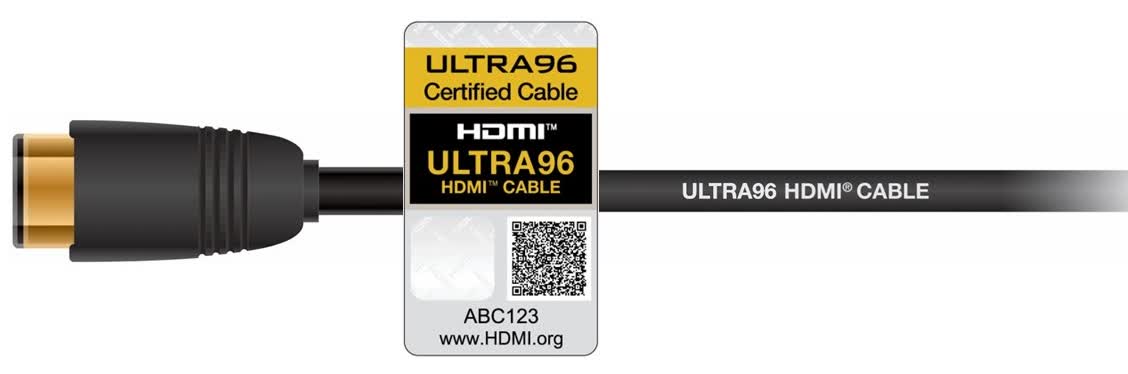
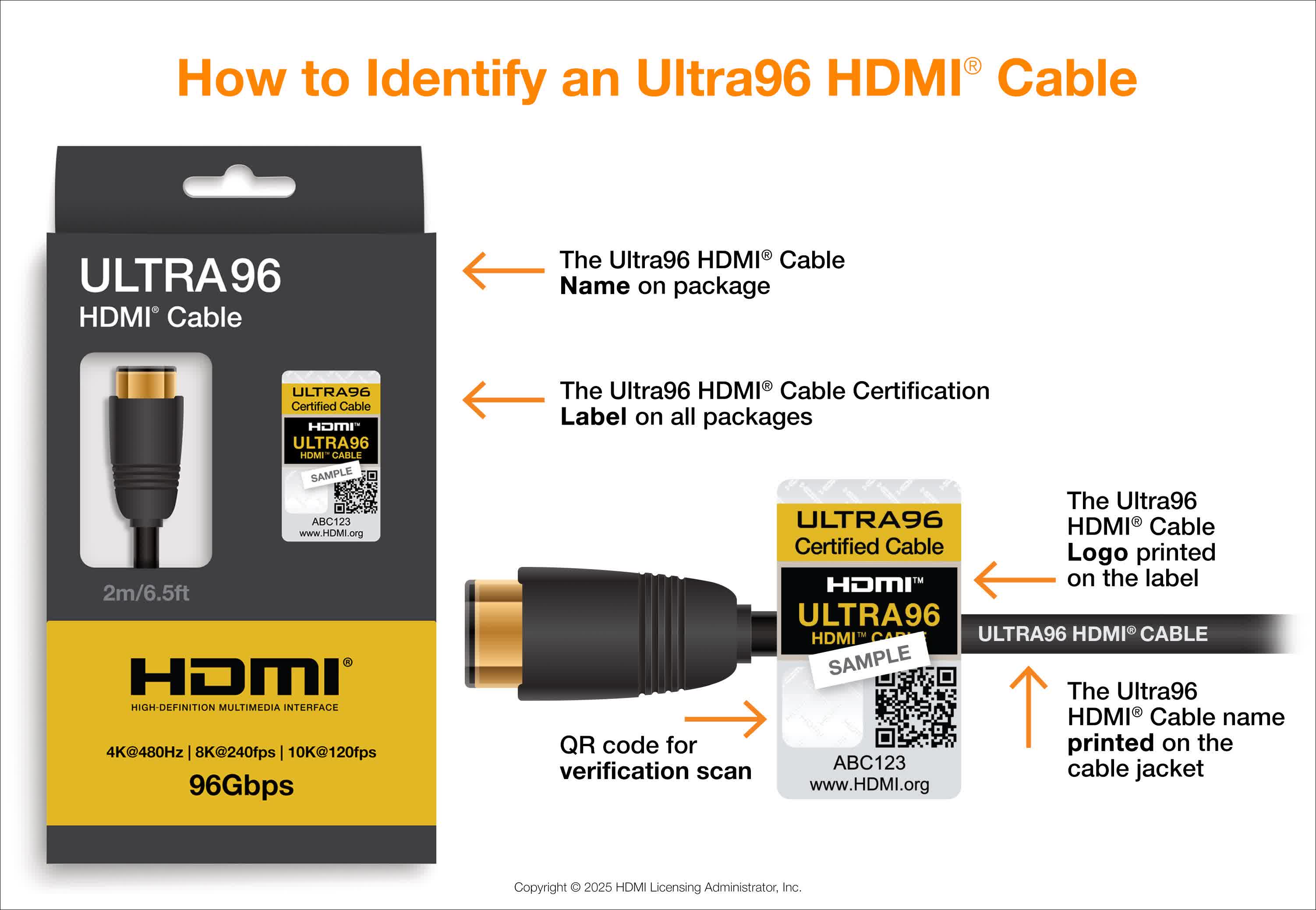
The new cable, called Ultra96, will enable HDMI 2.2's increased bandwidth of 96Gbps. That's double the 48Gbps bandwidth of HDMI 2.1 and is more than the 80Gbps supported by DisplayPort 2.1.

The resolution/refresh rate combinations mentioned in the HDMI Forum's release for HDMI 2.2. include 4K at up to 480Hz, 8K at up to 240Hz, and 10K at 120Hz – resolution support reaches 16K. The current HDMI 2.1 standard supports up to 10K@120Hz using Display Stream Compression (DSC) and 8K@60Hz without DSC.

We currently don't have any commercial monitors or displays that are capable of these specs, but they will be here eventually. Until then, the Forum writes that the 96Gbps of bandwidth will improve demanding data-intensive, immersive and virtual applications such as AR/VR/MR, spatial reality and light field displays. It will also be useful in various commercial applications such as large-scale digital signage, medical imaging and machine vision.

HDMI 2.2 also introduces Latency Indication Protocol (LIP). This improves audio and video synchronization, especially for multi-device systems such as those with AV receivers or a soundbar. LIP could be especially welcome by those whose systems can't seem to precisely synchronize the dialogue being heard with the actors' mouth movements.

HDMI 2.2 is set to arrive in the first half of this year, when companies will receive the full specifications. Don't expect to see the latest standard implemented in devices such as monitors or graphics cards for quite a while, though. The gap between HDMI 2.1 and the first supported TVs was about 2 years, and it took around four years before gaining widespread adoption.

HDMI 2.2 is backward compatible, so it will work with anything featuring an older HDMI port. Buyers of an "Ultra96 Certified Cable" can use the HDMI Forum's labelling program to confirm it's the real thing by scanning the QR code on the box.
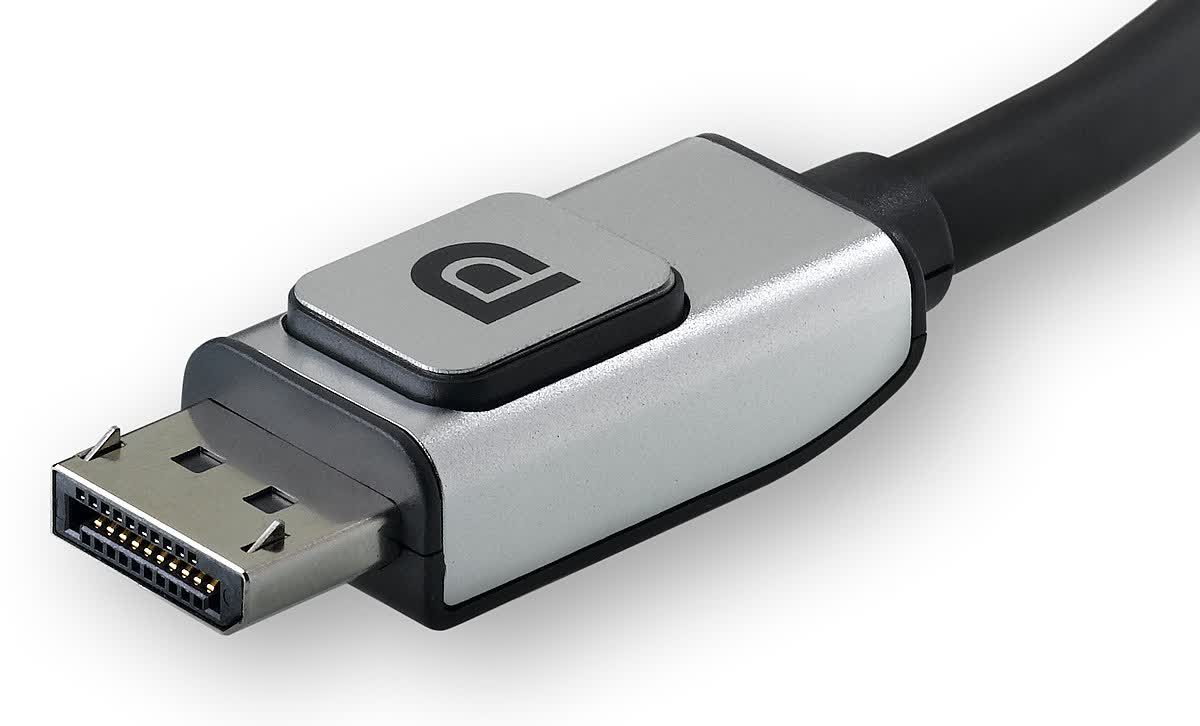
The new DisplayPort 2.1b specification is certainly a smaller upgrade, but still a welcome one. VESA has announced new DP80LL ("low loss") active cables that enable up to four-lane UHBR20 link rate support, offering up to 80Gbps of bandwidth over lengths of up to three meters (9.4 feet). This triples the length of UHBR20 connections compared to existing DP80 passive cables.
Nvidia's newly announced RTX 5000-series cards support DisplayPort 2.1b. VESA says Nvidia has been actively collaborating with the organization to ensure optimal performance and compatibility between the GPUs and DisplayPort 2.1b.

Permalink to story:

 
Latency Indication Protocol (LIP) should have been on HDMI cables from the very beginning.

Now can they finally come up with an HDMI cable that doesn't start suffering from audio and video deterioration with just a couple of years of use?....

It's bad enough the industry comes up with a new HDMI standard quicker than most people can buy a new set of underwear.
 
Last edited:
That's an issue? Or do you mean, plugging and unplugging wears away after a couple of years?
Maybe on super cheap cables? Like the $2~ ones that come with low-end devices? Maybe just basic flexing of the cable begins to cause signal loss?

Otherwise, never heard of HDMI cables going bad after a few years.

I have heard of accidentally using old cable standards on new devices, and running into compatibility issues (bandwidth limitations, missing new features like LIP, etc). Improving the labeling of cables is another welcome improvement, because right now it is not always clear if I am looking at a 2.0 or 2.1 HDMI cable (or even a 1.4 vs 2.0/2.1). Still think they should require stamping the revision right on the cable jacket itself, rather than going with "ULTRA96" or "SuperSpeed" or whatever.
 
That's an issue? Or do you mean, plugging and unplugging wears away after a couple of years?
Unfortunately HDMI cables have a very short life and durability compared to Component cables, I'm sure you still have a component cable from 20 years ago somewhere around your home and it still fully functional, the same can't be said about HDMI as it seems like after just a few years of use (if you are lucky) they start with audio and video clipping a clear indication of failure.
 
Unfortunately HDMI cables have a very short life and durability compared to Component cables, I'm sure you still have a component cable from 20 years ago somewhere around your home and it still fully functional, the same can't be said about HDMI as it seems like after just a few years of use (if you are lucky) they start with audio and video clipping a clear indication of failure.
As someone who's been using HDMI cables for my AV equipment since 2009, I've never come across this...
Now I think about it, I used the same HDMI cables from 2009 until last year, when I finally upgraded my amp to something that supports HDMI 2.1 so I also bought a load of new cables to go along with it.

Are you buying extremely cheap cables that aren't certified?
 
Maybe on super cheap cables? Like the $2~ ones that come with low-end devices? Maybe just basic flexing of the cable begins to cause signal loss?

Otherwise, never heard of HDMI cables going bad after a few years.

I have heard of accidentally using old cable standards on new devices, and running into compatibility issues (bandwidth limitations, missing new features like LIP, etc). Improving the labeling of cables is another welcome improvement, because right now it is not always clear if I am looking at a 2.0 or 2.1 HDMI cable (or even a 1.4 vs 2.0/2.1). Still think they should require stamping the revision right on the cable jacket itself, rather than going with "ULTRA96" or "SuperSpeed" or whatever.
No matter how much money you spend on HDMI cables, they are bound to suffer from audio/video clipping issues unless the industry rework their design against signal loss.

Just because it hasn't happened to you (yet) it doesn't mean it doesn't happen at all....
 
No matter how much money you spend on HDMI cables, they are bound to suffer from audio/video clipping issues unless the industry rework their design against signal loss.

Just because it hasn't happened to you (yet) it doesn't mean it doesn't happen at all....
In my experience, one needs not only to pay attention to certification issues, but also to the gauge of wire for each individual conductor. If you can find cables with at least 24-guage conductors, they tend to work better from my experience.

I've had issues even with DVI cables with video dropping out, etc, but buying cables with larger gauge wire took care of that in my case. And when buying HDMI cables, I also look for cables with the largest gauge individual conductors I can find. IMO, they are worth the extra cost.
 
Back