Porting the Windows 95 interface to Windows NT was a complex back-and-forth process

Alfonso Maruccia

Posts: 2,605   +978
Staff
Computing history: Raymond Chen is once again reminding us that back when Windows 95 ruled the software world, coding was a completely different beast. The Win9x user interface eventually made its way to the Windows NT world, but getting it there took some effort – and a few clever tricks.
Windows 95 is 30 years old, and Microsoft veteran Raymond Chen continues sharing interesting tidbits about how the iconic operating system came together. Developing Windows 95 was a complex, time-pressured endeavor, but things got even trickier when Microsoft engineers began figuring out how to port the brand-new user interface to Windows NT.

As most tech enthusiasts know by now, Windows NT had a very different origin and purpose than the consumer-focused Windows 95. One Microsoft team was building Windows 95 while another wrapped up work on Windows NT 3.1, Chen explained in a recent post on his Old New Thing blog.

The two platforms began to converge in time for the Windows NT 4.0 release, so developers ported the "finished" Windows 95 code to NT. Members of the Windows 95 user interface team met regularly with their NT counterparts to keep them in the loop on ongoing developments.
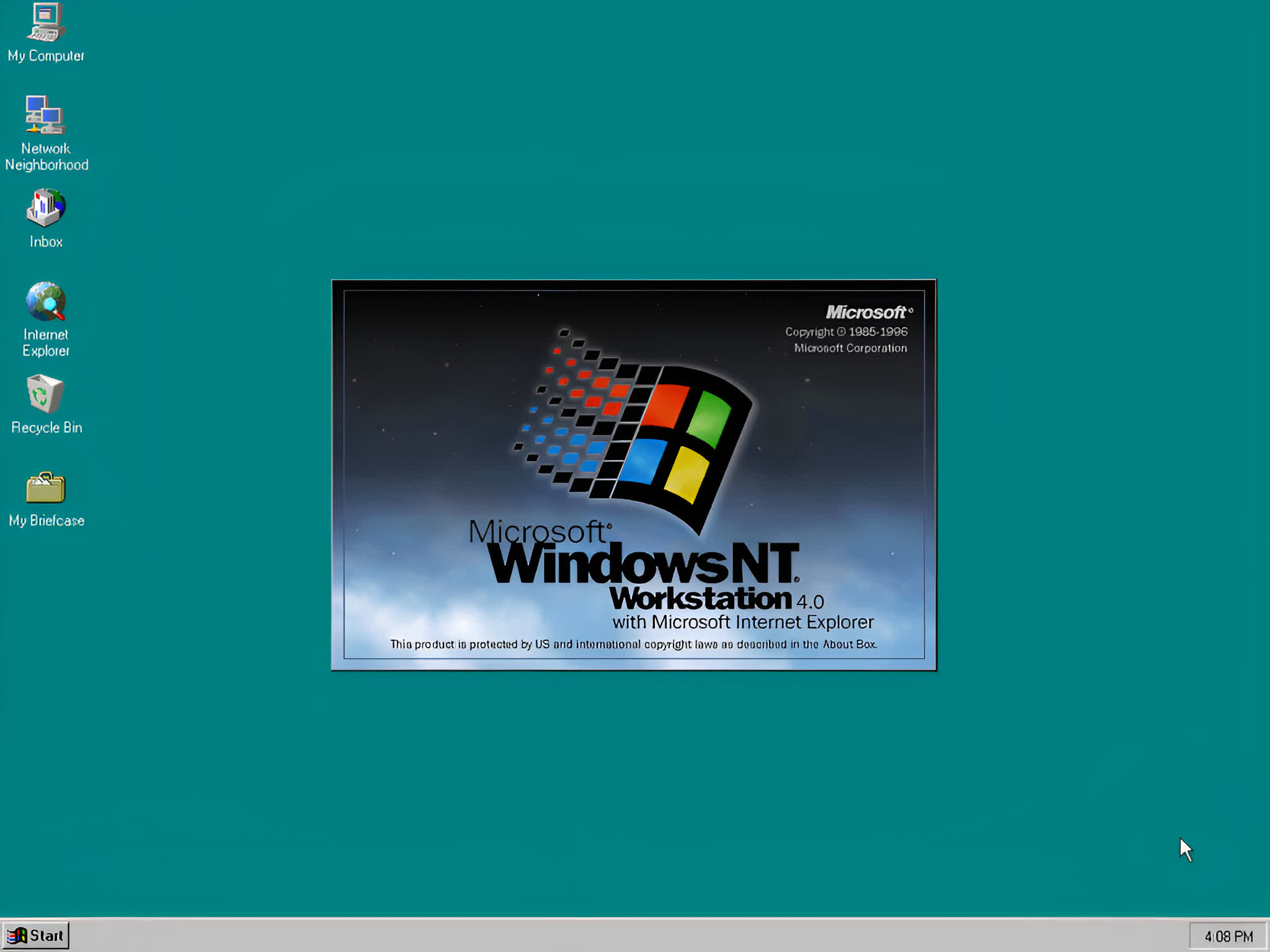
In 1995, the Windows 95 GUI was still a cutting-edge design aimed at making computer interaction more intuitive and accessible. Microsoft decided to bring that same interface to the NT platform, merging the two technologies with Windows NT 4.0 – a milestone release that laid the foundation for the Windows 2000 workstation OS.

The Windows NT team began adapting the Win9x GUI during the final stages of the Windows 95 project. Both systems traced their "window managers" back to Windows 3.1 and already shared many core design principles. The NT developers focused on reconciling the differences that had emerged between the two code bases. Since merging the Windows 95 code directly wasn't feasible, they instead used it as a reference to re-create the same features in NT.

Porting the Explorer file manager and other "user-model" components proved easier. Developers imported the existing code, updated it to align with Windows NT conventions, and integrated it with NT-specific capabilities such as Unicode file name support.
The developers were pleased with the NT port and decided to incorporate those improvements back into the Windows 95 code base. They only needed to mark NT-specific sections with #ifdef WINNT directives so the compiler would ignore them during Windows 95 builds.

In the 1990s, Microsoft managed its internal source code with a system called Source Library Manager, or SLM – nicknamed "slime" after even the engineers forgot the meaning of the acronym. The tool lacked modern branching capabilities, so developers had to manually copy every change between Windows 95 and Windows NT by updating each modified source file.

"I suspect this manual process was largely automated, but it was not as simple as a git merge," Chen said.

Finally, Chen notes that the team responsible for porting the Windows 95 shell to Windows NT included Dave Plummer. Plummer, another Redmond veteran, made several notable contributions to Windows history, including designing the original Windows Product Activation system, which was famously bypassed by the leaked FCKGW volume licensing key.

Permalink to story:

 
If one looks at the NT 5.x codebase on Github, it's evident that the NT modules are neat and elegant. Generally, different programmers handled different components; for example, a lot of the kernel code was signed by David Cutler, the chief architect of the OS. Going to the shell directories, it gets messier from the different lineage.
 
Windows 95 was a game changer for laptops. Since Windows 3.11 was DOS based all the drivers (Mouse, CDRom, Network, Sound, etc.) had to be loaded at in DOS when the computer booted. This could cause the base ram (needed ~400kb of 640kb) to be too low to run Windows 3.1. You have to try and load drivers in upper and high ram to free up the base memory. Also each device need its unique IRQ (Interrupt Request) set manually. DOS with no multitasking — it couldn’t “listen” to all devices at once.
So, the Programmable Interrupt Controller managed which device got the CPU’s attention when multiple things happened.


95 did away with 99% of all this work. It was great.
 
If one looks at the NT 5.x codebase on Github, it's evident that the NT modules are neat and elegant. Generally, different programmers handled different components; for example, a lot of the kernel code was signed by David Cutler, the chief architect of the OS. Going to the shell directories, it gets messier from the different lineage.

For anyone wanting to install NT 4.0 and need a license key .... All 1s worked most of the time
 
For anyone wanting to install NT 4.0 and need a license key .... All 1s worked most of the time

Yeah, I discovered (and used) this very same trick a few years ago, while I was writing an article for an Italian magazine about the history of Microsoft Windows. Never tried NT before, I went straight from DOS to Windows ME on my personal PCs (I know, I know...) :-D
 
For anyone wanting to install NT 4.0 and need a license key .... All 1s worked most of the time
I still have my old MSDN disk for Win 95, NT 4.0, and XP and they did have a engineering/developer key in those days as there wasn't an activation server.
 
Yeah, the thing is, the original Windows code was garbage. That's precisely why the NT team was founded. They redone the whole thing from scratch eventually, because it was simpler than actually fixing the existing code. That's how XP was born, the first consumer NT release. And it turned out to be a huuuuuge improvement in all aspects over the previous 95/98/Me versions.

Also, what's with that "as describeT" in the first pic lol
 
Windows 95 was a game changer for laptops. Since Windows 3.11 was DOS based all the drivers (Mouse, CDRom, Network, Sound, etc.) had to be loaded at in DOS when the computer booted. This could cause the base ram (needed ~400kb of 640kb) to be too low to run Windows 3.1. You have to try and load drivers in upper and high ram to free up the base memory. Also each device need its unique IRQ (Interrupt Request) set manually. DOS with no multitasking — it couldn’t “listen” to all devices at once.
So, the Programmable Interrupt Controller managed which device got the CPU’s attention when multiple things happened.


95 did away with 99% of all this work. It was great.

Apart from the technical side, the fact that the W95 UI metaphor is still used today, even outside Windows, shows what a good job they did. It has yet to be beaten.
 
I miss the old Windows... particularly Win 2000. They used to innovate then, and were proud of the versatility and capabilities of their OS. Now they change stuff and make it more difficult to use, just for the sake of change.
 
Back