Samsung TVs set to debut HDR10+ Advanced to rival Dolby Vision 2

DragonSlayer101

Posts: 951   +13
Staff
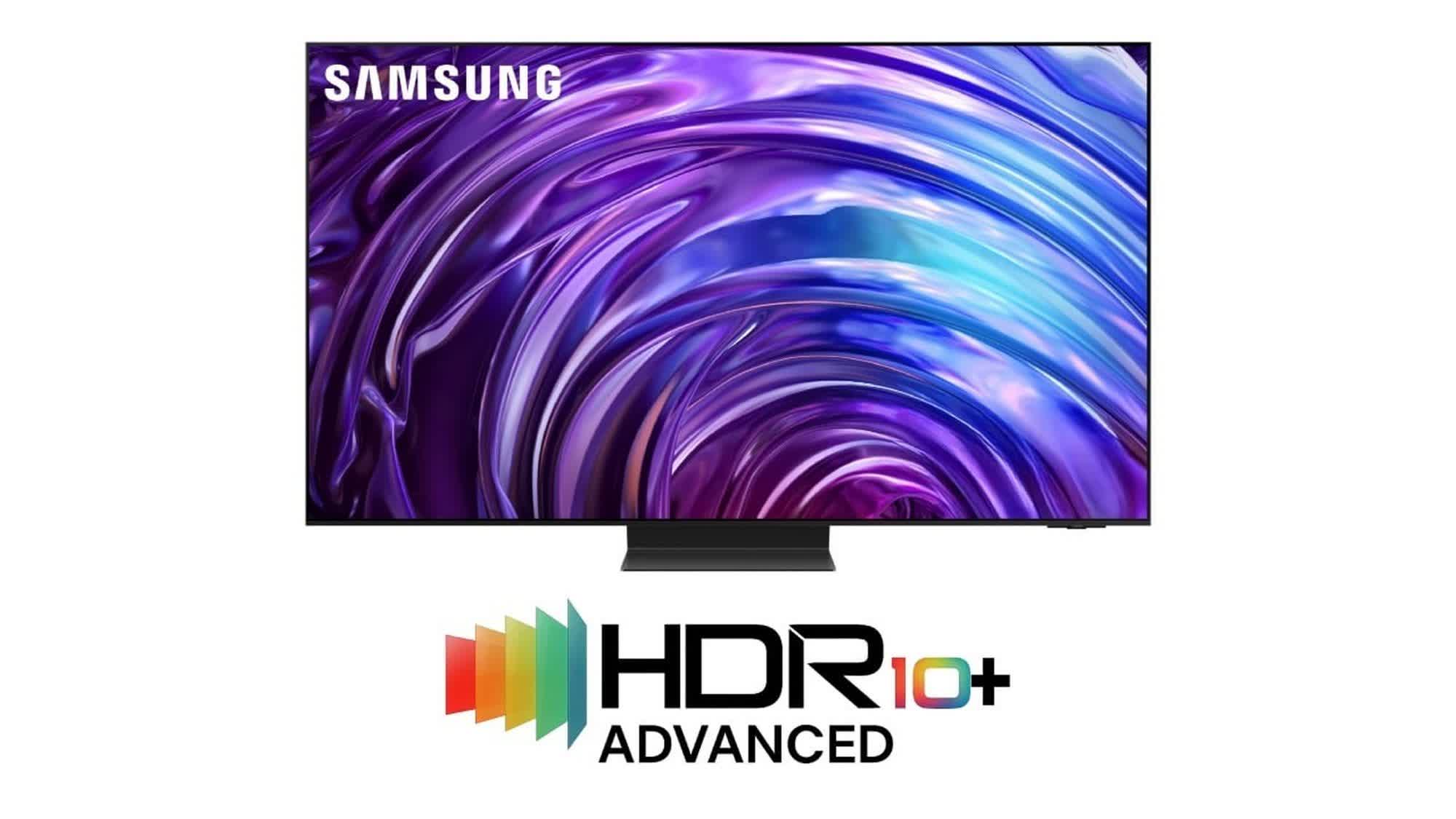
In a nutshell: Following the recent announcement of Dolby Vision 2, Samsung has previewed its latest HDR format, HDR10+ Advanced. This is the company's first major update to its high dynamic range technology. Designed to rival Dolby's next-gen HDR system, HDR10+ Advanced introduces six key upgrades over the existing HDR10+ standard and will debut with Samsung's new high-end TVs in 2026.
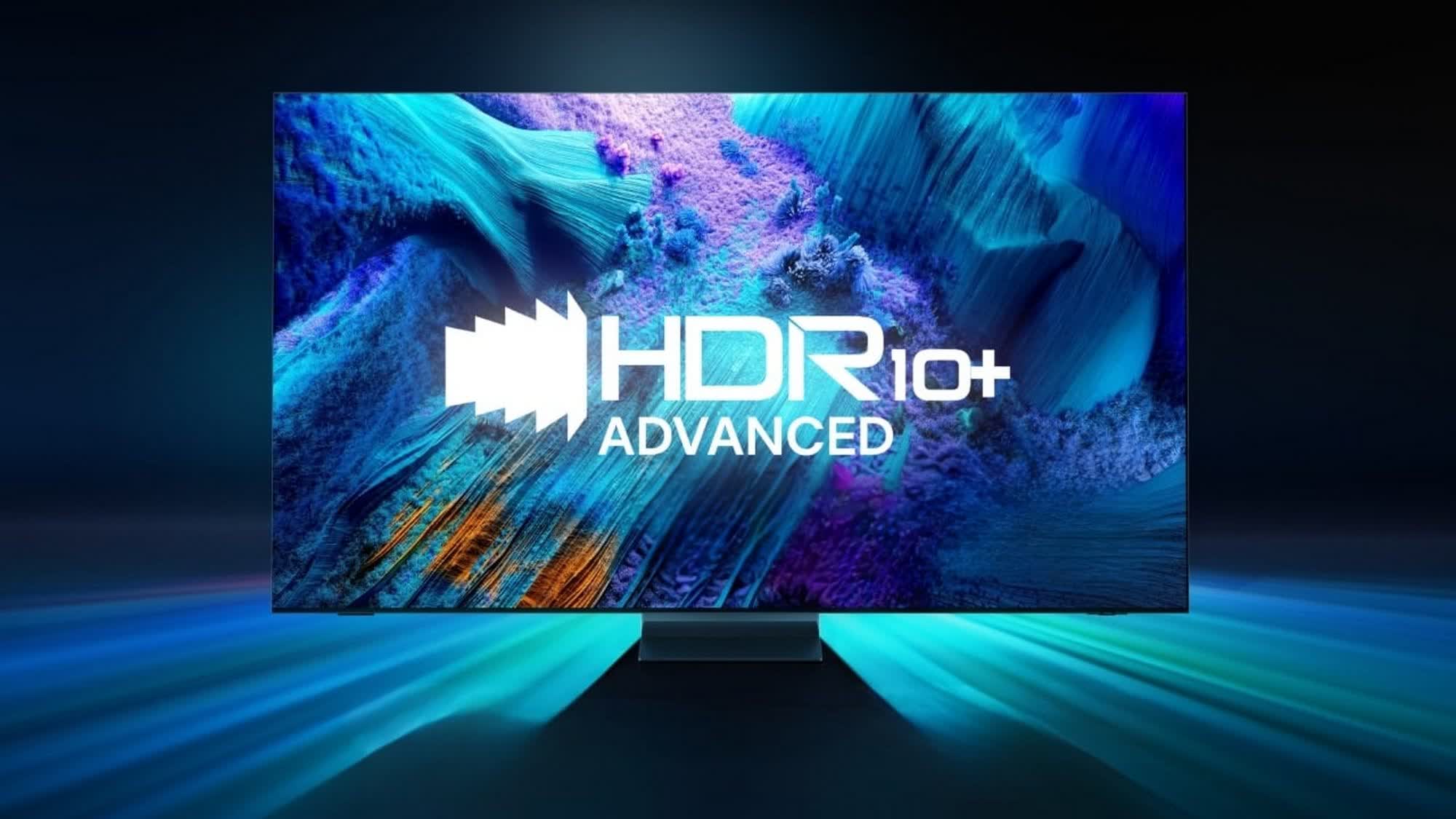
Samsung says HDR10+ Advanced goes beyond improved color accuracy and offers a range of state-of-the-art features, such as HDR boosting, intelligent motion smoothing, enhanced tone-mapping, gaming optimizations, and more.

The headline feature is HDR10+ Bright, which leverages extended metadata and AI-driven image processing to boost brightness, expand color volume, and refine contrast, especially on modern Mini-LED and Micro RGB TVs capable of reaching up to 4,000 – 5,000 nits of peak brightness.
Another addition, HDR10+ Genre, uses AI and embedded metadata to automatically adjust tone mapping and color based on the type of content. This enables different color tones for movies, sports, and other types of content, improving the viewing experience.

Samsung is also introducing Intelligent FRC, a tool aimed at content creators that allows precise control over frame interpolation on a scene-by-scene basis. TVs equipped with this feature will dynamically adjust motion smoothing based on content type, ambient lighting, and user preferences.

Also check out: What is HDR?

In addition, Detailed Local Tone Mapping brings a zone-based approach to image rendering, breaking visuals into multiple regions for finer local dimming and improved contrast, accuracy, and depth. Meanwhile, Advanced Color Control provides more granular color data transmission than any existing HDR format, according ot Samsung, enabling smoother and more accurate gradations.
Finally, the Intelligent Gaming mode is designed to enhance immersion on consoles and cloud gaming platforms by automatically tuning tone mapping to match real-time lighting conditions.

Samsung plans to showcase HDR10+ Advanced at CES 2026 in January, with the first TVs featuring the new technology expected to launch later that year. Amazon Prime Video has already pledged support for the format, and other major platforms are expected to get on board in the future.

Permalink to story:

 
I haven't gotten HDR to work on 2 or 3 screens and windows so ive never experienced hdr, maybe they should fix their sh*t before they make a sequel.
 
I'm much more concerned with how good the average content I watch most is going to look, and that's taking into account settings which I'll make some initial effort to dial in once up-front but do not want to have to adjust on a regular basis after that.

I also have a small yuck factor associated with proprietary video formats. Not enough to stop me from buying but I'm surprised the marketing folks think it is such a positive. Personally I hope both this and DV2 fail and are eventually replaced by an open format allowing the same greater signal resolution minus anything that makes it not work on any piece of hardware or software I may want to use.
 
Given that HDR10+ is already samsung’s own format that nobody picked up, I dont see much future for this collection of automatic or intelligent modes. Most experts and game devs (HGiG) recommend turning this nonsense off. This is just an attempt to slap AI on their inhouse format to sell more units.

The industry will pick the lowest common denominator, which is HDR10 at the moment.
 
I haven't gotten HDR to work on 2 or 3 screens and windows so ive never experienced hdr, maybe they should fix their sh*t before they make a sequel.
you don't need to have HDR enabled all the time in windows. use the shortcut Windows key + Alt + B to enable HDR before running HDR content (like games that support HDR - I've been doing it with hogwarts legacy)
 
DV 2 only adds a few features to the existing DV format, however, as I understand it, those new features require manufacturers to add extra hardware to use them. If you have a display that supports DV, DV 2 will work with that display exclusive of those new DV 2 features that require hardware support.

I don't know if Samsung's new revision of HDR+ will work in a similar fashion to DV 2/ DV on displays that support the original HDR+, but, IMO, it would alienate lots of existing Samsung customers if they had to buy a HDR+V2 display to get HDR+V2 to work, at all, for them even if their existing display supports HDR+V1.

I just bought a new LG G5 OLED and DV2 came up in my search. I decided it was not worth waiting another year for TVs that support DV2. That content supporting DV2 is likely a ways off, also factored into my decision not to wait.
 
DV 2 only adds a few features to the existing DV format, however, as I understand it, those new features require manufacturers to add extra hardware to use them. If you have a display that supports DV, DV 2 will work with that display exclusive of those new DV 2 features that require hardware support.

I don't know if Samsung's new revision of HDR+ will work in a similar fashion to DV 2/ DV on displays that support the original HDR+, but, IMO, it would alienate lots of existing Samsung customers if they had to buy a HDR+V2 display to get HDR+V2 to work, at all, for them even if their existing display supports HDR+V1.

I just bought a new LG G5 OLED and DV2 came up in my search. I decided it was not worth waiting another year for TVs that support DV2. That content supporting DV2 is likely a ways off, also factored into my decision not to wait.
I wish they came out with a 48 inch g5 with same panel at the 55 and 65 inch models. Waiting to replace my 48 inch cx been using for 5.5 years. Enjoy the g5. I love my g4 for main TV!

Windows also has a dedicated toggle for hdr at bottom right .
 
I wish they came out with a 48 inch g5 with same panel at the 55 and 65 inch models. Waiting to replace my 48 inch cx been using for 5.5 years.
Unfortunately, you are out of luck there since they don't make a 48-inch G5. The 97-inch G5 also does not have the same panel as the other sizes.
Enjoy the g5. I love my g4 for main TV!
I'm definitely enjoying it. It is a major upgrade in all aspects from the 50-inch plasma TV I bought many years ago. I bought the 65.
Windows also has a dedicated toggle for hdr at bottom right .
I am using it as my HTPC "Monitor." I've only been able to get Windows 11 into HDR mode once. When I've tried switching to HDR after installing the NVidia app, Windows will not stay in HDR Mode and the G5 wants to switch out of "Filmmaker" mode. I want the TV in Filmmaker mode since it is the most accurate out-of-the-box settings mode for LG TVs. I have not looked into why it won't stay in HDR mode yet. I just don't have the time right now, but it could be the NVidia app. I might uninstall that since it does not appear to have its AI HDR for video/movies. All I can say right now is that the "marriage" of the G5 with my HTPC is a work in progress. I was able to watch "The Gorge" on Apple TV in HDR and 4K, so I'm happy about that.
 
Unfortunately, you are out of luck there since they don't make a 48-inch G5. The 97-inch G5 also does not have the same panel as the other sizes.

I'm definitely enjoying it. It is a major upgrade in all aspects from the 50-inch plasma TV I bought many years ago. I bought the 65.

I am using it as my HTPC "Monitor." I've only been able to get Windows 11 into HDR mode once. When I've tried switching to HDR after installing the NVidia app, Windows will not stay in HDR Mode and the G5 wants to switch out of "Filmmaker" mode. I want the TV in Filmmaker mode since it is the most accurate out-of-the-box settings mode for LG TVs. I have not looked into why it won't stay in HDR mode yet. I just don't have the time right now, but it could be the NVidia app. I might uninstall that since it does not appear to have its AI HDR for video/movies. All I can say right now is that the "marriage" of the G5 with my HTPC is a work in progress. I was able to watch "The Gorge" on Apple TV in HDR and 4K, so I'm happy about that.
1000042736.jpg
48 inch LG OLED evo AI G5 4K Smart TV 2025 - Stand version - OLED48G56LS | LG UK https://share.google/xNJ2cdQ0OAoYKswDK

Not in the states only available in Europe. Also it is probably closer to the last year's g4 in terms of specs. 48 inch g4*

Update on Nvidia's HDR implementation comes at a cost of power and less efficient than Windows auto hdr. FYI.
 
View attachment 90723
48 inch LG OLED evo AI G5 4K Smart TV 2025 - Stand version - OLED48G56LS | LG UK https://share.google/xNJ2cdQ0OAoYKswDK
That's cool. The 48-inch G5 is not available in the US. It looks like those are "Black Friday" prices. I got a $100 off of the Black Friday price on the 65 in the US at an AV shop that was not a "big box" store.
Not in the states only available in Europe. Also it is probably closer to the last year's g4 in terms of specs. 48 inch g4*
I don't know, honestly. However, I do know that in the US, most of the G5 sizes, except the 97 that I previously mentioned, use LG's new "4-layer" WOLED panel, and that is responsible for the drastic increase in brightness of the G5 series.

The increase in brightness was perfect for me since sometimes, my viewing room is illuminated by bright sun. I have not yet had a chance to view it under those conditions, however, since daylight hours are short this time of year.
Update on Nvidia's HDR implementation comes at a cost of power and less efficient than Windows auto hdr. FYI.
Thanks for the tip. I think I will uninstall the NVidia app. Hopefully, things will go back to the way that they were before I installed it. That said, if Windows auto HDR changes the picture mode, I may attempt to leave it disabled. I have not yet tried any other HDR sources, however, the picture is far improved and its almost like everything is in HDR even though it may not be.
 
Last edited:
That's cool. The 48-inch G5 is not available in the US. It looks like those are "Black Friday" prices. I got a $100 off of the Black Friday price on the 65 in the US at an AV shop that was not a "big box" store.

I don't know, honestly. However, I do know that in the US, most of the G5 sizes, except the 97 that I previously mentioned, use LG's new "4-layer" WOLED panel, and that is responsible for the drastic increase in brightness of the G5 series.

The increase in brightness was perfect for me since sometimes, my viewing room is illuminated by bright sun. I have not yet had a chance to view it under those conditions, however, since daylight hours are short this time of year.

Thanks for the tip. I think I will uninstall the NVidia app. Hopefully, things will go back to the way that they were before I installed it. That said, if Windows auto HDR changes the picture mode, I may attempt to leave it disabled. I have not yet tried any other HDR sources, however, the picture is far improved and its almost like everything is in HDR even though it may not be.
There is a way to calibrate it as well, which makes it much better imo.
 
Back