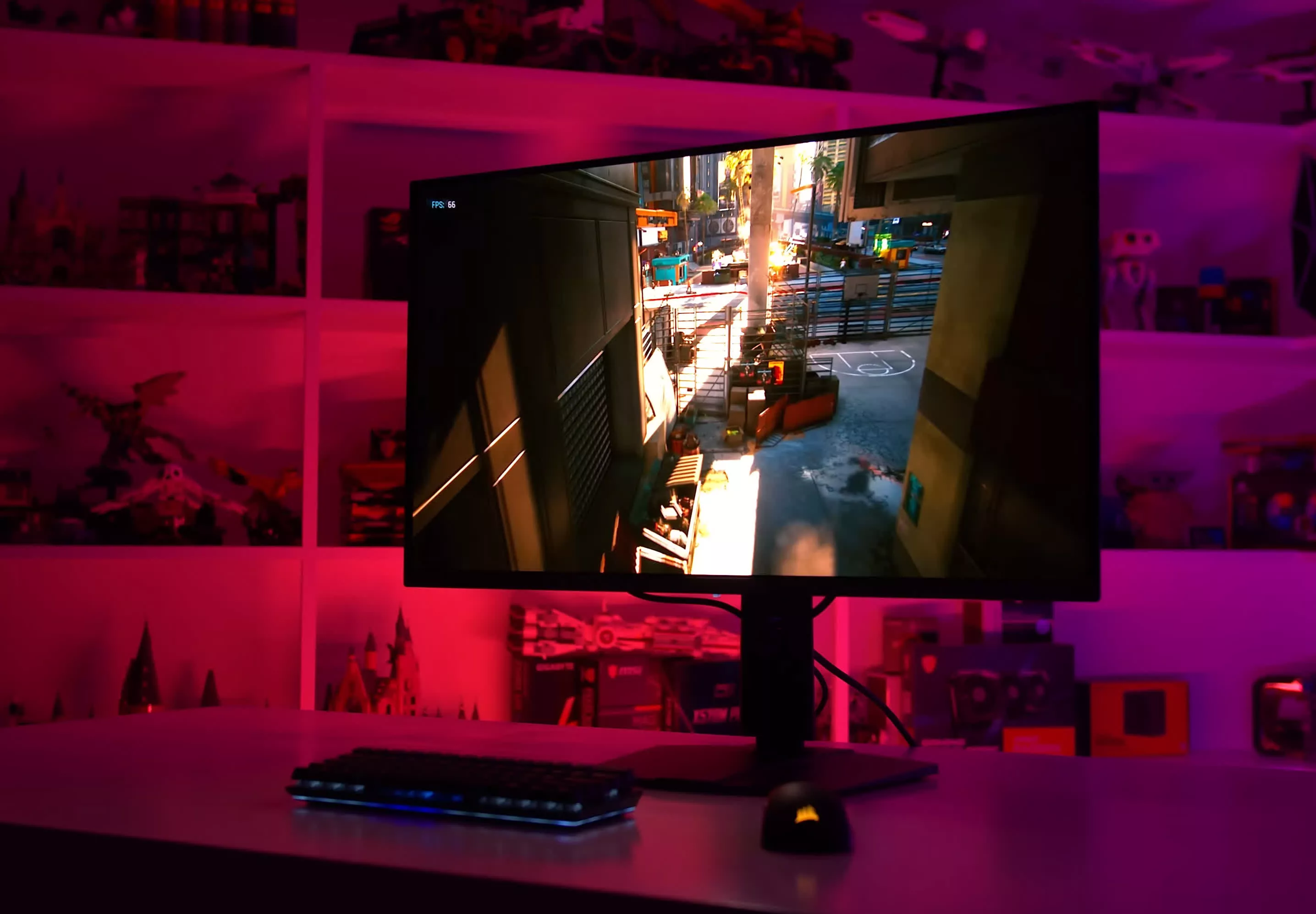
The OLED Burn-In Test: 21-Month Update

Good stuff.

Hopefully you will cover CES 2026? Hoping for alot of OLED monitors news.

Absolutely getting QD-OLED 3rd gen or RGB Tandem WOLED next.
 
Good stuff.

Hopefully you will cover CES 2026? Hoping for alot of OLED monitors news.

Absolutely getting QD-OLED 3rd gen or RGB Tandem WOLED next.

Yes, this. I've been waiting for a looong time for new OLEDs to come out. They've really been dragging their feet.
 
The OLED monitor purchased (for $129, Open Box) two years ago does not have any visible defects.
It does not have any special technology.
 
I had a Gigabyte AORUS FO48U which I replaced relatively recently due to the burn in annoying me. I think that I was at around 5.5k hours overall panel usage and the burn in was really bad on the green and blue subpixels. The actual pattern of burn in was from the interface of the game that I play the most. As much as I love the picture quality of OLEDs, I replaced it with a miniLED panel which I can run with HDR enabled 24/7 without worrying about burn in...
 
How the IPS stuff holds?
ty for the patient and deep explanation in the "How it works" section :)
 
Hello, I have a Samsung 34" Odyssey OLED G8 G85SD (LS34DG850SEXXP) that is only about 2 months old. I use two snapped windows for work, and recently I noticed a faint vertical line in the middle of the screen. When viewed against a dark gray background, there is also a faint “ghost” outline of my usual workspace layout.

I always follow the recommended panel care routines—low brightness, pixel shift, screensaver, and periodic pixel refresh. Despite this, the image retention has not cleared even after multiple pixel refresh cycles, and the ghost image remains visible.

Given how early this appeared, and since burn-in should not happen this quickly under normal use, I believe this may be a panel defect or premature pixel aging. I would like to have the unit inspected and would like to proceed with a warranty claim.
 
Hey Tim! Still working from home over here. Any chance we can get a new monitor category for best Work/Play monitor in future guides? Loving this series.
 
What’s the best way to test and see burn in? I’m going hard on OLED, it’s just to beautiful to pass up. I’d love to check if I can see anything.
 
Burn-in is a non issue in 2025+ if you don't with 2D workloads in the same applications at the exact same location day in and day out (why would you buy OLED for this workload anyway, text only looks just fine on LCD and good picture quality and high contrast is not really doing much here)

OLED first truly makes sense for video, 3D, gaming etc.
Especiallly in a dim room or even dark room, and it will be the biggest step up in picture quality and motion clarity you have ever seen. Any LCD (regardless of backlighting system) will look like really bad in comparison really. Even the best IPS/VA (IPS especially) will look lifeless in comparison.

I will take a minor chance of burn-in after many years, than having bad picture quality on day one, which all LCD has. Blooming, bleed, bad contrast, bad viewing angles, corner glow (both ips/va, TN has less but sucks in way more areas) and all the other usual LCD issues, all this exist on day one and is worse than minor burn-in anyway.

I have yet to see OLED burn in, after having like 20 OLED phones, 2 OLED laptops, 5 OLED TVs (where I still have a 8 year old one with 10.000+ hours of gaming and 2D (browsing and regular pc usage on a HTPC) which have been running at peak brightness since day one, but with a dark theme and screensaver after 2 minutes. Zero issues at all.

People simply overthink OLED burn-in. Risk is small, unless you try to do it on purpose.
The actual issue is extremely small and OLED gains big in the monitor space, overtook high-end TV space and is the only panel to be used in high-end smartphones for a reason. LCD is mid-tier at best in comparison.

I don't consider any device or TV/monitor that uses LCD to be high-end. It is simply not possible. LCD is low to mid tier only.

The upcoming RGB mini LED backlighting TVs coming at CES 2026 (and maybe monitors, later) might change this but LCD will still be LCD and the issues will persist for the most part.

Mini LED backlighting did not save LCD at all. Requires 1000s of zones to be visibly better than edle lit LED and alot of zones adds input lag since they need processing frame by frame to look optimal.

Most LCD TVs with like 5000+ zones can look decent (nowhere near OLED tho) but when you put these in actual GAME MODE, zones count can drop to like 1, 4, 16, 32 or so, depending on model, TO LOWER INPUT LAG. That is the BIG downside of FALD LCDs, which mostly affects gamers/PC users.

Sure OLED is not perfect but LCD is very far from perfect. You just learned to accept bad image quality and mediocre motion clarity.

No panel will probably ever be considered perfect. Requires go up over time, as panels improve. LCD is old tech tho and stagnated years ago. LCD is fundamentally flawed by design, hold back by the backlighting requirement and low contrast plus poor viewing angles. Nothing is going to fix the basic flaws of this tech.

Wide viewing angle filter can improve viewing angles on LCD TVs (VA especially, as IPS is mostly trash for TVs in livings rooms where image quality is the goal, as contrast is crazy bad) but this filter will lower the contrast when viewed head on and can cause rainbow effects as well.

Like I said, LCD is fundamentally flawed. More lipstick on the pig, won't change the fact, that it is a pig.

OLED is the new king and will remain king till micro LED takes over in 5-10 years. This is why Samsung, LG and tons of other brands, are making OLED fabs as we speak, and tends to shut down their LCD productions (buys 3rd party panels from cheaper asia brands)

 
Last edited:
Guess what: I just realized my IPS has burn-in lol. It's the LG 27UD68P, and yeah, it's 8 years old, but still disappointing, or surprising at least. Didn't even know it was possible lol.

So yeah, at this point, I just don't care or worry about this anymore, next monitor will be OLED for sure. Still waiting for all manufacturers to fully embrace proper DP 2.0 though.
 
Burn-in is a non issue in 2025+ if you don't with 2D workloads in the same applications at the exact same location day in and day out (why would you buy OLED for this workload anyway, text only looks just fine on LCD and good picture quality and high contrast is not really doing much here)

OLED first truly makes sense for video, 3D, gaming etc.
Especiallly in a dim room or even dark room, and it will be the biggest step up in picture quality and motion clarity you have ever seen. Any LCD (regardless of backlighting system) will look like really bad in comparison really. Even the best IPS/VA (IPS especially) will look lifeless in comparison.

I will take a minor chance of burn-in after many years, than having bad picture quality on day one, which all LCD has. Blooming, bleed, bad contrast, bad viewing angles, corner glow (both ips/va, TN has less but sucks in way more areas) and all the other usual LCD issues, all this exist on day one and is worse than minor burn-in anyway.

I have yet to see OLED burn in, after having like 20 OLED phones, 2 OLED laptops, 5 OLED TVs (where I still have a 8 year old one with 10.000+ hours of gaming and 2D (browsing and regular pc usage on a HTPC) which have been running at peak brightness since day one, but with a dark theme and screensaver after 2 minutes. Zero issues at all.

People simply overthink OLED burn-in. Risk is small, unless you try to do it on purpose.
The actual issue is extremely small and OLED gains big in the monitor space, overtook high-end TV space and is the only panel to be used in high-end smartphones for a reason. LCD is mid-tier at best in comparison.

I don't consider any device or TV/monitor that uses LCD to be high-end. It is simply not possible. LCD is low to mid tier only.

The upcoming RGB mini LED backlighting TVs coming at CES 2026 (and maybe monitors, later) might change this but LCD will still be LCD and the issues will persist for the most part.

Mini LED backlighting did not save LCD at all. Requires 1000s of zones to be visibly better than edle lit LED and alot of zones adds input lag since they need processing frame by frame to look optimal.

Most LCD TVs with like 5000+ zones can look decent (nowhere near OLED tho) but when you put these in actual GAME MODE, zones count can drop to like 1, 4, 16, 32 or so, depending on model, TO LOWER INPUT LAG. That is the BIG downside of FALD LCDs, which mostly affects gamers/PC users.

Sure OLED is not perfect but LCD is very far from perfect. You just learned to accept bad image quality and mediocre motion clarity.

No panel will probably ever be considered perfect. Requires go up over time, as panels improve. LCD is old tech tho and stagnated years ago. LCD is fundamentally flawed by design, hold back by the backlighting requirement and low contrast plus poor viewing angles. Nothing is going to fix the basic flaws of this tech.

Wide viewing angle filter can improve viewing angles on LCD TVs (VA especially, as IPS is mostly trash for TVs in livings rooms where image quality is the goal, as contrast is crazy bad) but this filter will lower the contrast when viewed head on and can cause rainbow effects as well.

Like I said, LCD is fundamentally flawed. More lipstick on the pig, won't change the fact, that it is a pig.

OLED is the new king and will remain king till micro LED takes over in 5-10 years. This is why Samsung, LG and tons of other brands, are making OLED fabs as we speak, and tends to shut down their LCD productions (buys 3rd party panels from cheaper asia brands)
Each display technology has its own pros and cons. Ultimately, it really depends on how one is going to use the display that drives that decision. OLED is indeed great for movies and games where static images are limited, but not so much for doing office work. And not many people will buy multiple monitors, especially when it is expensive. I opted for a mini LED monitor because I think it is a reasonable midpoint to having decent HDR and less burn in inherent risk, since I use it for office work at least 8 hours a day. It’s not OLED nice when it comes to image quality, but at least I don’t have to constantly think about burn in happening on an expensive monitor. Burn in can happen to IPS as well, but it’s generally less prone to happen than an OLED display.
 
Back