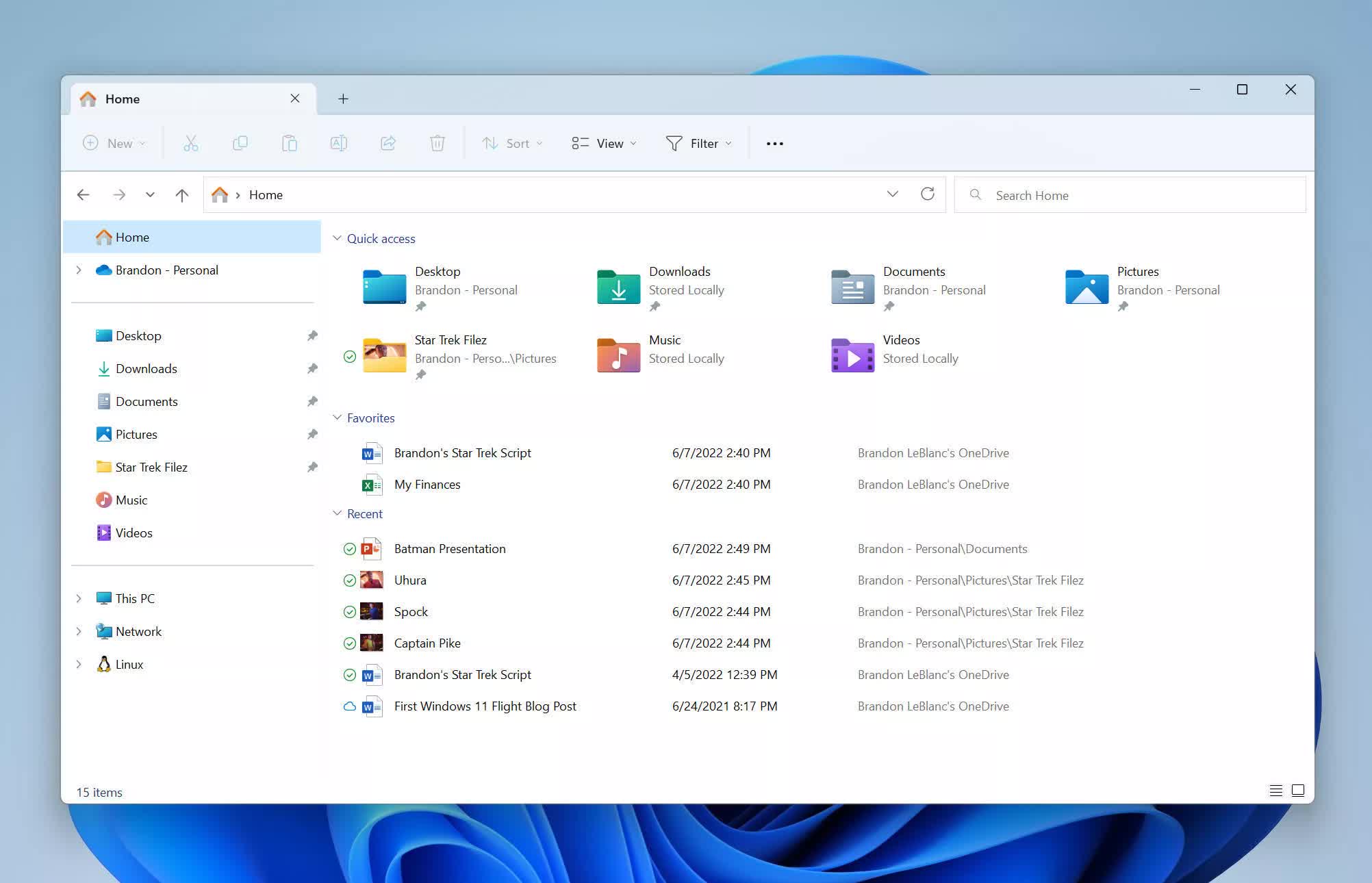
Windows XXX: First introduced as "Windows Explorer" back in the Windows 95 era, File Explorer has been an integral part of the PC operating system for decades. File Explorer now serves double duty as both the native file manager and a core part of the desktop environment in Windows 11, highlighting how things have gone wrong with the platform's restless development.
Microsoft has finally acknowledged it has a major performance problem with one of the core components of the Windows 11 GUI. File Explorer is now a shell of its former self, with users lamenting its poor performance, frequent bugs, and inconsistent interface decisions imposed by the AI-and-cloud-obsessed corporation over the past few years. However, things could soon improve in a meaningful way.
Redmond's developers recently shipped a new Windows 11 preview build (26220.7271 – KB5070307) to beta testers in the Windows Insider program. The update brings several notable tweaks, including UI adjustments and performance refinements aimed directly at File Explorer.
One of the biggest experiments is a new preload system. Microsoft is "exploring" the idea of loading File Explorer quietly in the background so it can launch and respond faster when users open it. The change is meant to be invisible to most people and – Microsoft hopes – will make File Explorer feel noticeably quicker when dealing with documents, files, and folders. The option is enabled by default in the preview build, though users can turn it off to restore the old behavior.
Microsoft is now asking testers for feedback on the preload feature, but users have been voicing dissatisfaction with File Explorer for years. The Windows 11 shell and file manager have consistently delivered subpar performance to a significant portion of the user base, while Microsoft's supposed "improvements" have largely taken the form of unwanted AI features, a horrible and forceful OneDrive integration, and ads in the Start menu.
The result is a Windows 11 GUI that many see as a low point in the OS's long history, usable but slow and inconsistent. On my Windows 10 gaming PC, File Explorer usually launches with a slight, sub-ms delay every time I press the Win+E key combination. When I'm forced to work with Windows 11, the shell feels like a completely different universe, no matter how fast the CPU, RAM, or storage is. That's one of the reasons there are popular alternative file managers that fill that gap depending on what you need.
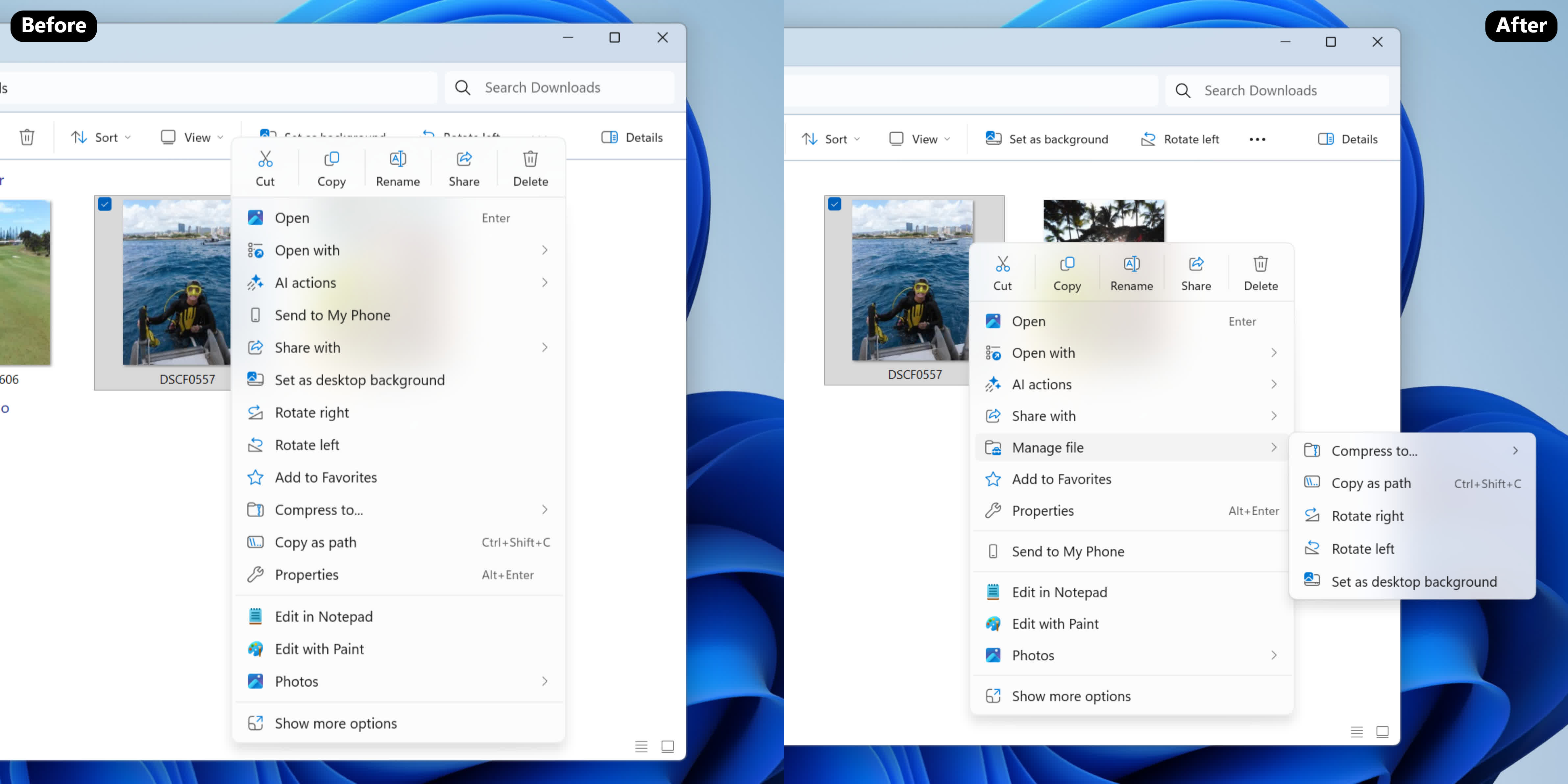
Preloading File Explorer could be a genuine quality-of-life improvement, but it doesn't change the broader perception that Windows has become a side project for a company chasing generative-AI dreams. And while Microsoft tinkers with performance, it's also continuing to reshape the Windows interface in other ways. The latest preview build includes yet another redesign of File Explorer's notoriously slow context menu, now with submenus for less commonly used actions.