

Malwarebytes is a powerful anti-malware tool that protects your device from viruses, ransomware, spyware, and other advanced threats. Fast, lightweight, and easy to use, it offers real-time protection and thorough malware removal to keep you safe online.
Malwarebytes differs from other anti-malware programs by focusing on advanced threats like ransomware, spyware, and PUPs using behavior-based detection rather than just traditional signatures. It's lightweight, fast, easy to use, and often catches malware that standard antivirus programs miss.
Is Malwarebytes enough to use as a standalone antivirus?
Malwarebytes can function as a standalone antivirus for many users, especially those who practice safe browsing habits. It excels at detecting malware, adware, and potentially unwanted programs (PUPs). However, some users prefer pairing it with another antivirus like Windows Defender for broader protection, particularly for traditional viruses and zero-day threats.
Does Malwarebytes slow down your computer?
Most users report that Malwarebytes is lightweight and doesn't significantly impact performance. That said, some have noted slowdowns during full system scans or when paired with certain other antivirus programs. Adjusting scan settings or scheduling scans during idle times can help reduce any noticeable lag.
Can Malwarebytes remove all types of malware?
Malwarebytes is highly effective at removing a wide range of threats, particularly adware, spyware, trojans, and PUPs. However, it may not catch every single threat, especially advanced rootkits or very new exploits. Keeping it updated and supplementing it with another security tool occasionally is a good strategy for more comprehensive coverage.
Should I use the free version or pay for Malwarebytes Premium?
The free version offers on-demand scanning and is good for occasional checks. Malwarebytes Premium includes real-time protection, ransomware blocking, and scheduled scanning, which many users find essential for ongoing security. If you want active, automatic protection without needing to initiate scans manually, the Premium version is worth considering.
How often should I run scans with Malwarebytes?
If you're using the free version, running a manual scan once a week is a common recommendation. Premium users benefit from automatic, scheduled scans, which typically run daily or every few days by default. You can customize the schedule based on your usage and risk level.
Features
Protects you from advanced threats
Detects and removes malware in real-time with advanced anti-malware, anti-spyware, and anti-rootkit technology. Scans for the newest and most dangerous threats automatically, so you're protected without having to even think about it.
Protects your files from being locked and held for ransom
Stops unknown and known ransomware with proprietary next-gen technology that works proactively to shield your files. This is a powerful, complete defense that blocks ransomware, and not a simple decryption tool. So you're protected from tomorrow's "Ransomware Attack!" headlines today.
Prevents your programs from being used against you
Wraps your browser and software programs in four layers of defense, stopping attacks that use vulnerabilities in those programs to infect your computer.
Protects you from fake and infected websites
Detects and prevents contact with fake websites and malicious links. You are proactively protected from downloading malware, hacking attempts, and infected advertising. Worried about wandering into a "bad" Internet neighborhood? Now you don't have to be.
Scans faster, scans smarter
Lightning-fast Hyper Scan mode targets only the threats that are currently active. Faster analysis. Still gets results. Run a scan in the background while you boot up your favorite game. It's done by the time you're ready to play.
A new detection engine that's smarter than ever
The new Malwarebytes Katana Engine is better than ever at stopping threats. It also gives you info about the threats it finds, so you can make smarter security decisions.
A completely redesigned interface that makes security quick and easy
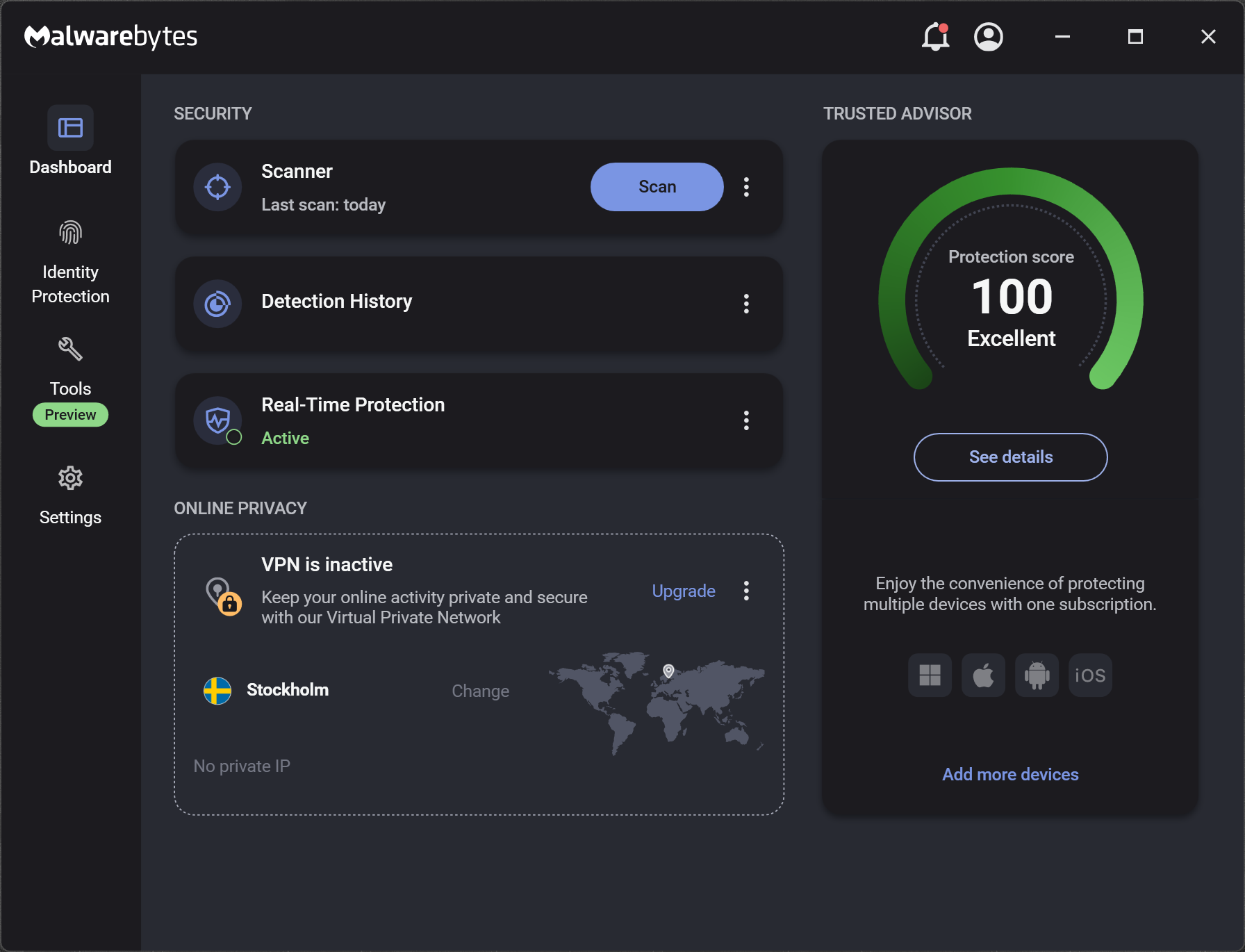
We completely redesigned the user interface to be more intuitive and easier to use. Spend less time fiddling with your security settings and more time enjoying your PC.
Improved performance and efficiency
The new Malwarebytes was designed with your PC's and performance in mind. Scans now use 50 percent less CPU resources than before.
What's New
Features and improvements
- Introduced a monthly security summary highlighting security insights and personalized recommendations.
- Improved the experience when resuming a scan during the onboarding flow.
- Added a modal that confirms a successful software update after a reboot.
Issues fixed
- Fixed inconsistencies in the formatting of the last access timestamp in the Webcam Monitoring detection table.
- Improved the appearance of the tray menu when no device score is available.
- Fixed an issue preventing tamper protection passwords that contained spaces from being set correctly.
- Addressed a Allow list backup/restore issue where the filepath field appeared editable but could not be edited.
- Fixed incorrect Enter key behavior during the Malwarebytes Teams onboarding flow.

