
Forward-looking: Numerous wireless headphone models use head tracking for more immersive spatial audio. One modder has exploited this feature, along with Sony's preference for Android's head-tracking protocol, to provide an accessible alternative to traditional PC game head-tracking setups. While the solution does not support Apple's AirPods, the developer hopes to change that.
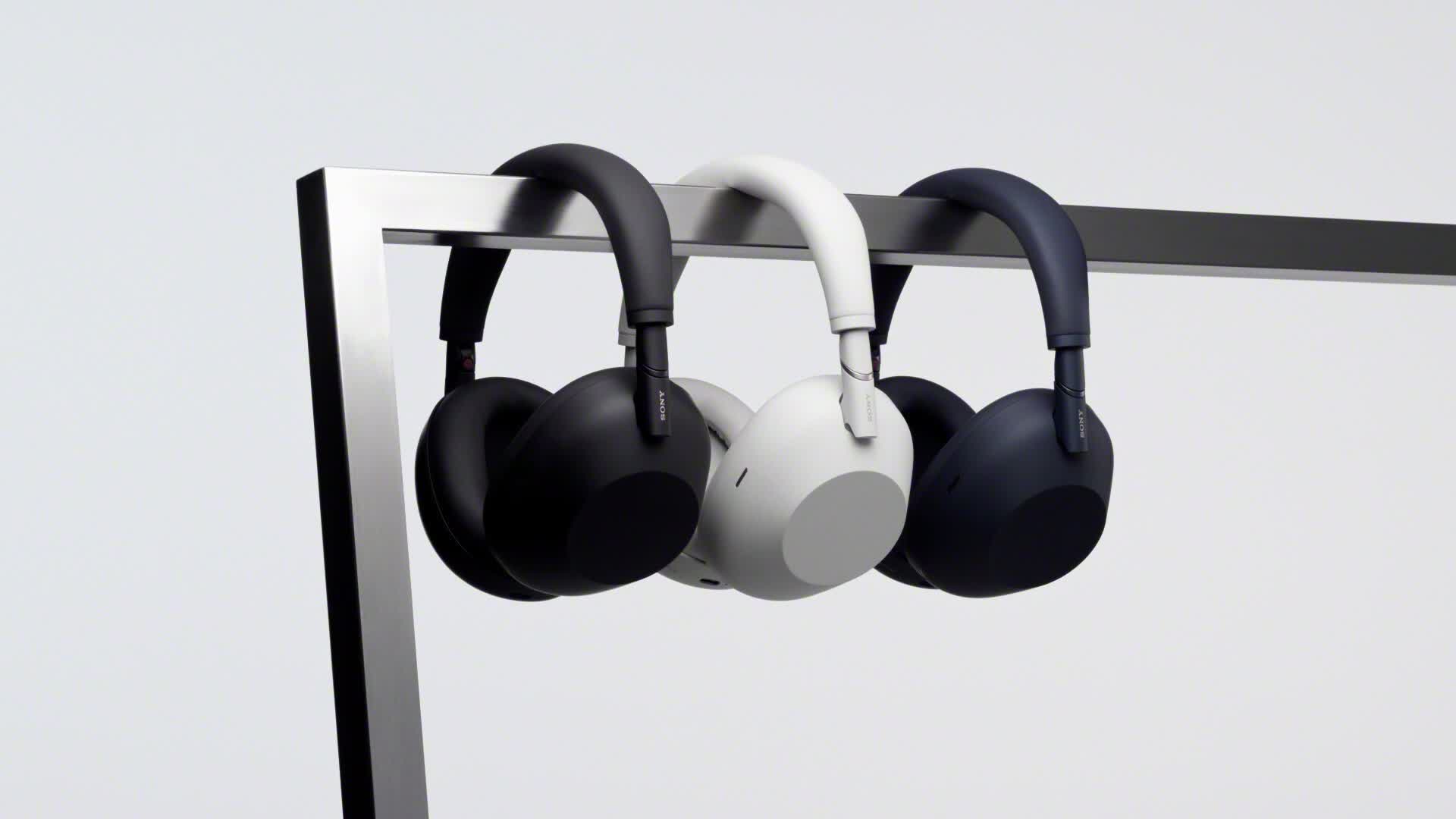
Head tracking, often used to enhance awareness in driving and flying games, traditionally requires extra IR tracking hardware or VR headsets. However, a new free app enables the feature for owners of Sony's WH-1000XM5 headphones and several similar models.
Dubbed Sony Head Tracker, the tool sends live yaw, pitch, roll, orientation, quaternion, and gyroscope data from the Android head tracker HID protocol to Opentrack, enabling head tracking in hundreds of PC games, mostly racing games and flight simulators. The app's creator, Nicholas Slattery, demonstrated the process in a brief clip while playing Microsoft Flight Simulator and wearing a pair of WH-1000XM5s.
To get started, download the latest version from Sony Head Tracker's GitHub repository. Then pair a set of headphones or earbuds with Windows 11 by navigating to Settings > Bluetooth & devices and clicking "Add device" while the headphones are in pairing mode.
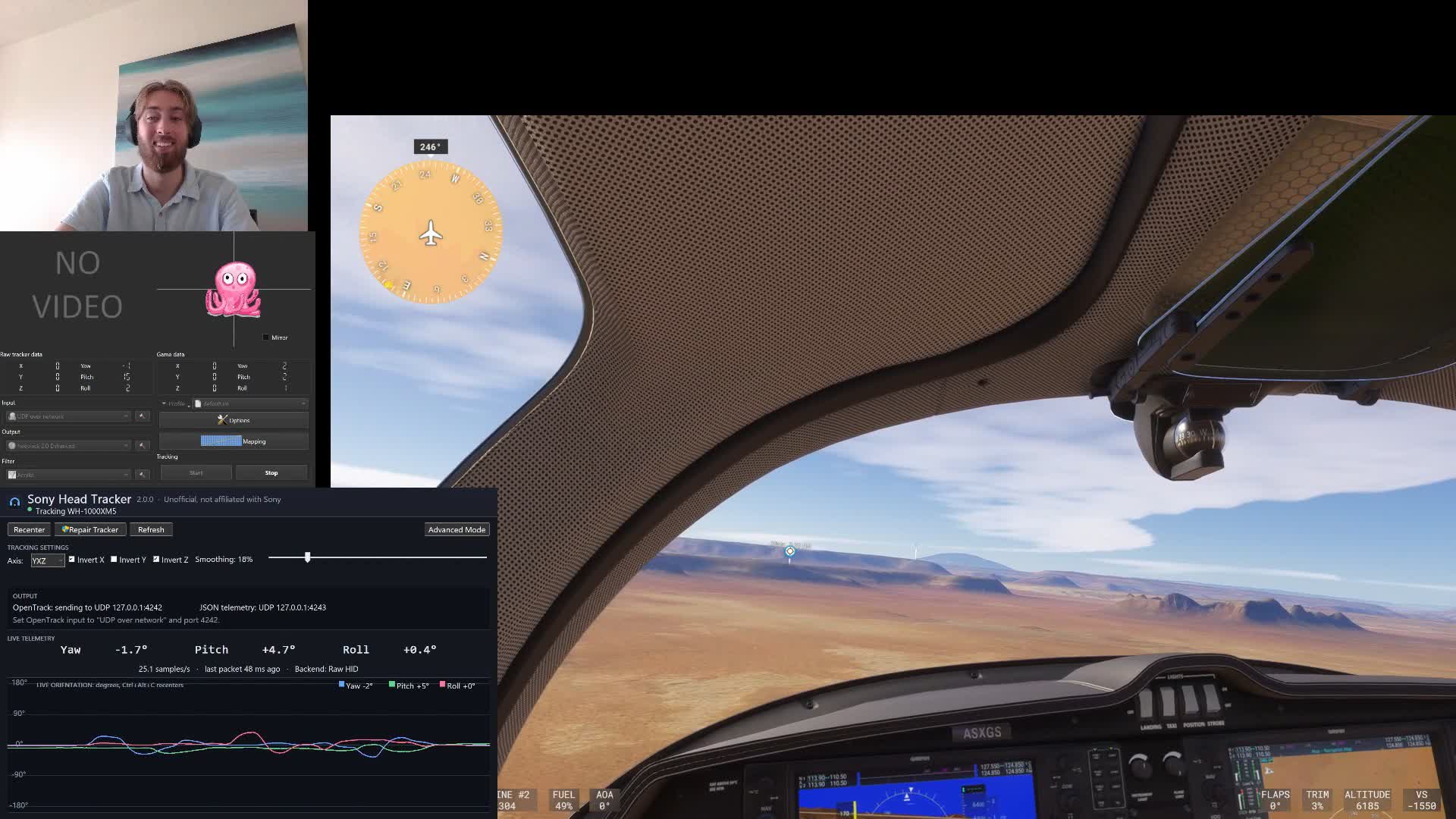
Once the headphones are connected, open Sony Head Tracker. It should automatically discover the device and begin displaying live orientation data and streaming tracking data. Then, install and start Opentrack, select UDP over network, use port 4242, and click Start. To recenter the orientation, press Ctrl+Alt+C. Users may need to click "Repair Tracker" to build the head-tracking sensor node when launching Sony Head Tracker for the first time after starting Windows.
Sony's WH-1000XM5s are not the only supported headphones. Testing has confirmed that the WF-1000XM5, WH-1000XM6, WF-1000XM6, and Sony ULT WEAR (WH-ULT900N) also work. Several Sony LinkBuds models are also undergoing testing, including the LinkBuds Open WF-L910, LinkBuds Fit WF-LS910N, LinkBuds WF-L900, and LinkBuds S WF-LS900N.
However, the Sony WH-1000XM4, WH-1000XM3, and Apple AirPods are not supported. While AirPods support head-tracked spatial audio, as Sony earbuds do, Apple uses a proprietary protocol that cannot be opened without installing a kernel-level driver, which Slattery would rather avoid. Still, the developer is searching for an alternative solution.
Interested users are invited to test other head-tracked earbuds. To check if a particular model is supported, pair the headphones, open Run, and enter "sony-head-tracker.exe probe." The app will output 0 if it works and 2 if it does not. Make sure to update the headphones' firmware via Sony's Sound Connect app. Slattery stresses that using Sony Head Tracker does not alter the firmware in any way.
A free app lets Sony headphones do head tracking for racing and flight sims


