AMD drivers may be writing to your SSD hundreds of times, but users (probably) shouldn't worry

Daniel Sims

Posts: 2,480   +75
Staff
The takeaway: Those with AMD CPUs or GPUs who notice that the company's graphics and chipset drivers access internal storage drives hundreds of times within a short period likely have nothing to worry about. Although investigations into the mysterious behavior have not uncovered its purpose, its impact on SSD lifespan is probably negligible compared to numerous other daily tasks.
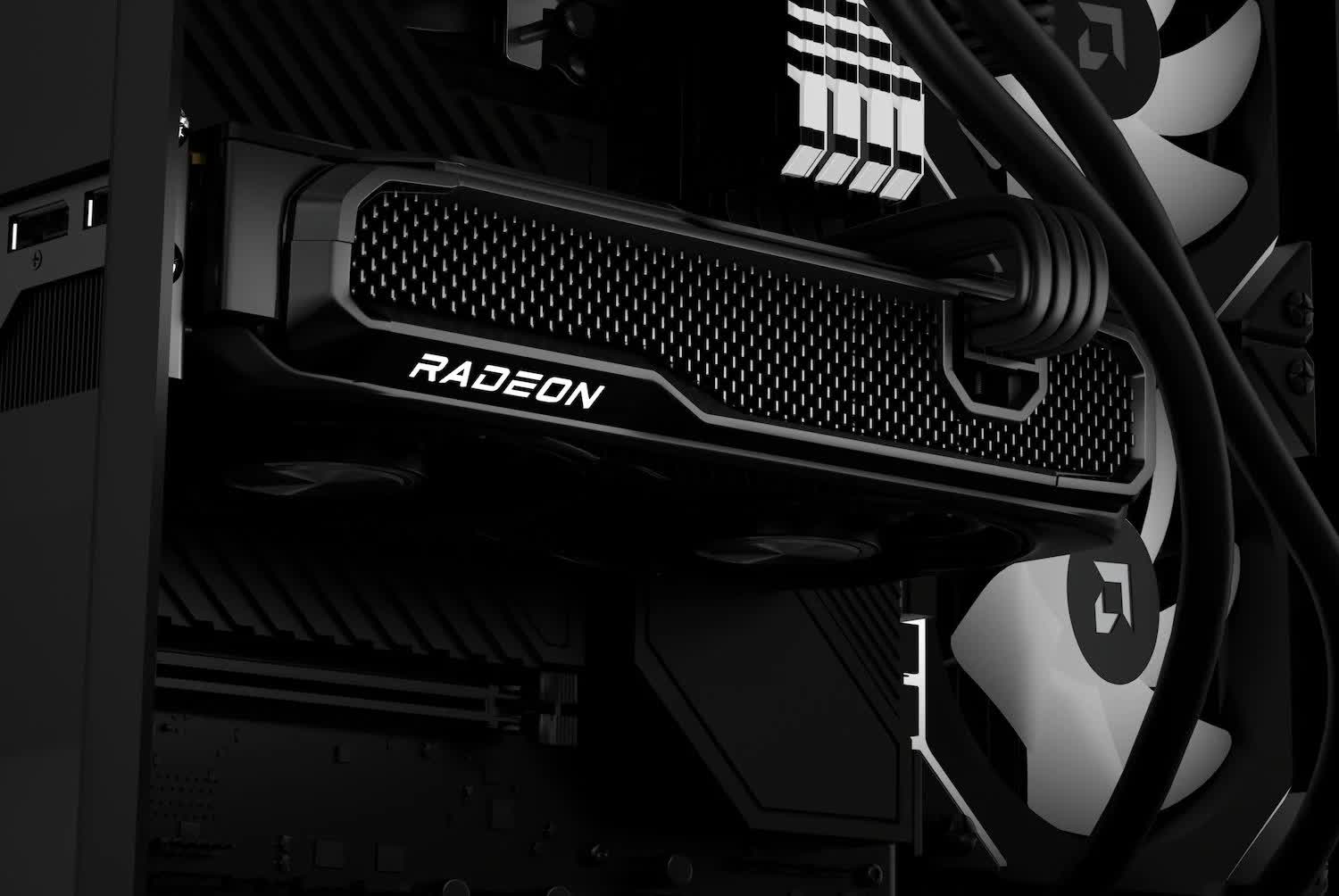
Users with AMD chips who check log files within System32 might notice the constant modifications. The high rate of changes has sparked concern that the company's drivers are making excessive writes to SSDs, but whether users should be worried remains unclear.

Redditor Takia_Gecko recorded the behavior after highlighting prior investigations into the matter. As the video below shows, every time he moves or resizes a window, modifications appear in a log file located in C:\Windows\System32\AMD\EEDumps. However, the files do not appear on all devices with AMD components.

The logs drew attention because they indicate that a program might be writing to internal storage hundreds of times during a very brief period. Since SSDs can only write data a finite number of times before degrading, such behavior could theoretically shorten the lifespan.

Takia_Gecko proved that AMD drivers were the culprit by demonstrating that the writes cease upon disabling a service called AMD External Events Utility. On systems with AMD GPUs, the company's graphics drivers might be the cause, but the Redditor's PC uses an Nvidia GPU with an AMD CPU, leading him to suspect Team Red's chipset drivers.
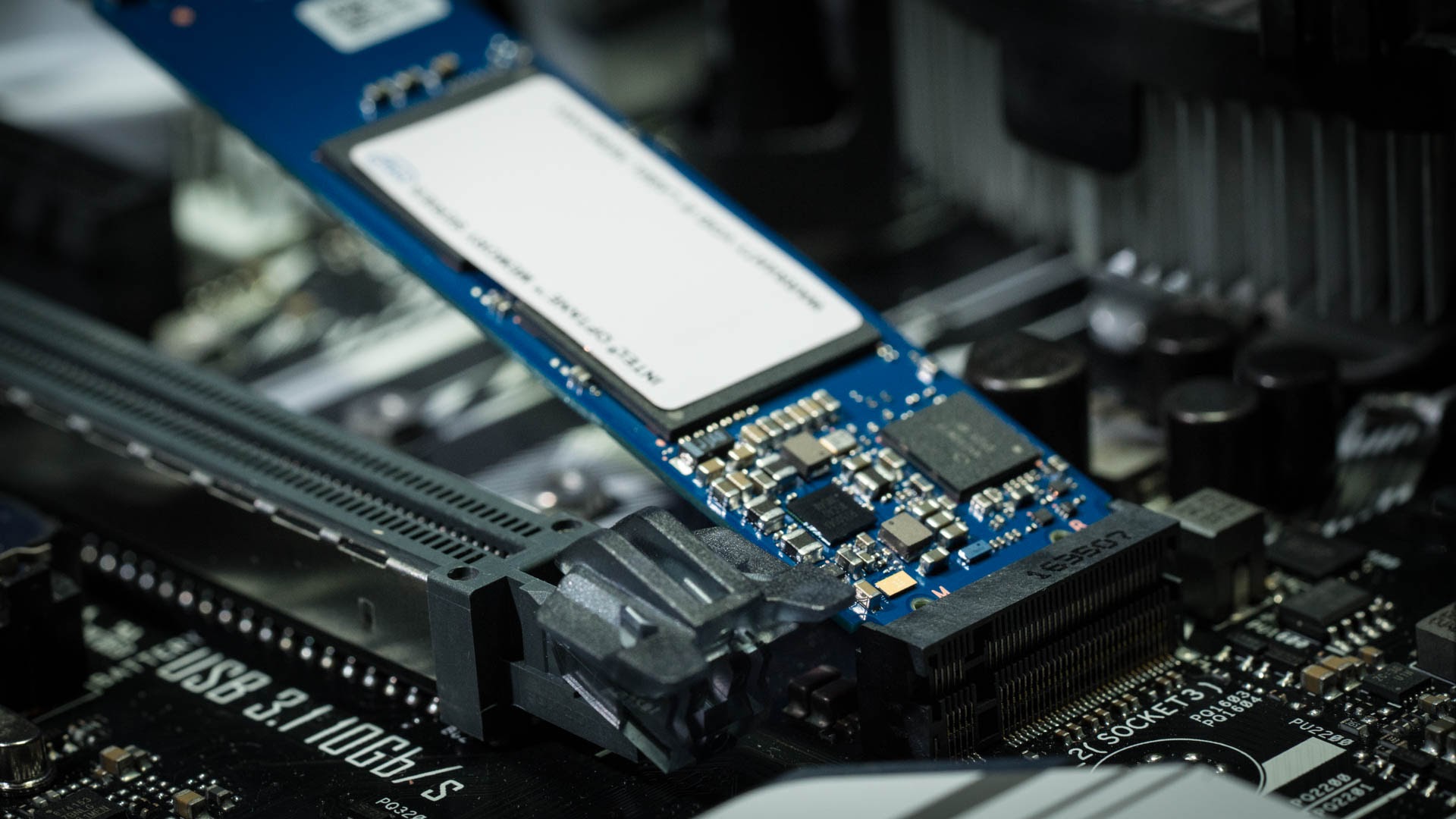
A program for detecting the behavior is available on GitHub, and Takia_Gecko has devised a workaround for concerned users that redirects the written data away from internal storage. However, users should always exercise caution before altering a process that they do not fully understand.

Commentators suspect that the behavior is related to FreeSync, and stopping it might disrupt the feature. Other core GPU functions might also be impacted, such as user settings or attached devices.

Furthermore, the amount of data the drivers write to the log files may be far less than what other commonly used programs, such as web browsers or Windows Security. One commentator noticed that AMD drivers were writing to log files at a rate of slightly over 1MB/s, significantly less than that of random page file accesses.

Permalink to story:

 
My fully AMD system has been running a Samsung 850 EVO ssd for 8 years, and Samsung Magician software reports the drive as still 92% good. It was a boot drive for 4 years, before relegation to a spare data drive.
The current boot drive is a 4 year old Sabrent Rocket NVME that still reports as 100% good.
So there's probs nothing to worry about.
 
My fully AMD system has been running a Samsung 850 EVO ssd for 8 years, and Samsung Magician software reports the drive as still 92% good. It was a boot drive for 4 years, before relegation to a spare data drive.
The current boot drive is a 4 year old Sabrent Rocket NVME that still reports as 100% good.
So there's probs nothing to worry about.
What are the actual read and write amounts? 92% good means nothing.
 
What are the actual read and write amounts? 92% good means nothing.
what you are saying doesnt matter. different nand has diff endurance. the smart system in the drive knows what the health is. In other wordsa you cant just go off how many writes as it will be different for diff models.
 
This sounds like a nothingburger. A lot of programs make small read/writes for things such as logs, AMD doing this is nothing new to how programs function.
 
"Commentators suspect that the behavior is related to FreeSync, and stopping it might disrupt the feature." It better not be FreeSync doing this. Anything to do with FreeSync should be happening in RAM. If it's happening on a hard drive, then this is code meant to be run on a Dev computer and this log is for program Dev analysis.
 
My fully AMD system has been running a Samsung 850 EVO ssd for 8 years, and Samsung Magician software reports the drive as still 92% good. It was a boot drive for 4 years, before relegation to a spare data drive.
The current boot drive is a 4 year old Sabrent Rocket NVME that still reports as 100% good.
So there's probs nothing to worry about.
Glad your drives are still kicking, but those percentage numbers don’t really prove they’re fine. Magician mostly tracks write endurance, not actual NAND condition or controller health. SSDs can still fail suddenly while showing 90 to 100% good, especially when they’re 8+ years old. I have had a 970 Evo reported 94% good up and die, I know, like you anecdotal, but it does happen.

Anecdotes don’t reflect the real failure curve either....aging components, firmware bugs, and sudden controller death are all common and don’t show up in SMART.

Age still increases risk, and SSDs often die with zero warning. Backups matter way more than the health percentage.
 
It means that with this usage rate (after 8 years only 8% down) it will outlive all of us. Thats good enough.
That is not how it works.
Health percentage on SSDs mostly reflects write endurance, basically how many program/erase cycles the NAND flash has left. Modern SSDs have high endurance, so they often stay at 90 to 100% for years if you’re not constantly writing huge amounts of data.
 
Glad your drives are still kicking, but those percentage numbers don’t really prove they’re fine. Magician mostly tracks write endurance, not actual NAND condition or controller health. SSDs can still fail suddenly while showing 90 to 100% good, especially when they’re 8+ years old. I have had a 970 Evo reported 94% good up and die, I know, like you anecdotal, but it does happen.

Anecdotes don’t reflect the real failure curve either....aging components, firmware bugs, and sudden controller death are all common and don’t show up in SMART.

Age still increases risk, and SSDs often die with zero warning. Backups matter way more than the health percentage.

Cool story.

My main boot drive is a Samsung 750 EVO 120 GB since wayyyy back, 2016, Trump's first term.

After like 20 TB's written and like 100000 hours of operation, the drive hasn't still failed and I use it every day.

So yeah, you were sayin'?
 
I checked the (correct) directory and mine only had two files of small size in it, so for me it's a total nothing burger.

BTW the directory quoted in the article doesn't even exist, it's
"C\Windows\System32\DriverStore\FileRepository\amdfendr.inf_amd64_a45773f484fe1fd0\AMD\EeuDumps"
 
Smells like a bug to me. Diagnostic output that somehow was left on or gets turned on under specific circumstances where it's not needed. Generally core data needed for routine functionality is not referred to as a "dump".

Nothing to be overly alarmed about, but would be nice to clean up.

Or if turns out its only on relatively few computers, I wonder if it's being written in response to what AMD's driver perceives as faults or unexpected system behavior worth documenting. In which case its not a bug and there might be something subtly wrong on those systems.
 
SSDs are more prone to wear and tear, compared to layered platers of HDDs.

Anything being written a lot to SSDs, is bound to wear them out sooner.

No buts, no ifs.

 
@brucek

Key words: "not needed". But we know Microsoft collects telemetry data on us Guinea pigs who continue to use Windows OS. So, maybe AMD is using the data.

If it was an honest mistake and can be fixed, I'm sure they will now that this story is broke. So, it's all good now.


SSDs are more prone to wear and tear, compared to layered platers of HDDs.

Anything being written a lot to SSDs, is bound to wear them out sooner.

No buts, no ifs.

Bruh, what is you putting in your smoking pipes today? Technology doesn't care about what you know. Technological advancements are about going beyond the boundaries of what you know. We already know that SLC has more endurance than TLC. And the engineers keep making improvements on NAND that has extended their useful life way past what it was in the beginning.

Using the words 'wear and tear' in the context of an SSD is a little bit odd. SSDs have no moving parts, HDDs do so, there's pros and cons to everything here.

I still use optical media. I just burned another BD-R disc that will probably last longer than any SSD/HDD drives available today. If you want another layer of data security, this is it.
 
Last edited:
Cool story.

My main boot drive is a Samsung 750 EVO 120 GB since wayyyy back, 2016, Trump's first term.

After like 20 TB's written and like 100000 hours of operation, the drive hasn't still failed and I use it every day.

So yeah, you were sayin'?
Cool story bro,
Ah yes, your one 120 GB Samsung surviving since 2016 clearly disproves every failure rate curve ever published. Science weeps my man, no one should be using a 120GB boot drive in 2025 therefor I call BS.

Lets keep this going, this could be very fun.
 
Glad your drives are still kicking, but those percentage numbers don’t really prove they’re fine. Magician mostly tracks write endurance, not actual NAND condition or controller health. SSDs can still fail suddenly while showing 90 to 100% good, especially when they’re 8+ years old. I have had a 970 Evo reported 94% good up and die, I know, like you anecdotal, but it does happen.

Anecdotes don’t reflect the real failure curve either....aging components, firmware bugs, and sudden controller death are all common and don’t show up in SMART.

Age still increases risk, and SSDs often die with zero warning. Backups matter way more than the health percentage.
actually the health does reflect bad sectors and read write errors too. all effect and lower the health overall. go grab hdsentinel and it will give you details on why the health is what it is. or use smartctl
 
SSDs are more prone to wear and tear, compared to layered platers of HDDs.

Anything being written a lot to SSDs, is bound to wear them out sooner.

No buts, no ifs.
Hdds also wear out... hdds just are more a non known when they will crap out. ssds are more predictable.
 
're
@brucek

Key words: "not needed". But we know Microsoft collects telemetry data on us Guinea pigs who continue to use Windows OS. So, maybe AMD is using the data.

If it was an honest mistake and can be fixed, I'm sure they will now that this story is broke. So, it's all good now.


Bruh, what is you putting in your smoking pipes today? Technology doesn't care about what you know. Technological advancements are about going beyond the boundaries of what you know. We already know that SLC has more endurance than TLC. And the engineers keep making improvements on NAND that has extended their useful life way past what it was in the beginning.

Using the words 'wear and tear' in the context of an SSD is a little bit odd. SSDs have no moving parts, HDDs do so, there's pros and cons to everything here.

I still use optical media. I just burned another BD-R disc that will probably last longer than any SSD/HDD drives available today. If you want another layer of data security, this is it.
Same as the smoke you're inhaling, bruh.

Go do your research about SSDs. Again.
 
actually the health does reflect bad sectors and read write errors too. all effect and lower the health overall. go grab hdsentinel and it will give you details on why the health is what it is. or use smartctl
That’s not how drive “health” works in most monitoring tools.

Bad sectors and read/write errors can affect the reported health if the SMART attributes tied to them actually change. But the health percentage itself is just a vendor specific interpretation of SMART data, not a universal measure of drive condition.

HDSentinel, CrystalDiskInfo, smartctl, etc. all read the same SMART attributes....they just present them differently. None of them magically know more than the firmware reports.

If the underlying SMART values haven’t shifted (Reallocated, Pending, etc.), then the health won’t drop regardless of what you think the drive “should” be doing. Tools can only display what the drive itself provides.
 
That’s not how drive “health” works in most monitoring tools.

Bad sectors and read/write errors can affect the reported health if the SMART attributes tied to them actually change. But the health percentage itself is just a vendor specific interpretation of SMART data, not a universal measure of drive condition.

HDSentinel, CrystalDiskInfo, smartctl, etc. all read the same SMART attributes....they just present them differently. None of them magically know more than the firmware reports.

If the underlying SMART values haven’t shifted (Reallocated, Pending, etc.), then the health won’t drop regardless of what you think the drive “should” be doing. Tools can only display what the drive itself provides.
you are missing the point. of course the smart data is what the drive provides, but this is the point. when the drive reports too many bad sectors for an example it will report imminent failure. same for other errors. in the end the health endurance is pretty darn accurate for ssd health. to your point its the drive providing the info. so the smart data and endurance reflects the true health. smart data doesnt lie it provides the same info to all the apps you use they grab the raw data smart is providing. the drives also run self tests and report that as well.
 
Back