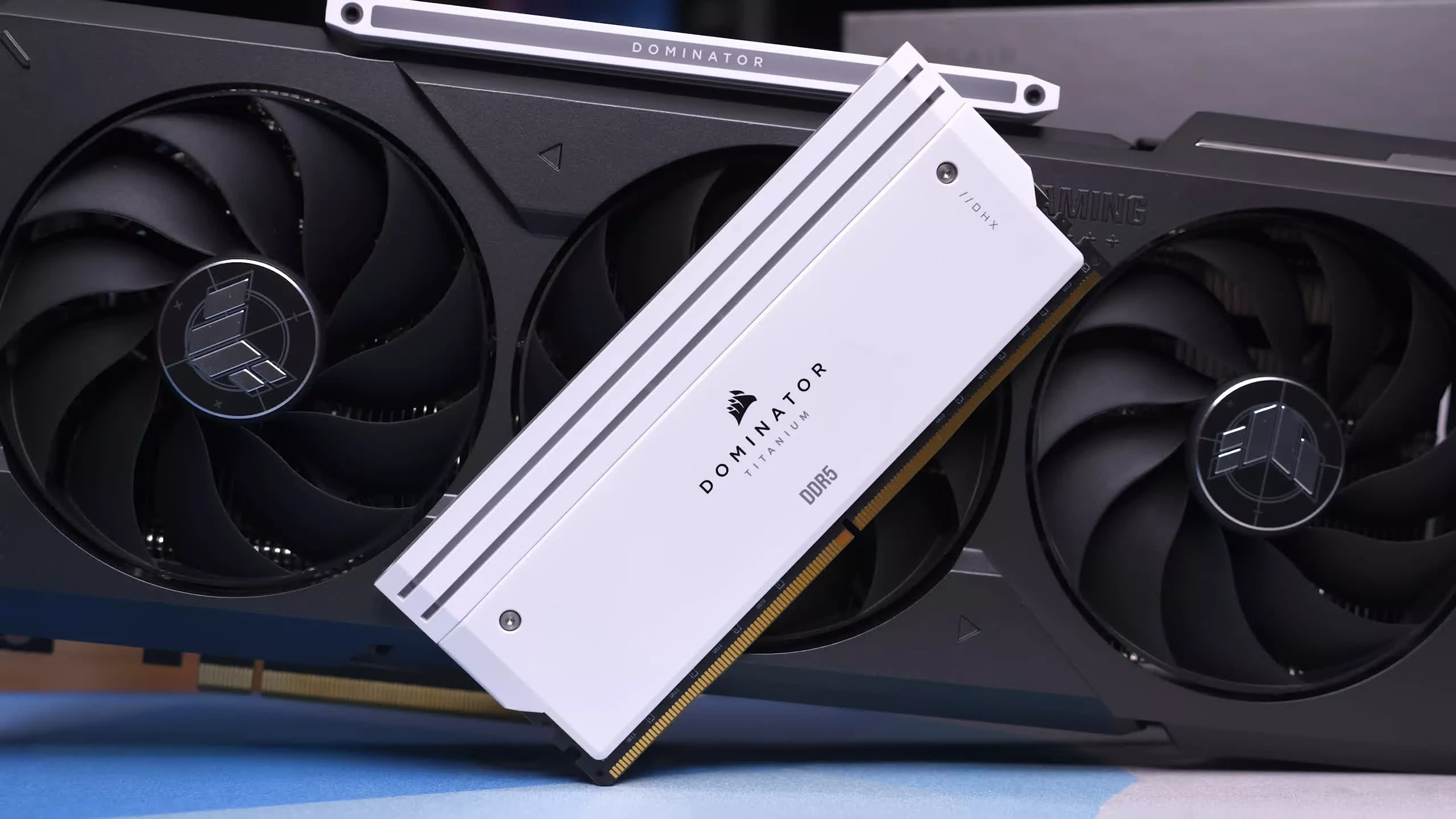
How Much RAM Do Gamers Need? 8GB vs. 16GB vs. 32GB vs. 64GB

Yeah 32GB is sweetspot but 16GB is generally still fine in most games.

I would accept 16GB in a low to mid-end system but would never build with or recommend less than 32GB for a high-end system. System just feels snappier too. Pagefile barely used with 32GB.

Maybe 24GB kits are going to be more popular now that RAM prices went up? That would still give you "enough" for most if not all games and regular tasks, where 16GB can be on the low side at times.

24/48 GB kits never really took off in terms of sales, as prices were too close to 32/64 anyway.
 
Problem with budget rig it ... it uses budget GPU too.
What does not fit into VRAM goes to RAM. And hit fps.
If there is not enough RAM ... it goes to swap (pagefile). And hit fps even more.

Solution?
Pick older and/or less demanding games
Or push the setting toward Low.
 
When upgrading my partners rig to 32gb whole ago I put the freed up 16gb in mine (in addition to the 16gb already there) and it's been a smooth for me even though I'm super lazy with closing things. Usually whilst gaming I'll have 2 browsers (WaterFox and Chrome) and visual studio open.

If any of it breaks I can make do with 16gb, even though the RAM has lifetime warranty I somewhat doubt the manufacturer would honour it in a timely fashion during this time of shortage.
 
When upgrading my partners rig to 32gb whole ago I put the freed up 16gb in mine (in addition to the 16gb already there) and it's been a smooth for me even though I'm super lazy with closing things. Usually whilst gaming I'll have 2 browsers (WaterFox and Chrome) and visual studio open.

If any of it breaks I can make do with 16gb, even though the RAM has lifetime warranty I somewhat doubt the manufacturer would honour it in a timely fashion during this time of shortage.

Memory pretty much never stop working, unless you OC and overvolt like crazy maybe (will freeze/crash most of the time before breaking) which is why most companies just give you lifetime warrenty.

The chance memory failing or dying before the whole platform is garbage, is slim I think.
 
According to Pcpartpicker the cheapest premium ram kits for 16 gigs of ddr5 starts at $189. Also not sure if the accuracy but a Google search claims that there are 40% of users on steam with 32 gigs or more of ram.1000048891.jpg
 
Memory pretty much never stop working, unless you OC and overvolt like crazy maybe (will freeze/crash most of the time before breaking) which is why most companies just give you lifetime warrenty.

The chance memory failing or dying before the whole platform is garbage, is slim I think.
Although graphics cards are #1 by a landslide when it comes to failure rates RAM has a shared second spot in my experience (shared with power supplies and motherboards). Won't count HDDs as I have been extremely lucky with those and mostly stopped using them.
Quad RAM setups are also more likely to be unstable to begin with so I already upped the risk there (also why I told my partner to just get 32gb from a dual kit).
 
Instead of using top line hardware I.e Ryzen 7 9800X3D and an RTX5090 why not use mid range hardware so most of the populace can get a reasonable idea of what to expect? Instead you post benchmarks from 2 bits of hardware that both have oodles of builtin memory RTX5090 with its large VRAM onboard and the Ryzen 7 with its massive 3D cache. That is kit that is far beyond the reach of most modest gamers so in all honesty this so called test really doesn't give any real world figures that are worth the time to read them.
 
Memory pretty much never stop working, unless you OC and overvolt like crazy maybe (will freeze/crash most of the time before breaking) which is why most companies just give you lifetime warrenty.

The chance memory failing or dying before the whole platform is garbage, is slim I think.
On my many home systems over the last 35 years, I've had 1 stick fail in the field. And one that I got DOA and returned. So you're right, this is not common at all. Well, perhaps more common when one is overclocking or running aggressive XMP profiles, where it's on the verge of instability to begin with.

Unforunately, the bad RAM went bad with stuck bits, which happened to be in an area Linux was frequently using as a disk cache. So my software updates for however long had been corrupted. I'd been getting intermittent crashes but I tended to run a 'bleeding edge' kernel so I assumed there was something going on there. I knew something was REALLY wrong when I saw a typo in the File menu in LibreOffice, ran that Memtest86 and it revealed the truth. I figured I had REAL problems when I put new RAM in and the typo was still there... "Oh no!" After another memory test (which passed), I had a brain wave and realized what was going on (corrupted updates). Fortunately there was a nice one-liner to have the package manager reinstall every package on the system (and luckily the package manager was not corrupted, or at least not corrupted too much to reinstall itself LOL.) And I checked my documents from those last few months and they were OK too.
 
Last edited:
For my current system that's 5+ years old I bought a DDR4 32GB kit for $149! Today it feels like the smartest thing I could have done at the time.
 
"...probably once the AI bubble bursts, resulting in a global financial crisis, at which point buying DRAM will be the least of your worries." Good one. Made me laugh!!
Might happen if AI data centers cannot get enough electricity plus water for cooling.
 
Having a maxed CPU and GPU work for gaming benchmarks but not for a “how much ram do you need” article. If you have less video RAM in your GPU, your system RAM will perform differently…

To really answer this question, multiple builds would need to be tested with “average”, “below average” and “above average” setups…


While interesting, this article only applies to users with a 5090 and 9800X3D…
 
When upgrading my partners rig to 32gb whole ago I put the freed up 16gb in mine (in addition to the 16gb already there) and it's been a smooth for me even though I'm super lazy with closing things. Usually whilst gaming I'll have 2 browsers (WaterFox and Chrome) and visual studio open.

If any of it breaks I can make do with 16gb, even though the RAM has lifetime warranty I somewhat doubt the manufacturer would honour it in a timely fashion during this time of shortage.
Amateur. I have two browsers with a total of 100 tabs, a VM running Mint with 16GB allocated (sometimes two VM's), several necessary programs and sometimes two games and, usually, I only use half of my 64GB. Gimp, DaVinci and the occational local LLM (LM Studio) push my RAM to the limits, not games or the usual software I use.

To reduce my RAM use I can easily close one of my browsers and reduce the primary VM's RAM use to 8, which I might as I'm waiting to see what happens with RAM prices before selling one of my sticks.
 
This really lines up with what I’ve been seeing lately. 16GB isn’t dead, but it feels like it’s living on borrowed time, especially if you’re stuck with an 8GB GPU. The moment VRAM spills over, everything turns into a stutter-fest.
 
Right, because bottlenecking the test system at the CPU or GPU level would throw us the kind of data we need to measure RAM usage.

This isn’t gaming benchmarks - where you remove a bottleneck in order to measure something knowing that the measurement is independant of the hardware being “freed”…

RAM affects virtually everything your PC does - and is in turn affected by virtually every piece of hardware in it.

While a maxed GPU makes sense to see how a CPU affect gaming FPS (and vice versa), this will not be the case with RAM.

Having more or less RAM in a system will change the performance DIFFERENTLY depending on the other hardware in the PC… to measure its affect accurately would require far more variety - and more time, effort and money than the people at Techspot have (or are willing to expend) on hardware.

Still a nice article - but one cannot draw the conclusions you want from just this.
 
But, but... the article is titled "How Much RAM Do Gamers Need?"

Unless you want to play games AND render something and run other workloads at the same time.
The system performs differently with a different GPU and CPU even with the same RAM… regardless of gaming…
The bottlenecks aren’t the same - and aren’t mitigated by using a max CPU / GPU
 
Back