The takeaway: Microsoft quietly signaled a major shift in how printer drivers would work on Windows nearly three years ago. That plan is now becoming reality, though most older third-party printers won't suddenly stop working anytime soon.
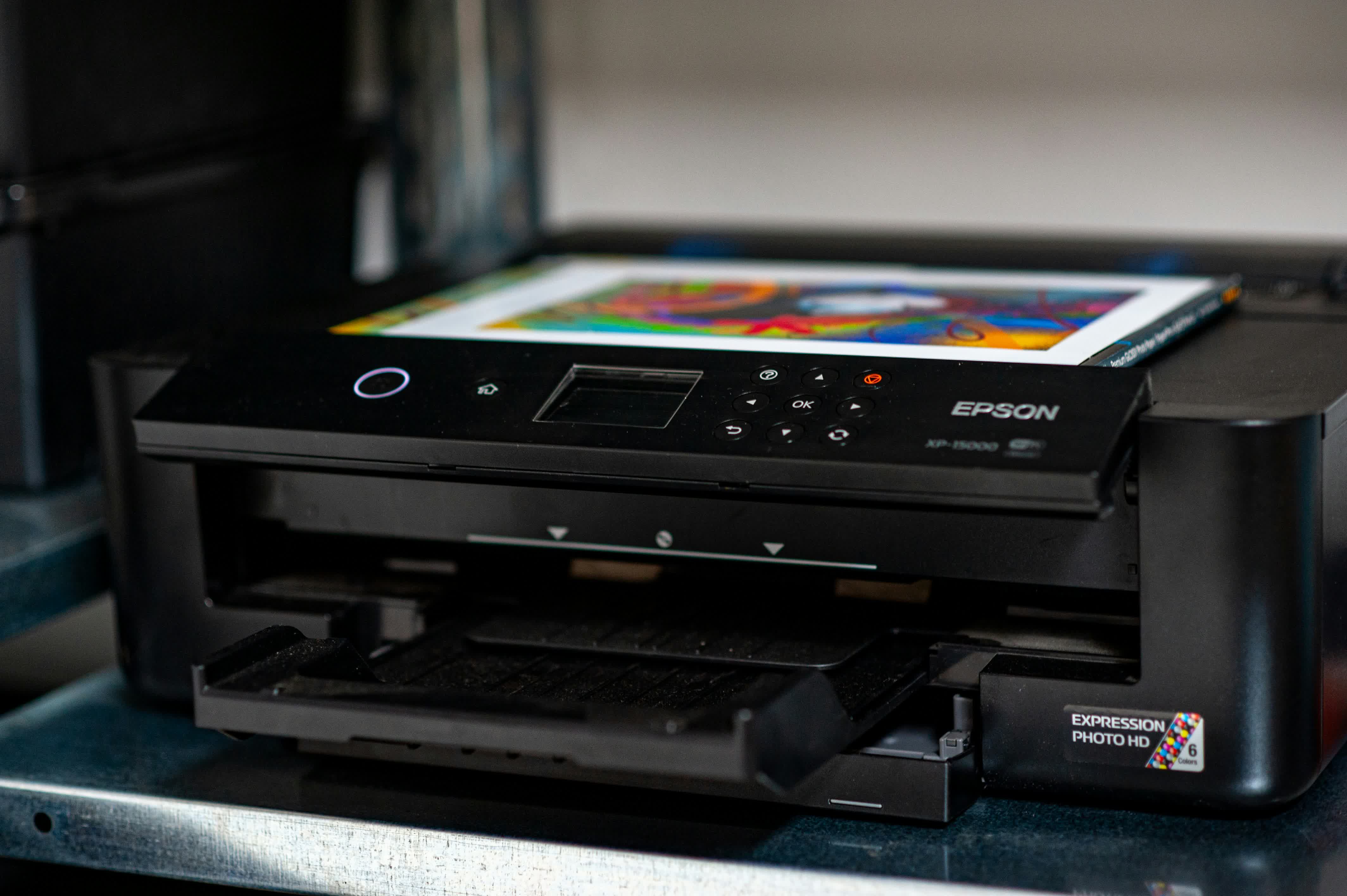
Starting in January 2026, Microsoft will no longer distribute new "official" printer drivers through Windows Update. First announced back in 2023, the move is meant to improve the reliability and security of Windows printing by pushing the platform toward a single, unified driver standard. Despite early warnings about an extinction-level event for printers, the transition is unlikely to meaningfully disrupt everyday users – or the legacy hardware that continues to churn out pages just fine.
Microsoft confirmed in a support document that it is ending active servicing for legacy V3 and V4 Windows printer drivers. The company describes the shift as significant, which explains why it's being rolled out over several years. As of the January 15, 2026 non-security updates, Windows 11 and Windows Server 2025 can no longer install new printer drivers via Windows Update.
Existing drivers may still receive occasional updates, but only with explicit Microsoft approval on a case-by-case basis. Beginning July 1, 2026, Windows will be configured to always prefer the built-in Windows IPP class driver. A year later, on July 1, 2027, Windows Update will stop offering new printer drivers altogether aside from major security fixes.

Does this mean Microsoft is killing off third-party printer drivers? Not exactly. The company says users will still be able to install existing drivers from Windows Update, and manufacturers can continue distributing their own installation packages directly. In other words, it's business as usual, much as it has been since the Windows 3.x era.
Still, the shift isn't nothing. Microsoft introduced a modern Internet Printing Protocol – based driver with Windows 10 21H2, designed to support Mopria-compliant devices. The Mopria Alliance created the standard to streamline printing and scanning across PCs and mobile platforms alike.
According to Microsoft, the IPP class driver eliminates the need for traditional third-party drivers and bundled software. Printer makers can still offer a customized experience, but that now means building UWP apps delivered through the Microsoft Store instead of relying on "legacy" Win32 utilities.
In practice, that future feels more aspirational than real. As I recently found after purchasing a brand-new Epson ET-8500 multi-function printer, Microsoft's idea about the "future" of printing on Windows feels like wishful thinking at best. Modern printers have indeed switched to an IPP driver model, but you will likely still need to download hefty Win32 software on top to get the most out of your new machine. Meanwhile, Epson's own Print and Scan app on the Microsoft Store has an abysmal user rating and doesn't even support Windows 11.
Microsoft is retiring legacy Windows printer drivers, one step at a time


