Editor's take: Microsoft is once again messing with Windows Search, because people are apparently desperate for a redesign every few months (or rather it's never worked quite like it should). The feature is now set to receive a new design, along with natural language-based interactions that look and feel like AI-powered technology.
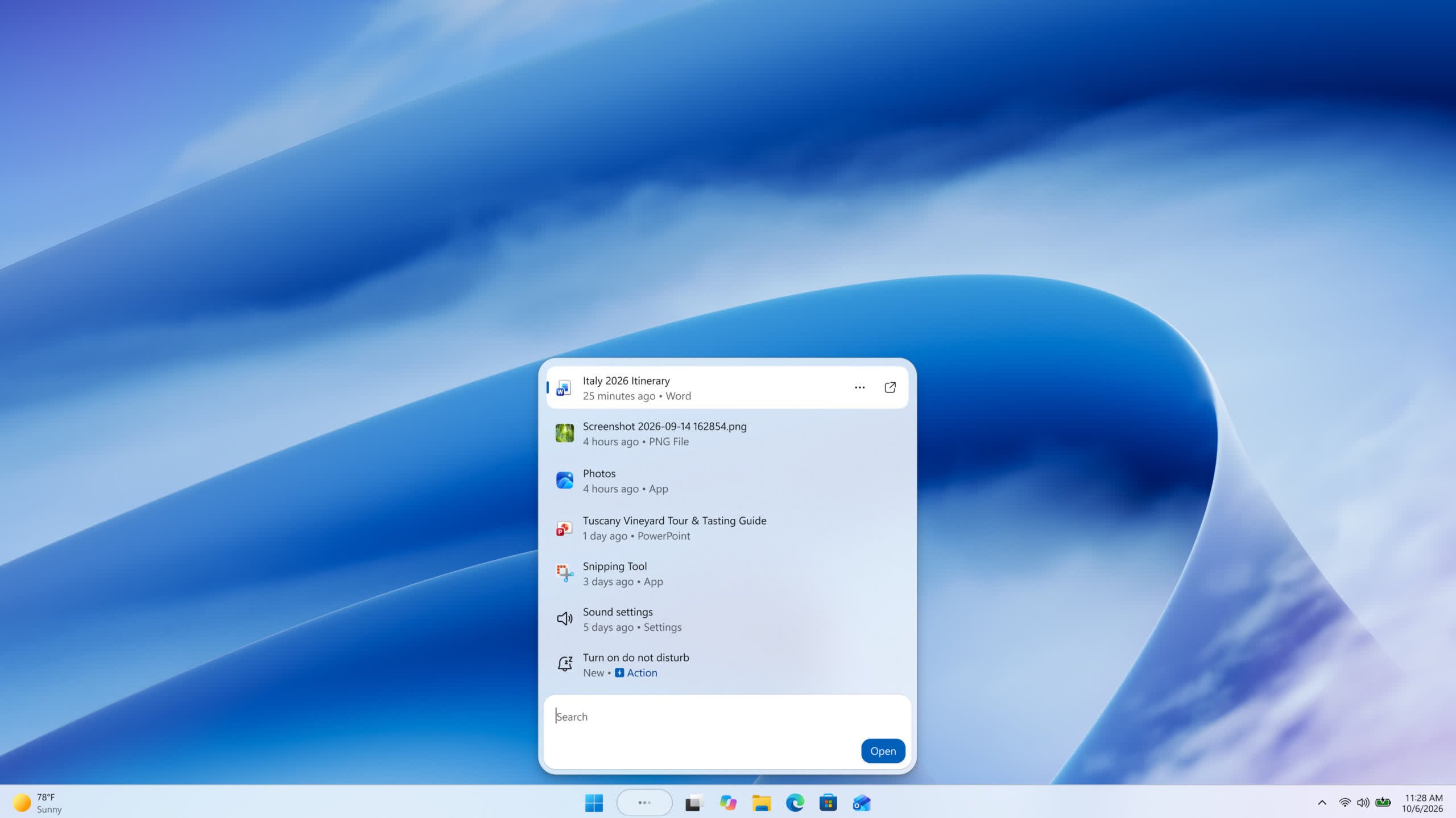
Microsoft has introduced yet another redesign of Windows Search, just in time for its latest Surface-focused event. The Windows 11 feature is set to become more streamlined and focused, Microsoft said, while gaining a new influx of AI options that aim to turn the "humble" search box into a multipurpose Swiss Army knife.
The latest redesign builds on the improved Windows Search box introduced earlier this year, Redmond developers said. The search tool is now built on the WinUI 3 API, which should deliver significant performance and efficiency improvements over the previous version. Microsoft is now betting big on WinUI and native code in an effort to win back the trust of skeptical Windows users.
The Windows Search UI is also getting a unified list that combines search results and previews, as data showed that most clicks occurred in the results list rather than the preview pane. Search can also better understand users' queries, delivering relevant matches for typos and synonyms. Think of it as a powerful, Google-like search engine running locally on your machine.
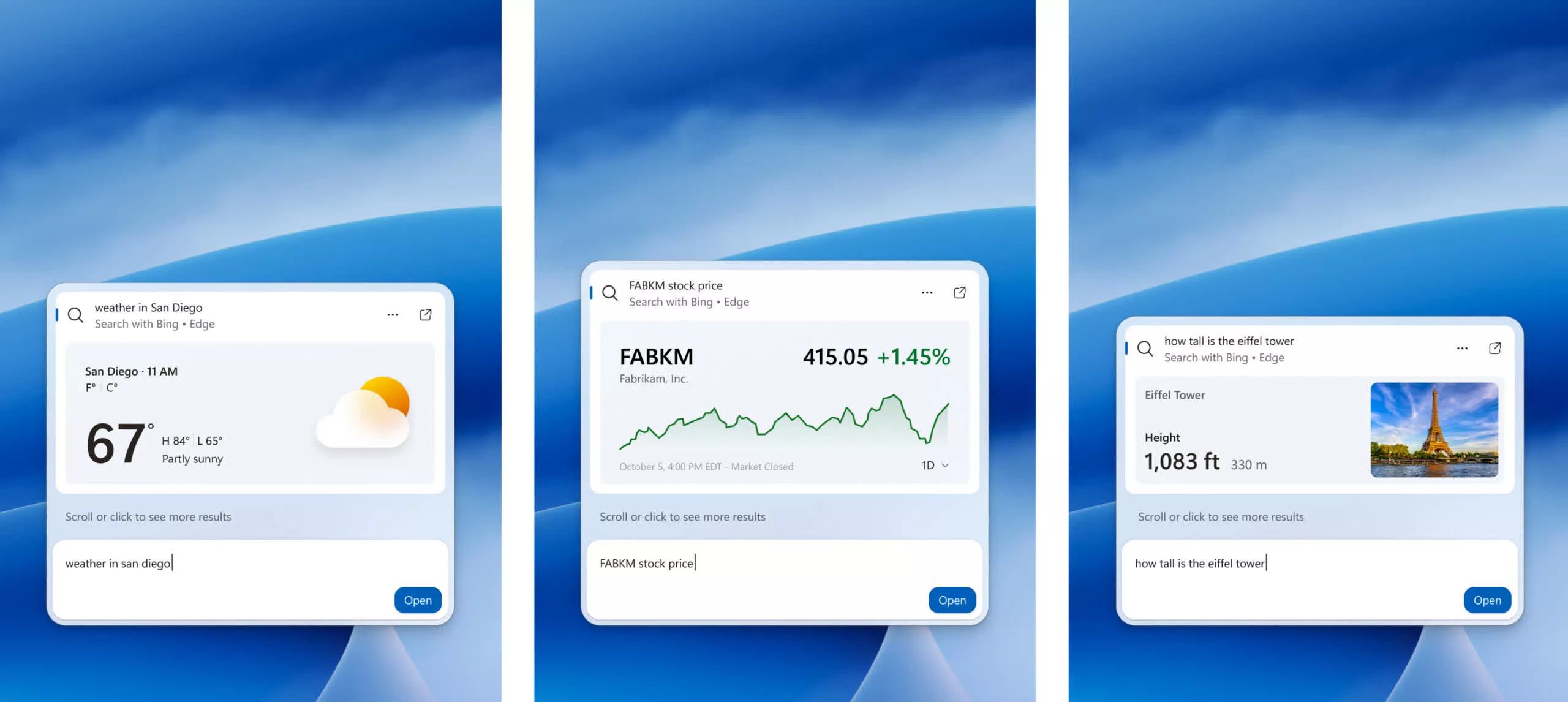
Additional changes include "rich" inline previews pulled straight from the web, allowing users to quickly check the weather, browse facts, and more without leaving the Windows taskbar. More importantly, Windows Search is becoming more capable with the addition of a new "inline actions" feature.
Inline actions will let users perform tasks in Windows without opening external apps or navigating to additional system settings pages. Microsoft is starting with a few familiar tasks, including toggling options on and off and making quick adjustments to system settings. A few options for managing currently open windows and displays are also available.
Microsoft did not acknowledge inline actions as a feature powered by a large language model. However, the Redmond corporation said that its ultimate goal is to turn Windows Search into a more Copilot-like experience down the line. In my book, that's a rather strong clue about the AI-driven origins of inline actions and other "intelligent" features coming to Search.
The latest Windows Search redesign is already available to beta testers enrolled in the Windows Insider program. Interested users need to enable this particular experience through the feature flags in Windows Insider settings. They will also need to install the latest available Windows updates to get the feature.
Microsoft is turning Windows Search into an AI agent-like experience


