
In a nutshell: Microsoft's Copilot for Gaming, its AI assistant designed to act as a "sidekick" to help users with games, is now rolling out to Xbox Insiders on PC via the Game Bar. You can also try it out on Windows handhelds, with a few caveats.
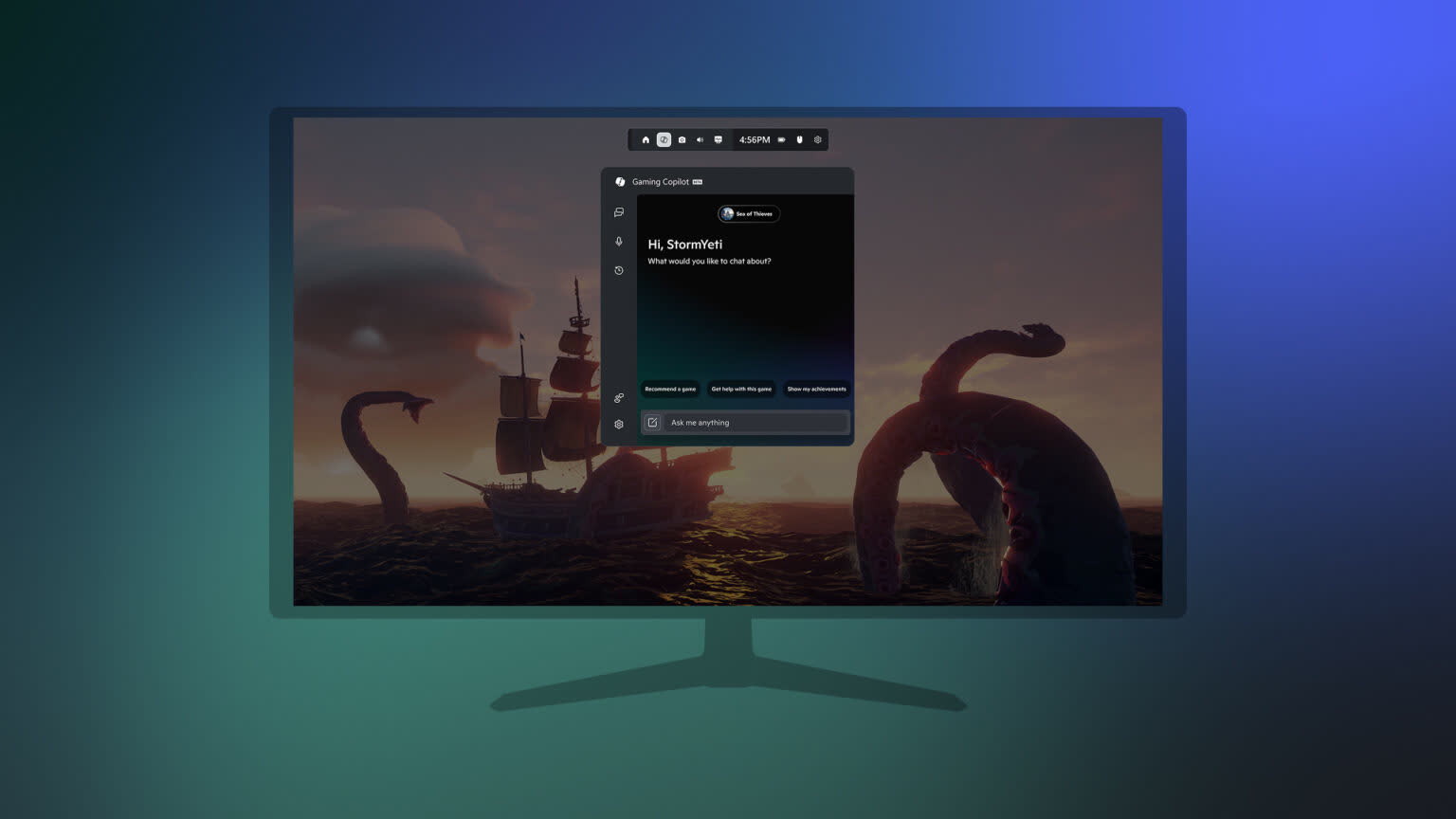
Microsoft revealed Copilot for Gaming back in March, when it positioned the tool as a way of guiding players through games and streamlining various aspects of gameplay.
An example it gave at the time involved Minecraft, where Copilot could answer crafting-related questions and locate specific materials, meaning users don't have to tab out and perform an internet search to find the info they want.
Copilot is also able to analyze a player's actions and offer suggestions and guidance. In Minecraft, the AI pinpointed crafting resources when cheats are enabled; in Overwatch 2, it suggested optimal hero picks to complement team compositions, detailing the strengths and weaknesses of each character.
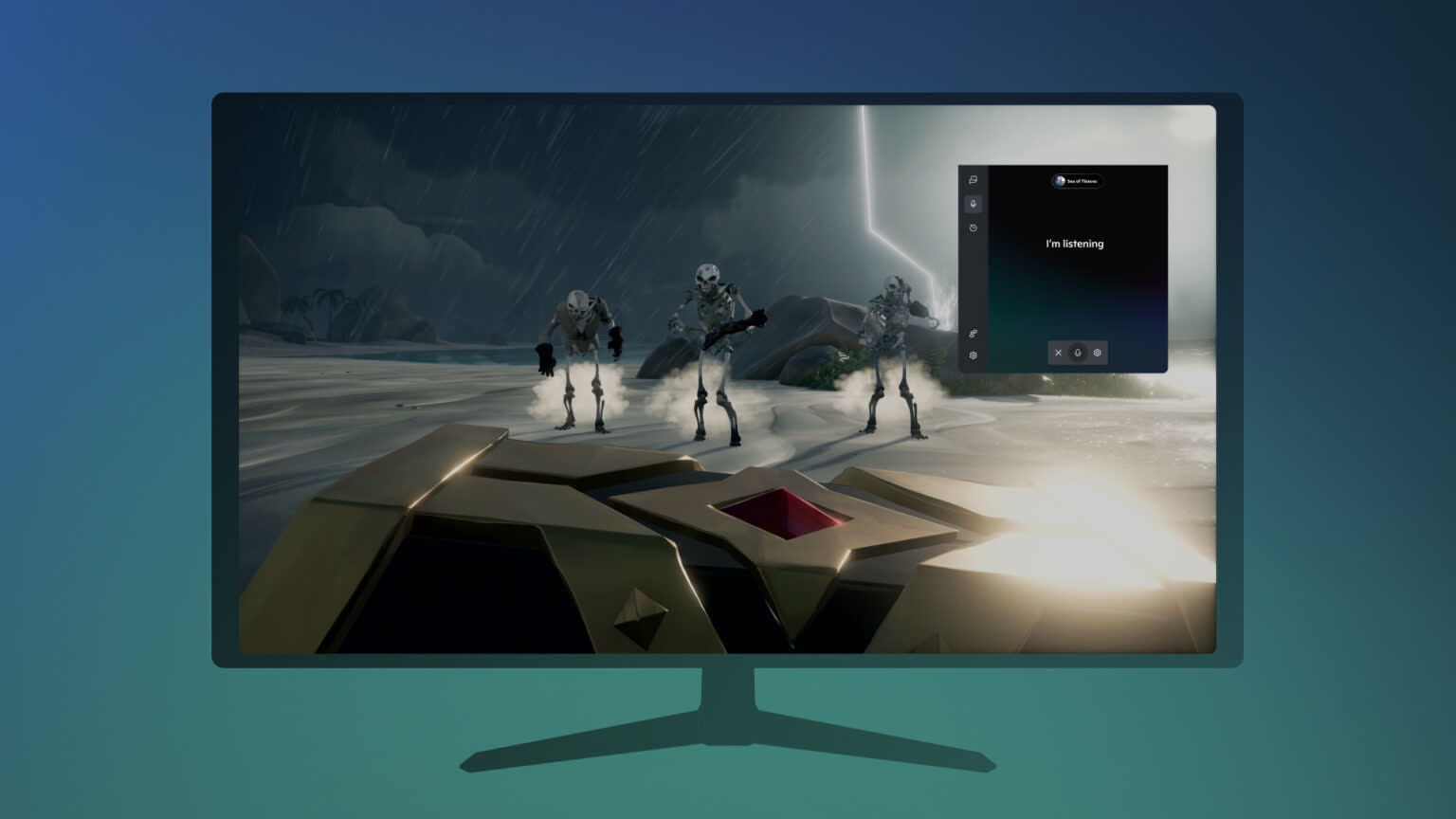
There's a Voice Mode in Gaming Copilot that lets you have a conversation with the AI. This is done by selecting Microphone from the navigation bar and pinning the widget to your screen so you can speak while playing.
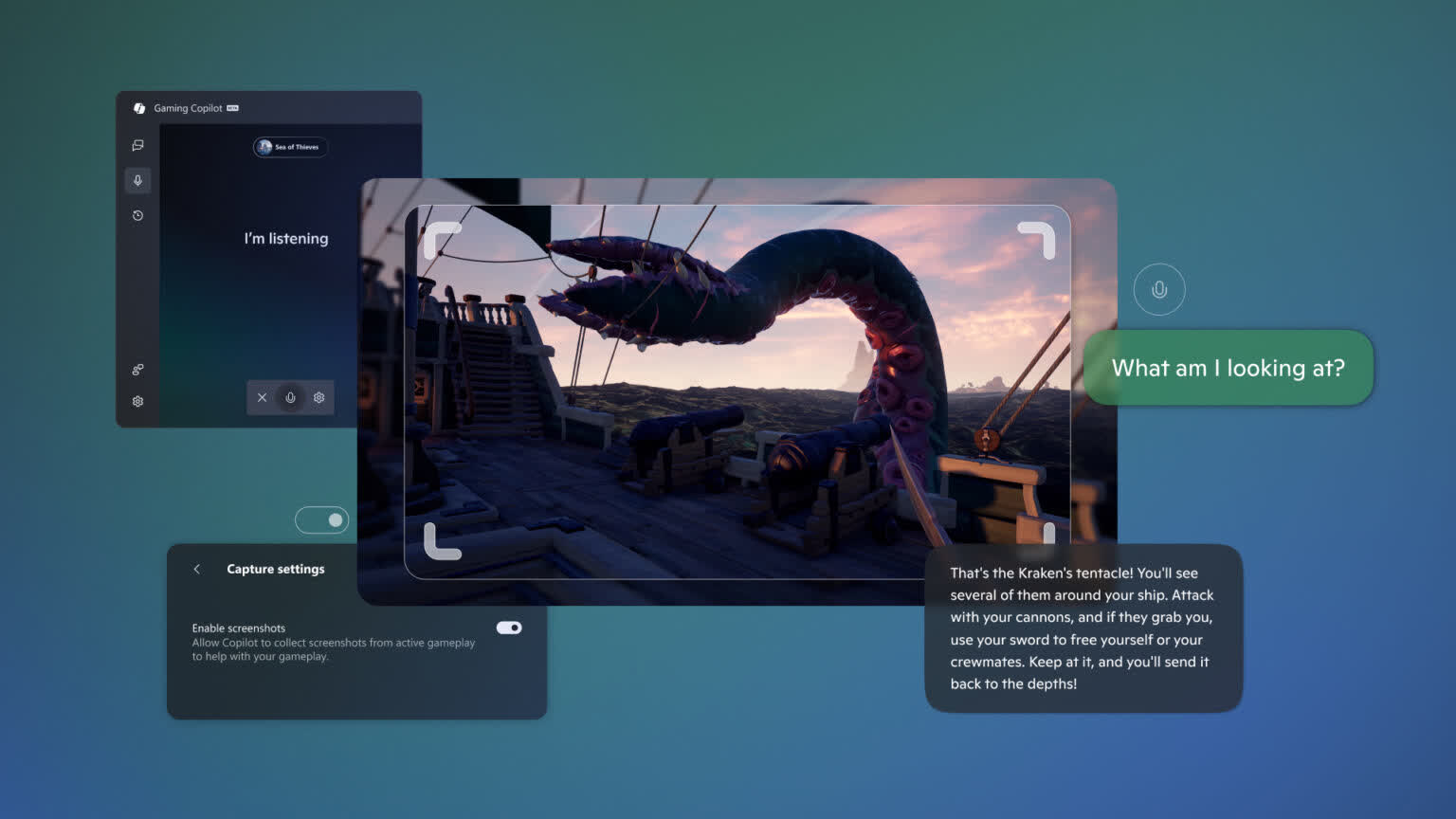
Microsoft writes that Gaming Copilot can now use screenshots of your gameplay to provide you with more helpful responses, too. The tool can also answer questions about system accounts and, unsurprisingly, offer suggestions about new games that a user might be interested in buying.
The Copilot for Gaming Beta is also available for Windows handhelds, though its functionality is limited. Microsoft says that further optimizations are underway for handhelds as we approach the launch of the ROG Xbox Ally and ROG Xbox Ally X.
Other features will be added to Copilot for Gaming in the future, including deeper personalization, richer game assistance such as proactive coaching, and more.
While the AI sounds like it might have its uses, it remains to be seen how many users will prefer it over traditional aids like guides, friends, or the likes of Reddit and Steam Community.
If you want to try Copilot Gaming, make sure you have the Xbox PC app installed and press the Windows logo key + G to open Game Bar over your game, app, or desktop. From here, find the Gaming Copilot icon in the Home Bar to open the widget and log into your Xbox account.
The preview is available now in English only for Xbox Insiders aged 18 and older in the US, Australia, New Zealand, Japan, Singapore, and other regions.
Microsoft's AI gaming assistant, Copilot for Gaming, rolls out to Xbox Insiders on PC


