Microsoft's October Windows 11 update adds AI shortcuts, tighter security, and a more unified Settings app

Skye Jacobs

Posts: 2,070   +61
Staff
In brief: Microsoft's latest Windows 11 update continues the company's push to modernize the operating system, replacing legacy control panel tools, expanding AI features, and strengthening security. It also unifies settings and interfaces across Windows 11 for a consistent experience on both the 24H2 and 25H2 versions.
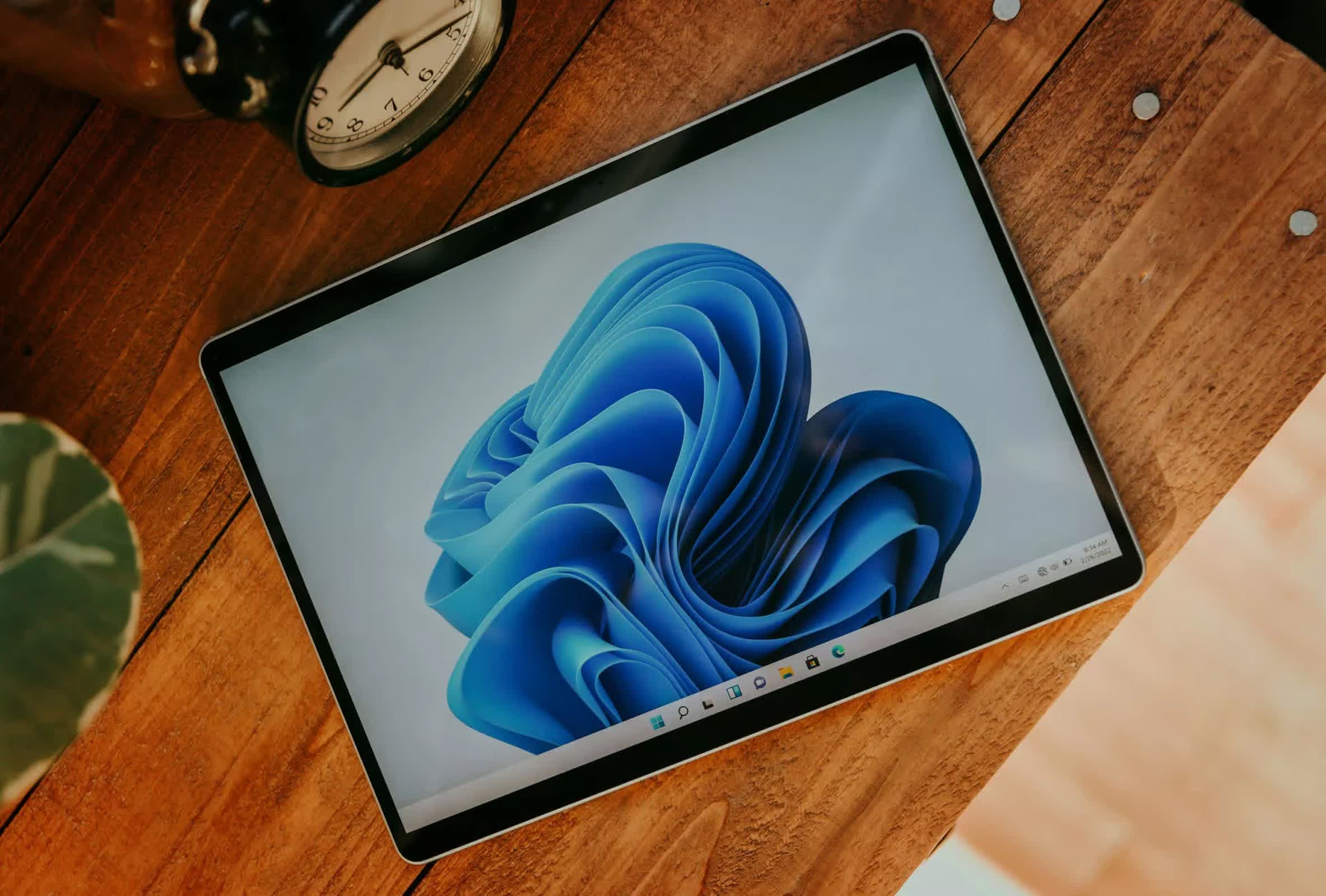
Microsoft began rolling out its October 2025 Patch Tuesday update for Windows 11 today, bringing a broad mix of new features and routine security fixes. The update applies to both the 24H2 and 25H2 releases, which share the same system architecture, and includes changes across security, system settings, and user tools. As with past rollouts, Microsoft is releasing the features in stages, so availability will vary by region and hardware. You can download the ISO files here.

File Explorer now includes an "AI actions" submenu in right-click menus for .jpg, .jpeg, and .png files. The shortcuts link to external AI tools – sending images to Bing Visual Search, opening Photos for background blur or object removal, or launching Paint to erase backgrounds. Microsoft 365 users can also generate Copilot file summaries for OneDrive and SharePoint documents without opening them.

The update also introduces Administrator Protection, a new access-elevation method designed to close a security gap in how Windows previously handled administrative tokens. While User Account Control (UAC) intercepts sensitive operations by prompting for approval, it reuses a sign-in session's administrative token, which retains a link to the current profile and can be a potential attack vector.

Administrator Protection bypasses this model. When an unsigned or untrusted application requests elevated rights, Windows now generates a hidden, isolated temporary account dedicated solely to the task. This account executes the operation before being immediately removed from the system. The setting can be enabled in Windows Security under Administrator Protection, with activation taking effect after a system restart.

Several long-standing system configuration areas have shifted from the Control Panel into the Settings app. Date and time settings now allow display of two additional clocks in the System Tray, custom AM/PM symbols, and manual time server selection. Extended regional controls include number format, currency format, and the option to enable Unicode UTF-8 for global language handling. Users can also copy locale preferences from one profile to the welcome screen, system accounts, or new user accounts.

A redesigned "Advanced" page in Settings replaces the previous "For Developers" section. This new page organizes options under categories such as Taskbar, File Explorer, Virtual Workspace, Terminal, and Dev Drive, with controls presented in a cleaner, sectioned interface. File Explorer now has a dedicated settings page, and Microsoft added a version control configuration option.

Passkey authentication in Windows 11 now supports external providers, starting with the integration of 1Password. Users who install the latest beta version of the 1Password desktop app can enable a plugin through Settings > Accounts > Passkeys > Advanced options, allowing them to save and access passkeys directly from the 1Password vault via Windows Hello.

The system's built-in Share interface now includes the ability to pin favored apps to the "Share using" section, reducing the need to scroll through the full list of available apps during file sharing operations.

Microsoft has added a Braille viewer to the Narrator accessibility suite. Intended for training or classroom uses, the viewer replicates Braille output on screen as it would appear on a physical Braille display. Activating the feature requires downloading an additional package, accessible through Settings > Accessibility > Narrator > Use a Braille display with Narrator. Users can invoke Narrator with Windows + Ctrl + Enter and launch the Braille viewer with Narrator key + Alt + B.

The October release also allows repositioning of on-screen system indicators – such as volume, brightness, and airplane mode status – through a new "Position of on-screen indicators" menu in Settings > System > Notifications. Placement can be set to bottom center, top left, or top center.

Microsoft's Click to Do app now features updated action menus that highlight popular and new tools, making it easier to find recently added or rarely used features.

Permalink to story:

 
Maybe one day with enough effort Microsoft might be able to make Windows 11 as functional and secure as Windows 10, but until that day comes you're gonna have to upgrade and just grab your ankles for a while I guess.
 
Maybe one day with enough effort Microsoft might be able to make Windows 11 as functional and secure as Windows 10, but until that day comes you're gonna have to upgrade and just grab your ankles for a while I guess.
The amount of data that W11 collects is terrifying. That makes it a massive target for any bad actors.
 
You're so close to figuring out why 11 is less secure. I mean like this close.
Man ignorance must be incredibly comforting to you.

Windows 11 is more secure than 10. You can't prove otherwise.
Finally. It’s embarrassing how long updating Settings has been taking. Like 2 decades long.
Likely because they cant just pull stuff out of control panel without breaking parts of the OS.

I'm still waiting for them to fix things they broke like secondary monitors having touch input.
 
Man ignorance must be incredibly comforting to you.

Windows 11 is more secure than 10. You can't prove otherwise.

Likely because they cant just pull stuff out of control panel without breaking parts of the OS.

I'm still waiting for them to fix things they broke like secondary monitors having touch input.
This made me laugh.

Sorry, but I honestly can’t understand why anyone’s still clinging to this mess. Microsoft took what used to be a solid OS and wrecked it by tinkering endlessly—until it became normal to spend hours fixing issues they introduced. I’ve lost count of how many times it’s gone belly-up on me, wasting days of productivity for absolutely no benefit.

Stability? Not so much. But sure, fine, you’ve got a reason. But now they introduce this endless push for more and more invasive AI hooks and cloud account requirements, etc? It just makes me scratch my head in wonder at what seems to be a defense of self-inflicted torture. Lol.

At this point, most essential software has solid alternatives or runs fine in a VM. Security is best when it’s network and habit-based. There’s just no compelling reason outside some nich exceptions for anyone with an iota of technical capability to keep putting up with it—unless they like playing unpaid QA tester I suppose.

I say this as someone who used to be a fan. No more.

Apologies. End of rant. ;-)
 
I think we can all agree Windows 11 is a clusterfu*k. MS are incapable of fixing things in it properly anymore - just look at settings, search, the 19 different ways to create a shortcuts of which half can't be done via the start menu, icon still vanishing, weird OneDrive synching failures - I could go on and on. All they do now is pile more services around the edges for stuff nobody wants and tinker pointlessly. The technical debt in the OS is so far off the charts now it's beyond hope. It's staggering that a Linux kernel running an emulation of Windows and DirectX API's etc etc can in many cases out perform the 'native' OS. This speaks volumes for the omnishambles it has become.
 
This made me laugh.

Sorry, but I honestly can’t understand why anyone’s still clinging to this mess. Microsoft took what used to be a solid OS and wrecked it by tinkering endlessly—until it became normal to spend hours fixing issues they introduced. I’ve lost count of how many times it’s gone belly-up on me, wasting days of productivity for absolutely no benefit.

Stability? Not so much. But sure, fine, you’ve got a reason. But now they introduce this endless push for more and more invasive AI hooks and cloud account requirements, etc? It just makes me scratch my head in wonder at what seems to be a defense of self-inflicted torture. Lol.

At this point, most essential software has solid alternatives or runs fine in a VM. Security is best when it’s network and habit-based. There’s just no compelling reason outside some nich exceptions for anyone with an iota of technical capability to keep putting up with it—unless they like playing unpaid QA tester I suppose.

I say this as someone who used to be a fan. No more.

Apologies. End of rant. ;-)

@JMGuy

Rants are welcome if they are fact based and educational. I would have liked you to post a few examples of what changed your mind on Windows 11 after having used it awhile.

I have 1 complaint that is small. But if it's a small complaint it seems like it would be a small fix. Windows Update just updated my system again and they never honor the power settings which screws up my system. So, I have to go back into Device Management and reset them again so my system functions properly. A small gripe but seems like it would be a pretty simple fix. Honor power settings by not overwriting users choices.

It's hard to know what I like and don't like about Windows 10/11 since a lot of it is based upon the applications I use. And many of those applications depend on the .NET Framework version that the OS is using I guess. So, it's a complex thing to figure out.

I can function using Windows 10 or 11 fairly well as long as my applications and games function the same. But it's always good to have alternatives since Microsoft appears to be driving the herd into OS-as-a-service, I.e., monthly subscriptions or you can't use the software.

Very slowly but very surely I think this is where Windows is headed.
 
The amount of data that W11 collects is terrifying. That makes it a massive target for any bad actors.
You can use "O&O ShutUp10++" or the Chris Titus app or others for that and a couple settings or reg tweaks and that's it.
 
You can use "O&O ShutUp10++" or the Chris Titus app or others for that and a couple settings or reg tweaks and that's it.
Or I could just switch to Linux. Oh, right I did that 3 years ago. But it is concerning when the bank I got uses windows 11, my work PC is windows 11. This goes way beyond what I do with my computer, it's about how data is handled around the world and it isn't like massive data breaches are uncommon.
 
Likely because they cant just pull stuff out of control panel without breaking parts of the OS.

I'm still waiting for them to fix things they broke like secondary monitors having touch input.
I assume it means that the interface and the backend code are so intermingled that you can't just change the interface... which is WILDLY bad programming.

I can't imagine why programming languages have increasingly moved towards forcing good programming techniques (to compile successfully) on developers. I think the main thing that forces it otherwise is maintaining your own code. That shows the error of lazy coding really fast.
 
Back