
Why it matters: Since Microsoft introduced unified RGB lighting controls in Windows 11 last year, the feature's list of officially supported devices has remained small and includes no motherboards. A new beta BIOS makes the latest Asus motherboards the first to enable controlling RGB lights without having to use vendor-provided software like Asus' Armory Crate.
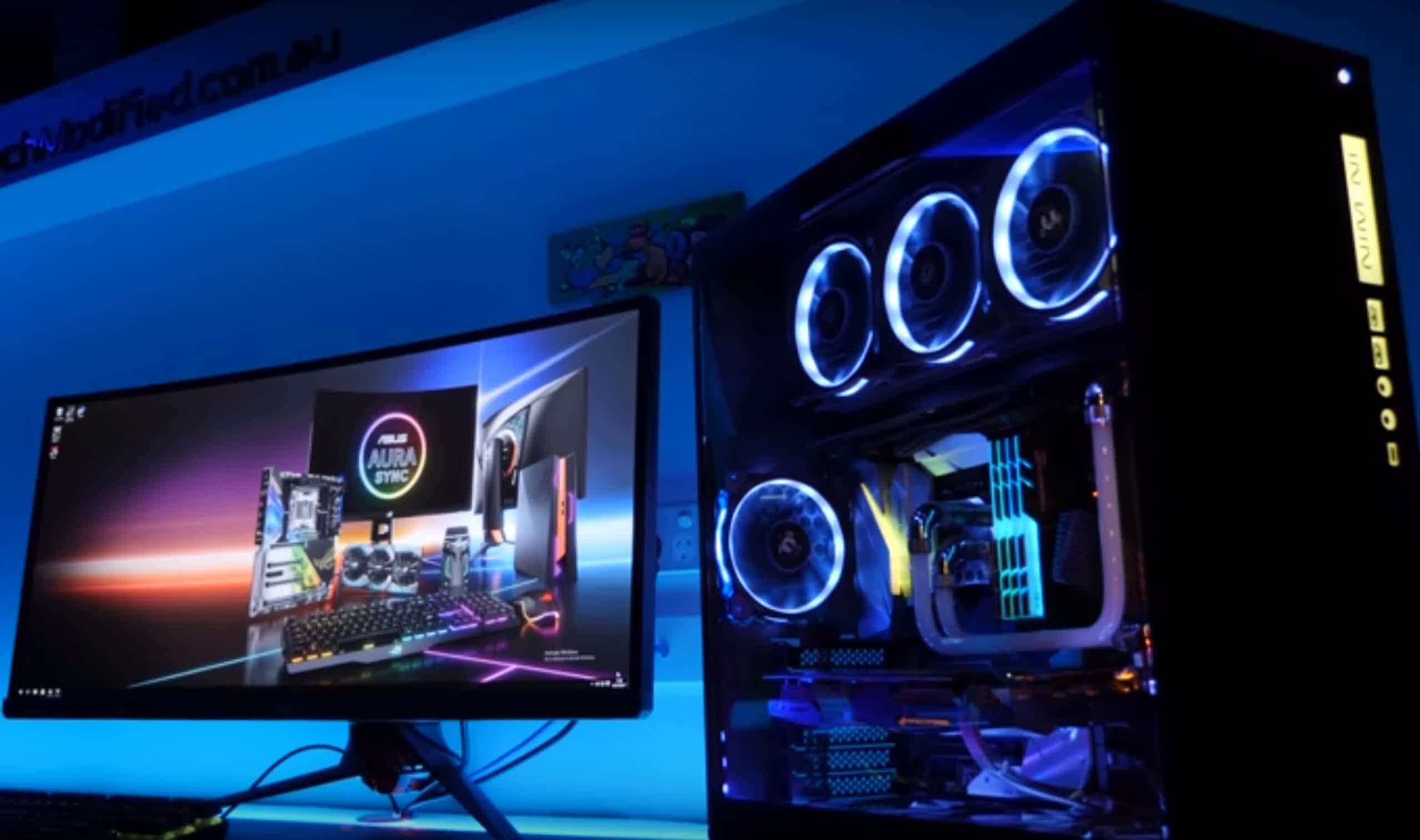
A new Asus beta BIOS was recently uncovered that introduces support for Windows 11's native RGB controls in recent motherboard models. The feature makes configuring or deactivating lighting on hardware components much more straightforward.
Although it remains unclear which exact motherboards receive the update, The Verge has confirmed that it works on the latest Intel Z790 models and some newer AMD boards. Users should search for their motherboard's model number on the support section of the Asus website to check for beta firmware versions dated July 2024 or later.
ASUS' latest beta BIOS updates for its newest AMD and Intel boards enables Microsoft's Dynamic Lighting feature in Windows 11, so you can control the motherboard lighting directly in Windows pic.twitter.com/e34Vk1ExkH
– Tom Warren (@tomwarren) July 7, 2024
Controlling RGB lights in various hardware components usually requires booting into the BIOS or installing oft-maligned management software like Asus' Armory Crate. Last year, Microsoft moved these controls to a new section in the Windows 11 settings menu, potentially removing the need to reboot or use extra apps.
However, hardware vendors must provide support for the Windows controls. Thus far, only a few have introduced compatible mice and keyboards. Companies like Acer, Asus, HP, Logitech, SteelSeries, and Twinkly have pledged to join Microsoft with future products. Still, whether those will include components like motherboards, RAM, and GPUs remains unclear.
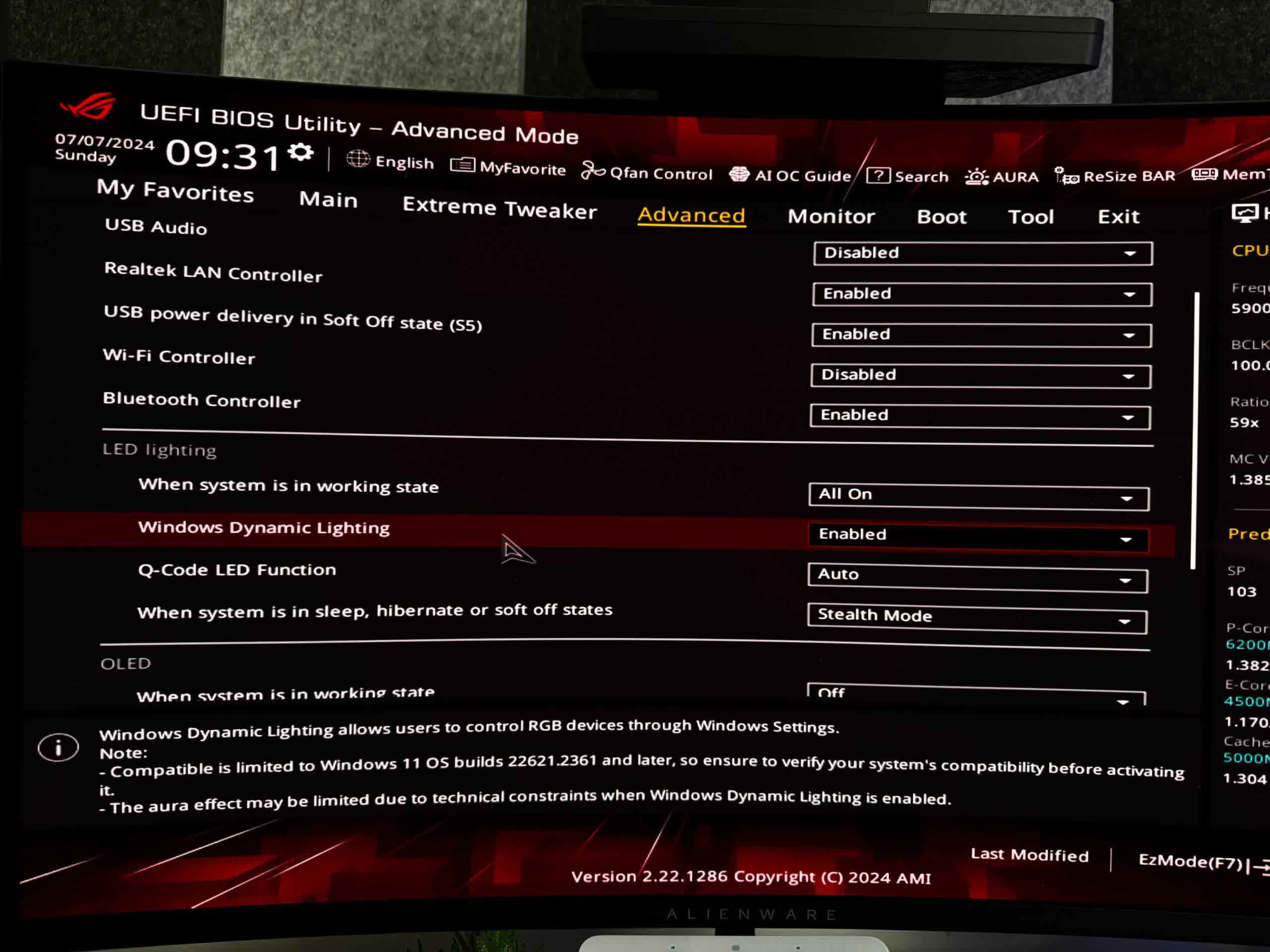
Users who install the beta will find a switch for "Windows Dynamic Lighting" in the UEFI BIOS under LED lighting. Select "Enabled" from the dropdown menu, then reboot. To find the various controls for background lights and effects, boot into Windows and navigate to Settings > Personalization > Dynamic Lighting. Warren confirmed that having Armory Crate is no longer necessary.
Meanwhile, Tom's Hardware reports that the beta update includes microcodes to help address the recent crashes plaguing high-end 13th and 14th-generation Intel CPUs. The hotfix likely won't resolve the problem for all users, but it enforces Intel's default voltage controls, making crashes less likely. The company has spent weeks investigating the problem but still hasn't discovered the root cause. Overclocking is one factor, and crashes typically occur during shader compilation or other CPU-intensive tasks.


