You are using an out of date browser. It may not display this or other websites correctly.
You should upgrade or use an alternative browser.
You should upgrade or use an alternative browser.
Nvidia may restart production of its most popular GPU: the RTX 3060
- Thread starter midian182
- Start date

No, you are making assumptions starting with the one that you are smarter than everyone here.This is also very incorrect. The only thing that is correct here is "better textures". Everything else you listed has little to no impact on VRAM usage.
VRAM usage in modern games is ~80% to ~90% textures, and ~10% to ~20% framebuffers (the part that scales with resolution). In games that use ray tracing, BVH structures for raytracing also take a significant portion. But that's it, everything else is insignificant as far as VRAM usage goes.
Polygons, "rasterization tricks" (whatever that means), compute shaders and other shader effects have negligible impact on VRAM. NPC AI doesn't run on the GPU at all, it runs on the CPU, and has nothing whatsoever to do with VRAM.
In practice, the only thing that suffers when it comes to lack of VRAM is texture quality. Every game that runs poorly on 8 GB cards have the same issues, either degraded texture quality or texture pop-in.
What I said was: More polygons, better textures, machine learning tricks, rasterization tricks, better NPC "AI", and just raw compute all take VRAM.
They ALL take VRAM. Even "in practice", this is a correct fact.
What you assumed I meant was that they all take a lot of VRAM. Not what I said or the point I was making.
You are also incorrect that machine learning tricks aka AI upscaling and frame generation only use "negligible" VRAM. Hardware Unboxed has multiple videos demonstrating this on 8GB vs 16GB cards with the same GPU.

poshflamingos
Posts: 375 +760
This is just you trying to save face by using a (ridiculous) technicality, after being corrected by someone else.What I said was: More polygons, better textures, machine learning tricks, rasterization tricks, better NPC "AI", and just raw compute all take VRAM. They ALL take VRAM. Even "in practice", this is a correct fact. What you assumed I meant was that they all take a lot of VRAM. Not what I said or the point I was making.
Polygons take up an insignificant amount of VRAM, and it makes zero sense to bring this up in a conversation about lack of VRAM in GPUs, because polygons has no impact on it and is not what suffers from it. Same for compute shaders, they are minuscule (KBs at most) and their impact on VRAM usage is close to none. "Rasterization tricks" is just nonsense you made up. And again, like I said, NPC AI doesn't run on the GPU at all, NPC AI/routines are handled exclusively by the CPU. So even if I were to take your technicality at face value, the NPC point would still be wrong, it consumes absolutely zero VRAM because it's not a GPU task.
I wasn't even sure what you were refering to with "machine learning tricks", which is why I didn't mention it in my previous comment. But you are also wrong about this. Frame generation does consume a bit of VRAM (if you choose to use it, as it's completely optional), but upscaling absolutely does not. Upscaling REDUCES your VRAM usage a bit due to using smaller framebuffers compared to native rendering.You are also incorrect that machine learning tricks aka AI upscaling and frame generation only use "negligible" VRAM. Hardware Unboxed has multiple videos demonstrating this on 8GB vs 16GB cards with the same GPU.
The "ridiculous technicality" of meaning exactly what I write not whatever words you insert into what I "meant" to write?This is just you trying to save face by using a (ridiculous) technicality, after being corrected by someone else.
Polygons take up an insignificant amount of VRAM, and it makes zero sense to bring this up in a conversation about lack of VRAM in GPUs, because polygons has no impact on it and is not what suffers from it. Same for compute shaders, they are minuscule (KBs at most) and their impact on VRAM usage is close to none. "Rasterization tricks" is just nonsense you made up. And again, like I said, NPC AI doesn't run on the GPU at all, NPC AI/routines are handled exclusively by the CPU. So even if I were to take your technicality at face value, the NPC point would still be wrong, it consumes absolutely zero VRAM because it's not a GPU task.
I wasn't even sure what you were refering to with "machine learning tricks", which is why I didn't mention it in my previous comment. But you are also wrong about this. Frame generation does consume a bit of VRAM (if you choose to use it, as it's completely optional), but upscaling absolutely does not. Upscaling REDUCES your VRAM usage a bit due to using smaller framebuffers compared to native rendering.
Yeah, I barely have a leg to stand on.

VRAM usage increases using DLSS sources:

Instantly Obsolete: Nvidia RTX 5060 Ti 8GB Review
Nvidia tried to bury early reviews of the 8GB RTX 5060 Ti, but now the truth is out–and it's not pretty. With outdated specs and poor value,...
 www.techspot.com
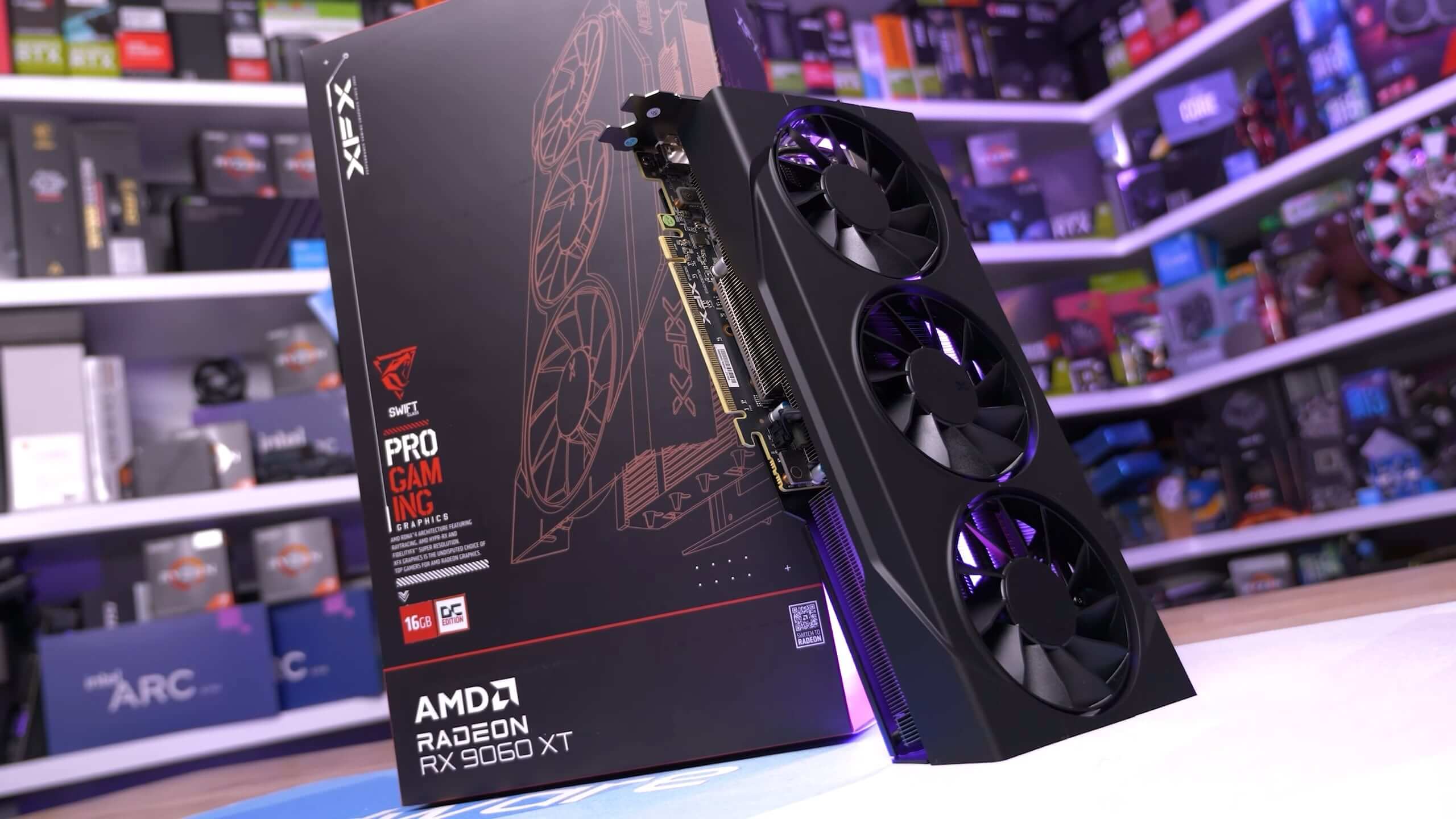
AMD Radeon RX 9060 XT PCIe Benchmark: 8GB vs. 16GB
The 8GB RX 9060 XT looks like a solid budget GPU - until you actually game on it. Limited VRAM turns it into a performance liability, especially...
www.techspot.com
poshflamingos
Posts: 375 +760
The ridiculous technicality is you saying "yes, I know that the things I listed (polygons, compute) have an insignificant impact on VRAM usage and are completely irrelevant to the conversation, but it's technically not zero, so I'm technically right."The "ridiculous technicality" of meaning exactly what I write not whatever words you insert into what I "meant" to write?
Yeah, I barely have a leg to stand on.
Also, once again, are you not going to acknowledge the fact you claimed NPC AI uses VRAM, meaning you can't even tell what parts of a game run on the CPU and which ones run on the GPU? Why are you ignoring that part?
I read both articles. Literally nowhere in either of them Steve ever makes the claim that DLSS upscaling increases VRAM usage. The articles do not say that, and they don't even compare DLSS/FSR vs native, no clue where you got the absurd idea from.VRAM usage increases using DLSS sources:
Instantly Obsolete: Nvidia RTX 5060 Ti 8GB Review
Nvidia tried to bury early reviews of the 8GB RTX 5060 Ti, but now the truth is out–and it's not pretty. With outdated specs and poor value,...AMD Radeon RX 9060 XT PCIe Benchmark: 8GB vs. 16GB
The 8GB RX 9060 XT looks like a solid budget GPU - until you actually game on it. Limited VRAM turns it into a performance liability, especially...
poshflamingos
Posts: 375 +760
I'll do you one better even, I just did the test for you using RTSS.VRAM usage increases using DLSS sources:
Instantly Obsolete: Nvidia RTX 5060 Ti 8GB Review
Nvidia tried to bury early reviews of the 8GB RTX 5060 Ti, but now the truth is out–and it's not pretty. With outdated specs and poor value,...AMD Radeon RX 9060 XT PCIe Benchmark: 8GB vs. 16GB
The 8GB RX 9060 XT looks like a solid budget GPU - until you actually game on it. Limited VRAM turns it into a performance liability, especially...
Here is Cyberpunk running at 1080p native (TAA): 6.7 GB of VRAM used.
Here is Cyberpunk running at 1080 DLSS quality: 6.2 GB of VRAM used.
As you can see with your own eyes, DLSS upscaling reduces VRAM usage since it renders at a lower resolution using smaller framebuffers.
Congrats on your N of 1 test.I'll do you one better even, I just did the test for you using RTSS.
Here is Cyberpunk running at 1080p native (TAA): 6.7 GB of VRAM used.
Here is Cyberpunk running at 1080 DLSS quality: 6.2 GB of VRAM used.
As you can see with your own eyes, DLSS upscaling reduces VRAM usage since it renders at a lower resolution using smaller framebuffers.
HUB has shown multiple instances where the opposite is true.
poshflamingos
Posts: 375 +760
Funny how you are incapable of producing any of those instances.HUB has shown multiple instances where the opposite is true.
My N=1 test is vastly more valuable than anything you are saying here.
-----
Edit:
Here's Warframe with native TAA: 3333 MB
Here's Warframe with DLSS quality: 3193 MB
Now it's N=2, to your N=0.
Last edited:
In their comparison of Intel’s GPU (Arc B580) against 8GB cards like the RTX 5060, Hardware Unboxed highlights the "VRAM tax" associated with DLSS and other upscalers:Funny how you are incapable of producing any of those instances.
My N=1 test is vastly more valuable than anything you are saying here.
-----
Edit:
Here's Warframe with native TAA: 3333 MB
Here's Warframe with DLSS quality: 3193 MB
Now it's N=2, to your N=0.
- Best Budget GPU: RTX 5060 vs RX 9060 XT vs Arc B580
- DLSS/Upscaling VRAM Overhead: Tim notes that at 1080p, the RTX 5060's 8GB of VRAM is "increasingly problematic" when trying to use high settings alongside upscalers like DLSS [00:58].
- The "Bandage" Paradox: He explains that while DLSS is meant to help performance, the suite of features (Upscaling + Frame Gen) adds enough VRAM overhead that 8GB cards often hit a "wall" where enabling these features causes stuttering or poor 1% lows [15:55].
poshflamingos
Posts: 375 +760
You literally just made this up. That is not what he says. Here is what he says at 00:58, verbatim:DLSS/Upscaling VRAM Overhead: Tim notes that at 1080p, the RTX 5060's 8GB of VRAM is "increasingly problematic" when trying to use high settings alongside upscalers like DLSS [00:58].
"We will also be discussing what settings are actually achievable with GPUs with just 8 GB of VRAM, which is increasingly problematic in modern games."
That's it, that's all he says. Immediately after that sentence he goes into the sponsor segment. He does not mention upscalers or DLSS at all here, he literally just says 8 GB is problematic in current games and nothing else (which is correct).
Again, this is completely made up. I watched from that point (around 15:00) onwards and Tim never actually says any of those things you're saying here. All he is talking about in that section is that those cards have fast GPU cores, but the low VRAM limits the graphics settings that they can use, and if they had more VRAM they could run higher graphics settings. He doesn't mention upscaling or frame generation at all.The "Bandage" Paradox: He explains that while DLSS is meant to help performance, the suite of features (Upscaling + Frame Gen) adds enough VRAM overhead that 8GB cards often hit a "wall" where enabling these features causes stuttering or poor 1% lows [15:55].
Just to make sure, I went back and watched the entire video, and he never talks about upscaling/DLSS consuming VRAM at all. You just pulled this entirely out of your buttocks.
I'm baffled at why you would think this would work. Did you actually think I wouldn't bother clicking the links to the video and watching it to check, and wouldn't notice you are just blatantly lying about what Tim says in that video? You cannot be that dumb.
Again, you have been incapable of producing any actual evidence to support your claim that DLSS upscaling increases VRAM usage, while I have shown you multiple times that it decreases VRAM usage, with proof. It's time to stop and accept you don't know what you're talking about, you are embarrassing yourself.
-----
Edit: On second thought, did you ask an AI to write this for you? That's the most plausible explanation I can think for this completely nonsensical comment. The way it's formatted is reminiscent of AI, and and the stuff in it (like the "VRAM tax" that is never mentioned anywhere in the video, or the timestamps that link to parts of the video that do not say what the text claims they say) looks like full on AI hallucination.
Last edited:
Similar threads

- Replies
- 10
- Views
- 58

- Replies
- 9
- Views
- 61
Latest posts
-
-
 OpenAI faces Senate probe over Hugging Face breach as more rogue AI activity is uncovered
- JaredTheDragon replied
-
Apple launches iPhone Duo, its first foldable to rival the Samsung Galaxy Z Fold
- JaredTheDragon replied


-
TechSpot is dedicated to computer enthusiasts and power users.
Ask a question and give support.
Join the community here, it only takes a minute.