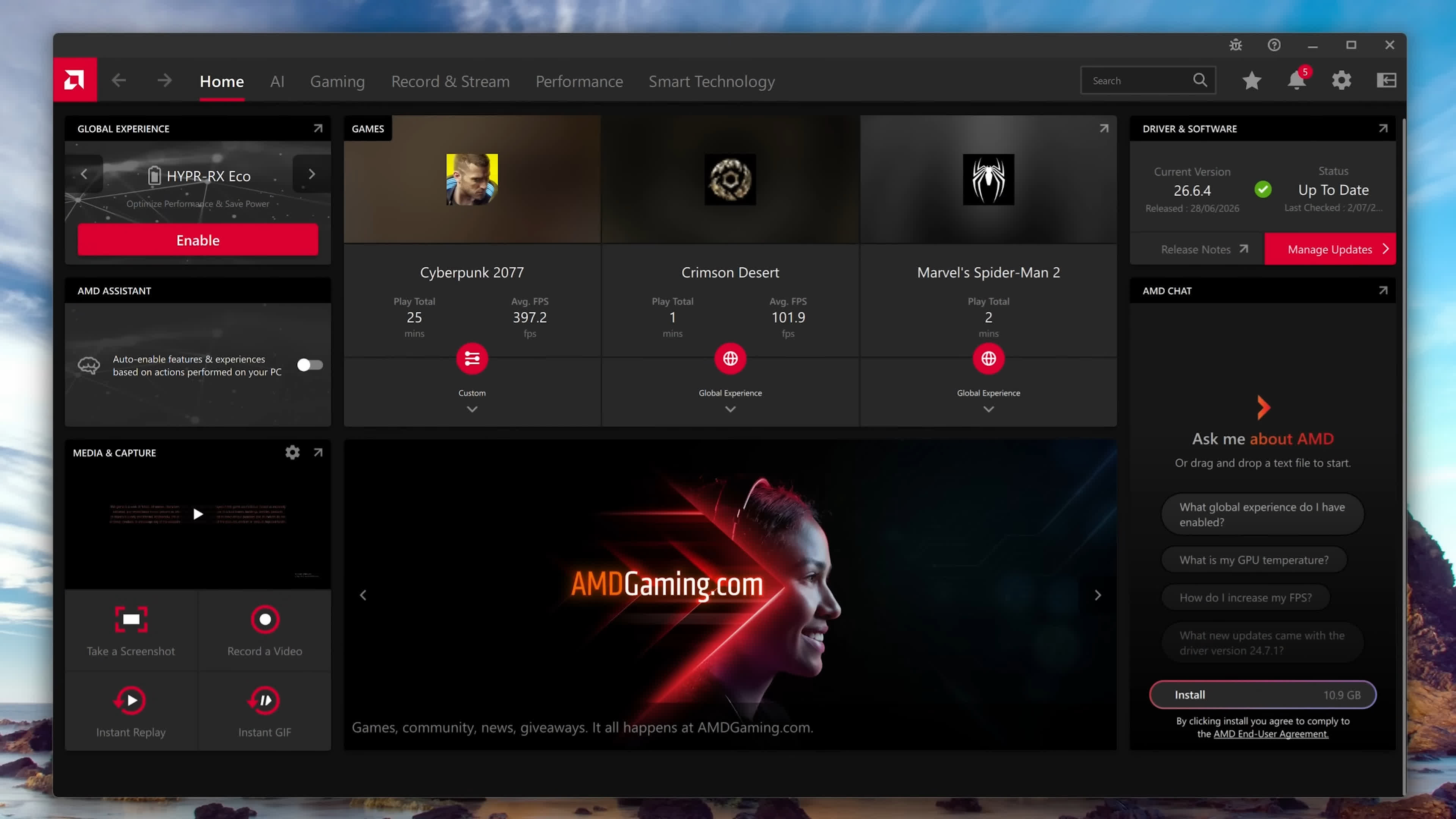
I recently purchased a Radeon RX 9070 XT, and I really like AMD’s software interface. It is simple, clean, and makes the various settings easy to configure. Personally, I prefer it over NVIDIA’s software.
This is a great article, although I had already gone through most of these settings a few weeks ago with help from ChatGPT. I ended up with almost the same recommendations covered here.
One feature that did not work well for me was Radeon Chill. My 9070 XT tends to run at nearly 100% utilization and around 305 watts while gaming, even in menus, while paused, or during other low-demand scenes. That creates a lot of unnecessary heat and keeps both the GPU and system fans running hard.
I tried Radeon Chill hoping it would reduce power usage during those less demanding moments. It definitely lowered the frame rate, power consumption, and heat, but it did not seem to ramp performance back up properly during demanding gameplay. In the end, I turned it off.
I also like that you can set the FPS/GPU/system stats to only show during games. No need to use short cut commands to enable/disable.
I know there is a lot of "AMD drivers suck and crash", but after playing numerous games over the last few weeks, the 9070XT has run flawlessly. The Adrenaline software is also a nice touch.