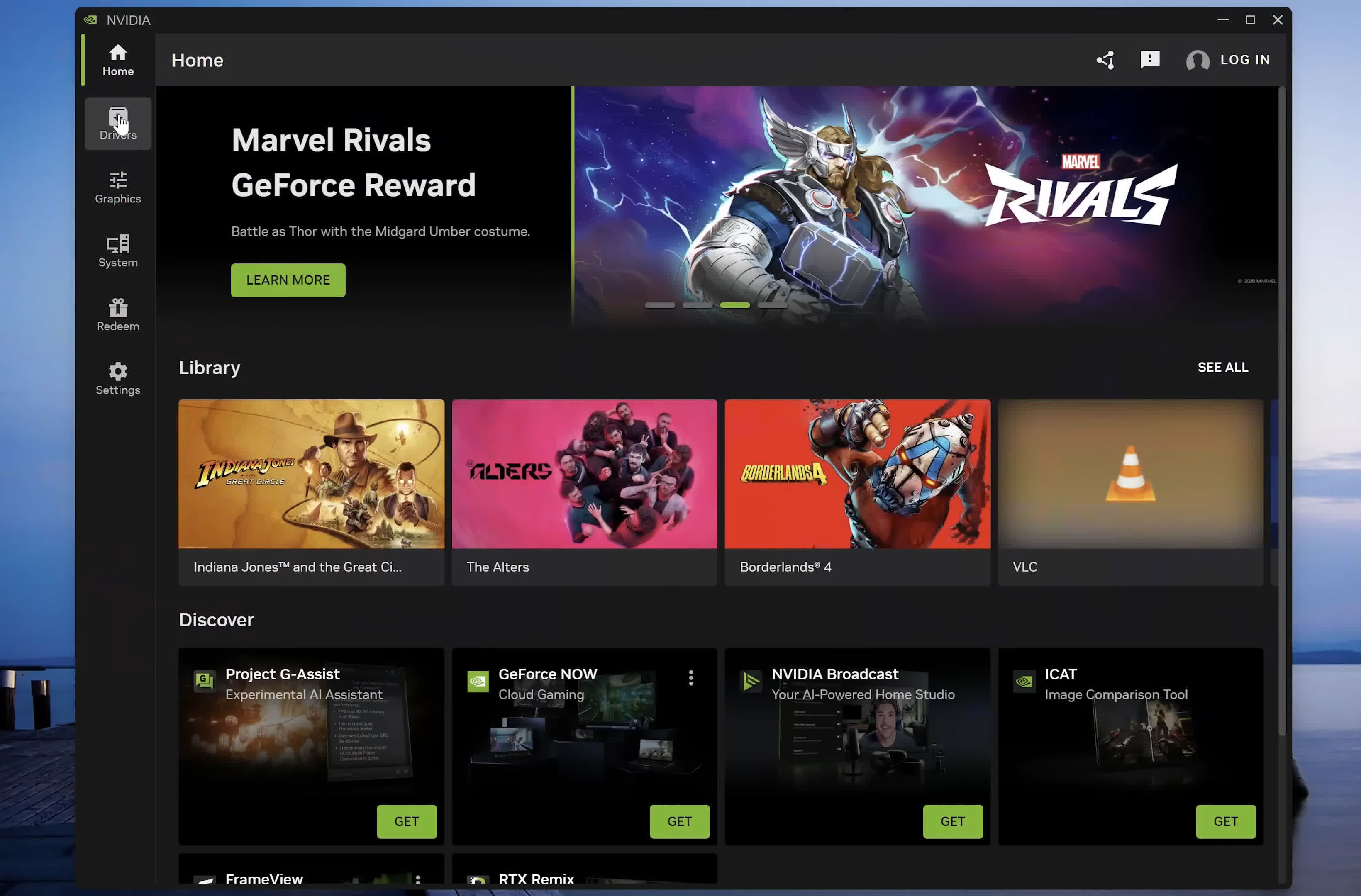
This guide was not particularly useful in my case, as I refuse to use the Nvidia App.
I mean, between bad drivers to telemetry and other red flags- I have resorted to staying on driver 566.36 and continued using Nvidia Control Panel (which the GUI of doesn't bother me).
You all can do with your privacy as you like, I'm not touching that app.
The guide also feels pretty clustered, some space between sections or a small table of contents up top to jump to subsections like on a wiki article would be deeply appreciated for future reference.
My only other point of contention is using G-Sync. I have had experiences in multiple games where G-Sync would create a ghosting effect where anti-aliasing was applying on edges of textures, this could be due to my TV (Hisense 55U7G) supporting Freesync rather than G-Sync.
You recommend it regardless, whereas I would say tread carefully as game-breaking graphic bugs can occur, especially in older games. In my experience, in the NCP it will disable the option if you turn off the setting in your monitor, however that will impact performance- so I do the opposite & only disable it in NCP.
Otherwise, I thought the contents of the article were great, even if there were some settings recommended that I personally would never use, like DLSS. I appreciated that you began in Windows settings as a massive amount of people overlook Refresh Rate, Color-Bit Depth & Range.
If you use NCP like me, I recommend when you configure your 3D settings to:
1) At least turn off Gamma Correction and set Preferred Refresh Rate to 'Highest Available'.
2) Don't ever worry about MFAA, only a small list of games implemented it so it does nothing for most games. Look up the list if you want to verify whether any of your games use it.
Past that, I could recommend two sets of configured settings in NCP, pending whether you prefer max performance or max quality- but I'll leave that to Techspot.