
Connecting the dots: Valve's Steam Machine only started shipping on June 30, and this week it has already gained a major addition: official Windows drivers. Users who prefer Microsoft's operating system no longer need to manually piece together the necessary drivers themselves. The move does not come as a surprise, as the Steam Machine is essentially a PC, much like the Steam Deck, and is therefore open to running alternative operating systems.
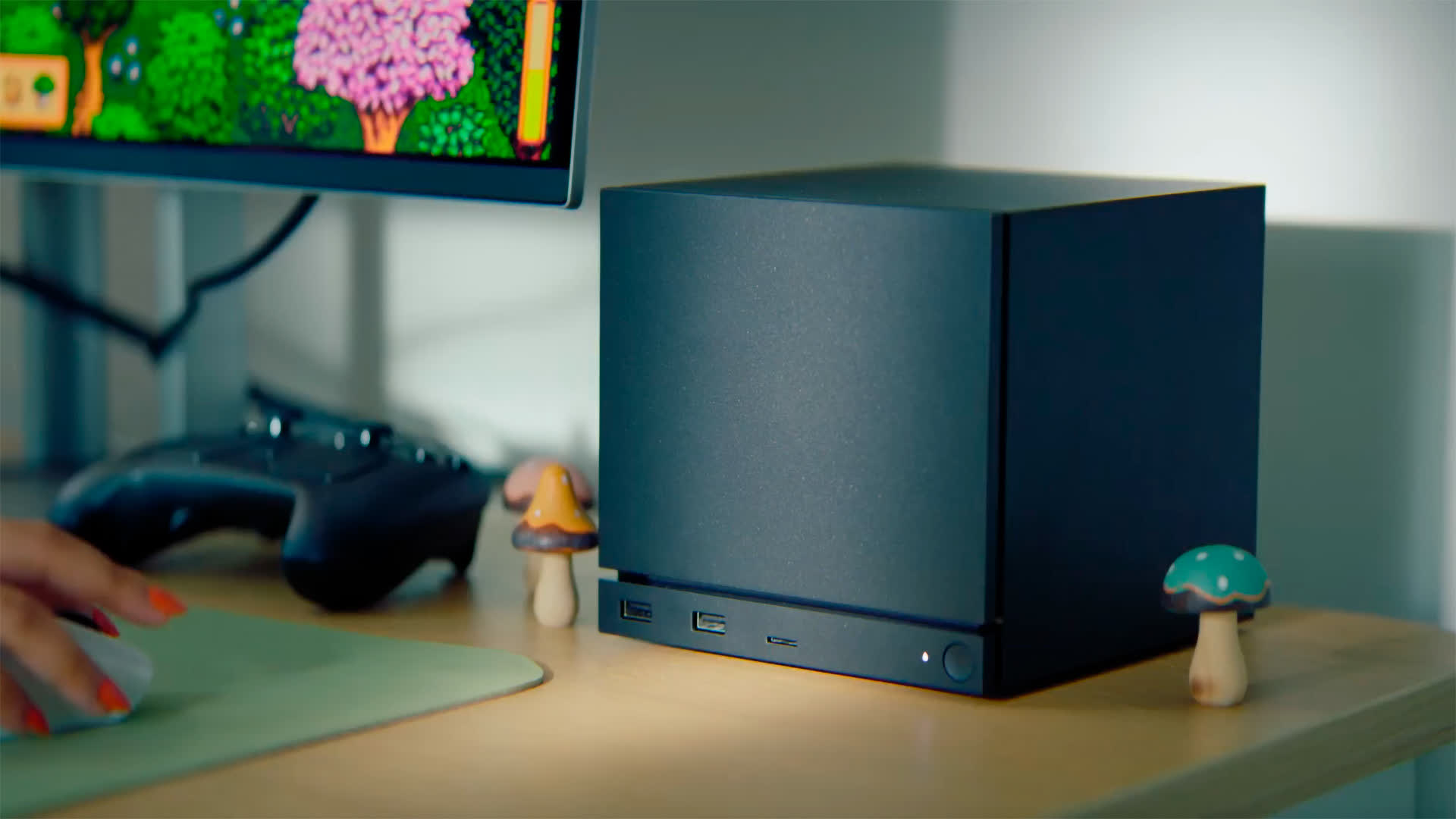
Four drivers are available, covering the GPU, Bluetooth, wireless connectivity, and SD card reader. After installing Windows and loading the drivers, the display, networking, and card reader work as they would on a typical PC.
Valve engineers Pierre-Loup Griffais and Yazan Aldehayyat spoke with Tom's Hardware shortly before the files went live, explaining how the process was designed to work. Aldehayyat said the setup mirrors the Steam Deck approach, with Valve simply hosting the necessary drivers on its website for users to download.
At the time of the interview, Griffais said some drivers were still being finalized, including the Bluetooth driver. He also noted that Valve was working with AMD on graphics support so users could receive the latest fixes rather than rely on an outdated launch build. With the drivers now available, it appears the remaining pieces were completed on schedule.
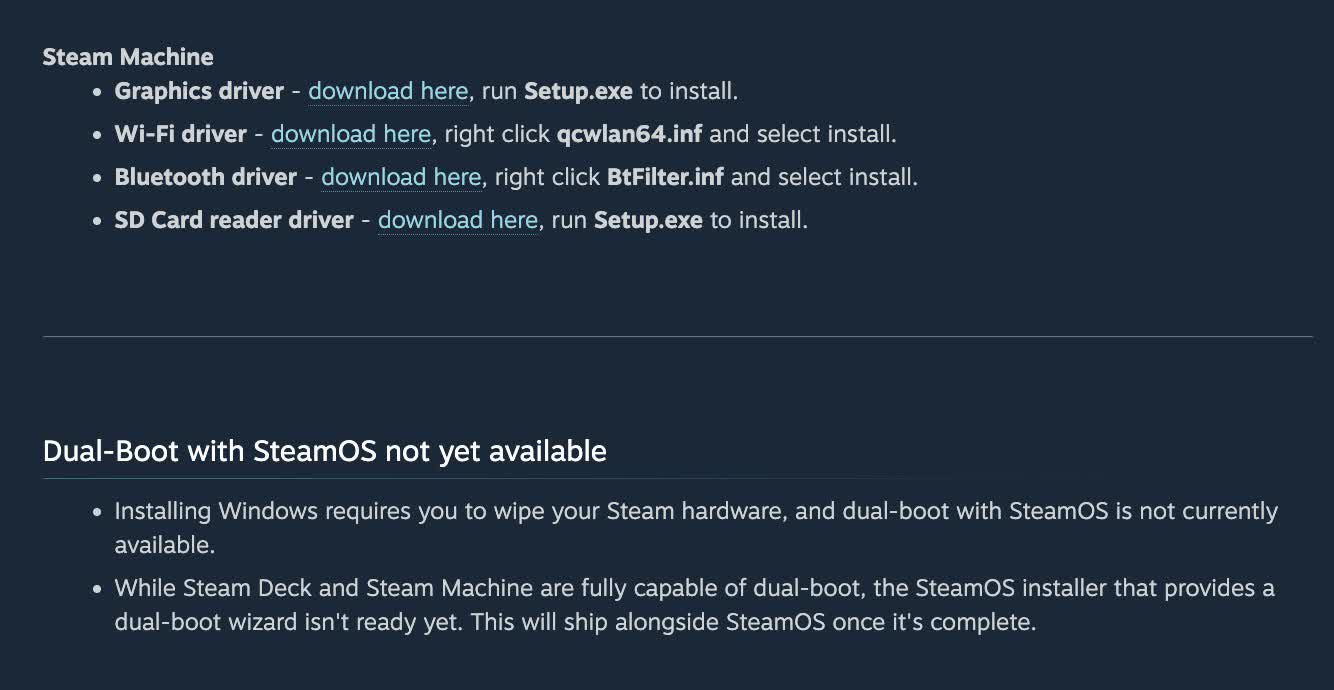
Keep in mind that switching to Windows wipes the drive. Griffais said dual-boot support is on Valve's roadmap, but for now, the available options require manually resizing and repartitioning the storage. Valve plans to add a proper wizard to SteamOS in the future, as noted on the drivers website, although no release date has been announced.
It's also worth noting that a fresh Windows installation does not include the Steam Machine's Wi-Fi driver, meaning wireless connectivity will not work until it is installed separately. This creates an issue because Windows setup requires an internet connection at one point during installation. To work around this, users will need to connect the machine via Ethernet instead.
As for why anyone would install Windows when SteamOS already handles gaming well, the biggest reason is anti-cheat compatibility. Many multiplayer games rely on anti-cheat systems that developers have not enabled for Linux, making Windows the safer choice for those titles.
Before making the switch, however, users should know that Valve does not provide support for Windows installations. The drivers are offered without official assistance, meaning users are responsible for troubleshooting any problems. Valve's only official recovery option is the SteamOS recovery process, which wipes the system and restores the original operating system.


